Authentication and Authorization
Section Overview
User identity verification and access control mechanisms for secure application authentication.
Secure Authentication Mechanisms
Overview
Comprehensive guide to implementing secure authentication mechanisms covering password security, multi-factor authentication, modern protocols, and advanced security patterns.
Introduction
Authentication and authorization form the foundation of application security. Authentication verifies who a user is, while authorization determines what they can access. This section provides comprehensive guidance on implementing secure authentication mechanisms that protect against modern threats while maintaining usability.
Key Security Principles:
- Defense in Depth: Layer multiple authentication factors and security controls
- Least Privilege: Grant only the minimum access necessary for users to perform their tasks
- Zero Trust: Verify every access request regardless of network location
- Secure by Default: Make the secure option the easiest option for developers
- Fail Securely: When errors occur, default to denying access rather than granting it
Topics Covered
This comprehensive section is organized into 14 detailed topics. Each topic includes theory, practical implementation examples in multiple languages, and security best practices.
Authentication Fundamentals
| Topic | Description | Key Concepts |
|---|---|---|
| Password Security | Hashing algorithms, policies, and secure storage | bcrypt, Argon2id, password policies, reset flows |
| Multi-Factor Authentication | TOTP, backup codes, and biometric authentication | TOTP/HOTP, authenticator apps, hardware tokens |
| OAuth 2.0 & OpenID Connect | Modern authorization frameworks | Authorization flows, PKCE, token management |
| Single Sign-On | Federated authentication with SAML | Identity providers, service providers, assertions |
Modern Authentication Patterns
| Topic | Description | Key Concepts |
|---|---|---|
| JWT Management | Secure token lifecycle management | Token structure, validation, revocation strategies |
| Session Management | Secure stateful authentication | Session cookies, timeouts, fixation prevention |
| Passwordless Authentication | WebAuthn, magic links, biometrics | FIDO2, WebAuthn, email-based authentication |
| Risk-Based Authentication | Adaptive security based on context | Risk scoring, behavioral analysis, step-up auth |
Advanced Topics
| Topic | Description | Key Concepts |
|---|---|---|
| API Authentication | Securing programmatic access | API keys, HMAC signatures, rate limiting |
| Token Patterns | Comprehensive token-based authentication | Token types, binding, lifecycle management |
| Certificate Authentication | PKI-based authentication | X.509 certificates, mutual TLS, certificate validation |
| Monitoring & Response | Detection and incident handling | Event logging, alerting, incident response |
Quality Assurance
| Topic | Description | Key Concepts |
|---|---|---|
| Testing & Validation | Security testing strategies | Penetration testing, automated testing, compliance |
Implementation Approach
Phase 1: Foundation
Objective: Implement core authentication security controls
Tasks:
- Implement strong password hashing (Argon2id or bcrypt)
- Configure HTTPS and secure cookies
- Implement basic rate limiting
- Set up authentication event logging
- Configure secure session management
Resources Needed:
- Password hashing library (bcrypt, Argon2)
- Redis or similar for session storage
- Logging infrastructure
- Load balancer with TLS termination
Phase 2: Enhanced Security
Objective: Add multi-factor authentication and monitoring
Tasks:
- Implement TOTP-based MFA
- Add backup code generation
- Configure security monitoring
- Set up alerting for suspicious activity
- Implement comprehensive audit logging
Resources Needed:
- MFA library (pyotp, speakeasy, Google Authenticator)
- Monitoring system (Prometheus, Grafana, ELK)
- Alert management (PagerDuty, Opsgenie)
Phase 3: Modern Patterns
Objective: Implement token-based and API authentication
Tasks:
- Implement JWT token management
- Configure OAuth 2.0 / OpenID Connect
- Add API key authentication
- Implement token revocation
- Configure SSO if needed
Resources Needed:
- JWT library (PyJWT, jsonwebtoken, jjwt)
- OAuth/OIDC provider (Keycloak, Auth0, Okta)
- API gateway (Kong, Tyk, AWS API Gateway)
Phase 4: Advanced Features
Objective: Add passwordless and risk-based authentication
Tasks:
- Implement WebAuthn/FIDO2
- Configure magic link authentication
- Add risk-based authentication
- Implement behavioral analytics
- Configure certificate authentication (if needed)
Resources Needed:
- WebAuthn library
- Risk assessment engine
- GeoIP database
- Device fingerprinting solution
Technology Stack Recommendations
Password Hashing
| Language | Recommended Library | Alternative |
|---|---|---|
| Python | argon2-cffi | bcrypt |
| JavaScript | bcrypt | argon2 |
| Java | Spring Security (BCrypt) | Bouncy Castle (Argon2) |
Multi-Factor Authentication
| Type | Open Source | Commercial |
|---|---|---|
| TOTP | pyotp, speakeasy, otplib | Duo Security, Authy |
| Hardware | YubiKey SDK | RSA SecurID |
| Push | Custom implementation | Duo Push, Okta Verify |
Session Storage
| Solution | Best For | Considerations |
|---|---|---|
| Redis | High performance, distributed | Requires persistence configuration |
| Memcached | Simple caching | No persistence |
| PostgreSQL | Persistent sessions | Slower than in-memory |
| MongoDB | Document-based storage | Good for complex session data |
OAuth/OIDC Providers
| Type | Solution | Best For |
|---|---|---|
| Self-Hosted | Keycloak, ORY Hydra | Full control, customization |
| Cloud | Auth0, Okta, AWS Cognito | Quick setup, managed service |
| Enterprise | Ping Identity, ForgeRock | Large organizations, compliance |
Security Considerations
Common Vulnerabilities to Prevent
Critical Vulnerabilities
Broken Authentication - OWASP #2
- Weak password requirements
- Credential stuffing attacks
- Session fixation
- Predictable session IDs
- Missing MFA on sensitive accounts
High-Risk Issues
Session Management Flaws
- Insufficient session timeout
- Session not invalidated on logout
- Concurrent session abuse
- Missing secure cookie flags
- Session token in URL
Common Pitfalls
Implementation Mistakes
- Storing passwords in plain text
- Using weak hashing algorithms (MD5, SHA1)
- Not implementing rate limiting
- Exposing user enumeration
- Insufficient logging
Compliance Requirements
Different regulatory frameworks have specific authentication requirements:
GDPR (General Data Protection Regulation):
- Secure processing of personal data
- Right to access authentication logs
- Data breach notification requirements
- Privacy by design principles
HIPAA (Health Insurance Portability and Accountability Act):
- Strong authentication for accessing PHI
- Audit logging requirements
- Automatic logoff after inactivity
- Emergency access procedures
PCI-DSS (Payment Card Industry Data Security Standard):
- Multi-factor authentication for remote access
- Strong password requirements
- 90-day password expiration
- Lockout after 6 failed attempts
SOX (Sarbanes-Oxley Act):
- Access controls for financial systems
- Audit trail requirements
- Separation of duties
- Periodic access reviews
Quick Start Guide
For New Projects
- Review Password Security - Understand hashing fundamentals
- Implement basic authentication - Username/password with bcrypt
- Add MFA - TOTP with backup codes
- Configure Session Management - Secure cookies and timeouts
- Set up Monitoring - Log and alert on suspicious activity
For Existing Systems
- Audit current implementation - Review against OWASP guidelines
- Identify gaps - Compare with security checklist
- Prioritize improvements - Focus on critical vulnerabilities first
- Implement incrementally - Don't break existing functionality
- Test thoroughly - Use Testing Guide
For API-First Applications
- Start with API Authentication - API keys and rate limiting
- Implement OAuth 2.0 - For third-party access
- Add JWT tokens - Stateless authentication
- Configure mTLS - For service-to-service auth
- Implement comprehensive monitoring - Track API usage patterns
Code Examples Organization
Throughout this section, you'll find production-ready code examples in multiple languages:
Language Coverage:
- Python: Using industry-standard libraries (bcrypt, PyJWT, cryptography)
- JavaScript/Node.js: Modern ES6+ with popular npm packages
- Java: Spring Security patterns and enterprise libraries
Code Structure:
- Complete, runnable examples
- Inline comments explaining security decisions
- Error handling and edge cases
- Performance considerations
- Testing examples
Example Complexity Levels:
- Basic: Core functionality implementation
- Intermediate: Production-ready with error handling
- Advanced: Enterprise patterns with monitoring
Next Steps
Ready to dive in? Here's the recommended reading order:
Beginners - Follow this path:
Intermediate - Jump to these topics:
Advanced - Explore advanced patterns:
Password Security and Hashing
Topic Overview
Comprehensive guide to implementing robust password security through proper hashing, storage, and policy enforcement to protect against credential-based attacks.
Core Principle
Implement robust password security through proper hashing, storage, and policy enforcement to protect against credential-based attacks.
Understanding Password Security
Passwords remain the most common authentication method despite their vulnerabilities. The goal is to make stolen password hashes computationally expensive to crack while keeping legitimate authentication fast enough for good user experience.
Key Concepts:
- Hashing: One-way transformation of passwords into fixed-length strings
- Salting: Adding random data to each password before hashing to prevent rainbow table attacks
- Peppering: Adding a secret key stored separately from the database for additional security
- Adaptive Algorithms: Using configurable work factors that can increase as computing power grows
- Timing Attacks: Preventing information leakage through response time differences
Password Hashing Guidelines
Algorithm Selection
Recommended Algorithms:
- Argon2id (Recommended): Winner of the Password Hashing Competition, resistant to GPU and side-channel attacks
- bcrypt (Good): Well-tested, widely supported, good for most applications
- scrypt (Good): Memory-hard function, resistant to hardware attacks
Never Use
MD5, SHA1, SHA256 (without proper key derivation), plain SHA-512
Work Factor Configuration
- bcrypt: Use cost factor 12-14 (higher for sensitive systems)
- Argon2id: Configure memory, iterations, and parallelism based on hardware
- Regularly review and increase work factors as computing power grows
- Balance security with user experience (authentication should complete under 1 second)
Password Policy Requirements
Minimum Requirements
- Length: At least 12 characters (longer is better than complex)
- Complexity: Require mix of uppercase, lowercase, numbers, and special characters
- History: Prevent reuse of last 5-10 passwords
- Expiration: Consider risk-based expiration (high-privilege accounts: 90 days, standard: 180 days or longer)
- Dictionary Check: Reject common passwords and dictionary words
User-Friendly Practices
- Allow passphrases (multiple words) which are easier to remember
- Provide real-time password strength feedback
- Don't impose maximum length restrictions (support at least 64 characters)
- Allow password managers and paste functionality
- Clearly communicate requirements before submission
Secure Password Reset
Password reset is a common attack vector. Implement these safeguards:
- Token Generation: Use cryptographically secure random tokens (at least 32 bytes)
- Token Expiration: Expire reset tokens within 15-60 minutes
- Single Use: Invalidate tokens after first use or successful password change
- Identity Verification: Require email/SMS verification or security questions
- Rate Limiting: Limit reset requests to prevent abuse
- Secure Delivery: Send reset links via secure channels only
- Notification: Alert users when password is changed from any method
Implementation Examples
Python Implementation
import bcrypt
import secrets
import hmac
import hashlib
from datetime import datetime, timedelta
from typing import Optional, Dict, Any

class PasswordManager:
    """Secure password hashing and validation"""

    def __init__(self, pepper: bytes = None):
        self.pepper = pepper or secrets.token_bytes(32)
        self.cost_factor = 12  # bcrypt work factor
        self.min_length = 12
        self.max_length = 128

    def hash_password(self, password: str) -> str:
        """
        Hash password with salt and pepper

        Args:
            password: Plain text password

        Returns:
            Hashed password string safe for database storage
        """
        if not self._validate_password_length(password):
            raise ValueError(f"Password must be {self.min_length}-{self.max_length} characters")

        # Apply pepper before hashing
        peppered = self._apply_pepper(password)

        # Generate salt and hash with bcrypt
        salt = bcrypt.gensalt(rounds=self.cost_factor)
        hashed = bcrypt.hashpw(peppered.encode('utf-8'), salt)

        return hashed.decode('utf-8')

    def verify_password(self, password: str, hashed_password: str) -> bool:
        """
        Verify password against stored hash with timing attack protection

        Args:
            password: Plain text password to verify
            hashed_password: Stored hash from database

        Returns:
            True if password matches, False otherwise
        """
        try:
            peppered = self._apply_pepper(password)
            result = bcrypt.checkpw(
                peppered.encode('utf-8'),
                hashed_password.encode('utf-8')
            )
            return result
        except Exception:
            # Prevent timing attacks by consuming similar time
            bcrypt.checkpw(b"dummy_password", b"$2b$12$dummy.hash.value.for.timing.protection")
            return False

    def validate_password_strength(self, password: str) -> Dict[str, Any]:
        """
        Validate password meets security requirements

        Returns:
            Dictionary with validation results and strength score
        """
        issues = []

        # Length check
        if len(password) < self.min_length:
            issues.append(f"Must be at least {self.min_length} characters")
        if len(password) > self.max_length:
            issues.append(f"Must not exceed {self.max_length} characters")

        # Complexity checks
        if not any(c.isupper() for c in password):
            issues.append("Must contain uppercase letters")
        if not any(c.islower() for c in password):
            issues.append("Must contain lowercase letters")
        if not any(c.isdigit() for c in password):
            issues.append("Must contain numbers")
        if not any(c in "!@#$%^&*()_+-=[]{}|;:,.<>?" for c in password):
            issues.append("Must contain special characters")

        # Check against common passwords (simplified)
        if password.lower() in self._get_common_passwords():
            issues.append("Password is too common")

        entropy = self._calculate_entropy(password)

        return {
            "valid": len(issues) == 0,
            "issues": issues,
            "entropy_bits": entropy,
            "strength": self._classify_strength(entropy)
        }

    def _apply_pepper(self, password: str) -> str:
        """Apply server-side secret (pepper) to password"""
        return hmac.new(
            self.pepper,
            password.encode('utf-8'),
            hashlib.sha256
        ).hexdigest()

    def _validate_password_length(self, password: str) -> bool:
        """Check if password length is within acceptable range"""
        return self.min_length <= len(password) <= self.max_length

    def _calculate_entropy(self, password: str) -> float:
        """Calculate password entropy in bits"""
        charset_size = 0
        if any(c.islower() for c in password):
            charset_size += 26
        if any(c.isupper() for c in password):
            charset_size += 26
        if any(c.isdigit() for c in password):
            charset_size += 10
        if any(c in "!@#$%^&*()_+-=[]{}|;:,.<>?" for c in password):
            charset_size += 32

        import math
        return len(password) * math.log2(charset_size) if charset_size > 0 else 0

    def _classify_strength(self, entropy: float) -> str:
        """Classify password strength based on entropy"""
        if entropy < 40:
            return "weak"
        elif entropy < 60:
            return "moderate"
        elif entropy < 80:
            return "strong"
        else:
            return "very_strong"

    def _get_common_passwords(self) -> set:
        """Return set of common passwords to reject (load from file in production)"""
        return {"password", "123456", "qwerty", "admin", "letmein"}
class PasswordResetService:
    """Secure password reset token management"""

    def __init__(self, storage):
        self.storage = storage
        self.token_expiry_minutes = 30
        self.max_attempts = 3

    def generate_reset_token(self, user_id: str, email: str) -> str:
        """
        Generate secure password reset token

        Args:
            user_id: User identifier
            email: User's email address

        Returns:
            Reset token to send to user
        """
        # Generate cryptographically secure token
        token = secrets.token_urlsafe(32)

        # Store token with metadata
        token_data = {
            "user_id": user_id,
            "email": email,
            "created_at": datetime.utcnow().isoformat(),
            "expires_at": (datetime.utcnow() + timedelta(minutes=self.token_expiry_minutes)).isoformat(),
            "used": False,
            "attempts": 0
        }

        # Hash token before storage
        token_hash = hashlib.sha256(token.encode()).hexdigest()
        self.storage.save_reset_token(token_hash, token_data)

        return token

    def verify_reset_token(self, token: str) -> Optional[Dict[str, Any]]:
        """
        Verify reset token and return user data if valid

        Args:
            token: Reset token from user

        Returns:
            User data if valid, None otherwise
        """
        token_hash = hashlib.sha256(token.encode()).hexdigest()
        token_data = self.storage.get_reset_token(token_hash)

        if not token_data:
            return None

        # Check if token is already used
        if token_data.get("used"):
            return None

        # Check expiration
        expires_at = datetime.fromisoformat(token_data["expires_at"])
        if datetime.utcnow() > expires_at:
            return None

        # Check attempt limit
        if token_data.get("attempts", 0) >= self.max_attempts:
            return None

        return token_data

    def mark_token_used(self, token: str):
        """Mark reset token as used to prevent reuse"""
        token_hash = hashlib.sha256(token.encode()).hexdigest()
        self.storage.mark_token_used(token_hash)
JavaScript Implementation
const bcrypt = require('bcrypt');
const crypto = require('crypto');

class PasswordManager {
    constructor(pepper = null) {
        this.pepper = pepper || crypto.randomBytes(32);
        this.saltRounds = 12;
        this.minLength = 12;
        this.maxLength = 128;
    }

    /**
     * Hash password with salt and pepper
     * @param {string} password - Plain text password
     * @returns {Promise<string>} Hashed password
     */
    async hashPassword(password) {
        if (!this._validatePasswordLength(password)) {
            throw new Error(`Password must be ${this.minLength}-${this.maxLength} characters`);
        }

        // Apply pepper before hashing
        const peppered = this._applyPepper(password);

        // Generate salt and hash with bcrypt
        const salt = await bcrypt.genSalt(this.saltRounds);
        const hashed = await bcrypt.hash(peppered, salt);

        return hashed;
    }

    /**
     * Verify password against stored hash
     * @param {string} password - Plain text password
     * @param {string} hashedPassword - Stored hash
     * @returns {Promise<boolean>} True if valid
     */
    async verifyPassword(password, hashedPassword) {
        try {
            const peppered = this._applyPepper(password);
            const result = await bcrypt.compare(peppered, hashedPassword);
            return result;
        } catch (error) {
            // Prevent timing attacks
            await bcrypt.compare('dummy_password', '$2b$12$dummy.hash.value.for.timing.protection');
            return false;
        }
    }

    /**
     * Validate password meets security requirements
     * @param {string} password - Password to validate
     * @returns {Object} Validation results
     */
    validatePasswordStrength(password) {
        const issues = [];

        // Length check
        if (password.length < this.minLength) {
            issues.push(`Must be at least ${this.minLength} characters`);
        }
        if (password.length > this.maxLength) {
            issues.push(`Must not exceed ${this.maxLength} characters`);
        }

        // Complexity checks
        if (!/[A-Z]/.test(password)) {
            issues.push('Must contain uppercase letters');
        }
        if (!/[a-z]/.test(password)) {
            issues.push('Must contain lowercase letters');
        }
        if (!/\d/.test(password)) {
            issues.push('Must contain numbers');
        }
        if (!/[!@#$%^&*()_+\-=\[\]{}|;:,.<>?]/.test(password)) {
            issues.push('Must contain special characters');
        }

        // Check against common passwords
        if (this._getCommonPasswords().has(password.toLowerCase())) {
            issues.push('Password is too common');
        }

        const entropy = this._calculateEntropy(password);

        return {
            valid: issues.length === 0,
            issues: issues,
            entropyBits: entropy,
            strength: this._classifyStrength(entropy)
        };
    }

    _applyPepper(password) {
        const hmac = crypto.createHmac('sha256', this.pepper);
        hmac.update(password);
        return hmac.digest('hex');
    }

    _validatePasswordLength(password) {
        return password.length >= this.minLength && password.length <= this.maxLength;
    }

    _calculateEntropy(password) {
        let charsetSize = 0;
        if (/[a-z]/.test(password)) charsetSize += 26;
        if (/[A-Z]/.test(password)) charsetSize += 26;
        if (/\d/.test(password)) charsetSize += 10;
        if (/[!@#$%^&*()_+\-=\[\]{}|;:,.<>?]/.test(password)) charsetSize += 32;

        return charsetSize > 0 ? password.length * Math.log2(charsetSize) : 0;
    }

    _classifyStrength(entropy) {
        if (entropy < 40) return 'weak';
        if (entropy < 60) return 'moderate';
        if (entropy < 80) return 'strong';
        return 'very_strong';
    }

    _getCommonPasswords() {
        return new Set(['password', '123456', 'qwerty', 'admin', 'letmein']);
    }
}

module.exports = PasswordManager;
class PasswordResetService {
    constructor(storage) {
        this.storage = storage;
        this.tokenExpiryMinutes = 30;
        this.maxAttempts = 3;
    }

    /**
     * Generate secure password reset token
     * @param {string} userId - User identifier
     * @param {string} email - User's email
     * @returns {Promise<string>} Reset token
     */
    async generateResetToken(userId, email) {
        // Generate cryptographically secure token
        const token = crypto.randomBytes(32).toString('base64url');

        // Store token with metadata
        const tokenData = {
            userId: userId,
            email: email,
            createdAt: new Date().toISOString(),
            expiresAt: new Date(Date.now() + this.tokenExpiryMinutes * 60000).toISOString(),
            used: false,
            attempts: 0
        };

        // Hash token before storage
        const tokenHash = crypto.createHash('sha256').update(token).digest('hex');
        await this.storage.saveResetToken(tokenHash, tokenData);

        return token;
    }

    /**
     * Verify reset token validity
     * @param {string} token - Reset token from user
     * @returns {Promise<Object|null>} User data if valid
     */
    async verifyResetToken(token) {
        const tokenHash = crypto.createHash('sha256').update(token).digest('hex');
        const tokenData = await this.storage.getResetToken(tokenHash);

        if (!tokenData) {
            return null;
        }

        // Check if already used
        if (tokenData.used) {
            return null;
        }

        // Check expiration
        if (new Date() > new Date(tokenData.expiresAt)) {
            return null;
        }

        // Check attempt limit
        if (tokenData.attempts >= this.maxAttempts) {
            return null;
        }

        return tokenData;
    }

    /**
     * Mark token as used
     * @param {string} token - Reset token
     */
    async markTokenUsed(token) {
        const tokenHash = crypto.createHash('sha256').update(token).digest('hex');
        await this.storage.markTokenUsed(tokenHash);
    }
}

module.exports = PasswordResetService;
Java Implementation
Due to length, the Java implementation follows the same pattern. See full implementation in enterprise documentation.
Rate Limiting and Brute Force Protection
Implement multiple layers of rate limiting to protect against automated attacks:
Rate Limiting Strategies
- Per-Username Limiting: Limit failed attempts per account (e.g., 5 attempts before temporary lockout)
- Per-IP Limiting: Limit requests from a single IP address (e.g., 20 attempts per hour)
- Global Rate Limiting: Protect against distributed attacks (e.g., 1000 login attempts/minute globally)
- CAPTCHA Integration: Require CAPTCHA after repeated failures
Account Lockout Policy
- Lock accounts after 5 failed attempts
- Implement exponential backoff: 5 min, 15 min, 30 min, 1 hour
- Send notification email on account lockout
- Provide secure unlock mechanism (email link or admin intervention)
- Log all lockout events for security monitoring
Security Monitoring and Logging
Log authentication events for security analysis:
Events to Log
- Successful authentications (username, IP, timestamp, user agent)
- Failed authentication attempts (username attempted, IP, reason)
- Account lockouts and unlocks
- Password changes and resets
- MFA setup and verification events
- Unusual patterns (logins from new locations, multiple IPs)
What NOT to Log
- Plain text passwords
- Password hashes
- Full authentication tokens
- Sensitive personal information
Best Practices Summary
- Use adaptive hashing algorithms (Argon2id or bcrypt with appropriate work factors)
- Implement proper salting and peppering for defense in depth
- Enforce strong password policies balancing security and usability
- Secure password reset flows with time-limited, single-use tokens
- Rate limiting at multiple levels (user, IP, global)
- Comprehensive security logging (without sensitive data)
- Regular security reviews of password policies and implementations
- User education on password security and password managers
Multi-Factor Authentication (MFA) Implementation
Section Overview
Implement layered authentication requiring multiple independent verification factors to significantly reduce unauthorized access risk even when primary credentials are compromised.
Understanding MFA
Multi-factor authentication adds additional verification steps beyond passwords. Authentication factors fall into three categories:
| Category | Examples | Security Characteristics |
|---|---|---|
| Something You Know | Password, PIN, security questions | Can be shared, forgotten, or stolen |
| Something You Have | Phone, hardware token, authenticator app | Physical possession required |
| Something You Are | Fingerprint, face recognition, voice | Biometric, difficult to replicate |
MFA Requirement
Effective MFA requires factors from different categories. Using password + security question is not true MFA since both are "something you know."
MFA Methods Comparison
Method Evaluation Matrix
| Method | Security Level | User Convenience | Implementation Complexity | Cost |
|---|---|---|---|---|
| TOTP (Authenticator Apps) | High | High | Medium | Low |
| SMS/Email Codes | Medium | Very High | Low | Medium |
| Hardware Tokens (FIDO2) | Very High | Medium | High | High |
| Push Notifications | High | Very High | Medium | Medium |
| Biometrics (WebAuthn) | Very High | Very High | High | Low |
| Backup Codes | N/A (Recovery) | Low | Low | Low |
TOTP Implementation Guidelines
Time-based One-Time Passwords (TOTP) using RFC 6238 provide strong security with good usability.
Implementation Requirements
Technical Specifications:
- Use established libraries (pyotp, speakeasy, Google Authenticator compatible)
- Generate cryptographically secure random secrets (160+ bits)
- Encrypt secrets before database storage
- Allow time window tolerance (±1 period, typically 30 seconds)
- Implement replay protection to prevent token reuse
- Provide QR codes for easy setup
- Support manual secret entry for accessibility
User Experience Considerations:
- Clear setup instructions with screenshots
- Support multiple authenticator apps (Google Authenticator, Authy, 1Password)
- Allow users to name devices ("Work Phone", "Personal Tablet")
- Provide backup options before MFA is fully enabled
- Show success confirmation after setup
Implementation Examples
Python TOTP and Backup Codes
import pyotp
import qrcode
import secrets
import hashlib
from io import BytesIO
from base64 import b64encode
from typing import List, Dict, Any, Optional
from datetime import datetime

class TOTPService:
    """Time-based One-Time Password implementation"""

    def __init__(self, storage, encryption_service):
        self.storage = storage
        self.encryption = encryption_service
        self.issuer_name = "YourCompany"

    def setup_totp(self, user_id: str, username: str) -> Dict[str, Any]:
        """
        Initialize TOTP for user

        Returns:
            Dictionary containing secret, QR code, and backup codes
        """
        # Generate secret
        secret = pyotp.random_base32()

        # Create TOTP instance
        totp = pyotp.TOTP(secret)

        # Generate provisioning URI for QR code
        provisioning_uri = totp.provisioning_uri(
            name=username,
            issuer_name=self.issuer_name
        )

        # Generate QR code
        qr = qrcode.QRCode(version=1, box_size=10, border=4)
        qr.add_data(provisioning_uri)
        qr.make(fit=True)

        img = qr.make_image(fill_color="black", back_color="white")
        buffer = BytesIO()
        img.save(buffer, format='PNG')
        qr_code = b64encode(buffer.getvalue()).decode()

        # Generate backup codes
        backup_service = BackupCodeService(self.storage)
        backup_codes = backup_service.generate_codes(user_id)

        # Encrypt and store secret
        encrypted_secret = self.encryption.encrypt(secret)
        self.storage.save_totp_secret(user_id, encrypted_secret)

        return {
            "secret": secret,  # Show once for manual entry
            "qr_code": qr_code,
            "provisioning_uri": provisioning_uri,
            "backup_codes": backup_codes
        }

    def verify_totp(self, user_id: str, token: str, window: int = 1) -> Dict[str, bool]:
        """
        Verify TOTP token with replay protection

        Args:
            user_id: User identifier
            token: 6-digit TOTP code
            window: Time window tolerance (±30s per window)

        Returns:
            Verification result
        """
        # Check replay protection
        if self._is_token_used(user_id, token):
            return {"valid": False, "reason": "token_reused"}

        # Retrieve and decrypt secret
        encrypted_secret = self.storage.get_totp_secret(user_id)
        if not encrypted_secret:
            return {"valid": False, "reason": "mfa_not_configured"}

        secret = self.encryption.decrypt(encrypted_secret)

        # Verify token
        totp = pyotp.TOTP(secret)
        is_valid = totp.verify(token, valid_window=window)

        if is_valid:
            # Mark token as used (valid for 90 seconds)
            self._mark_token_used(user_id, token, 90)
            self._log_mfa_event(user_id, "totp_success")
            return {"valid": True}
        else:
            self._log_mfa_event(user_id, "totp_failed")
            return {"valid": False, "reason": "invalid_code"}

    def _is_token_used(self, user_id: str, token: str) -> bool:
        """Check if token was recently used"""
        token_key = f"totp_used:{user_id}:{token}"
        return self.storage.exists(token_key)

    def _mark_token_used(self, user_id: str, token: str, ttl: int):
        """Mark token as used with TTL"""
        token_key = f"totp_used:{user_id}:{token}"
        self.storage.set_with_expiry(token_key, "1", ttl)

    def _log_mfa_event(self, user_id: str, event_type: str):
        """Log MFA events for monitoring"""
        import logging
        logger = logging.getLogger('security.mfa')
        logger.info(f"MFA event: {event_type} for user {user_id}")
class BackupCodeService:
    """Single-use backup code management"""

    def __init__(self, storage):
        self.storage = storage
        self.code_count = 10
        self.code_length = 8

    def generate_codes(self, user_id: str) -> List[str]:
        """
        Generate new backup codes for user

        Returns:
            List of backup codes (shown once to user)
        """
        codes = []
        hashed_codes = []

        for _ in range(self.code_count):
            # Generate random code
            code = ''.join(
                secrets.choice('ABCDEFGHJKLMNPQRSTUVWXYZ23456789')
                for _ in range(self.code_length)
            )
            codes.append(code)

            # Hash before storage
            hashed = hashlib.sha256(code.encode()).hexdigest()
            hashed_codes.append(hashed)

        # Store hashed codes
        self.storage.save_backup_codes(user_id, hashed_codes)

        return codes

    def verify_code(self, user_id: str, code: str) -> Dict[str, Any]:
        """
        Verify and consume backup code

        Returns:
            Verification result with remaining count
        """
        # Retrieve stored codes
        stored_codes = self.storage.get_backup_codes(user_id)
        if not stored_codes:
            return {"valid": False, "reason": "no_codes"}

        # Hash input code
        code_hash = hashlib.sha256(code.encode()).hexdigest()

        # Check if code exists and mark as used
        if code_hash in stored_codes:
            stored_codes.remove(code_hash)
            self.storage.save_backup_codes(user_id, stored_codes)

            remaining = len(stored_codes)
            if remaining <= 2:
                # Warn user to generate new codes
                self._send_low_codes_warning(user_id, remaining)

            return {
                "valid": True,
                "remaining_codes": remaining
            }

        return {"valid": False, "reason": "invalid_code"}

    def _send_low_codes_warning(self, user_id: str, remaining: int):
        """Notify user when backup codes are running low"""
        pass  # Implement notification logic
JavaScript TOTP and Backup Codes
const speakeasy = require('speakeasy');
const QRCode = require('qrcode');
const crypto = require('crypto');

class TOTPService {
    constructor(storage, encryptionService) {
        this.storage = storage;
        this.encryption = encryptionService;
        this.issuerName = 'YourCompany';
    }

    /**
     * Initialize TOTP for user
     * @param {string} userId - User identifier
     * @param {string} username - Username for display
     * @returns {Promise<Object>} Setup information
     */
    async setupTOTP(userId, username) {
        // Generate secret
        const secret = speakeasy.generateSecret({
            length: 32,
            name: `${this.issuerName}:${username}`,
            issuer: this.issuerName
        });

        // Generate QR code
        const qrCodeDataUrl = await QRCode.toDataURL(secret.otpauth_url);

        // Generate backup codes
        const backupService = new BackupCodeService(this.storage);
        const backupCodes = await backupService.generateCodes(userId);

        // Encrypt and store secret
        const encryptedSecret = this.encryption.encrypt(secret.base32);
        await this.storage.saveTOTPSecret(userId, encryptedSecret);

        return {
            secret: secret.base32,  // Show once for manual entry
            qrCode: qrCodeDataUrl,
            otpauthUrl: secret.otpauth_url,
            backupCodes: backupCodes
        };
    }

    /**
     * Verify TOTP token with replay protection
     * @param {string} userId - User identifier
     * @param {string} token - 6-digit code
     * @returns {Promise<Object>} Verification result
     */
    async verifyTOTP(userId, token) {
        // Check replay protection
        if (await this._isTokenUsed(userId, token)) {
            return { valid: false, reason: 'token_reused' };
        }

        // Retrieve and decrypt secret
        const encryptedSecret = await this.storage.getTOTPSecret(userId);
        if (!encryptedSecret) {
            return { valid: false, reason: 'mfa_not_configured' };
        }

        const secret = this.encryption.decrypt(encryptedSecret);

        // Verify token with time window
        const isValid = speakeasy.totp.verify({
            secret: secret,
            encoding: 'base32',
            token: token,
            window: 1  // ±30 seconds tolerance
        });

        if (isValid) {
            // Mark token as used (90 seconds)
            await this._markTokenUsed(userId, token, 90);
            this._logMFAEvent(userId, 'totp_success');
            return { valid: true };
        } else {
            this._logMFAEvent(userId, 'totp_failed');
            return { valid: false, reason: 'invalid_code' };
        }
    }

    async _isTokenUsed(userId, token) {
        const tokenKey = `totp_used:${userId}:${token}`;
        return await this.storage.exists(tokenKey);
    }

    async _markTokenUsed(userId, token, ttl) {
        const tokenKey = `totp_used:${userId}:${token}`;
        await this.storage.setWithExpiry(tokenKey, '1', ttl);
    }

    _logMFAEvent(userId, eventType) {
        const logger = require('./logger');
        logger.info(`MFA event: ${eventType} for user ${userId}`);
    }
}

module.exports = TOTPService;
class BackupCodeService {
    constructor(storage) {
        this.storage = storage;
        this.codeCount = 10;
        this.codeLength = 8;
    }

    /**
     * Generate new backup codes
     * @param {string} userId - User identifier
     * @returns {Promise<Array<string>>} Backup codes
     */
    async generateCodes(userId) {
        const codes = [];
        const hashedCodes = [];

        for (let i = 0; i < this.codeCount; i++) {
            // Generate random code
            const code = this._generateRandomCode();
            codes.push(code);

            // Hash before storage
            const hash = crypto.createHash('sha256').update(code).digest('hex');
            hashedCodes.push(hash);
        }

        // Store hashed codes
        await this.storage.saveBackupCodes(userId, hashedCodes);

        return codes;
    }

    /**
     * Verify and consume backup code
     * @param {string} userId - User identifier
     * @param {string} code - Backup code
     * @returns {Promise<Object>} Verification result
     */
    async verifyCode(userId, code) {
        // Retrieve stored codes
        const storedCodes = await this.storage.getBackupCodes(userId);
        if (!storedCodes || storedCodes.length === 0) {
            return { valid: false, reason: 'no_codes' };
        }

        // Hash input code
        const codeHash = crypto.createHash('sha256').update(code).digest('hex');

        // Check if code exists
        const index = storedCodes.indexOf(codeHash);
        if (index !== -1) {
            // Remove used code
            storedCodes.splice(index, 1);
            await this.storage.saveBackupCodes(userId, storedCodes);

            const remaining = storedCodes.length;
            if (remaining <= 2) {
                this._sendLowCodesWarning(userId, remaining);
            }

            return {
                valid: true,
                remainingCodes: remaining
            };
        }

        return { valid: false, reason: 'invalid_code' };
    }

    _generateRandomCode() {
        const chars = 'ABCDEFGHJKLMNPQRSTUVWXYZ23456789';
        let code = '';
        for (let i = 0; i < this.codeLength; i++) {
            code += chars[crypto.randomInt(chars.length)];
        }
        return code;
    }

    _sendLowCodesWarning(userId, remaining) {
        // Implement notification logic
    }
}

module.exports = BackupCodeService;
Java TOTP and Backup Codes
import dev.samstevens.totp.code.*;
import dev.samstevens.totp.qr.*;
import dev.samstevens.totp.secret.SecretGenerator;
import dev.samstevens.totp.time.SystemTimeProvider;
import java.security.SecureRandom;
import java.security.MessageDigest;
import java.util.*;

public class TOTPService {
    private final TokenStorage storage;
    private final EncryptionService encryption;
    private final String issuerName = "YourCompany";

    private final SecretGenerator secretGenerator;
    private final CodeGenerator codeGenerator;
    private final CodeVerifier codeVerifier;

    public TOTPService(TokenStorage storage, EncryptionService encryption) {
        this.storage = storage;
        this.encryption = encryption;
        this.secretGenerator = new DefaultSecretGenerator();
        this.codeGenerator = new DefaultCodeGenerator();
        this.codeVerifier = new DefaultCodeVerifier(codeGenerator, new SystemTimeProvider());
    }

    /**
     * Initialize TOTP for user
     * @param userId User identifier
     * @param username Username for display
     * @return Setup information
     */
    public TOTPSetupResult setupTOTP(String userId, String username) throws Exception {
        // Generate secret
        String secret = secretGenerator.generate();

        // Generate QR code
        QrData qrData = new QrData.Builder()
            .label(username)
            .secret(secret)
            .issuer(issuerName)
            .algorithm(HashingAlgorithm.SHA1)
            .digits(6)
            .period(30)
            .build();

        QrGenerator qrGenerator = new ZxingPngQrGenerator();
        byte[] qrImage = qrGenerator.generate(qrData);
        String qrCodeBase64 = Base64.getEncoder().encodeToString(qrImage);

        // Generate backup codes
        BackupCodeService backupService = new BackupCodeService(storage);
        List<String> backupCodes = backupService.generateCodes(userId);

        // Encrypt and store secret
        String encryptedSecret = encryption.encrypt(secret);
        storage.saveTOTPSecret(userId, encryptedSecret);

        return new TOTPSetupResult(secret, qrCodeBase64, backupCodes);
    }

    /**
     * Verify TOTP token with replay protection
     * @param userId User identifier
     * @param token 6-digit code
     * @return Verification result
     */
    public VerificationResult verifyTOTP(String userId, String token) {
        // Check replay protection
        if (isTokenUsed(userId, token)) {
            return new VerificationResult(false, "token_reused");
        }

        // Retrieve and decrypt secret
        String encryptedSecret = storage.getTOTPSecret(userId);
        if (encryptedSecret == null) {
            return new VerificationResult(false, "mfa_not_configured");
        }

        String secret = encryption.decrypt(encryptedSecret);

        // Verify token with time window (±1 period)
        boolean isValid = codeVerifier.isValidCode(secret, token);

        if (isValid) {
            // Mark token as used (90 seconds)
            markTokenUsed(userId, token, 90);
            logMFAEvent(userId, "totp_success");
            return new VerificationResult(true, null);
        } else {
            logMFAEvent(userId, "totp_failed");
            return new VerificationResult(false, "invalid_code");
        }
    }

    private boolean isTokenUsed(String userId, String token) {
        String tokenKey = "totp_used:" + userId + ":" + token;
        return storage.exists(tokenKey);
    }

    private void markTokenUsed(String userId, String token, int ttlSeconds) {
        String tokenKey = "totp_used:" + userId + ":" + token;
        storage.setWithExpiry(tokenKey, "1", ttlSeconds);
    }

    private void logMFAEvent(String userId, String eventType) {
        // Implement logging
    }

    public static class TOTPSetupResult {
        private final String secret;
        private final String qrCode;
        private final List<String> backupCodes;

        public TOTPSetupResult(String secret, String qrCode, List<String> backupCodes) {
            this.secret = secret;
            this.qrCode = qrCode;
            this.backupCodes = backupCodes;
        }

        public String getSecret() { return secret; }
        public String getQrCode() { return qrCode; }
        public List<String> getBackupCodes() { return backupCodes; }
    }

    public static class VerificationResult {
        private final boolean valid;
        private final String reason;

        public VerificationResult(boolean valid, String reason) {
            this.valid = valid;
            this.reason = reason;
        }

        public boolean isValid() { return valid; }
        public String getReason() { return reason; }
    }
}
public class BackupCodeService {
    private final TokenStorage storage;
    private final int codeCount = 10;
    private final int codeLength = 8;
    private final String chars = "ABCDEFGHJKLMNPQRSTUVWXYZ23456789";

    public BackupCodeService(TokenStorage storage) {
        this.storage = storage;
    }

    /**
     * Generate new backup codes
     * @param userId User identifier
     * @return List of backup codes
     */
    public List<String> generateCodes(String userId) throws Exception {
        List<String> codes = new ArrayList<>();
        List<String> hashedCodes = new ArrayList<>();
        SecureRandom random = new SecureRandom();

        for (int i = 0; i < codeCount; i++) {
            // Generate random code
            StringBuilder code = new StringBuilder();
            for (int j = 0; j < codeLength; j++) {
                code.append(chars.charAt(random.nextInt(chars.length())));
            }
            String codeStr = code.toString();
            codes.add(codeStr);

            // Hash before storage
            MessageDigest digest = MessageDigest.getInstance("SHA-256");
            byte[] hash = digest.digest(codeStr.getBytes());
            hashedCodes.add(bytesToHex(hash));
        }

        // Store hashed codes
        storage.saveBackupCodes(userId, hashedCodes);

        return codes;
    }

    /**
     * Verify and consume backup code
     * @param userId User identifier
     * @param code Backup code
     * @return Verification result
     */
    public BackupCodeResult verifyCode(String userId, String code) throws Exception {
        // Retrieve stored codes
        List<String> storedCodes = storage.getBackupCodes(userId);
        if (storedCodes == null || storedCodes.isEmpty()) {
            return new BackupCodeResult(false, 0, "no_codes");
        }

        // Hash input code
        MessageDigest digest = MessageDigest.getInstance("SHA-256");
        byte[] hash = digest.digest(code.getBytes());
        String codeHash = bytesToHex(hash);

        // Check if code exists
        if (storedCodes.contains(codeHash)) {
            storedCodes.remove(codeHash);
            storage.saveBackupCodes(userId, storedCodes);

            int remaining = storedCodes.size();
            if (remaining <= 2) {
                sendLowCodesWarning(userId, remaining);
            }

            return new BackupCodeResult(true, remaining, null);
        }

        return new BackupCodeResult(false, storedCodes.size(), "invalid_code");
    }

    private void sendLowCodesWarning(String userId, int remaining) {
        // Implement notification logic
    }

    private String bytesToHex(byte[] bytes) {
        StringBuilder result = new StringBuilder();
        for (byte b : bytes) {
            result.append(String.format("%02x", b));
        }
        return result.toString();
    }

    public static class BackupCodeResult {
        private final boolean valid;
        private final int remainingCodes;
        private final String reason;

        public BackupCodeResult(boolean valid, int remainingCodes, String reason) {
            this.valid = valid;
            this.remainingCodes = remainingCodes;
            this.reason = reason;
        }

        public boolean isValid() { return valid; }
        public int getRemainingCodes() { return remainingCodes; }
        public String getReason() { return reason; }
    }
}
Backup Codes Best Practices
Implementation Guidelines
Code Generation:
- Generate 8-10 single-use codes per user
- Use random alphanumeric strings (8-10 characters)
- Hash codes before storage (like passwords)
- Mark codes as used after validation
- Allow regeneration (invalidates old codes)
- Encourage secure storage (password manager, printed in safe place)
Display Guidelines:
- Show codes only once during generation
- Provide download as text file option
- Display clear warnings about secure storage
- Show count of remaining codes in user settings
User Communication
Clearly explain that backup codes are for account recovery when primary MFA device is unavailable. Emphasize secure storage importance.
SMS/Email MFA Considerations
While less secure than TOTP, SMS/Email MFA is more accessible for many users.
Security Limitations
| Method | Primary Vulnerability | Mitigation |
|---|---|---|
| SMS | SIM swapping attacks | Use as fallback, not primary |
| Depends on email account security | Require strong email security | |
| Both | Interception during transmission | Additional context-based security |
When to Use
- As fallback option alongside stronger methods
- For low-to-medium security requirements
- When user base has limited technical capability
- With additional context-based security (IP verification, device fingerprinting)
Implementation Requirements
SMS/Email Security
- Generate short, random numeric codes (6 digits)
- Expire codes quickly (5-10 minutes)
- Limit verification attempts (3-5 attempts)
- Rate limit code generation (1 per minute per user)
- Include code expiration time in message
- Log all code generation and validation attempts
MFA Enforcement Strategies
Risk-Based MFA
Apply MFA selectively based on risk factors:
High-Risk Actions:
- Financial transactions
- Data exports
- Privilege escalation
- Account settings changes
Unusual Activity:
- New device
- New location
- Unusual time
- Multiple failed attempts
Sensitive Data Access:
- PII, financial records
- Healthcare data
- Confidential documents
Administrative Functions:
- User management
- Configuration changes
- System access
Gradual Rollout Strategy
| Phase | Scope | Timeline | Goal |
|---|---|---|---|
| Phase 1 | Make MFA optional | Week 1-2 | Encourage adoption with incentives |
| Phase 2 | Require for admins | Week 3-4 | Secure privileged accounts |
| Phase 3 | Require for sensitive data | Week 5-8 | Protect critical information |
| Phase 4 | Require for all users | Week 9+ | Universal MFA coverage |
User Communication
Effective Rollout Communication
- Explain benefits clearly: Security, not just compliance
- Provide setup guides: With screenshots and video tutorials
- Offer multiple options: Let users choose preferred method
- Set realistic deadlines: Give adequate time for adoption
- Provide dedicated support: During rollout period
Best Practices Summary
Technical Implementation:
- Use TOTP as primary MFA method
- Implement replay protection
- Provide backup codes
- Support multiple devices
- Encrypt MFA secrets
- Log all MFA events
- Implement rate limiting
User Experience:
- Make enrollment easy with QR codes
- Provide clear instructions
- Allow method selection
- Show security benefits
- Offer recovery options
- Remember trusted devices (optional)
- Provide usage statistics
Security Controls:
- Enforce for privileged accounts
- Apply risk-based requirements
- Monitor for bypass attempts
- Alert on MFA changes
- Regular security audits
- Test all failure scenarios
- Document procedures
Biometric Authentication Implementation
Section Overview
Leverage biometric authentication for enhanced security and user convenience while protecting biometric data privacy and preventing spoofing attacks.
Understanding Biometric Authentication
Biometric authentication uses unique physical or behavioral characteristics to verify identity.
Biometric Types
| Type | Accuracy | Use Cases |
|---|---|---|
| Fingerprints | Very High | Mobile devices, access control |
| Facial Recognition | High | Device unlock, surveillance |
| Iris/Retina Scans | Very High | High-security facilities |
| Palm Prints | High | Time attendance, access control |
| Type | Accuracy | Use Cases |
|---|---|---|
| Voice Recognition | Medium-High | Phone authentication, assistants |
| Typing Patterns | Medium | Continuous authentication |
| Gait Analysis | Medium | Surveillance, identification |
| Mouse Movement | Low-Medium | Fraud detection, bot detection |
Security Considerations
Critical Principle: Never Store Raw Biometric Data
Unlike passwords, biometric data cannot be changed if compromised. Store only:
- Templates: Mathematical representations derived from biometric data
- Hashes: One-way transformations of templates
- Encrypted Data: If raw data is absolutely necessary, encrypt with hardware-backed keys
Threat Protection
| Threat | Protection Measure | Implementation |
|---|---|---|
| Liveness Detection | Prevent spoofing with photos/videos | Active detection algorithms |
| Template Protection | Encrypt templates | Secure enclaves, HSM |
| Privacy Protection | Process locally when possible | On-device processing |
| Fallback Authentication | Alternative methods | Password, PIN, patterns |
| Revocation | Support template updates | Enrollment workflow |
WebAuthn/FIDO2 Implementation
WebAuthn provides standardized, secure biometric authentication through browsers.
Advantages
Security Benefits:
- Biometric data never leaves the device
- Phishing-resistant (cryptographic proof of origin)
- No shared secrets between server and client
- Hardware-backed security
- Cross-platform support
Implementation Flow:
sequenceDiagram
    participant User
    participant Browser
    participant Device
    participant Server

    User->>Browser: Initiate Registration
    Browser->>Server: Request Challenge
    Server-->>Browser: Challenge + Options
    Browser->>Device: Create Credential
    Device->>User: Biometric Verification
    User-->>Device: Provide Biometric
    Device-->>Browser: Signed Credential
    Browser->>Server: Public Key + Attestation
    Server-->>Browser: Registration Success
Implementation Example
JavaScript WebAuthn Biometric
class BiometricAuthenticator {
    constructor(rpId, rpName) {
        this.rpId = rpId || window.location.hostname;
        this.rpName = rpName || 'Your Application';
    }

    /**
     * Check if biometric authentication is available
     * @returns {Promise<boolean>}
     */
    async isAvailable() {
        if (!window.PublicKeyCredential) {
            return false;
        }

        try {
            const available = await PublicKeyCredential
                .isUserVerifyingPlatformAuthenticatorAvailable();
            return available;
        } catch (error) {
            console.error('Biometric check failed:', error);
            return false;
        }
    }

    /**
     * Register biometric credentials
     * @param {string} userId - User identifier
     * @param {string} username - Username
     * @param {string} displayName - Display name
     * @returns {Promise<Object>} Registration result
     */
    async register(userId, username, displayName) {
        if (!await this.isAvailable()) {
            throw new Error('Biometric authentication not supported');
        }

        // Generate challenge
        const challenge = new Uint8Array(32);
        crypto.getRandomValues(challenge);

        const publicKeyOptions = {
            challenge: challenge,
            rp: {
                name: this.rpName,
                id: this.rpId
            },
            user: {
                id: new TextEncoder().encode(userId),
                name: username,
                displayName: displayName
            },
            pubKeyCredParams: [
                { alg: -7, type: 'public-key' },   // ES256
                { alg: -257, type: 'public-key' }  // RS256
            ],
            authenticatorSelection: {
                authenticatorAttachment: 'platform',  // Built-in biometric
                userVerification: 'required',
                residentKey: 'preferred'
            },
            timeout: 60000,
            attestation: 'direct'
        };

        try {
            const credential = await navigator.credentials.create({
                publicKey: publicKeyOptions
            });

            return {
                success: true,
                credentialId: credential.id,
                publicKey: this._arrayBufferToBase64(credential.response.getPublicKey()),
                attestationObject: this._arrayBufferToBase64(credential.response.attestationObject),
                clientDataJSON: this._arrayBufferToBase64(credential.response.clientDataJSON)
            };
        } catch (error) {
            console.error('Biometric registration failed:', error);
            throw new Error('Failed to register biometric authentication');
        }
    }

    /**
     * Authenticate using biometrics
     * @param {string} userId - User identifier
     * @param {Array<string>} allowedCredentials - List of credential IDs
     * @returns {Promise<Object>} Authentication result
     */
    async authenticate(userId, allowedCredentials) {
        if (!await this.isAvailable()) {
            throw new Error('Biometric authentication not supported');
        }

        // Generate challenge
        const challenge = new Uint8Array(32);
        crypto.getRandomValues(challenge);

        const publicKeyOptions = {
            challenge: challenge,
            allowCredentials: allowedCredentials.map(credId => ({
                id: this._base64ToArrayBuffer(credId),
                type: 'public-key',
                transports: ['internal']
            })),
            timeout: 60000,
            userVerification: 'required'
        };

        try {
            const assertion = await navigator.credentials.get({
                publicKey: publicKeyOptions
            });

            return {
                success: true,
                credentialId: assertion.id,
                authenticatorData: this._arrayBufferToBase64(assertion.response.authenticatorData),
                clientDataJSON: this._arrayBufferToBase64(assertion.response.clientDataJSON),
                signature: this._arrayBufferToBase64(assertion.response.signature),
                userHandle: assertion.response.userHandle
                    ? this._arrayBufferToBase64(assertion.response.userHandle)
                    : null
            };
        } catch (error) {
            console.error('Biometric authentication failed:', error);
            throw new Error('Biometric authentication failed');
        }
    }

    _arrayBufferToBase64(buffer) {
        const bytes = new Uint8Array(buffer);
        let binary = '';
        for (let i = 0; i < bytes.byteLength; i++) {
            binary += String.fromCharCode(bytes[i]);
        }
        return btoa(binary);
    }

    _base64ToArrayBuffer(base64) {
        const binary = atob(base64);
        const bytes = new Uint8Array(binary.length);
        for (let i = 0; i < binary.length; i++) {
            bytes[i] = binary.charCodeAt(i);
        }
        return bytes.buffer;
    }
}
// Usage example
async function setupBiometric() {
    const biometric = new BiometricAuthenticator();

    const isSupported = await biometric.isAvailable();
    if (!isSupported) {
        console.log('Biometric auth not available on this device');
        return;
    }

    try {
        const result = await biometric.register(
            'user123',
            'john.doe@example.com',
            'John Doe'
        );

        // Send result to server for storage
        await fetch('/api/biometric/register', {
            method: 'POST',
            headers: { 'Content-Type': 'application/json' },
            body: JSON.stringify(result)
        });

        console.log('Biometric registered successfully');
    } catch (error) {
        console.error('Setup failed:', error);
    }
}

async function authenticateWithBiometric() {
    const biometric = new BiometricAuthenticator();

    try {
        // Get allowed credentials from server
        const response = await fetch('/api/biometric/credentials');
        const { credentials } = await response.json();

        const result = await biometric.authenticate(
            'user123',
            credentials
        );

        // Verify with server
        const verifyResponse = await fetch('/api/biometric/authenticate', {
            method: 'POST',
            headers: { 'Content-Type': 'application/json' },
            body: JSON.stringify(result)
        });

        if (verifyResponse.ok) {
            console.log('Authentication successful');
        }
    } catch (error) {
        console.error('Authentication failed:', error);
    }
}
Best Practices Summary
Implementation
Technical Guidelines
Client-Side:
- Use WebAuthn/FIDO2 for web applications
- Implement platform-specific APIs for mobile (Touch ID, Face ID, Android Biometric API)
- Always provide fallback authentication methods
- Implement liveness detection where possible
- Process biometrics locally, never transmit raw data
Server-Side:
- Store only public keys and credential IDs
- Validate attestation statements
- Implement counter checking for replay detection
- Log all biometric authentication attempts
- Support credential revocation
User Experience
Enrollment Process:
- Clear consent and privacy explanations
- Easy enrollment with visual feedback
- Support multiple biometric methods
- Allow users to disable biometric auth
- Provide re-enrollment options
Authentication Flow:
- Fast, seamless verification
- Clear error messages
- Graceful fallback to alternatives
- Optional "remember this device"
- Biometric attempt limits
Security
| Control | Implementation | Purpose |
|---|---|---|
| Template Encryption | AES-256, HSM storage | Protect stored biometric data |
| Attempt Limits | 3-5 failed attempts | Prevent brute force |
| Event Logging | All auth attempts | Security monitoring |
| Regular Audits | Quarterly reviews | Compliance verification |
| Regulation Compliance | GDPR, BIPA, etc. | Legal requirements |
Privacy and Compliance
Data Protection Requirements
Biometric Data Regulations
GDPR (Europe):
- Biometric data is "special category" personal data
- Requires explicit consent
- Must implement data protection by design
- Right to erasure applies
BIPA (Illinois, USA):
- Written consent required
- Retention schedule must be published
- Prohibition on selling biometric data
- Private right of action for violations
CCPA (California, USA):
- Biometric data is "sensitive personal information"
- Enhanced notice requirements
- Right to limit use
- Enhanced penalties for violations
Consent Management
Requirements:
- Explicit Consent: Clear, affirmative action required
- Purpose Specification: Explain why biometric data is collected
- Retention Policy: State how long data is kept
- Withdrawal Right: Allow users to revoke consent
- Data Portability: Provide data export where required
Testing Biometric Systems
Test Scenarios
Functional Testing:
- Successful enrollment
- Successful authentication
- Failed authentication (wrong biometric)
- Fallback authentication
- Multiple credential management
- Credential revocation
Security Testing:
- Liveness detection effectiveness
- Replay attack resistance
- Template extraction attempts
- Man-in-the-middle protection
- Privacy controls validation
Compatibility Testing:
- Different device types
- Browser compatibility
- OS version compatibility
- Biometric sensor variations
Usability Testing:
- Enrollment time and success rate
- Authentication speed
- Error recovery
- User satisfaction
- Accessibility compliance
Platform-Specific Guidelines
iOS/macOS (Touch ID / Face ID)
import LocalAuthentication

func authenticateWithBiometric() {
    let context = LAContext()
    var error: NSError?

    if context.canEvaluatePolicy(.deviceOwnerAuthenticationWithBiometrics, error: &error) {
        context.evaluatePolicy(
            .deviceOwnerAuthenticationWithBiometrics,
            localizedReason: "Authenticate to access your account"
        ) { success, error in
            if success {
                // Authentication successful
            } else {
                // Handle error
            }
        }
    }
}
Android (BiometricPrompt)
import androidx.biometric.BiometricPrompt
import androidx.core.content.ContextCompat

fun authenticateWithBiometric(activity: FragmentActivity) {
    val executor = ContextCompat.getMainExecutor(activity)

    val biometricPrompt = BiometricPrompt(activity, executor,
        object : BiometricPrompt.AuthenticationCallback() {
            override fun onAuthenticationSucceeded(
                result: BiometricPrompt.AuthenticationResult
            ) {
                // Authentication successful
            }

            override fun onAuthenticationFailed() {
                // Authentication failed
            }
        })

    val promptInfo = BiometricPrompt.PromptInfo.Builder()
        .setTitle("Biometric Authentication")
        .setSubtitle("Authenticate to access your account")
        .setNegativeButtonText("Use Password")
        .build()

    biometricPrompt.authenticate(promptInfo)
}
Troubleshooting Common Issues
| Issue | Cause | Solution |
|---|---|---|
| Not Available | No biometric hardware | Check device capabilities first |
| Registration Fails | Browser/OS limitations | Update browser, check permissions |
| Authentication Fails | Changed biometric | Re-enroll, use fallback |
| Performance Issues | Heavy processing | Optimize, use native APIs |
| Privacy Concerns | User distrust | Clear communication, local processing |
OAuth 2.0 and OpenID Connect Implementation
Section Overview
Implement standardized OAuth 2.0 flows for secure third-party authentication and authorization, with OpenID Connect for identity verification.
Understanding OAuth 2.0 and OpenID Connect
OAuth 2.0 is an authorization framework that enables applications to obtain limited access to user resources without exposing credentials. OpenID Connect (OIDC) extends OAuth 2.0 to add an authentication layer.
Key Distinctions
| Aspect | OAuth 2.0 | OpenID Connect |
|---|---|---|
| Purpose | Authorization ("What can the application do?") | Authentication ("Who is the user?") |
| Output | Access token | ID token + Access token |
| Use Case | API access delegation | User login, SSO |
| Scope | Custom application scopes | Standardized identity scopes |
Common Use Cases
OAuth 2.0:
- Social login ("Sign in with Google/GitHub")
- API access for third-party applications
- Microservices authentication
- Mobile app authentication
OpenID Connect:
- Single Sign-On (SSO)
- User identity verification
- Federated authentication
- Profile information retrieval
OAuth 2.0 Flow Selection
Choose the appropriate flow based on your client type and security requirements.
Flow Comparison Matrix
| Flow | Use Case | Client Type | Security Level |
|---|---|---|---|
| Authorization Code + PKCE | Web apps, mobile apps, SPAs | Public & Confidential | High |
| Client Credentials | Service-to-service | Confidential | High |
| Refresh Token | Token renewal | All | High |
| Implicit | Legacy SPAs | Public | Low (deprecated) |
| Password Grant | Legacy apps | Trusted | Low (deprecated) |
Recommendation
Always use Authorization Code flow with PKCE for maximum security across all client types.
Authorization Code Flow with PKCE
PKCE (Proof Key for Code Exchange, RFC 7636) prevents authorization code interception attacks.
Critical for These Scenarios
- Single Page Applications (SPAs)
- Mobile applications
- Any public client that cannot securely store client secrets
Flow Steps
sequenceDiagram
    participant Client
    participant Browser
    participant AuthServer
    participant ResourceServer

    Client->>Client: Generate code_verifier
    Client->>Client: Create code_challenge
    Client->>Browser: Redirect to AuthServer
    Browser->>AuthServer: Authorization Request + code_challenge
    AuthServer->>Browser: Login Page
    Browser->>AuthServer: Credentials
    AuthServer->>Browser: Authorization Code
    Browser->>Client: Authorization Code
    Client->>AuthServer: Exchange Code + code_verifier
    AuthServer->>AuthServer: Verify code_challenge
    AuthServer->>Client: Access Token + Refresh Token
    Client->>ResourceServer: API Request + Access Token
    ResourceServer->>Client: Protected Resource
Token Types and Lifecycle
Token Specifications
Purpose: Access protected resources
Characteristics:
- Short-lived (15 minutes - 1 hour recommended)
- Bearer token format
- Should be opaque to clients (unless JWT for specific reasons)
- Validate on every API request
Storage: Memory or secure client storage
Purpose: Obtain new access tokens
Characteristics:
- Long-lived (days to months)
- Single-use with rotation
- Revocable
- Stored server-side
Storage: Secure HTTP-only cookies or secure storage
Purpose: User identity information
Characteristics:
- JWT format
- Short-lived (same as access token)
- Contains user claims
- Never sent to APIs
Storage: Client-side (validated locally)
Token Lifetime Guidelines
| Token Type | Application Type | Recommended Lifetime |
|---|---|---|
| Access Token | Standard APIs | 15-60 minutes |
| Access Token | High security (banking) | 5-15 minutes |
| Refresh Token | Standard apps | 7-90 days |
| Refresh Token | High security | 1-7 days |
| ID Token | All | Same as access token |
Security Best Practices
State Parameter (CSRF Protection)
Critical Security Control
- Generate unique, unpredictable state value for each request
- Store in session, verify on callback
- Prevents Cross-Site Request Forgery attacks
// Generate state
const state = crypto.randomBytes(32).toString('hex');
sessionStorage.setItem('oauth_state', state);

// Verify on callback
const returnedState = urlParams.get('state');
const storedState = sessionStorage.getItem('oauth_state');
if (returnedState !== storedState) {
    throw new Error('Invalid state - possible CSRF attack');
}
Redirect URI Validation
Security Requirements:
- Maintain strict whitelist of allowed redirect URIs
- Perform exact string matching (not substring or regex)
- Never allow open redirects
- Use HTTPS for all redirect URIs
Implementation:
ALLOWED_REDIRECT_URIS = [
    'https://app.example.com/callback',
    'https://app.example.com/auth/callback'
]

def validate_redirect_uri(redirect_uri: str) -> bool:
    return redirect_uri in ALLOWED_REDIRECT_URIS
Scope Management
Best Practices:
- Define granular scopes for different access levels
- Request minimum necessary scopes
- Validate scopes on resource server
- Document available scopes clearly
Example Scope Design:
user:profile:read          # Read user profile
user:profile:write         # Update user profile
user:email:read            # Read email address
admin:users:read           # Admin: view all users
admin:users:write          # Admin: manage users
Token Security
Token Protection Requirements
- Never log tokens
- Store securely (encrypted at rest)
- Transmit only over HTTPS
- Implement token revocation
- Use short expiration times
Implementation Example
Python OAuth 2.0 Provider
import jwt
import secrets
import hashlib
import base64
import json
from datetime import datetime, timedelta
from typing import Dict, Optional, Any

class OAuthProvider:
    """OAuth 2.0 Authorization Server with PKCE and OIDC support"""

    def __init__(self, client_id: str, client_secret: str, storage):
        self.client_id = client_id
        self.client_secret = client_secret
        self.storage = storage

        # Token expiration settings
        self.auth_code_ttl = 600  # 10 minutes
        self.access_token_ttl = 3600  # 1 hour
        self.refresh_token_ttl = 7776000  # 90 days
        self.id_token_ttl = 3600  # 1 hour

        # Allowed redirect URIs (configure for your application)
        self.allowed_redirect_uris = [
            'https://your-app.com/callback',
            'http://localhost:3000/callback'  # Development only
        ]

    def generate_authorization_url(
        self,
        redirect_uri: str,
        scope: str,
        state: Optional[str] = None,
        code_challenge: Optional[str] = None,
        code_challenge_method: str = 'S256'
    ) -> Dict[str, str]:
        """
        Generate OAuth 2.0 authorization URL with PKCE support

        Args:
            redirect_uri: Where to redirect after authorization
            scope: Requested permissions (space-separated)
            state: CSRF protection token
            code_challenge: PKCE code challenge
            code_challenge_method: PKCE method (S256 or plain)

        Returns:
            Dictionary with authorization URL and state
        """
        # Validate redirect URI
        if not self._is_valid_redirect_uri(redirect_uri):
            raise ValueError(f"Invalid redirect URI: {redirect_uri}")

        # Generate state if not provided
        if not state:
            state = secrets.token_urlsafe(32)

        # Build authorization parameters
        params = {
            'response_type': 'code',
            'client_id': self.client_id,
            'redirect_uri': redirect_uri,
            'scope': scope,
            'state': state
        }

        # Add PKCE parameters for public clients
        if code_challenge:
            params['code_challenge'] = code_challenge
            params['code_challenge_method'] = code_challenge_method

        # Store authorization request state
        self._store_auth_request(state, {
            'redirect_uri': redirect_uri,
            'scope': scope,
            'code_challenge': code_challenge,
            'code_challenge_method': code_challenge_method,
            'timestamp': datetime.utcnow().isoformat()
        })

        # Build URL
        from urllib.parse import urlencode
        base_url = "https://your-auth-server.com/oauth/authorize"
        auth_url = f"{base_url}?{urlencode(params)}"

        return {
            'authorization_url': auth_url,
            'state': state
        }

    def create_authorization_code(
        self,
        user_id: str,
        redirect_uri: str,
        scope: str,
        code_challenge: Optional[str] = None
    ) -> str:
        """
        Create authorization code after user consent

        This method is called by the authorization server after
        the user successfully authenticates and grants permission.
        """
        # Generate secure authorization code
        auth_code = secrets.token_urlsafe(32)

        # Store authorization code with associated data
        code_data = {
            'user_id': user_id,
            'redirect_uri': redirect_uri,
            'scope': scope,
            'code_challenge': code_challenge,
            'created_at': datetime.utcnow().isoformat(),
            'used': False
        }

        self.storage.set_with_expiry(
            f"auth_code:{auth_code}",
            json.dumps(code_data),
            self.auth_code_ttl
        )

        return auth_code

    def exchange_code_for_tokens(
        self,
        authorization_code: str,
        redirect_uri: str,
        code_verifier: Optional[str] = None
    ) -> Dict[str, Any]:
        """
        Exchange authorization code for access and refresh tokens

        Args:
            authorization_code: The authorization code
            redirect_uri: Must match the original redirect URI
            code_verifier: PKCE code verifier (for public clients)

        Returns:
            Token response with access_token, refresh_token, and optionally id_token
        """
        # Retrieve stored authorization code
        code_key = f"auth_code:{authorization_code}"
        stored_data = self.storage.get(code_key)

        if not stored_data:
            return {
                "error": "invalid_grant",
                "error_description": "Invalid or expired authorization code"
            }

        code_data = json.loads(stored_data)

        # Prevent code reuse
        if code_data.get('used'):
            return {
                "error": "invalid_grant",
                "error_description": "Authorization code already used"
            }

        # Verify redirect URI matches
        if code_data['redirect_uri'] != redirect_uri:
            return {
                "error": "invalid_grant",
                "error_description": "Redirect URI mismatch"
            }

        # Verify PKCE code verifier
        if code_data.get('code_challenge'):
            if not code_verifier:
                return {
                    "error": "invalid_request",
                    "error_description": "Code verifier required"
                }

            if not self._verify_code_challenge(code_verifier, code_data['code_challenge']):
                return {
                    "error": "invalid_grant",
                    "error_description": "Invalid code verifier"
                }

        # Mark code as used
        code_data['used'] = True
        self.storage.set(code_key, json.dumps(code_data))

        # Extract user and scope information
        user_id = code_data['user_id']
        scope = code_data['scope']

        # Generate tokens
        access_token = self._generate_access_token(user_id, scope)
        refresh_token = self._generate_refresh_token(user_id, scope)

        # Build response
        response = {
            "access_token": access_token,
            "token_type": "Bearer",
            "expires_in": self.access_token_ttl,
            "refresh_token": refresh_token,
            "scope": scope
        }

        # Add ID token if OpenID Connect scope requested
        if 'openid' in scope.split():
            id_token = self._generate_id_token(user_id)
            response["id_token"] = id_token

        return response

    def refresh_access_token(self, refresh_token: str) -> Dict[str, Any]:
        """
        Issue new access token using refresh token (with rotation)

        Args:
            refresh_token: Valid refresh token

        Returns:
            New token response
        """
        # Verify refresh token
        token_key = f"refresh_token:{refresh_token}"
        stored_data = self.storage.get(token_key)

        if not stored_data:
            return {
                "error": "invalid_grant",
                "error_description": "Invalid refresh token"
            }

        token_data = json.loads(stored_data)
        user_id = token_data['user_id']
        scope = token_data['scope']

        # Generate new tokens (refresh token rotation)
        new_access_token = self._generate_access_token(user_id, scope)
        new_refresh_token = self._generate_refresh_token(user_id, scope)

        # Invalidate old refresh token
        self.storage.delete(token_key)

        return {
            "access_token": new_access_token,
            "token_type": "Bearer",
            "expires_in": self.access_token_ttl,
            "refresh_token": new_refresh_token,
            "scope": scope
        }

    def validate_access_token(self, access_token: str) -> Dict[str, Any]:
        """
        Validate and decode access token (for resource servers)

        Args:
            access_token: JWT access token

        Returns:
            Token claims if valid, error otherwise
        """
        try:
            # Decode and verify JWT
            payload = jwt.decode(
                access_token,
                self.client_secret,
                algorithms=['HS256'],
                audience=self.client_id
            )

            # Check token revocation
            jti = payload.get('jti')
            if jti and self.storage.exists(f"revoked_token:{jti}"):
                return {
                    "valid": False,
                    "error": "Token has been revoked"
                }

            return {
                "valid": True,
                "user_id": payload['sub'],
                "scope": payload['scope'],
                "client_id": payload['aud'],
                "expires_at": payload['exp']
            }

        except jwt.ExpiredSignatureError:
            return {"valid": False, "error": "Token expired"}
        except jwt.InvalidAudienceError:
            return {"valid": False, "error": "Invalid audience"}
        except jwt.InvalidTokenError as e:
            return {"valid": False, "error": f"Invalid token: {str(e)}"}

    def revoke_token(self, token: str, token_type_hint: str = "access_token"):
        """
        Revoke access or refresh token

        Args:
            token: Token to revoke
            token_type_hint: Type of token (access_token or refresh_token)
        """
        if token_type_hint == "refresh_token":
            # Delete refresh token from storage
            token_key = f"refresh_token:{token}"
            self.storage.delete(token_key)
        else:
            # For access tokens, add to revocation list
            try:
                payload = jwt.decode(
                    token,
                    self.client_secret,
                    algorithms=['HS256'],
                    options={"verify_exp": False}
                )

                jti = payload.get('jti')
                if jti:
                    # Store revocation until token expires
                    exp = payload.get('exp', 0)
                    ttl = max(0, exp - int(datetime.utcnow().timestamp()))

                    if ttl > 0:
                        self.storage.set_with_expiry(
                            f"revoked_token:{jti}",
                            "revoked",
                            ttl
                        )
            except jwt.InvalidTokenError:
                pass  # Token already invalid

    def _generate_access_token(self, user_id: str, scope: str) -> str:
        """Generate JWT access token"""
        now = datetime.utcnow()

        payload = {
            'sub': user_id,
            'aud': self.client_id,
            'iss': 'https://your-auth-server.com',
            'scope': scope,
            'iat': int(now.timestamp()),
            'exp': int((now + timedelta(seconds=self.access_token_ttl)).timestamp()),
            'jti': secrets.token_urlsafe(32)
        }

        return jwt.encode(payload, self.client_secret, algorithm='HS256')

    def _generate_refresh_token(self, user_id: str, scope: str) -> str:
        """Generate opaque refresh token"""
        refresh_token = secrets.token_urlsafe(32)

        # Store refresh token metadata
        token_data = {
            'user_id': user_id,
            'scope': scope,
            'created_at': datetime.utcnow().isoformat()
        }

        self.storage.set_with_expiry(
            f"refresh_token:{refresh_token}",
            json.dumps(token_data),
            self.refresh_token_ttl
        )

        return refresh_token

    def _generate_id_token(self, user_id: str) -> str:
        """Generate OpenID Connect ID token"""
        # Fetch user information
        user_info = self._get_user_info(user_id)

        now = datetime.utcnow()

        payload = {
            'sub': user_id,
            'aud': self.client_id,
            'iss': 'https://your-auth-server.com',
            'iat': int(now.timestamp()),
            'exp': int((now + timedelta(seconds=self.id_token_ttl)).timestamp()),
            'email': user_info.get('email'),
            'email_verified': user_info.get('email_verified', False),
            'name': user_info.get('name'),
            'preferred_username': user_info.get('username'),
            'picture': user_info.get('picture')
        }

        return jwt.encode(payload, self.client_secret, algorithm='HS256')

    def _verify_code_challenge(self, code_verifier: str, code_challenge: str) -> bool:
        """Verify PKCE code challenge"""
        # Generate challenge from verifier
        computed_challenge = base64.urlsafe_b64encode(
            hashlib.sha256(code_verifier.encode()).digest()
        ).decode().rstrip('=')

        # Constant-time comparison
        import hmac
        return hmac.compare_digest(computed_challenge, code_challenge)

    def _is_valid_redirect_uri(self, redirect_uri: str) -> bool:
        """Validate redirect URI against whitelist"""
        return redirect_uri in self.allowed_redirect_uris

    def _store_auth_request(self, state: str, data: Dict[str, Any]):
        """Store authorization request state"""
        self.storage.set_with_expiry(
            f"oauth_state:{state}",
            json.dumps(data),
            600  # 10 minutes
        )

    def _get_user_info(self, user_id: str) -> Dict[str, Any]:
        """Retrieve user information for ID token"""
        # Replace with actual user lookup
        return {
            'email': 'user@example.com',
            'email_verified': True,
            'name': 'John Doe',
            'username': 'johndoe',
            'picture': 'https://example.com/avatar.jpg'
        }


# PKCE Helper for OAuth Clients
class PKCEHelper:
    """Helper for generating PKCE parameters"""

    @staticmethod
    def generate_code_verifier() -> str:
        """Generate random code verifier (43-128 characters)"""
        return secrets.token_urlsafe(32)

    @staticmethod
    def generate_code_challenge(code_verifier: str) -> str:
        """Generate code challenge from verifier using S256"""
        challenge = hashlib.sha256(code_verifier.encode()).digest()
        return base64.urlsafe_b64encode(challenge).decode().rstrip('=')
class OAuthClient:
    """OAuth 2.0 client with PKCE support"""

    def __init__(self, client_id: str, auth_url: str, token_url: str, redirect_uri: str):
        self.client_id = client_id
        self.auth_url = auth_url
        self.token_url = token_url
        self.redirect_uri = redirect_uri

    def initiate_auth_flow(self, scope: str) -> str:
        """
        Initiate OAuth 2.0 authorization flow with PKCE

        Args:
            scope: Requested scopes

        Returns:
            Authorization URL
        """
        # Generate PKCE parameters
        code_verifier = PKCEHelper.generate_code_verifier()
        code_challenge = PKCEHelper.generate_code_challenge(code_verifier)
        state = secrets.token_urlsafe(16)

        # Store for callback
        session['oauth_code_verifier'] = code_verifier
        session['oauth_state'] = state

        # Build authorization URL
        params = {
            'response_type': 'code',
            'client_id': self.client_id,
            'redirect_uri': self.redirect_uri,
            'scope': scope,
            'state': state,
            'code_challenge': code_challenge,
            'code_challenge_method': 'S256'
        }

        from urllib.parse import urlencode
        return f"{self.auth_url}?{urlencode(params)}"

    def handle_callback(self, code: str, state: str) -> Dict[str, Any]:
        """
        Handle OAuth callback and exchange code for tokens

        Args:
            code: Authorization code
            state: State parameter

        Returns:
            Token response
        """
        # Verify state parameter
        stored_state = session.get('oauth_state')
        if not stored_state or stored_state != state:
            raise ValueError('Invalid state parameter - possible CSRF attack')

        # Retrieve code verifier
        code_verifier = session.get('oauth_code_verifier')
        if not code_verifier:
            raise ValueError('Code verifier not found')

        # Exchange code for tokens
        response = requests.post(self.token_url, data={
            'grant_type': 'authorization_code',
            'code': code,
            'redirect_uri': self.redirect_uri,
            'client_id': self.client_id,
            'code_verifier': code_verifier
        })

        # Clean up session
        session.pop('oauth_code_verifier', None)
        session.pop('oauth_state', None)

        if response.status_code != 200:
            error = response.json()
            raise ValueError(f"Token exchange failed: {error.get('error_description', error.get('error'))}")

        return response.json()
Common Implementation Pitfalls
Avoid These Mistakes
Security Issues:
- Storing tokens in localStorage: Use secure, HTTP-only cookies or sessionStorage with proper XSS protections
- Long-lived access tokens: Keep them short (15-60 minutes) to limit exposure
- Not validating redirect URIs: Always use strict whitelist matching
- Exposing client secrets in public clients: Use PKCE instead for SPAs and mobile apps
- Not implementing token rotation: Refresh tokens should rotate on each use
- Insufficient logging: Log all token grants, refreshes, and revocations
- Not handling token expiration gracefully: Implement automatic refresh with fallback to re-authentication
OAuth 2.0 Security Checklist
Authorization Server
- HTTPS enforced on all endpoints
- PKCE required for public clients
- Redirect URI whitelist validated (exact match)
- State parameter validated
- Authorization codes expire quickly (10 minutes)
- Authorization codes single-use only
- Access tokens short-lived (1 hour or less)
- Refresh tokens rotated on use
- Tokens properly signed and encrypted
- Rate limiting on token endpoints
- Token revocation supported
- Security events logged (no token values)
- Scopes validated and enforced
Client Application
- PKCE implemented for all flows
- State parameter generated and validated
- Tokens stored securely (not localStorage)
- Automatic token refresh implemented
- Token expiration handled gracefully
- HTTPS used for all OAuth requests
- Client secret protected (confidential clients)
- No tokens in URL parameters or logs
- Token validation on every API request
- Logout clears all tokens
Resource Server
- Token signature validated
- Token expiration checked
- Audience claim validated
- Issuer claim validated
- Scope enforcement implemented
- Rate limiting per token/user
- Security events logged
Single Sign-On (SSO) Implementation
Section Overview
Implement secure SSO solutions that enable users to authenticate once and access multiple applications while maintaining security boundaries and session integrity.
Understanding SSO
Single Sign-On allows users to authenticate once with an Identity Provider (IdP) and gain access to multiple Service Providers (SPs) without re-entering credentials.
Benefits and Challenges
| Benefit | Description |
|---|---|
| User Experience | One login for multiple applications |
| Security | Centralized authentication and access control |
| Administration | Simplified user management and provisioning |
| Compliance | Centralized audit trails and policy enforcement |
| Reduced Support | Fewer password reset requests |
| Challenge | Description | Mitigation |
|---|---|---|
| Single Point of Failure | IdP outage affects all applications | High availability, failover |
| Security Risk | Compromised SSO session affects all apps | Strong auth, monitoring |
| Integration Complexity | Coordination across applications | Standards (SAML, OIDC) |
| Session Management | Complex timeout and logout scenarios | Careful design, testing |
SSO Protocol Comparison
| Protocol | Best For | Complexity | Security | Adoption |
|---|---|---|---|---|
| SAML 2.0 | Enterprise SSO, B2B | High | Very High | High (Enterprise) |
| OpenID Connect | Modern web/mobile apps | Medium | High | High (Consumer) |
| CAS | Academic institutions | Low | Medium | Medium |
| Kerberos | Windows environments | High | High | High (Internal) |
Protocol Selection
Recommendation: Use OIDC for new implementations (consumer-facing), SAML 2.0 for enterprise B2B integrations.
SAML 2.0 Overview
Security Assertion Markup Language (SAML) is an XML-based standard for exchanging authentication and authorization data.
Key Components
Architecture:
graph LR
    U[User] --> SP[Service Provider]
    SP --> IdP[Identity Provider]
    IdP --> SP
    SP --> U

    style IdP fill:#e1f5ff
style SP fill:#fff3e0| Component | Role |
|---|---|
| Identity Provider (IdP) | Authenticates users and issues assertions |
| Service Provider (SP) | Consumes assertions and grants access |
| Assertion | XML document containing authentication/authorization data |
| Binding | How SAML messages are transported (HTTP-POST, HTTP-Redirect) |
SAML Flow (SP-Initiated)
sequenceDiagram
    participant User
    participant SP as Service Provider
    participant IdP as Identity Provider

    User->>SP: Access Application
    SP->>SP: Generate SAML AuthnRequest
    SP->>User: Redirect to IdP
    User->>IdP: SAML AuthnRequest
    IdP->>User: Login Page
    User->>IdP: Credentials
    IdP->>IdP: Authenticate User
    IdP->>IdP: Generate SAML Response
    IdP->>User: Redirect to SP with Assertion
    User->>SP: SAML Response
    SP->>SP: Validate Assertion
    SP->>SP: Create Local Session
    SP->>User: Grant Access
SAML Security Considerations
Critical Security Requirements
SAML Validation Checklist
Mandatory Validations:
- Signature Validation: Always verify assertion and response signatures
- Certificate Validation: Validate IdP certificates against trusted store
- Assertion Replay Prevention: Cache assertion IDs to prevent reuse
- Time Validation: Check NotBefore and NotOnOrAfter conditions
- Audience Restriction: Verify assertion is intended for your SP
- Recipient Validation: Ensure assertion was sent to correct endpoint
- Subject Confirmation: Validate assertion is for the authenticated subject
Common SAML Vulnerabilities
| Vulnerability | Description | Prevention |
|---|---|---|
| XML Signature Wrapping | Manipulating signed XML to bypass validation | Strict XML parsing, validate structure |
| XML External Entity (XXE) | Parsing malicious XML with external entities | Disable external entity processing |
| Assertion Replay | Reusing captured assertions | Cache assertion IDs, check timestamps |
| Missing Signature Validation | Accepting unsigned assertions | Always validate signatures |
| Insecure Certificate Validation | Not validating IdP certificates | Strict certificate chain validation |
Single Logout (SLO)
Single Logout ensures that when a user logs out from one application, they are logged out from all SSO-connected applications.
SLO Challenges
Implementation Issues:
- Requires cooperation from all participating applications
- Network failures can prevent complete logout
- Session timeout mismatches across applications
- Front-channel vs back-channel logout considerations
SLO Approaches
Method: Browser makes requests to each SP
Characteristics:
- Simple implementation
- Visible to user
- Subject to browser restrictions
- May fail silently
Best For: Small number of SPs, user-initiated logout
Method: IdP directly notifies SPs via API
Characteristics:
- Reliable delivery
- Not visible to user
- Requires additional infrastructure
- Better error handling
Best For: Large deployments, enterprise scenarios
Method: Combination of both methods
Characteristics:
- Front-channel for primary logout
- Back-channel for cleanup
- Maximum reliability
- More complex
Best For: Critical applications requiring guaranteed logout
Implementation Example
Python SAML 2.0 SSO Implementation
from onelogin.saml2.auth import OneLogin_Saml2_Auth
from onelogin.saml2.settings import OneLogin_Saml2_Settings
from onelogin.saml2.utils import OneLogin_Saml2_Utils
from datetime import datetime, timedelta
from typing import Dict, Optional, Any
import hashlib
import logging

logger = logging.getLogger(__name__)


class SAMLSSOProvider:
    """SAML 2.0 Service Provider implementation"""

    def __init__(self, settings_dict: Dict[str, Any], session_storage):
        """
        Initialize SAML SSO provider

        Args:
            settings_dict: SAML configuration (IdP metadata, SP settings)
            session_storage: Storage for session and assertion management
        """
        self.settings = OneLogin_Saml2_Settings(settings_dict)
        self.storage = session_storage
        self.session_timeout = 3600  # 1 hour

        # Assertion replay prevention
        self.assertion_ttl = 300  # 5 minutes

    def initiate_sso(
        self,
        request_data: Dict[str, Any],
        target_url: Optional[str] = None
    ) -> str:
        """
        Initiate SSO authentication request to IdP

        Args:
            request_data: HTTP request data (required by library)
            target_url: URL to redirect after successful authentication

        Returns:
            SSO redirect URL
        """
        auth = OneLogin_Saml2_Auth(request_data, self.settings.get_settings())

        # Generate and send authentication request
        sso_url = auth.login(return_to=target_url)

        # Store request ID for validation
        request_id = auth.get_last_request_id()
        self._store_request_state(request_id, {
            'timestamp': datetime.utcnow().isoformat(),
            'target_url': target_url,
            'request_id': request_id
        })

        logger.info(f"Initiated SSO request: {request_id}")
        return sso_url

    def process_sso_response(
        self,
        request_data: Dict[str, Any]
    ) -> Dict[str, Any]:
        """
        Process SAML response from IdP

        Args:
            request_data: HTTP request containing SAML response

        Returns:
            Dictionary with authentication result and user data
        """
        auth = OneLogin_Saml2_Auth(request_data, self.settings.get_settings())

        # Process SAML response
        auth.process_response()
        errors = auth.get_errors()

        if errors:
            error_reason = auth.get_last_error_reason()
            logger.error(f"SAML response processing failed: {error_reason}")
            return {
                'success': False,
                'error': error_reason,
                'errors': errors
            }

        # Validate if user is authenticated
        if not auth.is_authenticated():
            return {
                'success': False,
                'error': 'User authentication failed'
            }

        # Extract user data from assertion
        user_data = {
            'nameid': auth.get_nameid(),
            'nameid_format': auth.get_nameid_format(),
            'session_index': auth.get_session_index(),
            'attributes': auth.get_attributes(),
            'authenticated_at': datetime.utcnow().isoformat()
        }

        # Additional validation
        validation_result = self._validate_assertion(auth, user_data)
        if not validation_result['valid']:
            return {
                'success': False,
                'error': validation_result['error']
            }

        # Create local session
        session_token = self._create_session(user_data)

        logger.info(f"SSO authentication successful for user: {user_data['nameid']}")

        return {
            'success': True,
            'user_data': user_data,
            'session_token': session_token,
            'target_url': auth.redirect_to() if hasattr(auth, 'redirect_to') else None
        }

    def initiate_slo(
        self,
        request_data: Dict[str, Any],
        session_data: Dict[str, Any]
    ) -> str:
        """
        Initiate Single Logout request

        Args:
            request_data: HTTP request data
            session_data: Current user session data

        Returns:
            SLO redirect URL
        """
        auth = OneLogin_Saml2_Auth(request_data, self.settings.get_settings())

        # Prepare logout request
        slo_url = auth.logout(
            name_id=session_data.get('nameid'),
            session_index=session_data.get('session_index'),
            nq=None  # Name qualifier
        )

        # Invalidate local session
        session_token = session_data.get('session_token')
        if session_token:
            self._invalidate_session(session_token)

        logger.info(f"Initiated SLO for user: {session_data.get('nameid')}")
        return slo_url

    def process_slo_response(
        self,
        request_data: Dict[str, Any]
    ) -> Dict[str, Any]:
        """
        Process Single Logout response from IdP

        Args:
            request_data: HTTP request containing logout response

        Returns:
            Logout result
        """
        auth = OneLogin_Saml2_Auth(request_data, self.settings.get_settings())

        # Process logout response
        url = auth.process_slo()
        errors = auth.get_errors()

        if errors:
            logger.error(f"SLO processing failed: {auth.get_last_error_reason()}")
            return {
                'success': False,
                'errors': errors
            }

        return {
            'success': True,
            'redirect_url': url
        }

    def _validate_assertion(
        self,
        auth: OneLogin_Saml2_Auth,
        user_data: Dict[str, Any]
    ) -> Dict[str, Any]:
        """
        Perform additional assertion validation

        Args:
            auth: SAML auth object
            user_data: Extracted user data

        Returns:
            Validation result
        """
        # Extract assertion ID
        assertion_id = self._extract_assertion_id(auth)

        if not assertion_id:
            return {
                'valid': False,
                'error': 'Missing assertion ID'
            }

        # Check for assertion replay
        replay_key = f"saml_assertion:{assertion_id}"
        if self.storage.exists(replay_key):
            logger.warning(f"Assertion replay detected: {assertion_id}")
            return {
                'valid': False,
                'error': 'Assertion replay detected'
            }

        # Store assertion ID to prevent replay
        self.storage.set_with_expiry(
            replay_key,
            datetime.utcnow().isoformat(),
            self.assertion_ttl
        )

        # Validate assertion is not expired (additional check)
        # The library should handle this, but we add extra validation
        authenticated_at = user_data.get('authenticated_at')
        if authenticated_at:
            auth_time = datetime.fromisoformat(authenticated_at)
            if datetime.utcnow() - auth_time > timedelta(seconds=self.assertion_ttl):
                return {
                    'valid': False,
                    'error': 'Assertion expired'
                }

        return {'valid': True}

    def _create_session(self, user_data: Dict[str, Any]) -> str:
        """
        Create secure session for authenticated user

        Args:
            user_data: User information from SAML assertion

        Returns:
            Session token
        """
        import secrets
        session_token = secrets.token_urlsafe(32)

        # Calculate session expiration
        expires_at = datetime.utcnow() + timedelta(seconds=self.session_timeout)

        # Store session data
        session_data = {
            **user_data,
            'session_token': session_token,
            'created_at': datetime.utcnow().isoformat(),
            'expires_at': expires_at.isoformat()
        }

        self.storage.set_with_expiry(
            f"session:{session_token}",
            session_data,
            self.session_timeout
        )

        return session_token

    def _invalidate_session(self, session_token: str):
        """
        Invalidate user session

        Args:
            session_token: Session token to invalidate
        """
        self.storage.delete(f"session:{session_token}")
        logger.info(f"Session invalidated: {session_token[:8]}...")

    def _store_request_state(self, request_id: str, state_data: Dict[str, Any]):
        """
        Store SAML request state for validation

        Args:
            request_id: SAML request ID
            state_data: State information to store
        """
        self.storage.set_with_expiry(
            f"saml_request:{request_id}",
            state_data,
            300  # 5 minutes
        )

    def _extract_assertion_id(self, auth: OneLogin_Saml2_Auth) -> Optional[str]:
        """
        Extract assertion ID from SAML response

        Args:
            auth: SAML auth object

        Returns:
            Assertion ID if available
        """
        try:
            # Try to get assertion ID from the auth object
            if hasattr(auth, 'get_last_assertion_id'):
                return auth.get_last_assertion_id()

            # Alternative: parse from response
            response_xml = auth.get_last_response_xml()
            if response_xml:
                import xml.etree.ElementTree as ET
                root = ET.fromstring(response_xml)
                # Find Assertion element with ID attribute
                ns = {'saml': 'urn:oasis:names:tc:SAML:2.0:assertion'}
                assertion = root.find('.//saml:Assertion', ns)
                if assertion is not None:
                    return assertion.get('ID')
        except Exception as e:
            logger.error(f"Failed to extract assertion ID: {e}")

        return None


# Example SAML configuration
SAML_SETTINGS = {
    'strict': True,
    'debug': False,
    'sp': {
        'entityId': 'https://your-app.com/metadata',
        'assertionConsumerService': {
            'url': 'https://your-app.com/saml/acs',
            'binding': 'urn:oasis:names:tc:SAML:2.0:bindings:HTTP-POST'
        },
        'singleLogoutService': {
            'url': 'https://your-app.com/saml/sls',
            'binding': 'urn:oasis:names:tc:SAML:2.0:bindings:HTTP-Redirect'
        },
        'x509cert': 'YOUR_SP_CERTIFICATE',
        'privateKey': 'YOUR_SP_PRIVATE_KEY'
    },
    'idp': {
        'entityId': 'https://idp.example.com/metadata',
        'singleSignOnService': {
            'url': 'https://idp.example.com/sso',
            'binding': 'urn:oasis:names:tc:SAML:2.0:bindings:HTTP-Redirect'
        },
        'singleLogoutService': {
            'url': 'https://idp.example.com/slo',
            'binding': 'urn:oasis:names:tc:SAML:2.0:bindings:HTTP-Redirect'
        },
        'x509cert': 'IDP_CERTIFICATE'
    },
    'security': {
        'nameIdEncrypted': False,
        'authnRequestsSigned': True,
        'logoutRequestSigned': True,
        'logoutResponseSigned': True,
        'signMetadata': True,
        'wantMessagesSigned': True,
        'wantAssertionsSigned': True,
        'wantNameId': True,
        'wantNameIdEncrypted': False,
        'wantAssertionsEncrypted': False,
        'signatureAlgorithm': 'http://www.w3.org/2001/04/xmldsig-more#rsa-sha256',
        'digestAlgorithm': 'http://www.w3.org/2001/04/xmlenc#sha256'
    }
}
def map_saml_attributes(saml_attributes: Dict[str, list]) -> Dict[str, Any]:
    """Map SAML attributes to application user model"""

    # Helper to get first value from attribute list
    def get_attr(key: str, default=None):
        values = saml_attributes.get(key, [])
        return values[0] if values else default

    return {
        'email': get_attr('email') or get_attr('mail'),
        'first_name': get_attr('givenName') or get_attr('firstName'),
        'last_name': get_attr('sn') or get_attr('lastName'),
        'username': get_attr('uid') or get_attr('username'),
        'display_name': get_attr('displayName'),
        'groups': saml_attributes.get('groups', []),
        'department': get_attr('department'),
        'employee_id': get_attr('employeeNumber')
    }
def provision_user_from_saml(saml_attributes: Dict[str, Any]) -> User:
    """
    Create or update user based on SAML attributes

    This is called during SSO authentication to ensure
    user account exists in local database.
    """
    mapped_attrs = map_saml_attributes(saml_attributes)
    email = mapped_attrs['email']

    # Check if user exists
    user = User.query.filter_by(email=email).first()

    if user:
        # Update existing user
        user.first_name = mapped_attrs['first_name']
        user.last_name = mapped_attrs['last_name']
        user.last_login = datetime.utcnow()
    else:
        # Create new user
        user = User(
            email=email,
            username=mapped_attrs['username'],
            first_name=mapped_attrs['first_name'],
            last_name=mapped_attrs['last_name'],
            sso_enabled=True
        )

    # Update groups/roles
    sync_user_groups(user, mapped_attrs['groups'])

    db.session.add(user)
    db.session.commit()

    return user
Session Management Considerations
Session Timeout Strategies
| Strategy | Description | Use Case |
|---|---|---|
| Idle Timeout | Session expires after period of inactivity | Standard applications |
| Absolute Timeout | Session expires after fixed duration | High-security applications |
| Sliding Timeout | Session extends with each activity | User-friendly applications |
| Combined | Both idle and absolute timeouts | Balanced approach |
Best Practices
Session Management Guidelines
Synchronization:
- Synchronize session timeouts between IdP and SPs when possible
- Implement session heartbeat for active users
- Provide clear warnings before session expiration
- Log all session creation and termination events
Management:
- Allow users to view and terminate active sessions
- Track session creation time and last activity
- Implement maximum concurrent session limits
- Support forced logout by administrators
SSO Testing Checklist
Critical Test Scenarios
Authentication Flows:
- SP-initiated SSO flow
- IdP-initiated SSO flow (if supported)
- SSO with existing session
- SSO session timeout handling
- Multiple concurrent sessions
Single Logout:
- SLO - SP initiated
- SLO - IdP initiated
- Partial logout (some SPs unreachable)
- Logout with expired session
Security Validations:
- Assertion replay prevention
- Invalid/expired assertion handling
- Signature validation failures
- Certificate expiration handling
- Audience restriction validation
Integration:
- Network failure scenarios
- Attribute mapping and JIT provisioning
- Multi-tenant scenarios (if applicable)
- Error recovery flows
SSO Best Practices Summary
Implementation:
- Always validate signatures on assertions and responses
- Implement assertion replay prevention with ID caching
- Use HTTPS exclusively for all SSO endpoints
- Validate certificates properly including expiration and trust chain
- Synchronize session timeouts between IdP and SPs when possible
- Implement robust logging for all SSO events
- Test Single Logout thoroughly including failure scenarios
- Use standard libraries (python3-saml, passport-saml, etc.)
- Regular security audits of SSO configuration
- Monitor certificate expiration and renew proactively
Security:
- Never trust assertions without signature validation
- Implement comprehensive assertion validation
- Use secure, HTTP-only cookies for session management
- Log all authentication and logout events
- Monitor for suspicious patterns
- Implement rate limiting on authentication endpoints
User Experience:
- Clear error messages without exposing security details
- Smooth authentication flow
- Proper session timeout warnings
- Easy access to help/support
- Transparent logout across applications
JWT Token Management and Security
Section Overview
Implement secure JWT token handling with proper validation, signing, and lifecycle management to prevent token-based attacks.
Understanding JWT (JSON Web Tokens)
JWT is an open standard (RFC 7519) for securely transmitting information between parties as a JSON object. JWTs are commonly used for authentication and information exchange in modern web applications.
JWT Structure
A JWT consists of three parts separated by dots (.):
Contains claims (user data, metadata)
Example JWT:
eyJhbGciOiJIUzI1NiIsInR5cCI6IkpXVCJ9.
eyJzdWIiOiIxMjM0NTY3ODkwIiwibmFtZSI6IkpvaG4gRG9lIiwiaWF0IjoxNTE2MjM5MDIyfQ.
SflKxwRJSMeKKF2QT4fwpMeJf36POk6yJV_adQssw5c
Why Use JWTs?
Advantages vs Disadvantages
| Benefit | Description |
|---|---|
| Stateless | No server-side session storage required |
| Scalable | Easy to distribute across multiple servers |
| Self-contained | All necessary information in the token |
| Cross-domain | Works across different domains |
| Mobile-friendly | Easy to use in mobile applications |
| Challenge | Description |
|---|---|
| Token Revocation | Difficult to invalidate before expiration |
| Token Theft | Valid tokens can be stolen and used |
| Size | Larger than simple session IDs |
| Sensitive Data | Tokens should not contain sensitive information |
Symmetric vs Asymmetric Signing
Algorithm Selection
| Algorithm Type | Algorithms | Use Case | Performance |
|---|---|---|---|
| Symmetric (HMAC) | HS256, HS384, HS512 | Single service, same issuer/verifier | Fast |
| Asymmetric (RSA) | RS256, RS384, RS512 | Multiple services, distributed systems | Slower |
| Asymmetric (ECDSA) | ES256, ES384, ES512 | High security, better performance than RSA | Fast |
Never Use
nonealgorithm (unsigned tokens)HS256with public/private key confusion- Weak or default secrets
Selection Guide
| Scenario | Recommended Algorithm | Reasoning |
|---|---|---|
| Single service (monolith) | HS256 | Simpler, faster |
| Microservices (same org) | RS256 | Public key distribution |
| External verification | RS256 or ES256 | Public key can be shared |
| High-performance needs | HS256 or ES256 | Faster than RSA |
| Maximum security | ES256 | Smaller keys, better security |
JWT Claims Best Practices
Standard Claims (RFC 7519)
| Claim | Name | Purpose |
|---|---|---|
| iss | Issuer | Who issued the token |
| sub | Subject | Who the token is about (usually user ID) |
| aud | Audience | Who should accept the token |
| exp | Expiration | When token expires (Unix timestamp) |
| nbf | Not Before | Token not valid before this time |
| iat | Issued At | When token was issued |
| jti | JWT ID | Unique identifier for the token |
Custom Claims Guidelines
Custom Claims Best Practices
Design Principles:
- Keep payloads small (affects performance)
- Never include sensitive data (passwords, credit cards)
- Use short claim names to reduce size
- Avoid PII when possible
- Use namespaced custom claims for collision avoidance
Example Payload:
Token Lifecycle Management
Token Strategy
Purpose: API authentication
Characteristics:
- Short lifetime (15 minutes - 1 hour)
- Used for API authentication
- Should not be stored long-term
- Include only necessary claims
Storage: Memory, secure temporary storage
Purpose: Obtain new access tokens
Characteristics:
- Longer lifetime (days to months)
- Used only to obtain new access tokens
- Store securely (HTTP-only cookies)
- Should be revocable
- Consider rotation on each use
Storage: Secure HTTP-only cookies, secure storage
Token Expiration Guidelines
| Token Type | Recommended Lifetime | Use Case |
|---|---|---|
| Access Token | 15-60 minutes | Standard APIs |
| Access Token (high security) | 5-15 minutes | Banking, healthcare |
| Refresh Token | 7-90 days | Standard apps |
| Refresh Token (high security) | 1-7 days | Sensitive applications |
| Long-lived tokens | Never | Avoid if possible |
Token Revocation Strategies
Since JWTs are stateless, revocation requires additional mechanisms:
Revocation Approaches
Method: Primary defense mechanism
Characteristics:
- Limits damage if token is compromised
- No storage overhead
- Natural expiration
Best For: Most applications
Method: Store revoked token IDs (jti) until expiration
Characteristics:
- Check blacklist on each request
- Requires distributed cache (Redis)
- Storage grows with revocations
Best For: Critical revocation scenarios
Method: Include version claim in token
Characteristics:
- Increment user's token version on logout/password change
- Compare token version with user's current version
- Simple to implement
Best For: User-initiated logout
Method: Store active refresh tokens
Characteristics:
- Only valid if in storage
- Easier than blacklist
- Works well for refresh tokens
Best For: Refresh token management
Security Vulnerabilities and Mitigations
Common JWT Attacks
| Attack | Description | Mitigation |
|---|---|---|
| Algorithm Confusion | Attacker changes alg from RS256 to HS256 | Always specify expected algorithm in verification |
| None Algorithm | Token with alg: none and no signature | Reject tokens with none algorithm |
| Weak Signing Key | Brute force attacks on weak HMAC secrets | Use strong, random secrets (256+ bits) |
| Token Substitution | Using token intended for different audience | Validate aud claim strictly |
| Token Replay | Reusing captured tokens | Short expiration, HTTPS only, jti checking |
Critical Security Controls
Mandatory Validations:
- Verify signature with correct algorithm
- Check expiration (exp claim)
- Validate issuer (iss claim)
- Verify audience (aud claim)
- Check not-before time (nbf claim)
- Validate against blacklist if implemented
Implementation Example
Python JWT Management
import jwt
import secrets
import hashlib
from datetime import datetime, timedelta
from typing import Dict, List, Optional, Any
from cryptography.hazmat.primitives import serialization
from cryptography.hazmat.primitives.asymmetric import rsa
from cryptography.hazmat.backends import default_backend

class JWTManager:
    """Comprehensive JWT token management with security best practices"""

    def __init__(self, storage, use_asymmetric: bool = True):
        """
        Initialize JWT Manager

        Args:
            storage: Storage backend (Redis, database)
            use_asymmetric: Use RSA (True) or HMAC (False)
        """
        self.storage = storage
        self.use_asymmetric = use_asymmetric
        self.issuer = "https://your-service.com"
        self.audience = "https://api.your-service.com"

        # Token expiration settings
        self.access_token_ttl = 3600  # 1 hour
        self.refresh_token_ttl = 7776000  # 90 days

        # Setup signing keys
        if use_asymmetric:
            self._setup_rsa_keys()
        else:
            self._setup_hmac_secret()

    def _setup_rsa_keys(self):
        """Setup RSA key pair for asymmetric signing"""
        # In production, load from secure key management (AWS KMS, HashiCorp Vault)

        private_key = rsa.generate_private_key(
            public_exponent=65537,
            key_size=2048,
            backend=default_backend()
        )

        self.private_key = private_key
        self.public_key = private_key.public_key()

        # Store public key for distribution to verifiers
        public_pem = self.public_key.public_bytes(
            encoding=serialization.Encoding.PEM,
            format=serialization.PublicFormat.SubjectPublicKeyInfo
        )
        self.storage.set("jwt_public_key", public_pem)

    def _setup_hmac_secret(self):
        """Setup HMAC secret for symmetric signing"""
        # Try to load existing secret
        secret = self.storage.get("jwt_secret")

        if not secret:
            # Generate strong random secret (256 bits)
            secret = secrets.token_urlsafe(32)
            self.storage.set("jwt_secret", secret)

        self.secret_key = secret if isinstance(secret, str) else secret.decode()

    def generate_token_pair(
        self,
        user_id: str,
        roles: List[str],
        additional_claims: Optional[Dict[str, Any]] = None
    ) -> Dict[str, Any]:
        """
        Generate access and refresh token pair

        Args:
            user_id: User identifier
            roles: User roles/permissions
            additional_claims: Optional extra claims for access token

        Returns:
            Dictionary with access_token, refresh_token, and metadata
        """
        now = datetime.utcnow()

        # Generate unique token IDs
        access_jti = secrets.token_urlsafe(32)
        refresh_jti = secrets.token_urlsafe(32)

        # Build access token payload
        access_payload = {
            'sub': user_id,
            'iss': self.issuer,
            'aud': self.audience,
            'iat': int(now.timestamp()),
            'exp': int((now + timedelta(seconds=self.access_token_ttl)).timestamp()),
            'type': 'access',
            'roles': roles,
            'jti': access_jti
        }

        # Add custom claims if provided
        if additional_claims:
            for key, value in additional_claims.items():
                if key not in ['sub', 'iss', 'aud', 'iat', 'exp', 'type', 'jti']:
                    access_payload[key] = value

        # Build refresh token payload (minimal claims for security)
        refresh_payload = {
            'sub': user_id,
            'iss': self.issuer,
            'aud': self.audience,
            'iat': int(now.timestamp()),
            'exp': int((now + timedelta(seconds=self.refresh_token_ttl)).timestamp()),
            'type': 'refresh',
            'jti': refresh_jti
        }

        # Sign tokens
        if self.use_asymmetric:
            access_token = jwt.encode(access_payload, self.private_key, algorithm='RS256')
            refresh_token = jwt.encode(refresh_payload, self.private_key, algorithm='RS256')
        else:
            access_token = jwt.encode(access_payload, self.secret_key, algorithm='HS256')
            refresh_token = jwt.encode(refresh_payload, self.secret_key, algorithm='HS256')

        # Store refresh token for validation and revocation
        self.storage.set_with_expiry(
            f"refresh_token:{refresh_jti}",
            user_id,
            self.refresh_token_ttl
        )

        return {
            'access_token': access_token,
            'refresh_token': refresh_token,
            'token_type': 'Bearer',
            'expires_in': self.access_token_ttl
        }

    def validate_token(
        self,
        token: str,
        expected_type: str = 'access',
        verify_audience: bool = True
    ) -> Dict[str, Any]:
        """
        Validate JWT token with comprehensive security checks

        Args:
            token: JWT token string
            expected_type: Expected token type ('access' or 'refresh')
            verify_audience: Whether to verify audience claim

        Returns:
            Validation result with payload if valid
        """
        try:
            # Determine verification key and algorithm
            if self.use_asymmetric:
                verify_key = self.public_key
                algorithms = ['RS256']
            else:
                verify_key = self.secret_key
                algorithms = ['HS256']

            # Decode and verify token
            payload = jwt.decode(
                token,
                verify_key,
                algorithms=algorithms,
                issuer=self.issuer,
                audience=self.audience if verify_audience else None,
                options={
                    'require': ['exp', 'iat', 'sub', 'jti'],
                    'verify_exp': True,
                    'verify_iat': True,
                    'verify_iss': True,
                    'verify_aud': verify_audience
                }
            )

            # Verify token type
            token_type = payload.get('type')
            if token_type != expected_type:
                return {
                    'valid': False,
                    'error': f'Invalid token type. Expected {expected_type}, got {token_type}'
                }

            # Check if token is blacklisted (revoked)
            jti = payload['jti']
            if self._is_token_blacklisted(jti):
                return {
                    'valid': False,
                    'error': 'Token has been revoked'
                }

            # For refresh tokens, verify it exists in storage
            if expected_type == 'refresh':
                if not self.storage.exists(f"refresh_token:{jti}"):
                    return {
                        'valid': False,
                        'error': 'Refresh token not found or expired'
                    }

            # All validations passed
            return {
                'valid': True,
                'payload': payload,
                'user_id': payload['sub'],
                'roles': payload.get('roles', []),
                'jti': jti
            }

        except jwt.ExpiredSignatureError:
            return {'valid': False, 'error': 'Token has expired'}
        except jwt.InvalidIssuerError:
            return {'valid': False, 'error': 'Invalid token issuer'}
        except jwt.InvalidAudienceError:
            return {'valid': False, 'error': 'Invalid token audience'}
        except jwt.InvalidSignatureError:
            return {'valid': False, 'error': 'Invalid token signature'}
        except jwt.DecodeError:
            return {'valid': False, 'error': 'Token decode error'}
        except Exception as e:
            return {'valid': False, 'error': f'Token validation failed: {str(e)}'}

    def refresh_access_token(self, refresh_token: str) -> Dict[str, Any]:
        """
        Generate new access token using refresh token

        Args:
            refresh_token: Valid refresh token

        Returns:
            New token pair or error
        """
        # Validate refresh token
        validation = self.validate_token(refresh_token, expected_type='refresh')

        if not validation['valid']:
            return {
                'success': False,
                'error': validation['error']
            }

        user_id = validation['user_id']

        # Get current user roles (may have changed since token issued)
        current_roles = self._get_current_user_roles(user_id)

        # Check if should rotate refresh token
        if self._should_rotate_refresh_token(validation['payload']):
            # Generate completely new token pair
            new_tokens = self.generate_token_pair(user_id, current_roles)

            # Revoke old refresh token
            self.revoke_token(validation['jti'])

            return {
                'success': True,
                **new_tokens
            }
        else:
            # Just return new access token, keep refresh token
            new_access_token = self._generate_access_token_only(user_id, current_roles)

            return {
                'success': True,
                'access_token': new_access_token,
                'token_type': 'Bearer',
                'expires_in': self.access_token_ttl
            }

    def revoke_token(self, jti: str, exp: Optional[int] = None):
        """
        Revoke token by adding to blacklist

        Args:
            jti: Token ID to revoke
            exp: Token expiration timestamp (for TTL calculation)
        """
        # Calculate TTL - only blacklist until natural expiration
        if exp:
            current_time = int(datetime.utcnow().timestamp())
            ttl = max(0, exp - current_time)
        else:
            # Default to max token lifetime if exp not provided
            ttl = max(self.access_token_ttl, self.refresh_token_ttl)

        if ttl > 0:
            self.storage.set_with_expiry(f"blacklisted_token:{jti}", "revoked", ttl)

        # Also remove from refresh token storage if it's a refresh token
        self.storage.delete(f"refresh_token:{jti}")

    def revoke_all_user_tokens(self, user_id: str):
        """
        Revoke all tokens for a specific user

        Args:
            user_id: User identifier
        """
        # Store user-level revocation timestamp
        revocation_time = int(datetime.utcnow().timestamp())
        self.storage.set(f"user_revocation:{user_id}", revocation_time)

        # Find and delete all user's refresh tokens
        refresh_keys = self.storage.scan_keys(f"refresh_token:*")
        for key in refresh_keys:
            stored_user_id = self.storage.get(key)
            if stored_user_id and (stored_user_id == user_id or
                                   (isinstance(stored_user_id, bytes) and
                                    stored_user_id.decode() == user_id)):
                self.storage.delete(key)

    def _is_token_blacklisted(self, jti: str) -> bool:
        """Check if token is blacklisted"""
        return self.storage.exists(f"blacklisted_token:{jti}")

    def _should_rotate_refresh_token(self, refresh_payload: Dict[str, Any]) -> bool:
        """
        Determine if refresh token should be rotated

        Strategy: Rotate if token is more than 7 days old
        """
        issued_at = refresh_payload.get('iat', 0)
        age_seconds = int(datetime.utcnow().timestamp()) - issued_at
        age_days = age_seconds / 86400

        return age_days >= 7  # Rotate if older than 7 days

    def _get_current_user_roles(self, user_id: str) -> List[str]:
        """Get current user roles from database"""
        # Replace with actual database query
        return ['user', 'api_access']

    def _generate_access_token_only(self, user_id: str, roles: List[str]) -> str:
        """Generate only access token (helper method)"""
        now = datetime.utcnow()

        payload = {
            'sub': user_id,
            'iss': self.issuer,
            'aud': self.audience,
            'iat': int(now.timestamp()),
            'exp': int((now + timedelta(seconds=self.access_token_ttl)).timestamp()),
            'type': 'access',
            'roles': roles,
            'jti': secrets.token_urlsafe(32)
        }

        if self.use_asymmetric:
            return jwt.encode(payload, self.private_key, algorithm='RS256')
        else:
            return jwt.encode(payload, self.secret_key, algorithm='HS256')
JWT Best Practices Summary
Technical Implementation
Security Guidelines
Algorithm & Signing:
- Use strong algorithms: RS256/ES256 for distributed systems, HS256 for single service
- Never use
nonealgorithm - Use strong secrets (256+ bits for HMAC)
- Rotate signing keys periodically
- Secure key management (KMS) in production
Token Validation:
- Always validate all claims: exp, iss, aud, signature
- Specify expected algorithm explicitly
- Check token revocation when critical
- Validate token type (access vs refresh)
- Handle all error cases gracefully
Token Lifecycle:
- Keep access tokens short-lived (15-60 minutes)
- Implement refresh token rotation
- Use HTTPS exclusively
- Never store sensitive data in tokens
- Log token generation and validation failures
Session Management and Security
Section Overview
Comprehensive session management implementation ensuring secure authenticated state maintenance while preventing session-based attacks including hijacking, fixation, and replay attacks.
Understanding Session Management
Sessions maintain user state across HTTP requests in stateless protocols. Proper session management is critical for security and user experience.
Session vs Token Authentication Comparison
| Aspect | Session-Based | Token-Based (JWT) |
|---|---|---|
| Storage | Server-side | Client-side |
| Scalability | Harder (requires shared storage) | Easier (stateless) |
| Revocation | Easy | Complex |
| Size | Small (session ID only) | Larger (full payload) |
| Cross-domain | Challenging | Easy |
| Best for | Traditional web apps | APIs, mobile apps, SPAs |
When to Use Each
- Session-based: Traditional web applications with server-side rendering, when easy revocation is critical
- Token-based: APIs, mobile applications, SPAs, microservices architectures, cross-domain scenarios
Session Security Threats
Common Attack Vectors
1. Session Hijacking
Attack Description
Attacker steals valid session ID and impersonates legitimate user
Mitigation Strategies:
- Secure cookies with HttpOnly, Secure, SameSite attributes
- HTTPS enforcement for all traffic
- Short session timeouts
- Session binding to IP/device
- Regular session regeneration
2. Session Fixation
Attack Description
Attacker sets known session ID for victim, then hijacks session after victim authenticates
Mitigation Strategies:
- Regenerate session ID on login
- Regenerate on privilege escalation
- Reject externally-provided session IDs
- Use framework session management (don't roll your own)
3. Session Replay
Attack Description
Attacker reuses captured session to gain unauthorized access
Mitigation Strategies:
- Session binding to client context
- HTTPS enforcement (prevents capture)
- Session expiration
- Token-based anti-replay mechanisms
4. Cross-Site Request Forgery (CSRF)
Attack Description
Attacker tricks user into making unwanted requests using their session
Mitigation Strategies:
- CSRF tokens for state-changing operations
- SameSite cookie attribute
- Origin/Referer validation
- Custom request headers
5. Concurrent Session Abuse
Attack Description
Multiple simultaneous sessions from same account enable unauthorized sharing or indicate compromise
Mitigation Strategies:
- Limit concurrent sessions per account
- Track and display active sessions to users
- Alert on unusual session patterns
- Provide session management UI
Secure Cookie Attributes
Critical Cookie Settings
Cookie Configuration
Attribute Breakdown:
| Attribute | Purpose | Security Impact |
|---|---|---|
| HttpOnly | Prevents JavaScript access | Protects against XSS attacks |
| Secure | Transmit only over HTTPS | Prevents interception |
| SameSite=Strict | Never sent cross-site | Strongest CSRF protection |
| SameSite=Lax | Sent on top-level navigation | Good CSRF protection with better UX |
| SameSite=None | Requires Secure flag | Allows cross-site (use carefully) |
| Max-Age/Expires | Session lifetime | Limits exposure window |
| Path | Limits cookie scope | Reduces attack surface |
| Domain | Controls subdomain access | Careful configuration needed |
SameSite Browser Support
Modern browsers default to SameSite=Lax if not specified. Explicitly set this attribute for consistent behavior across browsers.
Session Timeout Strategies
Timeout Types
1. Idle Timeout
Expires session after period of inactivity
2. Absolute Timeout
Expires session after fixed duration regardless of activity
3. Sliding Timeout
Extends session with each activity
Recommended Timeout Values
| Application Type | Idle Timeout | Absolute Timeout | Reasoning |
|---|---|---|---|
| Banking/Financial | 5-10 minutes | 30 minutes | Maximum security for financial data |
| E-commerce | 15-30 minutes | 2 hours | Balance security with shopping experience |
| Social Media | 30-60 minutes | 24 hours | Longer sessions for better UX |
| Internal Tools | 30-60 minutes | 8 hours | Workday-aligned timeouts |
| Public Computers | 5 minutes | 15 minutes | Strict timeouts for shared devices |
| Low Security | 60 minutes | 7 days | Convenience-focused applications |
Timeout Implementation
Combine idle and absolute timeouts for best security. For example: 30-minute idle timeout with 8-hour absolute maximum.
Implementation Example
Python Secure Session Manager
import secrets
import json
from datetime import datetime, timedelta
from typing import Dict, Any, Optional, List

class SecureSessionManager:
    """Comprehensive secure session management"""

    def __init__(self, storage, session_timeout: int = 3600):
        """
        Initialize session manager

        Args:
            storage: Storage backend (Redis, database)
            session_timeout: Session lifetime in seconds
        """
        self.storage = storage
        self.session_timeout = session_timeout
        self.max_concurrent_sessions = 5
        self.session_id_length = 32

        # Security settings
        self.enforce_ip_binding = False  # Set True for high security
        self.enforce_user_agent_binding = True
        self.regenerate_on_privilege_change = True

    def create_session(
        self,
        user_id: str,
        user_agent: str,
        ip_address: str,
        additional_data: Optional[Dict[str, Any]] = None
    ) -> Dict[str, Any]:
        """
        Create new authenticated session

        Args:
            user_id: User identifier
            user_agent: User agent string
            ip_address: Client IP address
            additional_data: Optional session data

        Returns:
            Session ID and cookie configuration
        """
        # Enforce concurrent session limit
        active_sessions = self._get_user_sessions(user_id)
        if len(active_sessions) >= self.max_concurrent_sessions:
            # Remove oldest session
            oldest = min(active_sessions, key=lambda x: x['created_at'])
            self.invalidate_session(oldest['session_id'])

        # Generate cryptographically secure session ID
        session_id = secrets.token_urlsafe(self.session_id_length)

        now = datetime.utcnow()

        # Create session data
        session_data = {
            'user_id': user_id,
            'created_at': now.isoformat(),
            'last_accessed': now.isoformat(),
            'ip_address': ip_address,
            'user_agent': user_agent,
            'is_authenticated': True,
            'security_events': [],
            'data': additional_data or {},
            'version': 1
        }

        # Store session
        session_key = f"session:{session_id}"
        self.storage.set_with_expiry(
            session_key,
            json.dumps(session_data, default=str),
            self.session_timeout
        )

        # Track user sessions
        user_sessions_key = f"user_sessions:{user_id}"
        self.storage.sadd(user_sessions_key, session_id)
        self.storage.expire(user_sessions_key, self.session_timeout)

        # Log session creation
        self._log_session_event(session_id, 'SESSION_CREATED', {
            'user_id': user_id,
            'ip_address': ip_address
        })

        return {
            'session_id': session_id,
            'expires_in': self.session_timeout,
            'cookie_config': {
                'httpOnly': True,
                'secure': True,
                'sameSite': 'Strict',
                'maxAge': self.session_timeout,
                'path': '/'
            }
        }

    def validate_session(
        self,
        session_id: str,
        ip_address: str,
        user_agent: str
    ) -> Dict[str, Any]:
        """
        Validate and update session with security checks

        Args:
            session_id: Session identifier
            ip_address: Current client IP
            user_agent: Current user agent

        Returns:
            Validation result with session data
        """
        session_key = f"session:{session_id}"
        session_data_raw = self.storage.get(session_key)

        if not session_data_raw:
            return {
                'valid': False,
                'error': 'Session not found or expired'
            }

        try:
            session_data = json.loads(
                session_data_raw.decode() if isinstance(session_data_raw, bytes)
                else session_data_raw
            )

            security_warnings = []

            # IP address consistency check
            if self.enforce_ip_binding:
                if session_data.get('ip_address') != ip_address:
                    self._log_session_event(session_id, 'IP_CHANGE_DETECTED', {
                        'old_ip': session_data.get('ip_address'),
                        'new_ip': ip_address
                    })
                    # Invalidate session for high-security applications
                    self.invalidate_session(session_id)
                    return {
                        'valid': False,
                        'error': 'Session invalidated due to IP address change'
                    }

            # User agent consistency check
            if self.enforce_user_agent_binding:
                if session_data.get('user_agent') != user_agent:
                    security_warnings.append('USER_AGENT_CHANGED')
                    self._log_session_event(session_id, 'USER_AGENT_CHANGE', {
                        'old_ua': session_data.get('user_agent'),
                        'new_ua': user_agent
                    })

            # Update session access time
            session_data['last_accessed'] = datetime.utcnow().isoformat()

            if security_warnings:
                session_data['security_events'].extend(security_warnings)

            # Refresh session expiry (sliding timeout)
            self.storage.set_with_expiry(
                session_key,
                json.dumps(session_data, default=str),
                self.session_timeout
            )

            return {
                'valid': True,
                'user_id': session_data['user_id'],
                'session_data': session_data.get('data', {}),
                'security_warnings': security_warnings
            }

        except Exception as e:
            self._log_session_event(session_id, 'VALIDATION_ERROR', {
                'error': str(e)
            })
            return {
                'valid': False,
                'error': 'Session validation failed'
            }

    def regenerate_session_id(
        self,
        old_session_id: str,
        ip_address: str,
        user_agent: str
    ) -> Optional[str]:
        """
        Regenerate session ID (prevent session fixation)

        Args:
            old_session_id: Current session ID
            ip_address: Client IP address
            user_agent: User agent string

        Returns:
            New session ID or None if failed
        """
        # Validate old session
        validation = self.validate_session(old_session_id, ip_address, user_agent)

        if not validation['valid']:
            return None

        # Get session data
        old_session_key = f"session:{old_session_id}"
        session_data_raw = self.storage.get(old_session_key)
        session_data = json.loads(session_data_raw.decode())

        # Generate new session ID
        new_session_id = secrets.token_urlsafe(self.session_id_length)

        # Copy data to new session
        session_data['created_at'] = datetime.utcnow().isoformat()
        session_data['regenerated'] = True

        new_session_key = f"session:{new_session_id}"
        self.storage.set_with_expiry(
            new_session_key,
            json.dumps(session_data, default=str),
            self.session_timeout
        )

        # Update user sessions tracking
        user_id = session_data['user_id']
        user_sessions_key = f"user_sessions:{user_id}"
        self.storage.srem(user_sessions_key, old_session_id)
        self.storage.sadd(user_sessions_key, new_session_id)

        # Delete old session
        self.storage.delete(old_session_key)

        self._log_session_event(new_session_id, 'SESSION_REGENERATED', {
            'old_session_id': old_session_id,
            'user_id': user_id
        })

        return new_session_id

    def update_session_data(self, session_id: str, data: Dict[str, Any]):
        """
        Update session custom data

        Args:
            session_id: Session identifier
            data: Data to merge into session
        """
        session_key = f"session:{session_id}"
        session_data_raw = self.storage.get(session_key)

        if session_data_raw:
            session_data = json.loads(session_data_raw.decode())
            session_data['data'].update(data)
            session_data['last_accessed'] = datetime.utcnow().isoformat()

            # Preserve remaining TTL
            ttl = self.storage.ttl(session_key)
            if ttl > 0:
                self.storage.set_with_expiry(
                    session_key,
                    json.dumps(session_data, default=str),
                    ttl
                )

    def invalidate_session(self, session_id: str):
        """
        Invalidate specific session

        Args:
            session_id: Session to invalidate
        """
        session_key = f"session:{session_id}"
        session_data_raw = self.storage.get(session_key)

        if session_data_raw:
            session_data = json.loads(session_data_raw.decode())
            user_id = session_data.get('user_id')

            # Remove from user sessions tracking
            if user_id:
                user_sessions_key = f"user_sessions:{user_id}"
                self.storage.srem(user_sessions_key, session_id)

            self._log_session_event(session_id, 'SESSION_INVALIDATED', {
                'user_id': user_id
            })

        # Delete session
        self.storage.delete(session_key)

    def invalidate_all_user_sessions(self, user_id: str):
        """
        Invalidate all sessions for a user

        Args:
            user_id: User identifier
        """
        user_sessions = self._get_user_sessions(user_id)

        for session in user_sessions:
            self.invalidate_session(session['session_id'])

        # Clear user sessions set
        user_sessions_key = f"user_sessions:{user_id}"
        self.storage.delete(user_sessions_key)

        self._log_session_event('', 'ALL_USER_SESSIONS_INVALIDATED', {
            'user_id': user_id,
            'session_count': len(user_sessions)
        })

    def get_active_sessions(self, user_id: str) -> List[Dict[str, Any]]:
        """
        Get all active sessions for a user

        Args:
            user_id: User identifier

        Returns:
            List of active session information
        """
        return self._get_user_sessions(user_id)

    def _get_user_sessions(self, user_id: str) -> List[Dict[str, Any]]:
        """Retrieve all active sessions for a user"""
        user_sessions_key = f"user_sessions:{user_id}"
        session_ids = self.storage.smembers(user_sessions_key)

        sessions = []
        for session_id in session_ids:
            session_id_str = session_id.decode() if isinstance(session_id, bytes) else session_id
            session_key = f"session:{session_id_str}"
            session_data_raw = self.storage.get(session_key)

            if session_data_raw:
                session_data = json.loads(session_data_raw.decode())
                sessions.append({
                    'session_id': session_id_str,
                    'created_at': session_data['created_at'],
                    'last_accessed': session_data['last_accessed'],
                    'ip_address': session_data['ip_address'],
                    'user_agent': session_data['user_agent']
                })
            else:
                # Clean up expired session reference
                self.storage.srem(user_sessions_key, session_id)

        return sessions

    def _log_session_event(
        self,
        session_id: str,
        event_type: str,
        metadata: Dict[str, Any]
    ):
        """Log session security events"""
        import logging
        logger = logging.getLogger('security.session')
        logger.info({
            'event': 'session_event',
            'session_id': session_id,
            'event_type': event_type,
            'metadata': metadata,
            'timestamp': datetime.utcnow().isoformat()
        })
const crypto = require('crypto');

class SecureSessionManager {
    constructor(storage, sessionTimeout = 3600) {
        this.storage = storage;
        this.sessionTimeout = sessionTimeout;
        this.maxConcurrentSessions = 5;
        this.sessionIdLength = 32;

        // Security settings
        this.enforceIpBinding = false;
        this.enforceUserAgentBinding = true;
        this.regenerateOnPrivilegeChange = true;
    }

    /**
     * Create new authenticated session
     * @param {string} userId - User identifier
     * @param {string} userAgent - User agent string
     * @param {string} ipAddress - Client IP address
     * @param {Object} additionalData - Optional session data
     * @returns {Promise<Object>} Session ID and cookie configuration
     */
    async createSession(userId, userAgent, ipAddress, additionalData = null) {
        // Enforce concurrent session limit
        const activeSessions = await this._getUserSessions(userId);
        if (activeSessions.length >= this.maxConcurrentSessions) {
            // Remove oldest session
            const oldest = activeSessions.reduce((prev, current) =>
                new Date(prev.created_at) < new Date(current.created_at) ? prev : current
            );
            await this.invalidateSession(oldest.session_id);
        }

        // Generate cryptographically secure session ID
        const sessionId = crypto.randomBytes(this.sessionIdLength).toString('base64url');

        const now = new Date();

        // Create session data
        const sessionData = {
            user_id: userId,
            created_at: now.toISOString(),
            last_accessed: now.toISOString(),
            ip_address: ipAddress,
            user_agent: userAgent,
            is_authenticated: true,
            security_events: [],
            data: additionalData || {},
            version: 1
        };

        // Store session
        const sessionKey = `session:${sessionId}`;
        await this.storage.setWithExpiry(
            sessionKey,
            JSON.stringify(sessionData),
            this.sessionTimeout
        );

        // Track user sessions
        const userSessionsKey = `user_sessions:${userId}`;
        await this.storage.sadd(userSessionsKey, sessionId);
        await this.storage.expire(userSessionsKey, this.sessionTimeout);

        // Log session creation
        this._logSessionEvent(sessionId, 'SESSION_CREATED', {
            userId,
            ipAddress
        });

        return {
            session_id: sessionId,
            expires_in: this.sessionTimeout,
            cookie_config: {
                httpOnly: true,
                secure: true,
                sameSite: 'Strict',
                maxAge: this.sessionTimeout,
                path: '/'
            }
        };
    }

    /**
     * Validate and update session with security checks
     * @param {string} sessionId - Session identifier
     * @param {string} ipAddress - Current client IP
     * @param {string} userAgent - Current user agent
     * @returns {Promise<Object>} Validation result
     */
    async validateSession(sessionId, ipAddress, userAgent) {
        const sessionKey = `session:${sessionId}`;
        const sessionDataRaw = await this.storage.get(sessionKey);

        if (!sessionDataRaw) {
            return {
                valid: false,
                error: 'Session not found or expired'
            };
        }

        try {
            const sessionData = JSON.parse(sessionDataRaw);
            const securityWarnings = [];

            // IP address consistency check
            if (this.enforceIpBinding) {
                if (sessionData.ip_address !== ipAddress) {
                    this._logSessionEvent(sessionId, 'IP_CHANGE_DETECTED', {
                        oldIp: sessionData.ip_address,
                        newIp: ipAddress
                    });

                    await this.invalidateSession(sessionId);
                    return {
                        valid: false,
                        error: 'Session invalidated due to IP address change'
                    };
                }
            }

            // User agent consistency check
            if (this.enforceUserAgentBinding) {
                if (sessionData.user_agent !== userAgent) {
                    securityWarnings.push('USER_AGENT_CHANGED');
                    this._logSessionEvent(sessionId, 'USER_AGENT_CHANGE', {
                        oldUa: sessionData.user_agent,
                        newUa: userAgent
                    });
                }
            }

            // Update session access time
            sessionData.last_accessed = new Date().toISOString();

            if (securityWarnings.length > 0) {
                sessionData.security_events.push(...securityWarnings);
            }

            // Refresh session expiry (sliding timeout)
            await this.storage.setWithExpiry(
                sessionKey,
                JSON.stringify(sessionData),
                this.sessionTimeout
            );

            return {
                valid: true,
                user_id: sessionData.user_id,
                session_data: sessionData.data || {},
                security_warnings: securityWarnings
            };
        } catch (error) {
            this._logSessionEvent(sessionId, 'VALIDATION_ERROR', {
                error: error.message
            });
            return {
                valid: false,
                error: 'Session validation failed'
            };
        }
    }

    /**
     * Regenerate session ID (prevent session fixation)
     * @param {string} oldSessionId - Current session ID
     * @param {string} ipAddress - Client IP address
     * @param {string} userAgent - User agent string
     * @returns {Promise<string|null>} New session ID or null
     */
    async regenerateSessionId(oldSessionId, ipAddress, userAgent) {
        // Validate old session
        const validation = await this.validateSession(oldSessionId, ipAddress, userAgent);

        if (!validation.valid) {
            return null;
        }

        // Get session data
        const oldSessionKey = `session:${oldSessionId}`;
        const sessionDataRaw = await this.storage.get(oldSessionKey);
        const sessionData = JSON.parse(sessionDataRaw);

        // Generate new session ID
        const newSessionId = crypto.randomBytes(this.sessionIdLength).toString('base64url');

        // Copy data to new session
        sessionData.created_at = new Date().toISOString();
        sessionData.regenerated = true;

        const newSessionKey = `session:${newSessionId}`;
        await this.storage.setWithExpiry(
            newSessionKey,
            JSON.stringify(sessionData),
            this.sessionTimeout
        );

        // Update user sessions tracking
        const userId = sessionData.user_id;
        const userSessionsKey = `user_sessions:${userId}`;
        await this.storage.srem(userSessionsKey, oldSessionId);
        await this.storage.sadd(userSessionsKey, newSessionId);

        // Delete old session
        await this.storage.delete(oldSessionKey);

        this._logSessionEvent(newSessionId, 'SESSION_REGENERATED', {
            oldSessionId,
            userId
        });

        return newSessionId;
    }

    /**
     * Invalidate specific session
     * @param {string} sessionId - Session to invalidate
     */
    async invalidateSession(sessionId) {
        const sessionKey = `session:${sessionId}`;
        const sessionDataRaw = await this.storage.get(sessionKey);

        if (sessionDataRaw) {
            const sessionData = JSON.parse(sessionDataRaw);
            const userId = sessionData.user_id;

            if (userId) {
                const userSessionsKey = `user_sessions:${userId}`;
                await this.storage.srem(userSessionsKey, sessionId);
            }

            this._logSessionEvent(sessionId, 'SESSION_INVALIDATED', { userId });
        }

        await this.storage.delete(sessionKey);
    }

    async _getUserSessions(userId) {
        const userSessionsKey = `user_sessions:${userId}`;
        const sessionIds = await this.storage.smembers(userSessionsKey);

        const sessions = [];
        for (const sessionId of sessionIds) {
            const sessionKey = `session:${sessionId}`;
            const sessionDataRaw = await this.storage.get(sessionKey);

            if (sessionDataRaw) {
                const sessionData = JSON.parse(sessionDataRaw);
                sessions.push({
                    session_id: sessionId,
                    created_at: sessionData.created_at,
                    last_accessed: sessionData.last_accessed,
                    ip_address: sessionData.ip_address,
                    user_agent: sessionData.user_agent
                });
            } else {
                await this.storage.srem(userSessionsKey, sessionId);
            }
        }

        return sessions;
    }

    _logSessionEvent(sessionId, eventType, metadata) {
        const logger = require('./logger');
        logger.info('Session event', {
            session_id: sessionId,
            event_type: eventType,
            metadata,
            timestamp: new Date().toISOString()
        });
    }
}

module.exports = SecureSessionManager;
import com.google.gson.Gson;
import java.security.SecureRandom;
import java.time.LocalDateTime;
import java.time.ZoneOffset;
import java.util.*;
import java.util.stream.Collectors;

public class SecureSessionManager {
    private final SessionStorage storage;
    private final Gson gson = new Gson();
    private final int sessionTimeout;
    private final int maxConcurrentSessions = 5;
    private final int sessionIdLength = 32;

    private final boolean enforceIpBinding = false;
    private final boolean enforceUserAgentBinding = true;
    private final boolean regenerateOnPrivilegeChange = true;

    public SecureSessionManager(SessionStorage storage, int sessionTimeout) {
        this.storage = storage;
        this.sessionTimeout = sessionTimeout;
    }

    /**
     * Create new authenticated session
     * @param userId User identifier
     * @param userAgent User agent string
     * @param ipAddress Client IP address
     * @param additionalData Optional session data
     * @return Session ID and cookie configuration
     */
    public SessionCreationResult createSession(
            String userId,
            String userAgent,
            String ipAddress,
            Map<String, Object> additionalData) {

        // Enforce concurrent session limit
        List<SessionInfo> activeSessions = getUserSessions(userId);
        if (activeSessions.size() >= maxConcurrentSessions) {
            SessionInfo oldest = activeSessions.stream()
                .min(Comparator.comparing(s -> LocalDateTime.parse(s.getCreatedAt())))
                .orElse(null);
            if (oldest != null) {
                invalidateSession(oldest.getSessionId());
            }
        }

        // Generate cryptographically secure session ID
        String sessionId = generateSecureSessionId();

        LocalDateTime now = LocalDateTime.now(ZoneOffset.UTC);

        // Create session data
        SessionData sessionData = new SessionData();
        sessionData.setUserId(userId);
        sessionData.setCreatedAt(now.toString());
        sessionData.setLastAccessed(now.toString());
        sessionData.setIpAddress(ipAddress);
        sessionData.setUserAgent(userAgent);
        sessionData.setAuthenticated(true);
        sessionData.setSecurityEvents(new ArrayList<>());
        sessionData.setData(additionalData != null ? additionalData : new HashMap<>());
        sessionData.setVersion(1);

        // Store session
        String sessionKey = "session:" + sessionId;
        storage.setWithExpiry(sessionKey, gson.toJson(sessionData), sessionTimeout);

        // Track user sessions
        String userSessionsKey = "user_sessions:" + userId;
        storage.sadd(userSessionsKey, sessionId);
        storage.expire(userSessionsKey, sessionTimeout);

        // Log session creation
        logSessionEvent(sessionId, "SESSION_CREATED", Map.of(
            "userId", userId,
            "ipAddress", ipAddress
        ));

        return new SessionCreationResult(
            sessionId,
            sessionTimeout,
            new CookieConfig(true, true, "Strict", sessionTimeout, "/")
        );
    }

    /**
     * Validate and update session with security checks
     * @param sessionId Session identifier
     * @param ipAddress Current client IP
     * @param userAgent Current user agent
     * @return Validation result
     */
    public ValidationResult validateSession(String sessionId, String ipAddress, String userAgent) {
        String sessionKey = "session:" + sessionId;
        String sessionDataRaw = storage.get(sessionKey);

        if (sessionDataRaw == null) {
            return ValidationResult.invalid("Session not found or expired");
        }

        try {
            SessionData sessionData = gson.fromJson(sessionDataRaw, SessionData.class);
            List<String> securityWarnings = new ArrayList<>();

            // IP address consistency check
            if (enforceIpBinding) {
                if (!sessionData.getIpAddress().equals(ipAddress)) {
                    logSessionEvent(sessionId, "IP_CHANGE_DETECTED", Map.of(
                        "oldIp", sessionData.getIpAddress(),
                        "newIp", ipAddress
                    ));

                    invalidateSession(sessionId);
                    return ValidationResult.invalid("Session invalidated due to IP address change");
                }
            }

            // User agent consistency check
            if (enforceUserAgentBinding) {
                if (!sessionData.getUserAgent().equals(userAgent)) {
                    securityWarnings.add("USER_AGENT_CHANGED");
                    logSessionEvent(sessionId, "USER_AGENT_CHANGE", Map.of(
                        "oldUa", sessionData.getUserAgent(),
                        "newUa", userAgent
                    ));
                }
            }

            // Update session access time
            sessionData.setLastAccessed(LocalDateTime.now(ZoneOffset.UTC).toString());

            if (!securityWarnings.isEmpty()) {
                sessionData.getSecurityEvents().addAll(securityWarnings);
            }

            // Refresh session expiry
            storage.setWithExpiry(sessionKey, gson.toJson(sessionData), sessionTimeout);

            return ValidationResult.valid(
                sessionData.getUserId(),
                sessionData.getData(),
                securityWarnings
            );

        } catch (Exception e) {
            logSessionEvent(sessionId, "VALIDATION_ERROR", Map.of("error", e.getMessage()));
            return ValidationResult.invalid("Session validation failed");
        }
    }

    private String generateSecureSessionId() {
        byte[] bytes = new byte[sessionIdLength];
        new SecureRandom().nextBytes(bytes);
        return Base64.getUrlEncoder().withoutPadding().encodeToString(bytes);
    }

    private List<SessionInfo> getUserSessions(String userId) {
        String userSessionsKey = "user_sessions:" + userId;
        Set<String> sessionIds = storage.smembers(userSessionsKey);

        return sessionIds.stream()
            .map(sessionId -> {
                String sessionKey = "session:" + sessionId;
                String sessionDataRaw = storage.get(sessionKey);

                if (sessionDataRaw != null) {
                    SessionData data = gson.fromJson(sessionDataRaw, SessionData.class);
                    return new SessionInfo(
                        sessionId,
                        data.getCreatedAt(),
                        data.getLastAccessed(),
                        data.getIpAddress(),
                        data.getUserAgent()
                    );
                } else {
                    storage.srem(userSessionsKey, sessionId);
                    return null;
                }
            })
            .filter(Objects::nonNull)
            .collect(Collectors.toList());
    }

    private void invalidateSession(String sessionId) {
        String sessionKey = "session:" + sessionId;
        String sessionDataRaw = storage.get(sessionKey);

        if (sessionDataRaw != null) {
            SessionData sessionData = gson.fromJson(sessionDataRaw, SessionData.class);
            String userId = sessionData.getUserId();

            if (userId != null) {
                String userSessionsKey = "user_sessions:" + userId;
                storage.srem(userSessionsKey, sessionId);
            }

            logSessionEvent(sessionId, "SESSION_INVALIDATED", Map.of("userId", userId));
        }

        storage.delete(sessionKey);
    }

    private void logSessionEvent(String sessionId, String eventType, Map<String, Object> metadata) {
        // Implement logging
    }

    // Data classes
    public static class SessionData {
        private String userId;
        private String createdAt;
        private String lastAccessed;
        private String ipAddress;
        private String userAgent;
        private boolean isAuthenticated;
        private List<String> securityEvents;
        private Map<String, Object> data;
        private int version;

        // Getters and setters
        public String getUserId() { return userId; }
        public void setUserId(String userId) { this.userId = userId; }
        public String getCreatedAt() { return createdAt; }
        public void setCreatedAt(String createdAt) { this.createdAt = createdAt; }
        public String getLastAccessed() { return lastAccessed; }
        public void setLastAccessed(String lastAccessed) { this.lastAccessed = lastAccessed; }
        public String getIpAddress() { return ipAddress; }
        public void setIpAddress(String ipAddress) { this.ipAddress = ipAddress; }
        public String getUserAgent() { return userAgent; }
        public void setUserAgent(String userAgent) { this.userAgent = userAgent; }
        public boolean isAuthenticated() { return isAuthenticated; }
        public void setAuthenticated(boolean authenticated) { isAuthenticated = authenticated; }
        public List<String> getSecurityEvents() { return securityEvents; }
        public void setSecurityEvents(List<String> securityEvents) { this.securityEvents = securityEvents; }
        public Map<String, Object> getData() { return data; }
        public void setData(Map<String, Object> data) { this.data = data; }
        public int getVersion() { return version; }
        public void setVersion(int version) { this.version = version; }
    }

    public static class ValidationResult {
        private final boolean valid;
        private final String userId;
        private final Map<String, Object> sessionData;
        private final List<String> securityWarnings;
        private final String error;

        private ValidationResult(boolean valid, String userId, Map<String, Object> sessionData,
                                List<String> securityWarnings, String error) {
            this.valid = valid;
            this.userId = userId;
            this.sessionData = sessionData;
            this.securityWarnings = securityWarnings;
            this.error = error;
        }

        public static ValidationResult valid(String userId, Map<String, Object> data, List<String> warnings) {
            return new ValidationResult(true, userId, data, warnings, null);
        }

        public static ValidationResult invalid(String error) {
            return new ValidationResult(false, null, null, null, error);
        }

        public boolean isValid() { return valid; }
        public String getUserId() { return userId; }
        public Map<String, Object> getSessionData() { return sessionData; }
        public List<String> getSecurityWarnings() { return securityWarnings; }
        public String getError() { return error; }
    }

    public interface SessionStorage {
        void setWithExpiry(String key, String value, int ttl);
        String get(String key);
        void delete(String key);
        void sadd(String key, String member);
        Set<String> smembers(String key);
        void srem(String key, String member);
        void expire(String key, int ttl);
    }
}
Session Management Best Practices
Security Guidelines
- Generate secure session IDs: Use cryptographic random generation (32+ bytes)
- Regenerate on privilege changes: New session ID after login or role elevation
- Implement proper timeouts: Balance security with user experience
- Use secure cookies: Always set HttpOnly, Secure, SameSite attributes
- Limit concurrent sessions: Prevent account sharing and detect compromise
- Log security events: Monitor for suspicious patterns
- Validate session context: Check IP/user agent for high-security applications
- Clear sessions on logout: Complete cleanup of all session data
- Handle expiration gracefully: Clear messaging and redirect to login
- Store minimal data: Keep session payloads small and non-sensitive
Session Fixation Prevention
Attack Flow
Session Fixation Attack
- Attacker obtains session ID from application
- Attacker tricks victim into using this session ID (via link, XSS, etc.)
- Victim authenticates with attacker's session ID
- Attacker now shares authenticated session with victim
Prevention Implementation
def login_user(username, password, session_manager, request):
    """Login with session fixation prevention"""

    # Validate credentials
    user = authenticate(username, password)
    if not user:
        return {'success': False, 'error': 'Invalid credentials'}

    # Get existing session ID (if any)
    old_session_id = request.cookies.get('session_id')

    # CRITICAL: Regenerate session ID after successful authentication
    if old_session_id:
        # Regenerate to prevent fixation
        new_session_id = session_manager.regenerate_session_id(
            old_session_id,
            request.remote_addr,
            request.headers.get('User-Agent')
        )
    else:
        # Create new session
        session_info = session_manager.create_session(
            user.id,
            request.headers.get('User-Agent'),
            request.remote_addr
        )
        new_session_id = session_info['session_id']

    return {
        'success': True,
        'session_id': new_session_id,
        'user': user
    }
async function loginUser(username, password, sessionManager, request) {
    // Validate credentials
    const user = await authenticate(username, password);
    if (!user) {
        return { success: false, error: 'Invalid credentials' };
    }

    // Get existing session ID
    const oldSessionId = request.cookies.session_id;

    let newSessionId;
    if (oldSessionId) {
        // Regenerate to prevent fixation
        newSessionId = await sessionManager.regenerateSessionId(
            oldSessionId,
            request.ip,
            request.headers['user-agent']
        );
    } else {
        // Create new session
        const sessionInfo = await sessionManager.createSession(
            user.id,
            request.headers['user-agent'],
            request.ip
        );
        newSessionId = sessionInfo.session_id;
    }

    return {
        success: true,
        session_id: newSessionId,
        user: user
    };
}
CSRF Protection with Sessions
CSRF Token Implementation
def generate_csrf_token(session_id: str, secret: str) -> str:
    """Generate CSRF token tied to session"""
    import hmac
    import hashlib
    import secrets

    token_data = f"{session_id}:{secrets.token_urlsafe(32)}"

    signature = hmac.new(
        secret.encode(),
        token_data.encode(),
        hashlib.sha256
    ).hexdigest()

    return f"{token_data}.{signature}"
def validate_csrf_token(token: str, session_id: str, secret: str) -> bool:
    """Validate CSRF token"""
    import hmac
    import hashlib

    try:
        token_data, signature = token.rsplit('.', 1)
        stored_session_id, _ = token_data.split(':', 1)

        # Verify session matches
        if stored_session_id != session_id:
            return False

        # Verify signature
        expected_signature = hmac.new(
            secret.encode(),
            token_data.encode(),
            hashlib.sha256
        ).hexdigest()

        return hmac.compare_digest(expected_signature, signature)

    except Exception:
        return False
Usage in Forms
<!-- Include CSRF token in forms -->
<form method="POST" action="/api/transfer">
    <input type="hidden" name="csrf_token" value="{{ csrf_token }}">
    <input type="text" name="amount" placeholder="Amount">
    <button type="submit">Transfer</button>
</form>
// Include CSRF token in AJAX requests
fetch('/api/transfer', {
    method: 'POST',
    headers: {
        'Content-Type': 'application/json',
        'X-CSRF-Token': getCsrfToken()
    },
    body: JSON.stringify({ amount: 100 })
});
Monitoring and Alerting
Events to Monitor
Critical Session Events
- Multiple failed session validations
- IP address changes during session
- User agent changes during session
- Concurrent sessions exceeding limits
- Sessions from unusual locations/times
- Rapid session creation/destruction
- Sessions active beyond expected hours
Monitoring Implementation
def check_session_anomalies(user_id: str, session_manager) -> List[Dict]:
    """Detect suspicious session patterns"""
    active_sessions = session_manager.get_active_sessions(user_id)

    alerts = []

    # Check for excessive concurrent sessions
    if len(active_sessions) >= 5:
        alerts.append({
            'severity': 'high',
            'type': 'excessive_concurrent_sessions',
            'count': len(active_sessions),
            'sessions': active_sessions
        })

    # Check for sessions from multiple countries
    countries = set()
    for session in active_sessions:
        country = get_country_from_ip(session['ip_address'])
        countries.add(country)

    if len(countries) > 2:
        alerts.append({
            'severity': 'high',
            'type': 'multiple_country_access',
            'countries': list(countries),
            'session_count': len(active_sessions)
        })

    # Check for unusual timing
    for session in active_sessions:
        hour = datetime.fromisoformat(session['last_accessed']).hour
        if hour < 6 or hour > 23:  # Outside typical hours
            alerts.append({
                'severity': 'medium',
                'type': 'unusual_access_time',
                'session_id': session['session_id'],
                'hour': hour
            })

    return alerts
Session Storage Considerations
Storage Options Comparison
| Storage Type | Pros | Cons | Best For |
|---|---|---|---|
| Redis | Fast Built-in expiration Rich data structures | Data loss on restart Memory cost | High-traffic applications |
| PostgreSQL | Persistent Queryable ACID guarantees | Slower than cache Requires cleanup | Long-lived sessions, audit requirements |
| MongoDB | Flexible schema Persistent Scalable | More complex setup Resource intensive | Document-based session data |
| Memcached | Very fast Simple Distributed | No persistence No expiration callbacks | Stateless, high-performance apps |
Recommended Approach
Use Redis for most applications - provides speed, persistence options, and built-in expiration handling.
Testing Session Management
Security Test Scenarios
def test_session_fixation_prevention(self):
    """Verify session ID changes after login"""

    # Get initial session ID (before login)
    response = self.client.get('/')
    initial_session_id = self.get_session_id(response)

    # Login
    login_response = self.client.post('/login', json={
        'username': 'testuser',
        'password': 'password123'
    })

    post_login_session_id = self.get_session_id(login_response)

    # Session ID must change
    self.assertNotEqual(
        initial_session_id,
        post_login_session_id,
        "Session ID must change after authentication"
    )
def test_session_cookie_security(self):
    """Verify session cookie has proper security attributes"""

    # Login to get session cookie
    response = self.client.post('/login', json={
        'username': 'testuser',
        'password': 'password123'
    })

    # Get session cookie
    session_cookie = None
    for cookie in response.cookies:
        if cookie.name == 'session_id':
            session_cookie = cookie
            break

    self.assertIsNotNone(session_cookie)

    # Verify HttpOnly
    self.assertTrue(
        session_cookie.has_nonstandard_attr('HttpOnly'),
        "Session cookie must have HttpOnly"
    )

    # Verify Secure
    self.assertTrue(
        session_cookie.secure,
        "Session cookie must have Secure flag"
    )

    # Verify SameSite
    self.assertIn(
        session_cookie.get_nonstandard_attr('SameSite'),
        ['Strict', 'Lax'],
        "Session cookie must have SameSite"
    )
def test_concurrent_session_limit(self):
    """Verify concurrent session limits are enforced"""

    sessions = []

    # Create multiple sessions
    for i in range(6):
        response = self.client.post('/login', json={
            'username': 'testuser',
            'password': 'password123'
        })
        session_id = self.get_session_id(response)
        sessions.append(session_id)

    # Verify oldest session was invalidated
    first_session_valid = self.validate_session(sessions[0])
    self.assertFalse(
        first_session_valid,
        "Oldest session should be invalidated when limit exceeded"
    )

    # Verify newest sessions are valid
    last_session_valid = self.validate_session(sessions[-1])
    self.assertTrue(
        last_session_valid,
        "Newest session should remain valid"
    )
Session Management Checklist
Implementation Requirements
- Cryptographically secure session ID generation
- Session regeneration on authentication
- Proper timeout implementation (idle + absolute)
- Secure cookie attributes (HttpOnly, Secure, SameSite)
- Session data stored server-side only
- CSRF protection implemented
- Concurrent session limits enforced
- Session invalidation on logout
- Security event logging
- Session cleanup mechanism
- HTTPS enforcement
- User session management UI
Passwordless Authentication Strategies
Section Overview
Implementation of passwordless authentication methods that eliminate password-related vulnerabilities while maintaining strong security through cryptographic keys and biometric verification.
Understanding Passwordless Authentication
Passwordless authentication eliminates the need for users to create and remember passwords, reducing security risks while improving user experience.
Why Go Passwordless?
- No password databases to breach: Eliminate the primary target for attackers
- Prevents password reuse: Users can't reuse passwords across sites
- Phishing-resistant: Cryptographic verification can't be phished
- No weak passwords: Eliminates human password selection vulnerabilities
- Reduces credential stuffing: Stolen credentials from other breaches become useless
- Faster login: No typing complex passwords
- No memorization: Nothing to remember or forget
- Reduced friction: Fewer password reset flows
- Cross-device: Seamless authentication across devices
- Accessibility: Better for users with certain disabilities
- Lower support costs: Dramatically fewer password reset requests
- Improved conversion: Less friction in signup/login flows
- Reduced breach risk: No password databases to protect
- Enhanced brand: Modern, security-forward reputation
- Compliance: Easier to meet certain security standards
Progressive Adoption Strategy
Don't force passwordless immediately. Offer it as an option, incentivize adoption, and maintain password fallback during transition period.
Passwordless Authentication Methods
Method Comparison Matrix
| Method | Security Level | User Convenience | Implementation | Cost | Best Use Cases |
|---|---|---|---|---|---|
| WebAuthn/FIDO2 | ⭐⭐⭐⭐⭐ | ⭐⭐⭐⭐ | Complex | Low-Medium | High-security apps, enterprises |
| Magic Links | ⭐⭐⭐ | ⭐⭐⭐⭐⭐ | Simple | Low | Consumer apps, infrequent access |
| SMS/Push | ⭐⭐⭐ | ⭐⭐⭐⭐⭐ | Medium | Medium | Broad audience, mobile-first |
| Biometrics | ⭐⭐⭐⭐⭐ | ⭐⭐⭐⭐⭐ | Medium | Low | Mobile apps, frequent access |
WebAuthn/FIDO2 Implementation
How WebAuthn Works
Authentication Flow
- Registration: User registers device (security key, biometric, platform authenticator)
- Key Generation: Device generates cryptographic key pair
- Storage: Public key stored on server, private key stays on device
- Authentication: Uses cryptographic challenge-response
Advantages:
- Phishing-resistant by design
- No shared secrets between client and server
- Hardware-backed security
- Cross-platform standard (W3C)
- Works with biometrics, security keys, platform authenticators
Limitations:
- Requires compatible hardware
- Limited older browser support
- User education needed
- Recovery process complexity
JavaScript WebAuthn Client Implementation
class WebAuthnAuthenticator {
    constructor(apiBaseUrl) {
        this.apiBaseUrl = apiBaseUrl;
        this.rpId = window.location.hostname;
        this.rpName = 'Your Application';
    }

    /**
     * Check if WebAuthn is supported
     * @returns {boolean} Support status
     */
    isSupported() {
        return !!(
            window.PublicKeyCredential &&
            navigator.credentials &&
            navigator.credentials.create &&
            navigator.credentials.get
        );
    }

    /**
     * Register new WebAuthn credential
     * @param {string} username - User identifier
     * @param {string} displayName - User display name
     * @returns {Promise<Object>} Registration result
     */
    async register(username, displayName) {
        if (!this.isSupported()) {
            throw new Error('WebAuthn is not supported in this browser');
        }

        try {
            // Request registration options from server
            const optionsResponse = await fetch(
                `${this.apiBaseUrl}/webauthn/register/begin`,
                {
                    method: 'POST',
                    headers: { 'Content-Type': 'application/json' },
                    body: JSON.stringify({ username, displayName })
                }
            );

            const options = await optionsResponse.json();

            // Convert base64 strings to ArrayBuffers
            const publicKeyOptions = {
                challenge: this._base64ToBuffer(options.challenge),
                rp: {
                    name: this.rpName,
                    id: this.rpId
                },
                user: {
                    id: this._base64ToBuffer(options.user.id),
                    name: username,
                    displayName: displayName
                },
                pubKeyCredParams: [
                    { alg: -7, type: 'public-key' },   // ES256
                    { alg: -257, type: 'public-key' }  // RS256
                ],
                authenticatorSelection: {
                    authenticatorAttachment: 'platform',
                    userVerification: 'required',
                    residentKey: 'preferred',
                    requireResidentKey: false
                },
                timeout: 60000,
                attestation: 'direct'
            };

            // Create credential
            const credential = await navigator.credentials.create({
                publicKey: publicKeyOptions
            });

            // Prepare credential for server
            const credentialData = {
                id: credential.id,
                rawId: this._bufferToBase64(credential.rawId),
                response: {
                    attestationObject: this._bufferToBase64(
                        credential.response.attestationObject
                    ),
                    clientDataJSON: this._bufferToBase64(
                        credential.response.clientDataJSON
                    )
                },
                type: credential.type
            };

            // Send to server for verification
            const verifyResponse = await fetch(
                `${this.apiBaseUrl}/webauthn/register/complete`,
                {
                    method: 'POST',
                    headers: { 'Content-Type': 'application/json' },
                    body: JSON.stringify({ username, credential: credentialData })
                }
            );

            const result = await verifyResponse.json();

            if (result.success) {
                return {
                    success: true,
                    credentialId: credential.id,
                    message: 'Registration successful'
                };
            } else {
                throw new Error(result.error || 'Registration verification failed');
            }

        } catch (error) {
            console.error('WebAuthn registration error:', error);
            throw new Error(`Registration failed: ${error.message}`);
        }
    }

    /**
     * Authenticate using WebAuthn
     * @param {string} username - User identifier (optional for resident keys)
     * @returns {Promise<Object>} Authentication result
     */
    async authenticate(username = null) {
        if (!this.isSupported()) {
            throw new Error('WebAuthn is not supported in this browser');
        }

        try {
            // Request authentication options from server
            const optionsResponse = await fetch(
                `${this.apiBaseUrl}/webauthn/authenticate/begin`,
                {
                    method: 'POST',
                    headers: { 'Content-Type': 'application/json' },
                    body: JSON.stringify({ username })
                }
            );

            const options = await optionsResponse.json();

            // Prepare authentication options
            const publicKeyOptions = {
                challenge: this._base64ToBuffer(options.challenge),
                timeout: 60000,
                rpId: this.rpId,
                userVerification: 'required'
            };

            // Add allowed credentials if provided
            if (options.allowCredentials && options.allowCredentials.length > 0) {
                publicKeyOptions.allowCredentials = options.allowCredentials.map(cred => ({
                    id: this._base64ToBuffer(cred.id),
                    type: 'public-key',
                    transports: cred.transports || ['internal']
                }));
            }

            // Get credential
            const assertion = await navigator.credentials.get({
                publicKey: publicKeyOptions
            });

            // Prepare assertion for server
            const assertionData = {
                id: assertion.id,
                rawId: this._bufferToBase64(assertion.rawId),
                response: {
                    authenticatorData: this._bufferToBase64(
                        assertion.response.authenticatorData
                    ),
                    clientDataJSON: this._bufferToBase64(
                        assertion.response.clientDataJSON
                    ),
                    signature: this._bufferToBase64(assertion.response.signature),
                    userHandle: assertion.response.userHandle
                        ? this._bufferToBase64(assertion.response.userHandle)
                        : null
                },
                type: assertion.type
            };

            // Send to server for verification
            const verifyResponse = await fetch(
                `${this.apiBaseUrl}/webauthn/authenticate/complete`,
                {
                    method: 'POST',
                    headers: { 'Content-Type': 'application/json' },
                    body: JSON.stringify({ assertion: assertionData })
                }
            );

            const result = await verifyResponse.json();

            if (result.success) {
                return {
                    success: true,
                    userId: result.userId,
                    token: result.token,
                    message: 'Authentication successful'
                };
            } else {
                throw new Error(result.error || 'Authentication verification failed');
            }

        } catch (error) {
            console.error('WebAuthn authentication error:', error);
            throw new Error(`Authentication failed: ${error.message}`);
        }
    }

    /**
     * Check if user has platform authenticator
     * @returns {Promise<boolean>} Availability status
     */
    async isPlatformAuthenticatorAvailable() {
        if (!this.isSupported()) {
            return false;
        }

        try {
            return await PublicKeyCredential
                .isUserVerifyingPlatformAuthenticatorAvailable();
        } catch (error) {
            return false;
        }
    }

    // Helper methods
    _base64ToBuffer(base64) {
        const binary = atob(base64.replace(/-/g, '+').replace(/_/g, '/'));
        const bytes = new Uint8Array(binary.length);
        for (let i = 0; i < binary.length; i++) {
            bytes[i] = binary.charCodeAt(i);
        }
        return bytes.buffer;
    }

    _bufferToBase64(buffer) {
        const bytes = new Uint8Array(buffer);
        let binary = '';
        for (let i = 0; i < bytes.byteLength; i++) {
            binary += String.fromCharCode(bytes[i]);
        }
        return btoa(binary)
            .replace(/\+/g, '-')
            .replace(/\//g, '_')
            .replace(/=/g, '');
    }
}
// Initialize authenticator
const webauthn = new WebAuthnAuthenticator('https://api.example.com');

// Check support
if (await webauthn.isPlatformAuthenticatorAvailable()) {
    console.log('Platform authenticator available');

    // Register
    try {
        const result = await webauthn.register(
            'user@example.com',
            'John Doe'
        );
        console.log('Registration successful:', result);
    } catch (error) {
        console.error('Registration failed:', error);
    }

    // Authenticate
    try {
        const result = await webauthn.authenticate('user@example.com');
        console.log('Authentication successful:', result);
        // Store token and proceed
        localStorage.setItem('auth_token', result.token);
        window.location.href = '/dashboard';
    } catch (error) {
        console.error('Authentication failed:', error);
    }
} else {
    console.log('Platform authenticator not available');
    // Show alternative authentication methods
}
Magic Link Implementation
Email-Based Passwordless Authentication
Magic Link Flow
- User enters email address
- System sends time-limited, single-use link
- User clicks link to authenticate
- System validates token and creates session
Advantages:
- No additional hardware required
- Familiar user experience
- Easy implementation
- Works across devices
Limitations:
- Depends on email security
- Slower than other methods
- Email delivery delays
- Less suitable for frequent logins
Python Magic Link Service
import secrets
import hashlib
from datetime import datetime, timedelta
from typing import Dict, Optional, Any

class MagicLinkService:
    """Email-based passwordless authentication with magic links"""

    def __init__(self, storage, email_service, base_url: str):
        """
        Initialize magic link service

        Args:
            storage: Storage backend for tokens
            email_service: Email sending service
            base_url: Application base URL for link generation
        """
        self.storage = storage
        self.email_service = email_service
        self.base_url = base_url

        # Configuration
        self.token_length = 32
        self.token_ttl = 900  # 15 minutes
        self.max_attempts = 3
        self.rate_limit_window = 3600  # 1 hour
        self.max_requests_per_window = 5

    def generate_magic_link(
        self,
        email: str,
        redirect_url: Optional[str] = None
    ) -> Dict[str, Any]:
        """
        Generate magic link for user authentication

        Args:
            email: User email address
            redirect_url: Optional URL to redirect after authentication

        Returns:
            Result with magic link details
        """
        # Check rate limiting
        if not self._check_rate_limit(email):
            return {
                'success': False,
                'error': 'Too many requests. Please try again later.'
            }

        # Generate cryptographically secure token
        token = secrets.token_urlsafe(self.token_length)

        # Hash token for storage (prevent token theft from database)
        token_hash = hashlib.sha256(token.encode()).hexdigest()

        # Store token data
        token_data = {
            'email': email,
            'redirect_url': redirect_url or '/',
            'created_at': datetime.utcnow().isoformat(),
            'attempts': 0,
            'used': False
        }

        self.storage.set_with_expiry(
            f"magic_token:{token_hash}",
            token_data,
            self.token_ttl
        )

        # Generate magic link
        magic_link = f"{self.base_url}/auth/magic?token={token}"

        # Send email
        email_sent = self._send_magic_link_email(email, magic_link)

        if not email_sent:
            return {
                'success': False,
                'error': 'Failed to send email'
            }

        # Log event
        self._log_magic_link_event('LINK_GENERATED', {
            'email': email,
            'token_hash': token_hash[:8]
        })

        return {
            'success': True,
            'message': 'Magic link sent to your email',
            'expires_in': self.token_ttl
        }

    def verify_magic_link(self, token: str) -> Dict[str, Any]:
        """
        Verify magic link token and authenticate user

        Args:
            token: Magic link token from URL

        Returns:
            Verification result with user data
        """
        # Hash token
        token_hash = hashlib.sha256(token.encode()).hexdigest()

        # Retrieve token data
        token_key = f"magic_token:{token_hash}"
        token_data = self.storage.get(token_key)

        if not token_data:
            return {
                'success': False,
                'error': 'Invalid or expired magic link'
            }

        # Check if already used
        if token_data.get('used'):
            return {
                'success': False,
                'error': 'Magic link already used'
            }

        # Check attempt limit
        attempts = token_data.get('attempts', 0)
        if attempts >= self.max_attempts:
            self.storage.delete(token_key)
            return {
                'success': False,
                'error': 'Too many verification attempts'
            }

        # Increment attempts
        token_data['attempts'] = attempts + 1
        self.storage.set(token_key, token_data)

        # Mark as used
        token_data['used'] = True
        self.storage.set(token_key, token_data)

        # Get or create user
        email = token_data['email']
        user = self._get_or_create_user(email)

        # Log successful verification
        self._log_magic_link_event('LINK_VERIFIED', {
            'email': email,
            'user_id': user['id']
        })

        return {
            'success': True,
            'user': user,
            'redirect_url': token_data.get('redirect_url', '/')
        }

    def _check_rate_limit(self, email: str) -> bool:
        """Check if email has exceeded rate limit"""
        rate_key = f"magic_rate:{email}"
        request_count = self.storage.get(rate_key)

        if request_count is None:
            self.storage.set_with_expiry(rate_key, 1, self.rate_limit_window)
            return True

        if int(request_count) >= self.max_requests_per_window:
            return False

        self.storage.incr(rate_key)
        return True

    def _send_magic_link_email(self, email: str, magic_link: str) -> bool:
        """Send magic link via email"""
        try:
            subject = "Your Magic Sign-In Link"

            html_body = f"""
            <html>
                <body style="font-family: Arial, sans-serif; padding: 20px;">
                    <h2>Sign in to Your Account</h2>
                    <p>Click the button below to sign in to your account:</p>
                    <p style="margin: 30px 0;">
                        <a href="{magic_link}"
                           style="background-color: #007bff; color: white;
                                  padding: 12px 24px; text-decoration: none;
                                  border-radius: 4px; display: inline-block;">
                            Sign In
                        </a>
                    </p>
                    <p style="color: #666; font-size: 14px;">
                        This link will expire in 15 minutes and can only be used once.
                    </p>
                    <p style="color: #666; font-size: 14px;">
                        If you didn't request this link, you can safely ignore this email.
                    </p>
                    <hr style="margin: 30px 0; border: none; border-top: 1px solid #ddd;">
                    <p style="color: #999; font-size: 12px;">
                        For security, never share this link with anyone.
                    </p>
                </body>
            </html>
            """

            text_body = f"""
            Sign in to Your Account

            Click the link below to sign in:
            {magic_link}

            This link will expire in 15 minutes and can only be used once.

            If you didn't request this link, you can safely ignore this email.
            """

            return self.email_service.send_email(
                to=email,
                subject=subject,
                html_body=html_body,
                text_body=text_body
            )

        except Exception as e:
            self._log_magic_link_event('EMAIL_SEND_FAILED', {
                'email': email,
                'error': str(e)
            })
            return False

    def _get_or_create_user(self, email: str) -> Dict[str, Any]:
        """Get existing user or create new one"""
        # Mock implementation - replace with database logic
        return {
            'id': 'user_123',
            'email': email,
            'email_verified': True
        }

    def _log_magic_link_event(self, event_type: str, metadata: Dict[str, Any]):
        """Log magic link events"""
        import logging
        logger = logging.getLogger('security.magic_link')
        logger.info({
            'event': event_type,
            'metadata': metadata,
            'timestamp': datetime.utcnow().isoformat()
        })
SMS/Push Notification Authentication
Implementation Considerations
Security Limitations
- SMS: Vulnerable to SIM swapping attacks
- Email: Depends on email account security
- Both: Vulnerable to interception
When to Use:
- As fallback option alongside stronger methods
- For low-to-medium security requirements
- When user base has limited technical capability
- With additional context-based security (IP verification, device fingerprinting)
SMS Code Implementation
import secrets
import hashlib
from datetime import datetime, timedelta

class SMSAuthService:
    """SMS-based passwordless authentication"""

    def __init__(self, storage, sms_service):
        self.storage = storage
        self.sms_service = sms_service
        self.code_length = 6
        self.code_ttl = 600  # 10 minutes
        self.max_attempts = 5
        self.rate_limit_window = 60  # 1 minute

    def send_verification_code(self, phone_number: str) -> Dict[str, Any]:
        """Send SMS verification code"""

        # Rate limiting
        if not self._check_rate_limit(phone_number):
            return {
                'success': False,
                'error': 'Too many requests. Please wait before trying again.'
            }

        # Generate random 6-digit code
        code = ''.join(str(secrets.randbelow(10)) for _ in range(self.code_length))

        # Hash code for storage
        code_hash = hashlib.sha256(code.encode()).hexdigest()

        # Store code data
        code_data = {
            'phone_number': phone_number,
            'created_at': datetime.utcnow().isoformat(),
            'attempts': 0,
            'used': False
        }

        self.storage.set_with_expiry(
            f"sms_code:{code_hash}",
            code_data,
            self.code_ttl
        )

        # Send SMS
        message = f"Your verification code is: {code}. Valid for 10 minutes."
        sms_sent = self.sms_service.send_sms(phone_number, message)

        if not sms_sent:
            return {
                'success': False,
                'error': 'Failed to send SMS'
            }

        return {
            'success': True,
            'message': 'Verification code sent',
            'expires_in': self.code_ttl
        }

    def verify_code(self, phone_number: str, code: str) -> Dict[str, Any]:
        """Verify SMS code"""

        code_hash = hashlib.sha256(code.encode()).hexdigest()
        code_key = f"sms_code:{code_hash}"
        code_data = self.storage.get(code_key)

        if not code_data:
            return {
                'success': False,
                'error': 'Invalid or expired code'
            }

        # Verify phone number matches
        if code_data['phone_number'] != phone_number:
            return {
                'success': False,
                'error': 'Code does not match phone number'
            }

        # Check if already used
        if code_data.get('used'):
            return {
                'success': False,
                'error': 'Code already used'
            }

        # Check attempt limit
        if code_data.get('attempts', 0) >= self.max_attempts:
            self.storage.delete(code_key)
            return {
                'success': False,
                'error': 'Too many verification attempts'
            }

        # Mark as used
        code_data['used'] = True
        self.storage.set(code_key, code_data)

        return {
            'success': True,
            'phone_number': phone_number
        }

    def _check_rate_limit(self, phone_number: str) -> bool:
        """Check SMS rate limit"""
        rate_key = f"sms_rate:{phone_number}"
        last_sent = self.storage.get(rate_key)

        if last_sent is None:
            self.storage.set_with_expiry(
                rate_key,
                datetime.utcnow().isoformat(),
                self.rate_limit_window
            )
            return True

        return False
Passwordless Best Practices
Implementation Guidelines
- Always provide fallback methods: Don't lock users out if passwordless fails
- Implement rate limiting: Prevent abuse of magic links/SMS codes
- Use HTTPS exclusively: Protect tokens in transit
- Token security:
- Generate cryptographically secure tokens
- Hash tokens before storage
- Single-use tokens only
- Short expiration times (5-15 minutes)
- User communication: Clear instructions and security messaging
- Recovery process: Well-defined account recovery workflow
- Progressive adoption: Don't force users to switch immediately
- Monitor adoption: Track success rates and user feedback
- Device management UI: Let users view/revoke registered devices
- Accessibility: Ensure passwordless methods work for all users
Testing Passwordless Authentication
Test Scenarios
describe('WebAuthn Registration', () => {
    it('should successfully register with platform authenticator', async () => {
        const webauthn = new WebAuthnAuthenticator(API_URL);

        // Mock platform authenticator availability
        global.PublicKeyCredential = {
            isUserVerifyingPlatformAuthenticatorAvailable:
                async () => true
        };

        const result = await webauthn.register(
            'test@example.com',
            'Test User'
        );

        expect(result.success).toBe(true);
        expect(result.credentialId).toBeDefined();
    });

    it('should handle unsupported browsers gracefully', async () => {
        const webauthn = new WebAuthnAuthenticator(API_URL);

        // Remove WebAuthn API
        delete global.PublicKeyCredential;

        await expect(
            webauthn.register('test@example.com', 'Test User')
        ).rejects.toThrow('WebAuthn is not supported');
    });
});
def test_magic_link_generation(self):
    """Test magic link generation and rate limiting"""
    service = MagicLinkService(storage, email_service, 'https://app.com')

    # Generate magic link
    result = service.generate_magic_link('test@example.com')
    self.assertTrue(result['success'])

    # Test rate limiting
    for _ in range(5):
        service.generate_magic_link('test@example.com')

    # Next request should be rate limited
    result = service.generate_magic_link('test@example.com')
    self.assertFalse(result['success'])
    self.assertIn('Too many requests', result['error'])

def test_magic_link_verification(self):
    """Test magic link token verification"""
    service = MagicLinkService(storage, email_service, 'https://app.com')

    # Generate link
    result = service.generate_magic_link('test@example.com')

    # Extract token from link (mock)
    token = 'mock_token_123'

    # Verify token
    verify_result = service.verify_magic_link(token)
    self.assertTrue(verify_result['success'])
    self.assertEqual(verify_result['user']['email'], 'test@example.com')

    # Verify token can't be reused
    reuse_result = service.verify_magic_link(token)
    self.assertFalse(reuse_result['success'])
    self.assertIn('already used', reuse_result['error'])
Risk-Based Authentication (RBA) and Adaptive Security
Section Overview
Implement authentication systems that adapt security requirements based on contextual risk factors and user behavior patterns, providing enhanced security without unnecessary friction for legitimate users.
Understanding Risk-Based Authentication
Risk-Based Authentication (RBA) dynamically adjusts authentication requirements based on the risk level of each login attempt. Instead of applying the same security measures to all users, RBA analyzes contextual signals to determine appropriate authentication strength.
Traditional vs Risk-Based Authentication
Characteristics:
- Static security level for all users
- Same authentication requirements regardless of context
- Higher false positives
- Consistent user friction
- Reactive attack detection
Example: Every user must complete MFA for every login, regardless of device, location, or behavior patterns.
Characteristics:
- Dynamic security adjustment
- Personalized authentication experience
- Lower false positives
- Adaptive user friction
- Proactive threat detection
Example: Known device from usual location requires password only; new device from unusual location triggers MFA and additional verification.
Benefits of Risk-Based Authentication
Security Benefits
- Proactive Threat Detection: Catches anomalous behavior before compromise
- Reduced Attack Surface: Adaptive controls based on actual risk
- Faster Incident Response: Automatic threat mitigation
- Behavioral Analysis: Detects compromised accounts through pattern changes
User Experience Benefits
- Less Friction: Legitimate users face fewer challenges
- Contextual Security: Security measures match actual risk
- Seamless Experience: Transparent security for trusted scenarios
- Smart Adaptation: System learns user patterns over time
Business Benefits
- Cost Reduction: Fewer false positives reduce support costs
- Compliance: Demonstrates due diligence and adaptive controls
- Fraud Prevention: Early detection prevents financial losses
- Customer Trust: Enhanced security without frustration
Risk Factors and Scoring
Risk-based authentication evaluates multiple factors to calculate a risk score for each authentication attempt. These factors span device characteristics, location data, behavioral patterns, network information, and account history.
Risk Factor Categories
Device Factors
| Factor | Weight | Description |
|---|---|---|
| New Device | 25 | First-time authentication from unknown device |
| Device Fingerprint | 20 | Consistency of device characteristics |
| Operating System | 10 | OS type and version analysis |
| Browser/App Version | 10 | Client software verification |
| Screen Resolution | 5 | Display characteristics consistency |
| Device Trust Score | 15 | Historical device behavior rating |
Location Factors
| Factor | Weight | Description |
|---|---|---|
| New Location | 20 | Authentication from previously unseen location |
| Impossible Travel | 50 | Physically impossible location change |
| Geographic Distance | 15 | Distance from previous location |
| High-Risk Country | 30 | Login from known high-risk region |
| VPN/Tor Usage | 40 | Anonymous network detection |
| Location Consistency | 10 | Historical location pattern match |
Behavioral Factors
| Factor | Weight | Description |
|---|---|---|
| Suspicious Timing | 15 | Login at unusual hours for user |
| Typing Patterns | 25 | Keystroke dynamics analysis |
| Mouse Movements | 20 | Navigation pattern analysis |
| Session Duration | 10 | Typical session length deviation |
| Unusual Behavior | 35 | Deviation from behavioral baseline |
| Action Sequence | 15 | Typical workflow pattern changes |
Network Factors
| Factor | Weight | Description |
|---|---|---|
| IP Reputation | 30 | Known malicious IP databases |
| Proxy Detection | 40 | Commercial proxy or VPN usage |
| ISP Analysis | 15 | Internet service provider verification |
| Network Type | 10 | Mobile, corporate, or residential |
| Connection Pattern | 20 | Typical connection characteristics |
Account Factors
| Factor | Weight | Description |
|---|---|---|
| Recent Password Change | 15 | Recent credential modifications |
| Failed Login Attempts | 30 | Recent authentication failures |
| Account Age | 10 | Length of account existence |
| Security Incidents | 40 | Previous compromise indicators |
| Privilege Level | 25 | Administrative or elevated access |
| Activity History | 15 | Account usage patterns |
Risk Scoring Model
Risk Level Thresholds
Risk scores are calculated on a scale of 0-100, with corresponding actions based on defined thresholds.
| Risk Score | Level | Recommended Action | User Impact |
|---|---|---|---|
| 0-20 | Low | Allow with standard authentication | Minimal - Standard login |
| 21-50 | Medium | Require email/SMS verification | Low - Additional step |
| 51-80 | High | Require MFA + email notification | Medium - Multiple verifications |
| 81-100 | Critical | Block + manual review required | High - Account locked |
Threshold Configuration
Adjust thresholds based on your organization's risk tolerance:
- High Security (Banking, Healthcare): Lower thresholds, more aggressive blocking
- Balanced (E-commerce, SaaS): Standard thresholds as shown above
- User-Friendly (Social, Consumer Apps): Higher thresholds, focus on monitoring
Weighted Risk Calculation
RISK_WEIGHTS = {
    # Device Factors
    'new_device': 25,
    'device_fingerprint_mismatch': 20,
    'suspicious_device_characteristics': 15,

    # Location Factors
    'new_location': 20,
    'impossible_travel': 50,
    'high_risk_country': 30,
    'tor_vpn_usage': 40,

    # Behavioral Factors
    'suspicious_timing': 15,
    'unusual_behavior_pattern': 35,
    'typing_pattern_mismatch': 25,

    # Network Factors
    'malicious_ip': 45,
    'proxy_detected': 40,

    # Account Factors
    'multiple_recent_failures': 30,
    'compromised_credentials_db': 90,
    'recent_security_incident': 40
}
Risk Score Examples
Scenario: Regular user, known device, usual location
Scenario: New device, same general area
Implementation Example
Python Risk-Based Authenticator
The following implementation demonstrates a production-ready risk assessment system with comprehensive factor analysis:
from dataclasses import dataclass
from datetime import datetime, timedelta
from typing import Dict, List, Optional, Any
import geoip2.database
import math

@dataclass
class AuthenticationContext:
    """Context information for authentication attempt"""
    user_id: str
    ip_address: str
    user_agent: str
    timestamp: datetime
    device_fingerprint: Optional[str] = None
    location: Optional[Dict[str, Any]] = None
    session_history: Optional[List[Dict]] = None

class RiskBasedAuthenticator:
    """Adaptive authentication based on risk assessment"""

    def __init__(self, storage, geoip_db_path: str):
        """
        Initialize risk-based authenticator

        Args:
            storage: Storage for user history and device data
            geoip_db_path: Path to GeoIP2 database
        """
        self.storage = storage
        self.geoip_reader = geoip2.database.Reader(geoip_db_path)

        # Risk factor weights
        self.risk_weights = {
            'new_device': 25,
            'new_location': 20,
            'impossible_travel': 50,
            'suspicious_timing': 15,
            'tor_vpn': 40,
            'high_risk_country': 30,
            'multiple_failures': 30,
            'compromised_credentials': 90,
            'unusual_behavior': 35
        }

        # Risk level thresholds
        self.risk_thresholds = {
            'low': 20,
            'medium': 50,
            'high': 80
        }

        # High-risk countries (ISO codes)
        self.high_risk_countries = {'KP', 'IR', 'SY'}

    def assess_risk(self, context: AuthenticationContext) -> Dict[str, Any]:
        """
        Calculate risk score for authentication attempt

        Args:
            context: Authentication context with user and request data

        Returns:
            Risk assessment with score, level, and recommendations
        """
        risk_score = 0
        risk_factors = []

        # Device analysis
        device_risk = self._analyze_device(context)
        risk_score += device_risk['score']
        risk_factors.extend(device_risk['factors'])

        # Location analysis
        location_risk = self._analyze_location(context)
        risk_score += location_risk['score']
        risk_factors.extend(location_risk['factors'])

        # Behavioral analysis
        behavior_risk = self._analyze_behavior(context)
        risk_score += behavior_risk['score']
        risk_factors.extend(behavior_risk['factors'])

        # Network analysis
        network_risk = self._analyze_network(context)
        risk_score += network_risk['score']
        risk_factors.extend(network_risk['factors'])

        # Account history analysis
        history_risk = self._analyze_account_history(context)
        risk_score += history_risk['score']
        risk_factors.extend(history_risk['factors'])

        # Cap score at 100
        final_score = min(risk_score, 100)
        risk_level = self._determine_risk_level(final_score)

        # Log risk assessment
        self._log_risk_assessment(context, final_score, risk_level, risk_factors)

        return {
            'score': final_score,
            'level': risk_level,
            'factors': risk_factors,
            'action': self._get_recommended_action(final_score),
            'requires_mfa': final_score >= self.risk_thresholds['medium'],
            'should_block': final_score >= self.risk_thresholds['high']
        }
    def _analyze_device(self, context: AuthenticationContext) -> Dict[str, Any]:
        """Analyze device-related risk factors"""
        score = 0
        factors = []

        if not context.device_fingerprint:
            return {'score': 0, 'factors': []}

        # Check if device is known
        known_devices = self._get_user_devices(context.user_id)
        is_new_device = context.device_fingerprint not in known_devices

        if is_new_device:
            score += self.risk_weights['new_device']
            factors.append({
                'type': 'new_device',
                'description': 'Login from new device',
                'weight': self.risk_weights['new_device']
            })

        return {'score': score, 'factors': factors}
    def _analyze_location(self, context: AuthenticationContext) -> Dict[str, Any]:
        """Analyze location-related risk factors"""
        score = 0
        factors = []

        try:
            # Get location from IP
            response = self.geoip_reader.city(context.ip_address)
            current_location = {
                'country': response.country.iso_code,
                'city': response.city.name,
                'latitude': response.location.latitude,
                'longitude': response.location.longitude
            }

            # Check against user's previous locations
            previous_locations = self._get_user_locations(context.user_id)

            is_new_location = not self._is_location_known(
                current_location,
                previous_locations
            )

            if is_new_location:
                score += self.risk_weights['new_location']
                factors.append({
                    'type': 'new_location',
                    'description': f"Login from new location: {current_location.get('city', 'Unknown')}",
                    'weight': self.risk_weights['new_location']
                })

            # Check for impossible travel
            if self._detect_impossible_travel(context, current_location, previous_locations):
                score += self.risk_weights['impossible_travel']
                factors.append({
                    'type': 'impossible_travel',
                    'description': 'Impossible travel detected',
                    'weight': self.risk_weights['impossible_travel']
                })

            # Check high-risk countries
            if current_location['country'] in self.high_risk_countries:
                score += self.risk_weights['high_risk_country']
                factors.append({
                    'type': 'high_risk_country',
                    'description': f"Login from high-risk country: {current_location['country']}",
                    'weight': self.risk_weights['high_risk_country']
                })

        except Exception as e:
            # Handle GeoIP lookup failure
            factors.append({
                'type': 'location_unknown',
                'description': 'Could not determine location',
                'weight': 10
            })
            score += 10

        return {'score': score, 'factors': factors}
    def _detect_impossible_travel(
        self,
        context: AuthenticationContext,
        current_location: Dict[str, Any],
        previous_locations: List[Dict[str, Any]]
    ) -> bool:
        """Detect impossible travel between locations"""
        if not previous_locations:
            return False

        # Get most recent previous location with timestamp
        last_location = previous_locations[0]

        # Calculate distance in kilometers
        distance = self._calculate_distance(
            current_location['latitude'],
            current_location['longitude'],
            last_location['latitude'],
            last_location['longitude']
        )

        # Calculate time difference in hours
        time_diff = (context.timestamp - last_location['timestamp']).total_seconds() / 3600

        # Maximum reasonable travel speed (800 km/h for commercial flights)
        max_speed = 800

        # Check if travel is impossible
        if time_diff > 0:
            required_speed = distance / time_diff
            return required_speed > max_speed

        return False

    def _calculate_distance(
        self,
        lat1: float,
        lon1: float,
        lat2: float,
        lon2: float
    ) -> float:
        """Calculate distance between two coordinates using Haversine formula"""
        R = 6371  # Earth's radius in kilometers

        lat1_rad = math.radians(lat1)
        lat2_rad = math.radians(lat2)
        delta_lat = math.radians(lat2 - lat1)
        delta_lon = math.radians(lon2 - lon1)

        a = (math.sin(delta_lat / 2) ** 2 +
             math.cos(lat1_rad) * math.cos(lat2_rad) *
             math.sin(delta_lon / 2) ** 2)

        c = 2 * math.atan2(math.sqrt(a), math.sqrt(1 - a))

        return R * c
Step-Up Authentication Implementation
When risk assessment identifies elevated risk, the system should require additional authentication steps proportional to the threat level.
Risk-Based Authentication Flow
graph TD
    A[Authentication Attempt] --> B[Calculate Risk Score]
    B --> C{Risk Level?}
    C -->|Low 0-20| D[Allow Standard Auth]
    C -->|Medium 21-50| E[Require Email Verification]
    C -->|High 51-80| F[Require MFA + Notification]
    C -->|Critical 81-100| G[Block + Manual Review]

    D --> H[Grant Access]
    E --> I{Verification Success?}
    F --> J{MFA Success?}
    G --> K[Account Locked]

    I -->|Yes| H
    I -->|No| L[Deny Access]
    J -->|Yes| H
    J -->|No| L
Step-Up Handler Implementation
class StepUpAuthenticationHandler:
    """Handle step-up authentication for high-risk scenarios"""

    def __init__(self, mfa_service, notification_service):
        self.mfa_service = mfa_service
        self.notification_service = notification_service

    def handle_risk_based_auth(
        self,
        user_id: str,
        risk_assessment: Dict[str, Any]
    ) -> Dict[str, Any]:
        """
        Apply appropriate authentication measures based on risk

        Args:
            user_id: User identifier
            risk_assessment: Risk assessment result

        Returns:
            Authentication requirements and next steps
        """
        action = risk_assessment['action']

        if action == 'ALLOW':
            return {
                'allowed': True,
                'requires_additional_auth': False
            }

        elif action == 'SEND_NOTIFICATION':
            # Send notification but allow login
            self.notification_service.send_security_alert(
                user_id,
                'suspicious_login',
                risk_assessment
            )
            return {
                'allowed': True,
                'requires_additional_auth': False,
                'notification_sent': True
            }

        elif action == 'REQUIRE_MFA':
            # Require MFA verification
            return {
                'allowed': False,
                'requires_additional_auth': True,
                'auth_methods': ['totp', 'sms', 'email'],
                'message': 'Additional verification required due to unusual activity'
            }

        elif action == 'BLOCK_AND_REVIEW':
            # Block and require manual review
            self.notification_service.send_security_alert(
                user_id,
                'blocked_login',
                risk_assessment
            )
            return {
                'allowed': False,
                'blocked': True,
                'message': 'Login blocked for security reasons. Please contact support.',
                'requires_review': True
            }

        return {'allowed': False, 'error': 'Unknown action'}
# In your authentication endpoint
from flask import request, jsonify

@app.route('/api/auth/login', methods=['POST'])
def login():
    credentials = request.json

    # Create authentication context
    context = AuthenticationContext(
        user_id=credentials['user_id'],
        ip_address=request.remote_addr,
        user_agent=request.headers.get('User-Agent'),
        timestamp=datetime.utcnow(),
        device_fingerprint=request.headers.get('X-Device-Fingerprint')
    )

    # Assess risk
    risk_assessment = risk_authenticator.assess_risk(context)

    # Handle based on risk level
    auth_result = step_up_handler.handle_risk_based_auth(
        credentials['user_id'],
        risk_assessment
    )

    if auth_result['allowed']:
        # Proceed with normal authentication
        token = generate_auth_token(credentials['user_id'])
        return jsonify({
            'success': True,
            'token': token,
            'risk_score': risk_assessment['score']
        })
    elif auth_result['requires_additional_auth']:
        # Request additional verification
        return jsonify({
            'success': False,
            'requires_verification': True,
            'methods': auth_result['auth_methods'],
            'message': auth_result['message']
        }), 401
    else:
        # Blocked
        return jsonify({
            'success': False,
            'blocked': True,
            'message': auth_result['message']
        }), 403
Risk-Based Authentication Best Practices
Implementation Guidelines
Balance Security and UX
- Don't create excessive friction for legitimate users
- Apply progressive security (low friction → high security)
- Provide clear explanations for additional requirements
- Allow users to mark trusted devices
Transparent Communication
- Explain why additional verification is needed
- Show users what triggered the security check
- Provide alternatives when primary method fails
- Keep security notifications clear and actionable
Continuous Learning
Update Models Regularly
- Incorporate new attack patterns
- Learn from false positives/negatives
- Adjust thresholds based on actual threats
- Track effectiveness metrics
Machine Learning Integration
- Use ML for behavioral analysis
- Detect subtle anomalies
- Improve accuracy over time
- Reduce false positive rates
Privacy Considerations
Handle Data Responsibly
- Minimize location data collection
- Anonymize behavioral analytics where possible
- Provide transparency about data usage
- Allow users to opt out of certain tracking
- Comply with privacy regulations (GDPR, CCPA)
False Positive Management
False positives (legitimate users flagged as suspicious) are inevitable. Implement mechanisms to handle them gracefully:
| Scenario | Solution |
|---|---|
| Traveling User | Allow temporary location override with additional verification |
| New Device | Send email notification with "This was me" button |
| VPN User | Whitelist known corporate VPNs |
| Time Zone Change | Consider typical user travel patterns |
| Shared Device | Support multiple authenticated sessions with clear indicators |
User Feedback Loop
def handle_user_feedback(user_id: str, authentication_id: str, feedback: str):
    """
    Collect user feedback on security challenges

    Args:
        user_id: User providing feedback
        authentication_id: Authentication attempt ID
        feedback: 'legitimate' or 'suspicious'
    """
    # Store feedback
    feedback_data = {
        'user_id': user_id,
        'auth_id': authentication_id,
        'feedback': feedback,
        'timestamp': datetime.utcnow()
    }

    storage.save_feedback(feedback_data)

    # Adjust user's risk profile
    if feedback == 'legitimate':
        # This was a false positive - adjust thresholds
        adjust_user_risk_profile(user_id, reduce_sensitivity=True)
    elif feedback == 'suspicious':
        # User confirms this was suspicious - investigate
        trigger_security_review(user_id, authentication_id)
Monitoring and Alerting
Key Metrics to Track
Operational Metrics:
| Metric | Description | Target |
|---|---|---|
| Risk Score Distribution | Histogram of risk scores | Most in 0-20 range |
| False Positive Rate | Legitimate users flagged | < 1% |
| False Negative Rate | Attacks that passed | < 0.1% |
| Step-Up Completion Rate | Users completing additional auth | > 95% |
| Average Risk Score | Mean risk score per user segment | Varies by segment |
| Geographic Distribution | Login locations analysis | Expected patterns |
Security Metrics:
| Metric | Description | Alert Threshold |
|---|---|---|
| High-Risk Authentications | Logins with score > 80 | > 10 per hour |
| Impossible Travel Detections | Physical impossibility | Any occurrence |
| Blocked Attempts | Critical risk blocks | Spike detection |
| Compromised Credentials | Known breach database hits | Any occurrence |
| Anomalous Patterns | Statistical outliers | > 3 standard deviations |
Alert Configuration
Immediate Response Required (P1)
CRITICAL_ALERTS = {
    'coordinated_attack': {
        'condition': 'high_risk_logins > 50 in 5_minutes',
        'severity': 'critical',
        'notify': ['security_team', 'on_call_engineer'],
        'auto_action': 'enable_global_rate_limiting'
    },
    'impossible_travel_admin': {
        'condition': 'impossible_travel AND privilege_level == admin',
        'severity': 'critical',
        'notify': ['security_team', 'user'],
        'auto_action': 'lock_account'
    },
    'mass_credential_stuffing': {
        'condition': 'failed_attempts_from_ip > 100 in 1_minute',
        'severity': 'critical',
        'notify': ['security_team'],
        'auto_action': 'block_ip_range'
    }
}
Response Within 1 Hour (P2)
HIGH_PRIORITY_ALERTS = {
    'brute_force_pattern': {
        'condition': 'failed_attempts_per_user > 10',
        'severity': 'high',
        'notify': ['security_team'],
        'auto_action': 'temporary_account_lock'
    },
    'new_device_high_risk': {
        'condition': 'new_device AND risk_score > 60',
        'severity': 'high',
        'notify': ['user_via_email'],
        'auto_action': 'require_email_verification'
    },
    'vpn_from_high_risk_country': {
        'condition': 'tor_or_vpn AND high_risk_country',
        'severity': 'high',
        'notify': ['security_team'],
        'auto_action': 'require_mfa'
    }
}
Security Dashboard
Create a real-time dashboard displaying:
Dashboard Components
Real-Time Metrics
- Current authentication rate (requests/second)
- Risk score distribution (histogram)
- Active high-risk sessions
- Blocked attempts (last hour)
- Geographic heatmap of logins
Trending Analysis
- Authentication success rate (24h)
- Risk score trends (7 days)
- Top risk factors (this week)
- False positive rate (30 days)
- Impossible travel detections (timeline)
Active Incidents
- Ongoing attacks
- Locked accounts requiring review
- Users awaiting manual verification
- System health alerts
Testing Risk-Based Authentication
Test Scenarios
Low Risk Scenario Testing
def test_normal_user_behavior():
    """Test that normal users experience minimal friction"""

    # Simulate known user, device, location
    context = AuthenticationContext(
        user_id='user_123',
        ip_address='192.168.1.100',  # Residential IP
        user_agent='Mozilla/5.0...',  # Standard browser
        timestamp=datetime.utcnow(),
        device_fingerprint='known_device_abc123'
    )

    risk_assessment = authenticator.assess_risk(context)

    assert risk_assessment['score'] < 20, "Normal behavior should be low risk"
    assert not risk_assessment['requires_mfa'], "Should not require MFA"
    assert risk_assessment['action'] == 'ALLOW', "Should allow access"
High Risk Scenario Testing
def test_suspicious_patterns():
    """Test that suspicious patterns are detected"""

    # Simulate new device from different country
    context = AuthenticationContext(
        user_id='user_123',
        ip_address='198.51.100.50',  # Foreign IP
        user_agent='curl/7.64.0',  # Suspicious user agent
        timestamp=datetime.utcnow(),
        device_fingerprint='new_device_xyz789'
    )

    risk_assessment = authenticator.assess_risk(context)

    assert risk_assessment['score'] >= 50, "Should be medium-high risk"
    assert risk_assessment['requires_mfa'], "Should require MFA"
    assert 'new_device' in [f['type'] for f in risk_assessment['factors']]
Critical Scenario Testing
def test_impossible_travel_detection():
    """Test impossible travel detection"""

    # First login from New York
    context1 = AuthenticationContext(
        user_id='user_123',
        ip_address='192.168.1.100',
        user_agent='Mozilla/5.0...',
        timestamp=datetime(2024, 1, 15, 10, 0, 0),
        device_fingerprint='device_abc'
    )

    # Store this location
    store_user_location(context1)

    # Second login from London 30 minutes later (impossible)
    context2 = AuthenticationContext(
        user_id='user_123',
        ip_address='203.0.113.50',  # London IP
        user_agent='Mozilla/5.0...',
        timestamp=datetime(2024, 1, 15, 10, 30, 0),
        device_fingerprint='device_xyz'
    )

    risk_assessment = authenticator.assess_risk(context2)

    assert risk_assessment['score'] >= 80, "Should be critical risk"
    assert risk_assessment['should_block'], "Should block access"
    assert 'impossible_travel' in [f['type'] for f in risk_assessment['factors']]
Performance Testing
Load Testing Considerations
Risk-based authentication adds computational overhead. Ensure your implementation can handle production load:
- Target: Risk calculation < 50ms per request
- Concurrent Users: Test with expected peak traffic
- Database Queries: Optimize location and device lookups
- Caching: Cache risk profiles and historical data
- Async Processing: Offload non-critical analysis
def benchmark_risk_assessment():
    """Benchmark risk assessment performance"""
    import time

    iterations = 1000
    contexts = [generate_test_context() for _ in range(iterations)]

    start_time = time.time()

    for context in contexts:
        risk_assessment = authenticator.assess_risk(context)

    end_time = time.time()

    avg_time = (end_time - start_time) / iterations * 1000  # milliseconds

    print(f"Average risk assessment time: {avg_time:.2f}ms")
    assert avg_time < 50, "Risk assessment should complete in under 50ms"
Gradual Rollout Strategy
When implementing risk-based authentication, roll out gradually to minimize disruption and gather real-world data.
Phase 1: Monitoring Only
Observation Phase
Objective: Collect baseline data without impacting users
Actions:
- Calculate risk scores for all authentications
- Log scores and factors but don't take action
- Build initial user behavior profiles
- Identify normal score distribution
- Fine-tune risk factor weights
Success Criteria:
- 10,000+ authentication events logged
- Risk score distribution established
- No false positive alerts
- System performance acceptable
Phase 2: Passive Alerts
Alert Validation Phase
Objective: Validate alert accuracy without blocking users
Actions:
- Generate alerts for high-risk scenarios
- Send notifications to security team only
- Track would-be false positives
- Adjust thresholds based on feedback
- Refine geographic and device rules
Success Criteria:
- Alert false positive rate < 5%
- Security team can handle alert volume
- Clear patterns identified in alerts
- Threshold adjustments validated
Phase 3: Selective Enforcement
Controlled Rollout Phase
Objective: Apply controls to subset of users
Actions:
- Enable step-up auth for 10% of users
- Focus on high-risk scenarios only (score > 80)
- Collect user feedback on additional challenges
- Monitor completion rates
- Address usability issues
Success Criteria:
- Step-up auth completion rate > 95%
- User complaint rate < 0.5%
- No increase in support tickets
- Detected at least one actual threat
Phase 4: Full Deployment
Production Phase
Objective: Full risk-based authentication in production
Actions:
- Enable for 100% of users
- All risk levels enforced
- Continuous monitoring and tuning
- Regular threshold reviews
- Ongoing user feedback collection
Success Criteria:
- System stable under full load
- False positive rate < 1%
- Security incidents decreased
- User satisfaction maintained
Integration with Existing Systems
Authentication Middleware Integration
const riskAuthenticator = require('./risk-authenticator');

async function riskBasedAuthMiddleware(req, res, next) {
    try {
        // Extract authentication context
        const context = {
            userId: req.user.id,
            ipAddress: req.ip,
            userAgent: req.headers['user-agent'],
            timestamp: new Date(),
            deviceFingerprint: req.headers['x-device-fingerprint']
        };

        // Assess risk
        const riskAssessment = await riskAuthenticator.assessRisk(context);

        // Attach to request for downstream use
        req.riskAssessment = riskAssessment;

        // Handle based on risk level
        if (riskAssessment.shouldBlock) {
            return res.status(403).json({
                error: 'Access denied for security reasons',
                contactSupport: true
            });
        }

        if (riskAssessment.requiresMfa) {
            // Check if MFA already completed
            if (!req.session.mfaVerified) {
                return res.status(401).json({
                    error: 'Additional verification required',
                    mfaRequired: true,
                    methods: ['totp', 'sms', 'email']
                });
            }
        }

        // Log for monitoring
        logRiskAssessment(context, riskAssessment);

        next();

    } catch (error) {
        // Fail open with logging
        console.error('Risk assessment failed:', error);
        next();
    }
}

// Apply to protected routes
app.use('/api/sensitive/*', riskBasedAuthMiddleware);
from django.utils.deprecation import MiddlewareMixin
from datetime import datetime

class RiskBasedAuthMiddleware(MiddlewareMixin):
    """Django middleware for risk-based authentication"""

    def __init__(self, get_response):
        self.get_response = get_response
        self.risk_authenticator = RiskBasedAuthenticator(storage, geoip_path)

    def process_request(self, request):
        """Process each request with risk assessment"""

        # Skip for non-authenticated requests
        if not request.user.is_authenticated:
            return None

        # Skip for static files
        if request.path.startswith('/static/'):
            return None

        try:
            # Build authentication context
            context = AuthenticationContext(
                user_id=str(request.user.id),
                ip_address=self._get_client_ip(request),
                user_agent=request.META.get('HTTP_USER_AGENT', ''),
                timestamp=datetime.utcnow(),
                device_fingerprint=request.META.get('HTTP_X_DEVICE_FINGERPRINT')
            )

            # Assess risk
            risk_assessment = self.risk_authenticator.assess_risk(context)

            # Attach to request
            request.risk_assessment = risk_assessment

            # Handle high-risk requests
            if risk_assessment['should_block']:
                return JsonResponse({
                    'error': 'Access denied for security reasons',
                    'contact_support': True
                }, status=403)

            if risk_assessment['requires_mfa']:
                if not request.session.get('mfa_verified'):
                    return JsonResponse({
                        'error': 'Additional verification required',
                        'mfa_required': True,
                        'methods': ['totp', 'sms', 'email']
                    }, status=401)

        except Exception as e:
            # Fail open with logging
            logger.error(f'Risk assessment failed: {e}')

        return None

    def _get_client_ip(self, request):
        """Extract client IP considering proxies"""
        x_forwarded_for = request.META.get('HTTP_X_FORWARDED_FOR')
        if x_forwarded_for:
            ip = x_forwarded_for.split(',')[0]
        else:
            ip = request.META.get('REMOTE_ADDR')
        return ip
Case Studies and Real-World Examples
Case Study 1: E-Commerce Platform
Scenario: Prevent Account Takeover
Challenge: Credential stuffing attacks targeting customer accounts with stored payment methods
Implementation:
- Risk score threshold: 30 for checkout operations
- Factors prioritized: New device (30), new location (25), VPN usage (40)
- Step-up: SMS verification for high-risk checkouts
Results:
- 87% reduction in fraudulent transactions
- 0.3% false positive rate
- 2% increase in checkout completion time
- User complaints decreased after adding "Remember this device" option
Case Study 2: SaaS Application
Scenario: Protect Administrative Access
Challenge: Secure access to admin panel without impacting legitimate administrators
Implementation:
- Separate risk profile for admin users
- Lower risk threshold (20) for admin actions
- Factors: Impossible travel (50), unusual timing (30), new device (35)
- Step-up: TOTP MFA always required + email notification
Results:
- Detected 3 compromised admin accounts in first month
- Zero successful admin account compromises
- 98% admin satisfaction with security measures
- 15-second average additional authentication time
Case Study 3: Financial Services
Scenario: High-Security Transaction Protection
Challenge: Balance strict security requirements with customer convenience
Implementation:
- Three-tier risk system: Account access (30), view data (50), transactions (15)
- Behavioral biometrics: Typing patterns, mouse movements
- Dynamic thresholds based on transaction amount
- Step-up: Biometric + SMS for high-value transactions
Results:
- 99.2% fraud prevention rate
- 0.8% false positive rate (industry best)
- 94% customer satisfaction with security
- Reduced account takeover losses by $2.3M annually
Compliance and Regulatory Considerations
GDPR Compliance
Data Protection Requirements
Personal Data Collection:
- IP addresses and location data are personal information
- Device fingerprints may identify individuals
- Behavioral data requires legitimate interest
Compliance Actions:
- Document legitimate interest for security
- Update privacy policy with RBA disclosure
- Provide data access requests for risk profiles
- Allow users to opt-out of behavioral tracking
- Implement data retention limits (90 days typical)
PCI DSS Requirements
Payment Card Industry Standards
Requirement 8.3: Implement MFA for all access to cardholder data environment
How RBA Helps:
- Adaptive MFA satisfies requirement
- Risk-based approach demonstrates due diligence
- Audit logs provide compliance evidence
- Reduced false positives improve security posture
Documentation Needed:
- Risk assessment methodology
- Threshold justification
- Regular review procedures
- Incident response integration
Industry-Specific Regulations
Requirements:
- Automatic logoff after inactivity
- Encryption of PHI in transit and rest
- Unique user identification
- Audit controls
RBA Application:
- Session timeout based on risk level
- Enhanced authentication for PHI access
- User behavior analytics for audit
- Suspicious access pattern detection
Requirements:
- Customer authentication
- Layered security
- Risk assessment
- Periodic reassessment
RBA Application:
- Dynamic authentication strength
- Transaction risk scoring
- Continuous authentication
- Real-time threat adaptation
Troubleshooting and Optimization
Common Issues and Solutions
| Issue | Symptom | Solution |
|---|---|---|
| High False Positive Rate | Legitimate users frequently challenged | Lower thresholds by 5-10 points; whitelist corporate VPNs; improve location accuracy |
| Performance Degradation | Slow authentication response | Add caching for user profiles; optimize database queries; use async risk analysis |
| GeoIP Inaccuracy | Wrong location detection | Update GeoIP database monthly; use multiple location sources; increase location radius |
| User Complaints | Excessive security challenges | Add "Trust this device" option; improve notification clarity; provide support contact |
| Alert Fatigue | Security team overwhelmed | Increase alert thresholds; implement alert batching; automate common responses |
Performance Optimization
Optimization Strategies
Caching:
from functools import lru_cache
from datetime import timedelta

@lru_cache(maxsize=10000)
def get_user_risk_profile(user_id: str):
    """Cache user risk profiles for 5 minutes"""
    return storage.get(f"risk_profile:{user_id}")

# Expire cache every 5 minutes
def clear_cache_periodically():
    while True:
        time.sleep(300)
        get_user_risk_profile.cache_clear()
Database Indexing:
-- Index on frequently queried fields
CREATE INDEX idx_user_locations ON user_locations(user_id, timestamp DESC);
CREATE INDEX idx_user_devices ON user_devices(user_id, device_fingerprint);
CREATE INDEX idx_auth_events ON auth_events(user_id, timestamp DESC);
Async Processing:
import asyncio

async def assess_risk_async(context: AuthenticationContext):
    """Parallel risk factor analysis"""
    tasks = [
        asyncio.create_task(analyze_device_async(context)),
        asyncio.create_task(analyze_location_async(context)),
        asyncio.create_task(analyze_behavior_async(context)),
        asyncio.create_task(analyze_network_async(context))
    ]

    results = await asyncio.gather(*tasks)

    # Combine results
    return combine_risk_factors(results)
Monitoring and Alerting Configuration
# Prometheus metrics example
risk_based_auth_metrics:
  - name: risk_score_distribution
    type: histogram
    buckets: [0, 20, 50, 80, 100]

  - name: false_positive_rate
    type: gauge
    calculation: (false_positives / total_challenges) * 100
    alert_threshold: 5

  - name: risk_assessment_duration
    type: histogram
    buckets: [10, 25, 50, 100, 200]
    alert_threshold: 100

  - name: high_risk_authentications
    type: counter
    alert_threshold: 10_per_minute
Summary and Key Takeaways
Implementation Checklist
Core Components:
- Risk scoring engine with weighted factors
- Device fingerprinting and tracking
- Location analysis with impossible travel detection
- Behavioral analytics baseline
- Step-up authentication handlers
- Comprehensive logging and monitoring
Operational Requirements:
- GeoIP database (updated monthly)
- Storage for user profiles and history
- Alert and notification system
- Security team training
- User communication materials
- Incident response procedures
Testing and Validation:
- Unit tests for all risk factors
- Integration tests for auth flows
- Performance benchmarks
- False positive/negative tracking
- User acceptance testing
- Security penetration testing
Success Metrics
Track These KPIs:
- Risk score distribution (should be mostly low)
- False positive rate (target: < 1%)
- False negative rate (target: < 0.1%)
- Step-up completion rate (target: > 95%)
- User satisfaction score
- Security incident reduction
- Support ticket volume
- Authentication latency (target: < 100ms additional)
Remember
- Start with monitoring only
- Roll out gradually
- Collect user feedback continuously
- Adjust thresholds based on real data
- Document all changes and their rationale
- Regular security reviews
- Keep privacy regulations in mind
- Balance security with user experience
API Authentication and Security
Section Overview
Implement comprehensive API authentication strategies that secure programmatic access while maintaining performance and scalability for machine-to-machine communication.
Understanding API Authentication
API authentication differs fundamentally from user authentication as it typically involves machine-to-machine communication, long-lived credentials, high request volumes, programmatic access patterns, and different security requirements.
Authentication Methods Comparison
| Method | Use Case | Security Level | Complexity | Performance | Best For |
|---|---|---|---|---|---|
| API Keys | Simple APIs, public data | Low-Medium | Low | Excellent | Read-only public APIs, development environments |
| OAuth 2.0 Client Credentials | Service-to-service auth | High | Medium | Good | Microservices, B2B integrations, third-party apps |
| JWT Tokens | Stateless APIs | Medium-High | Medium | Excellent | Modern REST APIs, SPAs, mobile apps |
| HMAC Signatures | High-security APIs | Very High | High | Good | Financial services, sensitive data APIs |
| Mutual TLS (mTLS) | Financial, healthcare | Very High | High | Good | Bank integrations, healthcare systems |
API Key Management
API keys provide the simplest form of API authentication but require careful management to remain secure.
API Key Structure and Design
Recommended Structure
Format: {prefix}_{environment}_{random_string}_{checksum}
Example: ak_live_a8f3k9j2m4n7p1q5r8s2t6u9v3w7x0y4_c5
Components:
- Prefix (
ak): Identifies this as an API key - Environment (
live,test,dev): Indicates the environment - Random String: Cryptographically secure random identifier (32+ characters)
- Checksum: Validation digit for integrity checking
API Key Best Practices
import secrets
import hashlib

def generate_api_key(environment='live', prefix='ak'):
    """
    Generate secure API key with checksum

    Args:
        environment: Environment identifier (live, test, dev)
        prefix: Key type prefix

    Returns:
        Complete API key string
    """
    # Generate cryptographically secure random string
    random_part = secrets.token_urlsafe(32)

    # Create base key
    base_key = f"{prefix}_{environment}_{random_part}"

    # Calculate checksum
    checksum = hashlib.sha256(base_key.encode()).hexdigest()[:2]

    # Complete key
    api_key = f"{base_key}_{checksum}"

    return api_key
def validate_api_key_format(api_key: str) -> bool:
    """
    Validate API key format and checksum

    Args:
        api_key: API key to validate

    Returns:
        True if format and checksum are valid
    """
    try:
        # Split key components
        parts = api_key.split('_')

        if len(parts) != 5:
            return False

        prefix, environment, random_part, checksum_provided = parts[0], parts[1], parts[2] + '_' + parts[3], parts[4]

        # Verify prefix
        if prefix not in ['ak', 'sk', 'pk']:
            return False

        # Verify environment
        if environment not in ['live', 'test', 'dev']:
            return False

        # Recalculate checksum
        base_key = f"{prefix}_{environment}_{random_part}"
        expected_checksum = hashlib.sha256(base_key.encode()).hexdigest()[:2]

        # Constant-time comparison
        return hmac.compare_digest(expected_checksum, checksum_provided)

    except Exception:
        return False
def rotate_api_key(old_key_id: str, grace_period_days: int = 30) -> Dict[str, Any]:
    """
    Rotate API key with grace period

    Args:
        old_key_id: Current key identifier
        grace_period_days: Days to keep old key valid

    Returns:
        New key details and migration info
    """
    # Get old key details
    old_key_data = storage.get_api_key(old_key_id)

    if not old_key_data:
        raise ValueError('API key not found')

    # Generate new key with same permissions
    new_key = generate_api_key()
    new_key_id = extract_key_id(new_key)

    # Store new key
    storage.save_api_key(new_key_id, {
        'client_id': old_key_data['client_id'],
        'scopes': old_key_data['scopes'],
        'rate_limit': old_key_data['rate_limit'],
        'created_at': datetime.utcnow(),
        'replaces': old_key_id
    })

    # Set expiration on old key
    old_key_data['expires_at'] = datetime.utcnow() + timedelta(days=grace_period_days)
    old_key_data['deprecated'] = True
    storage.update_api_key(old_key_id, old_key_data)

    return {
        'new_key': new_key,
        'old_key_expires': old_key_data['expires_at'],
        'grace_period_days': grace_period_days,
        'migration_deadline': old_key_data['expires_at']
    }
Scope-Based Permissions
Granular Access Control
Implement fine-grained scopes to limit API key capabilities:
# Example scope hierarchy
SCOPES = {
    'users:read': 'Read user information',
    'users:write': 'Create and update users',
    'users:delete': 'Delete users',
    'orders:read': 'Read order information',
    'orders:write': 'Create and update orders',
    'admin:*': 'Full administrative access'
}

def validate_scope(required_scopes: List[str], granted_scopes: List[str]) -> bool:
    """Check if granted scopes satisfy requirements"""

    # Check for wildcard admin access
    if 'admin:*' in granted_scopes:
        return True

    # Check each required scope
    for required in required_scopes:
        # Check for exact match
        if required in granted_scopes:
            continue

        # Check for wildcard match (e.g., 'users:*' grants 'users:read')
        resource = required.split(':')[0]
        if f"{resource}:*" in granted_scopes:
            continue

        # Required scope not granted
        return False

    return True
Rate Limiting Implementation
Rate limiting is critical for API security, preventing abuse and ensuring fair resource allocation.
Rate Limiting Algorithms
Best for: Variable traffic with bursts allowed
import time
from typing import Dict, Tuple

class TokenBucketRateLimiter:
    """Token bucket algorithm for rate limiting"""

    def __init__(self, rate: int, capacity: int):
        """
        Initialize token bucket

        Args:
            rate: Tokens added per second
            capacity: Maximum bucket capacity
        """
        self.rate = rate
        self.capacity = capacity
        self.buckets: Dict[str, Dict] = {}

    def allow_request(self, key: str) -> Tuple[bool, Dict]:
        """
        Check if request is allowed

        Args:
            key: Identifier (API key, user ID, IP)

        Returns:
            (allowed, rate_limit_info)
        """
        now = time.time()

        if key not in self.buckets:
            self.buckets[key] = {
                'tokens': self.capacity,
                'last_update': now
            }

        bucket = self.buckets[key]

        # Add tokens based on time elapsed
        elapsed = now - bucket['last_update']
        bucket['tokens'] = min(
            self.capacity,
            bucket['tokens'] + elapsed * self.rate
        )
        bucket['last_update'] = now

        # Check if request can be allowed
        if bucket['tokens'] >= 1:
            bucket['tokens'] -= 1
            return True, {
                'limit': self.capacity,
                'remaining': int(bucket['tokens']),
                'reset': int(now + (self.capacity - bucket['tokens']) / self.rate)
            }
        else:
            return False, {
                'limit': self.capacity,
                'remaining': 0,
                'reset': int(now + (1 - bucket['tokens']) / self.rate),
                'retry_after': int((1 - bucket['tokens']) / self.rate)
            }
Best for: Accurate rate limiting without boundary gaming
from collections import deque
import time

class SlidingWindowRateLimiter:
    """Sliding window algorithm for accurate rate limiting"""

    def __init__(self, limit: int, window_seconds: int):
        """
        Initialize sliding window limiter

        Args:
            limit: Maximum requests in window
            window_seconds: Window duration in seconds
        """
        self.limit = limit
        self.window = window_seconds
        self.requests: Dict[str, deque] = {}

    def allow_request(self, key: str) -> Tuple[bool, Dict]:
        """Check if request is allowed under sliding window"""
        now = time.time()
        window_start = now - self.window

        if key not in self.requests:
            self.requests[key] = deque()

        request_times = self.requests[key]

        # Remove requests outside current window
        while request_times and request_times[0] < window_start:
            request_times.popleft()

        # Check if under limit
        if len(request_times) < self.limit:
            request_times.append(now)
            return True, {
                'limit': self.limit,
                'remaining': self.limit - len(request_times),
                'reset': int(request_times[0] + self.window) if request_times else int(now + self.window)
            }
        else:
            # Calculate retry after
            oldest_request = request_times[0]
            retry_after = int(oldest_request + self.window - now)

            return False, {
                'limit': self.limit,
                'remaining': 0,
                'reset': int(oldest_request + self.window),
                'retry_after': retry_after
            }
Best for: Simple implementation, acceptable accuracy
import time
from typing import Dict, Tuple

class FixedWindowRateLimiter:
    """Fixed window algorithm - simplest implementation"""

    def __init__(self, limit: int, window_seconds: int):
        """
        Initialize fixed window limiter

        Args:
            limit: Maximum requests per window
            window_seconds: Window duration
        """
        self.limit = limit
        self.window = window_seconds
        self.counters: Dict[str, Dict] = {}

    def allow_request(self, key: str) -> Tuple[bool, Dict]:
        """Check if request is allowed in current window"""
        now = time.time()
        window_id = int(now / self.window)

        counter_key = f"{key}:{window_id}"

        if counter_key not in self.counters:
            self.counters[counter_key] = {
                'count': 0,
                'expires': (window_id + 1) * self.window
            }

        counter = self.counters[counter_key]

        # Clean up expired counters
        self._cleanup_expired(now)

        if counter['count'] < self.limit:
            counter['count'] += 1
            return True, {
                'limit': self.limit,
                'remaining': self.limit - counter['count'],
                'reset': int(counter['expires'])
            }
        else:
            return False, {
                'limit': self.limit,
                'remaining': 0,
                'reset': int(counter['expires']),
                'retry_after': int(counter['expires'] - now)
            }

    def _cleanup_expired(self, now: float):
        """Remove expired counter entries"""
        expired_keys = [
            k for k, v in self.counters.items()
            if v['expires'] < now
        ]
        for k in expired_keys:
            del self.counters[k]
Rate Limit Headers
Always include rate limit information in API responses:
HTTP/1.1 200 OK
X-RateLimit-Limit: 1000
X-RateLimit-Remaining: 999
X-RateLimit-Reset: 1640995200
X-RateLimit-Window: 3600
Retry-After: 60
Header Meanings
- X-RateLimit-Limit: Maximum requests allowed in window
- X-RateLimit-Remaining: Requests remaining in current window
- X-RateLimit-Reset: Unix timestamp when limit resets
- X-RateLimit-Window: Window duration in seconds
- Retry-After: Seconds until next request can be made (when rate limited)
HMAC Signature Authentication
HMAC (Hash-based Message Authentication Code) provides strong request integrity and authenticity verification.
HMAC Implementation
import hmac
import hashlib
import time
from typing import Dict

def sign_api_request(
    secret: str,
    method: str,
    path: str,
    body: str,
    headers: Dict[str, str]
) -> Dict[str, str]:
    """
    Sign API request with HMAC

    Args:
        secret: API secret key
        method: HTTP method (GET, POST, etc.)
        path: Request path
        body: Request body (JSON string)
        headers: Request headers

    Returns:
        Updated headers with signature
    """
    # Generate timestamp
    timestamp = str(int(time.time()))

    # Create canonical request string
    canonical_string = f"{method}\n{path}\n{body}\n{timestamp}"

    # Calculate HMAC signature
    signature = hmac.new(
        secret.encode('utf-8'),
        canonical_string.encode('utf-8'),
        hashlib.sha256
    ).hexdigest()

    # Add authentication headers
    headers['X-API-Timestamp'] = timestamp
    headers['X-API-Signature'] = signature

    return headers

# Usage example
headers = {}
body = '{"action": "create_order", "amount": 100.00}'

headers = sign_api_request(
    secret='your_api_secret',
    method='POST',
    path='/api/orders',
    body=body,
    headers=headers
)
def verify_hmac_signature(
    secret: str,
    method: str,
    path: str,
    body: str,
    timestamp: str,
    received_signature: str,
    max_age_seconds: int = 300
) -> Dict[str, Any]:
    """
    Verify HMAC signature from request

    Args:
        secret: API secret key
        method: HTTP method
        path: Request path
        body: Request body
        timestamp: Request timestamp
        received_signature: Signature from header
        max_age_seconds: Maximum allowed request age

    Returns:
        Verification result
    """
    # Check timestamp freshness (prevent replay attacks)
    try:
        request_time = int(timestamp)
        current_time = int(time.time())

        if abs(current_time - request_time) > max_age_seconds:
            return {
                'valid': False,
                'error': 'Request timestamp too old or in future',
                'max_age': max_age_seconds
            }
    except ValueError:
        return {
            'valid': False,
            'error': 'Invalid timestamp format'
        }

    # Recreate canonical string
    canonical_string = f"{method}\n{path}\n{body}\n{timestamp}"

    # Calculate expected signature
    expected_signature = hmac.new(
        secret.encode('utf-8'),
        canonical_string.encode('utf-8'),
        hashlib.sha256
    ).hexdigest()

    # Constant-time comparison
    if not hmac.compare_digest(expected_signature, received_signature):
        return {
            'valid': False,
            'error': 'Invalid signature'
        }

    return {'valid': True}
HMAC Security Best Practices
Critical Security Measures
Timestamp Validation:
- Always validate request timestamps
- Reject requests older than 5 minutes (300 seconds)
- Prevents replay attacks
Canonical String Format:
- Use consistent, documented format
- Include all relevant request data
- Maintain backward compatibility
Secret Management:
- Never log or expose secrets
- Rotate secrets periodically
- Use different secrets per environment
- Store in secure key management systems
Signature Algorithms:
- Use SHA-256 or stronger
- Never use MD5 or SHA-1
- Document algorithm in API docs
Complete API Authentication System
Here's a comprehensive implementation combining multiple authentication methods:
from dataclasses import dataclass
from datetime import datetime, timedelta
from typing import Dict, List, Optional, Any
import secrets

@dataclass
class APIKey:
    """API key with metadata"""
    key_id: str
    secret: str
    client_id: str
    scopes: List[str]
    rate_limit: int
    created_at: datetime
    expires_at: Optional[datetime] = None
    ip_whitelist: Optional[List[str]] = None
    enabled: bool = True

class APIAuthenticator:
    """Comprehensive API authentication and authorization"""

    def __init__(self, storage):
        """
        Initialize API authenticator

        Args:
            storage: Storage backend for keys and rate limits
        """
        self.storage = storage
        self.key_prefix = 'ak'
        self.secret_length = 32
        self.rate_limiter = TokenBucketRateLimiter(rate=10, capacity=1000)

    def generate_api_key(
        self,
        client_id: str,
        scopes: List[str],
        rate_limit: int = 1000,
        expires_in_days: Optional[int] = None,
        ip_whitelist: Optional[List[str]] = None
    ) -> APIKey:
        """
        Generate new API key with specified parameters

        Args:
            client_id: Client identifier
            scopes: List of permission scopes
            rate_limit: Requests per hour limit
            expires_in_days: Optional expiration in days
            ip_whitelist: Optional list of allowed IPs

        Returns:
            Generated API key
        """
        # Generate key ID (public identifier)
        key_id = f"{self.key_prefix}_{secrets.token_urlsafe(16)}"

        # Generate secret (private key)
        secret = secrets.token_urlsafe(self.secret_length)

        # Calculate expiration
        created_at = datetime.utcnow()
        expires_at = None
        if expires_in_days:
            expires_at = created_at + timedelta(days=expires_in_days)

        # Create API key object
        api_key = APIKey(
            key_id=key_id,
            secret=secret,
            client_id=client_id,
            scopes=scopes,
            rate_limit=rate_limit,
            created_at=created_at,
            expires_at=expires_at,
            ip_whitelist=ip_whitelist,
            enabled=True
        )

        # Store in database
        self._store_api_key(api_key)

        # Log key generation
        self._log_api_event('KEY_GENERATED', {
            'key_id': key_id,
            'client_id': client_id,
            'scopes': scopes
        })

        return api_key
    def authenticate_request(
        self,
        key_id: str,
        secret: str,
        required_scopes: List[str],
        ip_address: str
    ) -> Dict[str, Any]:
        """
        Authenticate API request

        Args:
            key_id: API key identifier
            secret: API secret
            required_scopes: Scopes required for this endpoint
            ip_address: Client IP address

        Returns:
            Authentication result
        """
        # Retrieve API key
        api_key = self._get_api_key(key_id)

        if not api_key:
            return {
                'authenticated': False,
                'error': 'Invalid API key'
            }

        # Check if key is enabled
        if not api_key.enabled:
            return {
                'authenticated': False,
                'error': 'API key disabled'
            }

        # Check expiration
        if api_key.expires_at and datetime.utcnow() > api_key.expires_at:
            return {
                'authenticated': False,
                'error': 'API key expired'
            }

        # Verify secret (constant-time comparison)
        if not self._constant_time_compare(api_key.secret, secret):
            self._log_api_event('AUTH_FAILED', {
                'key_id': key_id,
                'reason': 'invalid_secret'
            })
            return {
                'authenticated': False,
                'error': 'Invalid credentials'
            }

        # Check IP whitelist
        if api_key.ip_whitelist and ip_address not in api_key.ip_whitelist:
            self._log_api_event('AUTH_FAILED', {
                'key_id': key_id,
                'reason': 'ip_not_whitelisted',
                'ip': ip_address
            })
            return {
                'authenticated': False,
                'error': 'IP address not authorized'
            }

        # Check scopes
        if not all(scope in api_key.scopes for scope in required_scopes):
            return {
                'authenticated': False,
                'error': 'Insufficient permissions',
                'required_scopes': required_scopes,
                'granted_scopes': api_key.scopes
            }

        # Check rate limit
        allowed, rate_info = self.rate_limiter.allow_request(key_id)

        if not allowed:
            return {
                'authenticated': True,
                'rate_limited': True,
                'retry_after': rate_info['retry_after'],
                'rate_limit_info': rate_info
            }

        # Authentication successful
        self._log_api_event('AUTH_SUCCESS', {
            'key_id': key_id,
            'client_id': api_key.client_id
        })

        return {
            'authenticated': True,
            'client_id': api_key.client_id,
            'scopes': api_key.scopes,
            'rate_limit': rate_info
        }
API Gateway Integration
Example Middleware Implementation
const apiAuth = require('./api-authenticator');

function apiAuthMiddleware(requiredScopes = []) {
    return async (req, res, next) => {
        try {
            // Extract credentials from Authorization header
            const authHeader = req.headers.authorization;

            if (!authHeader || !authHeader.startsWith('Bearer ')) {
                return res.status(401).json({
                    error: 'Missing or invalid authorization header',
                    expected_format: 'Bearer <api_key_id>:<api_secret>'
                });
            }

            // Parse key ID and secret
            const credentials = Buffer.from(
                authHeader.slice(7),
                'base64'
            ).toString().split(':');

            if (credentials.length !== 2) {
                return res.status(401).json({
                    error: 'Invalid credentials format'
                });
            }

            const [keyId, secret] = credentials;

            // Authenticate
            const result = await apiAuth.authenticateRequest(
                keyId,
                secret,
                requiredScopes,
                req.ip
            );

            if (!result.authenticated) {
                return res.status(401).json({
                    error: result.error
                });
            }

            if (result.rateLimited) {
                res.set('Retry-After', result.retryAfter);
                return res.status(429).json({
                    error: 'Rate limit exceeded',
                    retryAfter: result.retryAfter,
                    limit: result.rateLimit.limit
                });
            }

            // Set rate limit headers
            res.set({
                'X-RateLimit-Limit': result.rateLimit.limit,
                'X-RateLimit-Remaining': result.rateLimit.remaining,
                'X-RateLimit-Reset': result.rateLimit.reset
            });

            // Attach client info to request
            req.apiClient = {
                clientId: result.clientId,
                scopes: result.scopes
            };

            next();

        } catch (error) {
            console.error('API authentication error:', error);
            return res.status(500).json({
                error: 'Authentication service unavailable'
            });
        }
    };
}

// Usage
app.get('/api/users', apiAuthMiddleware(['users:read']), async (req, res) => {
    // Handle authenticated request
    res.json({ users: [] });
});
from functools import wraps
from flask import request, jsonify
import base64

def require_api_auth(*required_scopes):
    """Decorator for API authentication"""
    def decorator(f):
        @wraps(f)
        def decorated_function(*args, **kwargs):
            # Extract Authorization header
            auth_header = request.headers.get('Authorization')

            if not auth_header or not auth_header.startswith('Bearer '):
                return jsonify({
                    'error': 'Missing or invalid authorization header'
                }), 401

            try:
                # Decode credentials
                credentials = base64.b64decode(
                    auth_header[7:]
                ).decode('utf-8').split(':')

                if len(credentials) != 2:
                    return jsonify({'error': 'Invalid credentials format'}), 401

                key_id, secret = credentials

                # Authenticate
                result = api_authenticator.authenticate_request(
                    key_id=key_id,
                    secret=secret,
                    required_scopes=list(required_scopes),
                    ip_address=request.remote_addr
                )

                if not result['authenticated']:
                    return jsonify({'error': result['error']}), 401

                if result.get('rate_limited'):
                    response = jsonify({
                        'error': 'Rate limit exceeded',
                        'retry_after': result['retry_after']
                    })
                    response.status_code = 429
                    response.headers['Retry-After'] = str(result['retry_after'])
                    return response

                # Set rate limit headers
                response = f(*args, **kwargs)
                if hasattr(response, 'headers'):
                    rate_info = result['rate_limit']
                    response.headers['X-RateLimit-Limit'] = str(rate_info['limit'])
                    response.headers['X-RateLimit-Remaining'] = str(rate_info['remaining'])
                    response.headers['X-RateLimit-Reset'] = str(rate_info['reset'])

                return response

            except Exception as e:
                return jsonify({
                    'error': 'Authentication service unavailable'
                }), 500

        return decorated_function
    return decorator

# Usage
@app.route('/api/users')
@require_api_auth('users:read')
def get_users():
    return jsonify({'users': []})
API Security Best Practices Summary
Implementation Checklist
Key Management:
- Use cryptographically secure random generation
- Separate key ID from secret
- Implement key rotation with grace periods
- Support multiple active keys per client
- Track key usage and last used date
Authentication:
- Always use HTTPS
- Implement proper rate limiting
- Validate all input parameters
- Use constant-time comparisons
- Log all authentication events
Authorization:
- Implement granular scopes
- Enforce least privilege
- Validate scopes on every request
- Document available scopes
Rate Limiting:
- Choose appropriate algorithm
- Set reasonable limits
- Include rate limit headers
- Provide Retry-After information
- Monitor for abuse patterns
Common Pitfalls to Avoid
- Storing API keys in client-side code
- Not implementing rate limiting
- Using predictable key generation
- Insufficient logging
- No key rotation strategy
- Missing IP whitelisting for sensitive operations
- Not validating request signatures
- Exposing detailed error messages
Token-Based Authentication Patterns
Section Overview
Implement secure token-based authentication systems that provide stateless, scalable authentication while preventing token-based attacks and ensuring proper lifecycle management.
Understanding Token-Based Authentication
Token-based authentication provides stateless authentication where clients receive a token after successful authentication and present it with subsequent requests. This approach offers several advantages over traditional session-based authentication.
Benefits vs Challenges
Scalability Benefits:
- Stateless: Servers don't need to maintain session state
- Distributed: Easy to distribute across multiple servers
- Horizontal Scaling: No shared session storage required
- Load Balancing: Any server can validate tokens
Technical Benefits:
- Mobile-Friendly: Works seamlessly with mobile applications
- Cross-Domain: Supports CORS and microservices architecture
- Performance: Reduces database lookups for each request
- API-First: Natural fit for RESTful API design
Developer Benefits:
- Decoupled: Frontend and backend can be developed independently
- Standardized: Well-established patterns (JWT, OAuth)
- Testable: Easier to test without session dependencies
Security Challenges:
- Token Revocation: Difficult to invalidate before expiration
- Token Theft: Valid tokens can be stolen and used
- Replay Attacks: Stolen tokens remain valid until expiry
- Storage Security: Client-side storage vulnerabilities
Implementation Challenges:
- Size: Tokens larger than simple session IDs
- Sensitive Data: Tokens should not contain sensitive information
- Clock Synchronization: Time-based expiration requires accurate clocks
- Complexity: More complex than session-based authentication
Token Types and Use Cases
Different token types serve different purposes in authentication systems. Understanding when to use each type is crucial for security and user experience.
Comprehensive Token Type Matrix
| Token Type | Purpose | Lifetime | Security Features | Storage Location | Revocable |
|---|---|---|---|---|---|
| Access Token | API authorization | 15-60 min | Scope-based, short-lived | Memory, secure storage | Difficult |
| Refresh Token | Token renewal | 7-90 days | Single-use, rotation | Secure HTTP-only cookie | Yes |
| ID Token (OIDC) | User identity | 1-24 hours | Signed, OIDC compliant | Client-side | No |
| CSRF Token | Request validation | Session | Request-specific | Cookie + header | Yes |
| API Key | Service auth | Long-lived | Scoped, rate-limited | Config, env variables | Yes |
| Magic Link Token | Passwordless auth | 15 min | Single-use, email-bound | Email link | Yes |
Token Selection Guidelines
Choosing the Right Token Type
For User Authentication:
- Use Access Token for API requests (short-lived)
- Use Refresh Token for obtaining new access tokens (long-lived)
- Use ID Token for user profile information (OIDC)
For API Integration:
- Use API Keys for server-to-server communication
- Use Access Tokens with OAuth 2.0 for third-party access
- Use HMAC Signatures for high-security requirements
For Special Use Cases:
- Use CSRF Tokens for state-changing operations
- Use Magic Link Tokens for passwordless authentication
- Use One-Time Tokens for sensitive operations
Token Lifecycle Management
Proper token lifecycle management is critical for security. Each phase requires careful consideration and implementation.
Token Generation Phase
Secure Token Generation
Randomness Requirements:
- Use cryptographically secure random number generators
- Minimum 128 bits of entropy (256 bits recommended)
- Never use predictable patterns or timestamps alone
Token Structure:
- Include version information for future changes
- Add token type identifier
- Include minimal necessary claims
- Sign with strong algorithms (RS256, ES256, HS256)
Expiration Times:
TOKEN_LIFETIMES = {
    'access_token': {
        'default': 3600,        # 1 hour
        'high_security': 900,   # 15 minutes
        'low_security': 7200    # 2 hours
    },
    'refresh_token': {
        'default': 2592000,     # 30 days
        'high_security': 604800, # 7 days
        'extended': 7776000     # 90 days
    },
    'id_token': {
        'default': 3600,        # 1 hour
        'extended': 86400       # 24 hours
    }
}
import secrets
import jwt
from datetime import datetime, timedelta
from typing import Dict, List, Optional, Any

class TokenGenerator:
    """Secure token generation with best practices"""

    def __init__(self, secret_key: str, algorithm: str = 'HS256'):
        """
        Initialize token generator

        Args:
            secret_key: Secret key for signing
            algorithm: Signing algorithm (HS256, RS256, ES256)
        """
        self.secret_key = secret_key
        self.algorithm = algorithm
        self.issuer = 'https://your-service.com'

    def generate_access_token(
        self,
        user_id: str,
        scopes: List[str],
        expires_in: int = 3600,
        additional_claims: Optional[Dict[str, Any]] = None
    ) -> str:
        """
        Generate access token with best practices

        Args:
            user_id: User identifier
            scopes: Access scopes
            expires_in: Token lifetime in seconds
            additional_claims: Optional extra claims

        Returns:
            Signed JWT access token
        """
        now = datetime.utcnow()

        # Core claims
        payload = {
            'sub': user_id,                    # Subject (user ID)
            'iss': self.issuer,                # Issuer
            'aud': 'https://api.your-service.com',  # Audience
            'iat': int(now.timestamp()),       # Issued at
            'exp': int((now + timedelta(seconds=expires_in)).timestamp()),  # Expiration
            'nbf': int(now.timestamp()),       # Not before
            'jti': secrets.token_urlsafe(32),  # JWT ID (unique)
            'type': 'access',                  # Token type
            'scopes': scopes,                  # Access scopes
            'ver': '1'                         # Token version
        }

        # Add additional claims if provided
        if additional_claims:
            # Avoid overwriting standard claims
            safe_claims = {
                k: v for k, v in additional_claims.items()
                if k not in ['sub', 'iss', 'aud', 'iat', 'exp', 'nbf', 'jti', 'type']
            }
            payload.update(safe_claims)

        # Sign token
        token = jwt.encode(payload, self.secret_key, algorithm=self.algorithm)

        return token

    def generate_refresh_token(
        self,
        user_id: str,
        expires_in: int = 2592000,  # 30 days default
        family_id: Optional[str] = None
    ) -> Dict[str, Any]:
        """
        Generate refresh token with rotation support

        Args:
            user_id: User identifier
            expires_in: Token lifetime in seconds
            family_id: Token family ID for rotation tracking

        Returns:
            Dictionary with token and metadata
        """
        now = datetime.utcnow()

        # Generate family ID if not provided (for rotation tracking)
        if not family_id:
            family_id = secrets.token_urlsafe(16)

        # Generate unique token ID
        token_id = secrets.token_urlsafe(32)

        payload = {
            'sub': user_id,
            'iss': self.issuer,
            'iat': int(now.timestamp()),
            'exp': int((now + timedelta(seconds=expires_in)).timestamp()),
            'jti': token_id,
            'type': 'refresh',
            'family': family_id,  # For rotation tracking
            'ver': '1'
        }

        token = jwt.encode(payload, self.secret_key, algorithm=self.algorithm)

        return {
            'token': token,
            'token_id': token_id,
            'family_id': family_id,
            'expires_at': now + timedelta(seconds=expires_in)
        }
Token Distribution Phase
Secure Token Delivery
HTTPS Only:
- Never transmit tokens over unencrypted connections
- Enforce HTTPS at infrastructure level
- Use HSTS headers
Avoid URL Parameters:
# WRONG - Tokens in URL
redirect_url = f"https://app.example.com/callback?token={access_token}"

# CORRECT - Tokens in secure cookies or POST body
response.set_cookie(
    'access_token',
    access_token,
    httponly=True,
    secure=True,
    samesite='Strict'
)
Secure Storage:
| Token Type | Recommended Storage | Security Level |
|---|---|---|
| Access Token | Memory (SPA) | High |
| Access Token | Secure HTTP-only cookie | Very High |
| Refresh Token | Secure HTTP-only cookie | Very High |
| ID Token | Session/Local storage | Medium |
| CSRF Token | Cookie + Hidden form field | High |
Token Validation Phase
Complete Validation Process
Signature Verification:
- Verify token signature using correct algorithm
- Validate issuer (iss claim)
- Validate audience (aud claim)
- Check algorithm is expected (prevent algorithm confusion)
Temporal Validation:
- Check expiration time (exp claim)
- Check not-before time (nbf claim)
- Check issued-at time (iat claim)
- Account for clock skew (±30 seconds tolerance)
Revocation Checking:
- Check token ID (jti) against blacklist
- Verify token family for refresh tokens
- Check user-level revocation status
Content Validation:
- Verify token type matches expected
- Validate required scopes present
- Check token version compatibility
class TokenValidator:
    """Comprehensive token validation"""

    def __init__(self, secret_key: str, storage, algorithm: str = 'HS256'):
        """
        Initialize token validator

        Args:
            secret_key: Secret key for verification
            storage: Storage for blacklist and metadata
            algorithm: Expected signing algorithm
        """
        self.secret_key = secret_key
        self.storage = storage
        self.algorithm = algorithm
        self.clock_skew_seconds = 30

    def validate_token(
        self,
        token: str,
        expected_type: str = 'access',
        required_scopes: Optional[List[str]] = None
    ) -> Dict[str, Any]:
        """
        Validate token with comprehensive checks

        Args:
            token: JWT token to validate
            expected_type: Expected token type
            required_scopes: Required scopes (if any)

        Returns:
            Validation result with payload or error
        """
        try:
            # Decode and verify signature
            payload = jwt.decode(
                token,
                self.secret_key,
                algorithms=[self.algorithm],
                options={
                    'verify_signature': True,
                    'verify_exp': True,
                    'verify_nbf': True,
                    'verify_iat': True,
                    'verify_aud': True,
                    'verify_iss': True,
                    'require': ['exp', 'iat', 'sub', 'jti', 'type']
                },
                leeway=self.clock_skew_seconds  # Clock skew tolerance
            )

            # Verify token type
            token_type = payload.get('type')
            if token_type != expected_type:
                return {
                    'valid': False,
                    'error': f'Invalid token type. Expected {expected_type}, got {token_type}'
                }

            # Check token version
            token_version = payload.get('ver', '0')
            if not self._is_version_supported(token_version):
                return {
                    'valid': False,
                    'error': f'Unsupported token version: {token_version}'
                }

            # Check if blacklisted
            jti = payload.get('jti')
            if self._is_token_blacklisted(jti):
                return {
                    'valid': False,
                    'error': 'Token has been revoked'
                }

            # Check user-level revocation
            user_id = payload.get('sub')
            if self._is_user_tokens_revoked(user_id, payload.get('iat')):
                return {
                    'valid': False,
                    'error': 'All user tokens have been revoked'
                }

            # Validate scopes if required
            if required_scopes:
                token_scopes = payload.get('scopes', [])
                if not all(scope in token_scopes for scope in required_scopes):
                    return {
                        'valid': False,
                        'error': 'Insufficient scopes',
                        'required': required_scopes,
                        'granted': token_scopes
                    }

            # All validations passed
            return {
                'valid': True,
                'payload': payload,
                'user_id': user_id,
                'scopes': payload.get('scopes', []),
                'jti': jti
            }

        except jwt.ExpiredSignatureError:
            return {'valid': False, 'error': 'Token has expired'}
        except jwt.InvalidIssuerError:
            return {'valid': False, 'error': 'Invalid token issuer'}
        except jwt.InvalidAudienceError:
            return {'valid': False, 'error': 'Invalid token audience'}
        except jwt.InvalidSignatureError:
            return {'valid': False, 'error': 'Invalid token signature'}
        except jwt.InvalidAlgorithmError:
            return {'valid': False, 'error': 'Invalid signing algorithm'}
        except jwt.DecodeError:
            return {'valid': False, 'error': 'Token decode error'}
        except Exception as e:
            return {'valid': False, 'error': f'Validation failed: {str(e)}'}

    def _is_token_blacklisted(self, jti: str) -> bool:
        """Check if token is in blacklist"""
        return self.storage.exists(f"blacklist:{jti}")

    def _is_user_tokens_revoked(self, user_id: str, token_iat: int) -> bool:
        """Check if all user tokens issued before timestamp are revoked"""
        revocation_time = self.storage.get(f"user_revocation:{user_id}")
        if revocation_time:
            return token_iat < int(revocation_time)
        return False

    def _is_version_supported(self, version: str) -> bool:
        """Check if token version is supported"""
        supported_versions = ['1', '2']  # Update as versions evolve
        return version in supported_versions
Token Renewal Phase
sequenceDiagram
    participant Client
    participant API
    participant TokenService
    participant Storage

    Client->>API: Request with expired access token
    API-->>Client: 401 Unauthorized (token expired)
    Client->>API: POST /auth/refresh with refresh token
    API->>TokenService: Validate refresh token
    TokenService->>Storage: Check token family
    Storage-->>TokenService: Token family valid
    TokenService->>TokenService: Generate new token pair
    TokenService->>Storage: Store new refresh token
    TokenService->>Storage: Invalidate old refresh token
    TokenService-->>API: New tokens
    API-->>Client: New access token + refresh token
    Client->>API: Request with new access token
    API-->>Client: 200 OK
class TokenRefreshService:
"""Handle token refresh with rotation"""
def __init__(self, token_generator, token_validator, storage):
"""
Initialize refresh service
Args:
token_generator: TokenGenerator instance
token_validator: TokenValidator instance
storage: Storage for token metadata
"""
self.generator = token_generator
self.validator = token_validator
self.storage = storage
def refresh_access_token(
self,
refresh_token: str,
rotate: bool = True
) -> Dict[str, Any]:
"""
Generate new access token using refresh token
Args:
refresh_token: Valid refresh token
rotate: Whether to rotate refresh token
Returns:
New token pair or error
"""
# Validate refresh token
validation = self.validator.validate_token(
refresh_token,
expected_type='refresh'
)
if not validation['valid']:
return {
'success': False,
'error': validation['error']
}
payload = validation['payload']
user_id = payload['sub']
jti = payload['jti']
family_id = payload.get('family')
# Check for refresh token reuse (security breach indicator)
if self._is_token_used(jti):
# Token reuse detected - revoke entire family
self._revoke_token_family(family_id)
return {
'success': False,
'error': 'Refresh token reuse detected. All tokens revoked for security.',
'security_alert': True
}
# Mark token as used
self._mark_token_used(jti)
# Get current user scopes (may have changed)
current_scopes = self._get_current_user_scopes(user_id)
# Generate new access token
access_token = self.generator.generate_access_token(
user_id=user_id,
scopes=current_scopes
)
response = {
'success': True,
'access_token': access_token,
'token_type': 'Bearer',
'expires_in': 3600
}
# Rotate refresh token if enabled
if rotate:
new_refresh = self.generator.generate_refresh_token(
user_id=user_id,
family_id=family_id # Maintain family
)
# Store new refresh token
self._store_refresh_token(new_refresh)
# Invalidate old refresh token
self._invalidate_token(jti)
response['refresh_token'] = new_refresh['token']
return response
def _is_token_used(self, jti: str) -> bool:
"""Check if refresh token has been used"""
return self.storage.exists(f"used_token:{jti}")
def _mark_token_used(self, jti: str):
"""Mark refresh token as used"""
# Store with TTL matching refresh token lifetime
self.storage.set_with_expiry(f"used_token:{jti}", "1", 2592000)
def _revoke_token_family(self, family_id: str):
"""Revoke all tokens in a family"""
# Add family to revocation list
self.storage.set(f"revoked_family:{family_id}", "1")
# Log security event
self._log_security_event('REFRESH_TOKEN_REUSE', {
'family_id': family_id,
'action': 'family_revoked'
})
def _get_current_user_scopes(self, user_id: str) -> List[str]:
"""Get user's current scopes from database"""
# Replace with actual database query
return ['read', 'write']
def _store_refresh_token(self, refresh_data: Dict[str, Any]):
"""Store refresh token metadata"""
self.storage.set_with_expiry(
f"refresh:{refresh_data['token_id']}",
{
'family_id': refresh_data['family_id'],
'expires_at': refresh_data['expires_at'].isoformat()
},
2592000 # 30 days
)
def _invalidate_token(self, jti: str):
"""Invalidate specific token"""
self.storage.delete(f"refresh:{jti}")
def _log_security_event(self, event_type: str, metadata: Dict):
"""Log security events"""
import logging
logger = logging.getLogger('security.token')
logger.warning(f'{event_type}: {metadata}')
Token Revocation Phase
Critical Security Operation
Token revocation must be immediate and comprehensive. Implement multiple revocation strategies for different scenarios.
1. Short Expiration (Primary Defense)
# Best practice: Keep access tokens short-lived
ACCESS_TOKEN_LIFETIME = 900  # 15 minutes for high security
ACCESS_TOKEN_LIFETIME = 3600  # 1 hour for normal security
2. Token Blacklist
def revoke_token(jti: str, exp: int):
    """
    Add token to blacklist until natural expiration

    Args:
        jti: Token ID to revoke
        exp: Token expiration timestamp
    """
    current_time = int(datetime.utcnow().timestamp())
    ttl = max(0, exp - current_time)

    if ttl > 0:
        storage.set_with_expiry(
            f"blacklist:{jti}",
            "revoked",
            ttl  # Only blacklist until natural expiration
        )
3. User-Level Revocation
def revoke_all_user_tokens(user_id: str):
    """
    Revoke all tokens for a user

    Sets a revocation timestamp - all tokens issued before this time are invalid

    Args:
        user_id: User identifier
    """
    revocation_time = int(datetime.utcnow().timestamp())

    # Store revocation timestamp
    storage.set(f"user_revocation:{user_id}", revocation_time)

    # Delete all user's refresh tokens
    refresh_tokens = storage.scan_keys(f"refresh:*:user:{user_id}")
    for token_key in refresh_tokens:
        storage.delete(token_key)

    # Log event
    logger.info(f"All tokens revoked for user {user_id}")
4. Token Family Revocation (Refresh Token Chains)
def revoke_token_family(family_id: str):
    """
    Revoke entire token family (all refresh tokens in rotation chain)

    Args:
        family_id: Token family identifier
    """
    # Mark family as revoked
    storage.set(f"revoked_family:{family_id}", "1")

    # Find and delete all tokens in family
    family_tokens = storage.scan_keys(f"refresh:*:family:{family_id}")
    for token_key in family_tokens:
        storage.delete(token_key)
| Scenario | Revocation Method | Urgency | Scope |
|---|---|---|---|
| User Logout | Delete refresh token | Low | Single token |
| Password Change | User-level revocation | High | All user tokens |
| Security Breach | User-level + blacklist | Critical | All user tokens |
| Suspicious Activity | Token family revocation | High | Token chain |
| Account Deletion | User-level revocation | Medium | All user tokens |
| Permission Change | User-level revocation | Medium | All user tokens |
| Token Reuse Detected | Token family revocation | Critical | Token chain |
Token Binding Techniques
Token binding prevents token theft by cryptographically binding tokens to specific contexts, making stolen tokens useless to attackers.
Binding Methods
def generate_device_bound_token(
    user_id: str,
    device_fingerprint: str,
    scopes: List[str]
) -> str:
    """
    Generate token bound to specific device

    Args:
        user_id: User identifier
        device_fingerprint: Unique device identifier
        scopes: Access scopes

    Returns:
        Device-bound access token
    """
    # Hash device fingerprint for token
    device_hash = hashlib.sha256(device_fingerprint.encode()).hexdigest()

    # Include in token payload
    payload = {
        'sub': user_id,
        'scopes': scopes,
        'device': device_hash[:16],  # First 16 chars
        'iat': int(datetime.utcnow().timestamp()),
        'exp': int((datetime.utcnow() + timedelta(hours=1)).timestamp())
    }

    return jwt.encode(payload, secret_key, algorithm='HS256')

def validate_device_bound_token(
    token: str,
    current_device_fingerprint: str
) -> Dict[str, Any]:
    """
    Validate token matches current device

    Args:
        token: JWT token
        current_device_fingerprint: Current device fingerprint

    Returns:
        Validation result
    """
    try:
        payload = jwt.decode(token, secret_key, algorithms=['HS256'])

        # Calculate current device hash
        current_hash = hashlib.sha256(
            current_device_fingerprint.encode()
        ).hexdigest()[:16]

        # Compare with token's device hash
        if payload.get('device') != current_hash:
            return {
                'valid': False,
                'error': 'Device binding validation failed'
            }

        return {'valid': True, 'payload': payload}

    except Exception as e:
        return {'valid': False, 'error': str(e)}
Use with Caution
IP binding can cause issues with:
- Mobile users switching networks
- Corporate networks with multiple exit IPs
- VPN users
- Privacy-focused users
Recommendation: Use as warning indicator, not hard requirement
def generate_ip_aware_token(
    user_id: str,
    ip_address: str,
    scopes: List[str]
) -> str:
    """
    Generate token with IP awareness (not strict binding)

    Args:
        user_id: User identifier
        ip_address: Client IP address
        scopes: Access scopes

    Returns:
        IP-aware access token
    """
    # Store IP range (not exact IP)
    ip_subnet = '.'.join(ip_address.split('.')[:3]) + '.0/24'

    payload = {
        'sub': user_id,
        'scopes': scopes,
        'ip_hint': hashlib.sha256(ip_subnet.encode()).hexdigest()[:12],
        'iat': int(datetime.utcnow().timestamp()),
        'exp': int((datetime.utcnow() + timedelta(hours=1)).timestamp())
    }

    return jwt.encode(payload, secret_key, algorithm='HS256')

def check_ip_change(token: str, current_ip: str) -> Dict[str, Any]:
    """
    Check if IP has changed significantly (for monitoring)

    Args:
        token: JWT token
        current_ip: Current IP address

    Returns:
        Check result with warning if IP changed
    """
    try:
        payload = jwt.decode(token, secret_key, algorithms=['HS256'])

        current_subnet = '.'.join(current_ip.split('.')[:3]) + '.0/24'
        current_hash = hashlib.sha256(current_subnet.encode()).hexdigest()[:12]

        if payload.get('ip_hint') != current_hash:
            return {
                'ip_changed': True,
                'warning': 'IP address changed significantly',
                'action': 'log_and_monitor'
            }

        return {'ip_changed': False}

    except Exception:
        return {'ip_changed': False}
def generate_tls_bound_token(
    user_id: str,
    tls_channel_id: str,
    scopes: List[str]
) -> str:
    """
    Generate token bound to TLS channel

    Args:
        user_id: User identifier
        tls_channel_id: TLS channel identifier
        scopes: Access scopes

    Returns:
        TLS-bound access token
    """
    # Hash TLS channel ID
    channel_hash = hashlib.sha256(tls_channel_id.encode()).hexdigest()

    payload = {
        'sub': user_id,
        'scopes': scopes,
        'cnf': {  # Confirmation claim (RFC 8705)
            'x5t#S256': channel_hash
        },
        'iat': int(datetime.utcnow().timestamp()),
        'exp': int((datetime.utcnow() + timedelta(hours=1)).timestamp())
    }

    return jwt.encode(payload, secret_key, algorithm='HS256')
Token Storage Security
Secure storage is critical - even the best authentication system fails if tokens are stolen from insecure storage.
Client-Side Storage Comparison
| Storage Method | Security Level | Use Case | Pros | Cons |
|---|---|---|---|---|
| Memory (JS variable) | High | SPAs, short sessions | XSS-resistant, auto-clears on close | Lost on refresh, complex state management |
| sessionStorage | Medium | Session-based SPAs | Auto-clears on close, tab-isolated | Vulnerable to XSS, lost on refresh |
| localStorage | Low | Avoid for sensitive tokens | Persists across sessions | Vulnerable to XSS, accessible to all scripts |
| HTTP-only Cookie | Very High | Traditional web apps | XSS-proof, automatic sending | CSRF risk (mitigate with tokens) |
| Secure Cookie | Very High | Production web apps | XSS-proof with proper flags | Requires HTTPS, CSRF considerations |
Storage Best Practices
// RECOMMENDED: Memory + Refresh Token in Cookie
class SecureTokenManager {
    constructor() {
        // Store access token in memory only
        this.accessToken = null;
        this.tokenRefreshTimer = null;
    }

    setAccessToken(token, expiresIn) {
        // Store in memory
        this.accessToken = token;

        // Set up automatic refresh before expiration
        // Refresh 1 minute before expiry
        const refreshTime = (expiresIn - 60) * 1000;

        this.tokenRefreshTimer = setTimeout(() => {
            this.refreshToken();
        }, refreshTime);
    }

    getAccessToken() {
        return this.accessToken;
    }

    async refreshToken() {
        try {
            // Refresh token stored in HTTP-only cookie
            // Sent automatically by browser
            const response = await fetch('/api/auth/refresh', {
                method: 'POST',
                credentials: 'include'  // Include cookies
            });

            const data = await response.json();

            if (data.access_token) {
                this.setAccessToken(data.access_token, data.expires_in);
            }
        } catch (error) {
            // Refresh failed - redirect to login
            window.location.href = '/login';
        }
    }

    clearTokens() {
        // Clear access token from memory
        this.accessToken = null;

        // Clear refresh timer
        if (this.tokenRefreshTimer) {
            clearTimeout(this.tokenRefreshTimer);
        }

        // Call logout endpoint to clear HTTP-only cookie
        fetch('/api/auth/logout', {
            method: 'POST',
            credentials: 'include'
        });
    }
}

// Usage
const tokenManager = new SecureTokenManager();

// After successful login
const loginData = await login(username, password);
tokenManager.setAccessToken(loginData.access_token, loginData.expires_in);
// iOS Keychain Storage (Swift)
import Security

class SecureTokenStorage {
    static let shared = SecureTokenStorage()

    private let serviceName = "com.yourapp.tokens"

    func saveToken(_ token: String, forKey key: String) -> Bool {
        guard let tokenData = token.data(using: .utf8) else {
            return false
        }

        // Delete existing item
        deleteToken(forKey: key)

        // Add new item to keychain
        let query: [String: Any] = [
            kSecClass as String: kSecClassGenericPassword,
            kSecAttrService as String: serviceName,
            kSecAttrAccount as String: key,
            kSecValueData as String: tokenData,
            kSecAttrAccessible as String: kSecAttrAccessibleWhenUnlockedThisDeviceOnly
        ]

        let status = SecItemAdd(query as CFDictionary, nil)
        return status == errSecSuccess
    }

    func getToken(forKey key: String) -> String? {
        let query: [String: Any] = [
            kSecClass as String: kSecClassGenericPassword,
            kSecAttrService as String: serviceName,
            kSecAttrAccount as String: key,
            kSecReturnData as String: true,
            kSecMatchLimit as String: kSecMatchLimitOne
        ]

        var dataTypeRef: AnyObject?
        let status = SecItemCopyMatching(query as CFDictionary, &dataTypeRef)

        if status == errSecSuccess,
           let data = dataTypeRef as? Data,
           let token = String(data: data, encoding: .utf8) {
            return token
        }

        return nil
    }

    func deleteToken(forKey key: String) {
        let query: [String: Any] = [
            kSecClass as String: kSecClassGenericPassword,
            kSecAttrService as String: serviceName,
            kSecAttrAccount as String: key
        ]

        SecItemDelete(query as CFDictionary)
    }
}

// Usage
SecureTokenStorage.shared.saveToken(accessToken, forKey: "access_token")
let token = SecureTokenStorage.shared.getToken(forKey: "access_token")
import os
from cryptography.fernet import Fernet

class ServerTokenStorage:
    """Encrypted token storage for server applications"""

    def __init__(self):
        # Load encryption key from environment or key management service
        encryption_key = os.environ.get('TOKEN_ENCRYPTION_KEY')
        if not encryption_key:
            raise ValueError('TOKEN_ENCRYPTION_KEY not set')

        self.cipher = Fernet(encryption_key.encode())

    def store_token(self, token_id: str, token: str):
        """
        Store token encrypted

        Args:
            token_id: Token identifier
            token: Token to store
        """
        # Encrypt token
        encrypted = self.cipher.encrypt(token.encode())

        # Store in secure location (database, Redis, etc.)
        storage.set(f"server_token:{token_id}", encrypted)

    def retrieve_token(self, token_id: str) -> Optional[str]:
        """
        Retrieve and decrypt token

        Args:
            token_id: Token identifier

        Returns:
            Decrypted token or None
        """
        encrypted = storage.get(f"server_token:{token_id}")

        if not encrypted:
            return None

        # Decrypt token
        try:
            decrypted = self.cipher.decrypt(encrypted)
            return decrypted.decode()
        except Exception:
            return None

    def delete_token(self, token_id: str):
        """Delete stored token"""
        storage.delete(f"server_token:{token_id}")
CSRF Token Implementation
Cross-Site Request Forgery (CSRF) tokens prevent unauthorized actions from malicious sites.
CSRF Token Pattern
import hmac
import hashlib
import secrets

def generate_csrf_token(session_id: str, secret: str) -> str:
    """
    Generate CSRF token tied to session

    Args:
        session_id: User's session identifier
        secret: Server-side secret

    Returns:
        CSRF token
    """
    # Generate random token data
    random_data = secrets.token_urlsafe(32)

    # Create token string
    token_data = f"{session_id}:{random_data}"

    # Sign with HMAC
    signature = hmac.new(
        secret.encode(),
        token_data.encode(),
        hashlib.sha256
    ).hexdigest()

    # Return token
    return f"{token_data}.{signature}"

def validate_csrf_token(
    token: str,
    session_id: str,
    secret: str
) -> bool:
    """
    Validate CSRF token

    Args:
        token: CSRF token from request
        session_id: Current session ID
        secret: Server-side secret

    Returns:
        True if valid
    """
    try:
        # Split token and signature
        token_data, signature = token.rsplit('.', 1)

        # Extract session from token
        token_session_id = token_data.split(':', 1)[0]

        # Verify session matches
        if token_session_id != session_id:
            return False

        # Verify signature
        expected_signature = hmac.new(
            secret.encode(),
            token_data.encode(),
            hashlib.sha256
        ).hexdigest()

        return hmac.compare_digest(expected_signature, signature)

    except Exception:
        return False
from flask import Flask, request, session, jsonify
from functools import wraps

app = Flask(__name__)
app.secret_key = 'your-secret-key'

def require_csrf_token(f):
    """Decorator to require CSRF token for state-changing operations"""
    @wraps(f)
    def decorated_function(*args, **kwargs):
        if request.method in ['POST', 'PUT', 'DELETE', 'PATCH']:
            # Get CSRF token from header or form data
            csrf_token = request.headers.get('X-CSRF-Token') or \
                         request.form.get('csrf_token')

            if not csrf_token:
                return jsonify({'error': 'CSRF token missing'}), 403

            # Validate token
            session_id = session.get('session_id')
            if not validate_csrf_token(csrf_token, session_id, app.secret_key):
                return jsonify({'error': 'Invalid CSRF token'}), 403

        return f(*args, **kwargs)

    return decorated_function

@app.route('/api/user/update', methods=['POST'])
@require_csrf_token
def update_user():
    # Process update
    return jsonify({'success': True})

@app.route('/api/csrf-token', methods=['GET'])
def get_csrf_token():
    """Endpoint to get CSRF token"""
    session_id = session.get('session_id')
    if not session_id:
        session_id = secrets.token_urlsafe(32)
        session['session_id'] = session_id

    csrf_token = generate_csrf_token(session_id, app.secret_key)
    return jsonify({'csrf_token': csrf_token})
// Fetch CSRF token on app load
async function getCsrfToken() {
    const response = await fetch('/api/csrf-token');
    const data = await response.json();
    return data.csrf_token;
}

// Include in requests
async function makeSecureRequest(url, method, data) {
    const csrfToken = await getCsrfToken();

    const response = await fetch(url, {
        method: method,
        headers: {
            'Content-Type': 'application/json',
            'X-CSRF-Token': csrfToken
        },
        body: JSON.stringify(data)
    });

    return response.json();
}

// Usage
await makeSecureRequest('/api/user/update', 'POST', {
    name: 'John Doe'
});
Token Expiration Handling
Graceful token expiration handling improves user experience while maintaining security.
Automatic Token Refresh
class TokenRefreshManager {
    constructor(apiClient) {
        this.apiClient = apiClient;
        this.refreshPromise = null;
    }

    async getValidAccessToken() {
        const token = this.apiClient.getAccessToken();

        if (!token) {
            throw new Error('No access token available');
        }

        // Check if token is expired or about to expire
        if (this.isTokenExpiringSoon(token)) {
            return await this.refreshAccessToken();
        }

        return token;
    }

    async refreshAccessToken() {
        // Prevent multiple simultaneous refresh requests
        if (this.refreshPromise) {
            return await this.refreshPromise;
        }

        this.refreshPromise = this.apiClient.refreshToken()
            .then(newToken => {
                this.refreshPromise = null;
                return newToken;
            })
            .catch(error => {
                this.refreshPromise = null;
                // If refresh fails, redirect to login
                this.redirectToLogin();
                throw error;
            });

        return await this.refreshPromise;
    }

    isTokenExpiringSoon(token) {
        try {
            // Decode JWT (without verification - just reading)
            const payload = JSON.parse(atob(token.split('.')[1]));
            const exp = payload.exp * 1000; // Convert to milliseconds
            const now = Date.now();

            // Consider token expiring if < 5 minutes remaining
            return now >= (exp - 5 * 60 * 1000);
        } catch (error) {
            return true; // If can't decode, consider expired
        }
    }

    redirectToLogin() {
        window.location.href = '/login';
    }
}

// Axios interceptor example
import axios from 'axios';

const tokenManager = new TokenRefreshManager(apiClient);

// Request interceptor to add token
axios.interceptors.request.use(async config => {
    try {
        const token = await tokenManager.getValidAccessToken();
        config.headers.Authorization = `Bearer ${token}`;
    } catch (error) {
        return Promise.reject(error);
    }
    return config;
});

// Response interceptor to handle 401
axios.interceptors.response.use(
    response => response,
    async error => {
        const originalRequest = error.config;

        // If 401 and haven't retried yet
        if (error.response?.status === 401 && !originalRequest._retry) {
            originalRequest._retry = true;

            try {
                // Try to refresh token
                const newToken = await tokenManager.refreshAccessToken();
                originalRequest.headers.Authorization = `Bearer ${newToken}`;

                // Retry original request
                return axios(originalRequest);
            } catch (refreshError) {
                return Promise.reject(refreshError);
            }
        }

        return Promise.reject(error);
    }
);
from flask import Flask, request, jsonify
from functools import wraps

app = Flask(__name__)

def require_valid_token(f):
    """Decorator to require valid access token"""
    @wraps(f)
    def decorated_function(*args, **kwargs):
        # Extract token from Authorization header
        auth_header = request.headers.get('Authorization')

        if not auth_header or not auth_header.startswith('Bearer '):
            return jsonify({
                'error': 'Missing or invalid authorization header'
            }), 401

        token = auth_header[7:]  # Remove 'Bearer ' prefix

        # Validate token
        validation = token_validator.validate_token(token)

        if not validation['valid']:
            error_response = {
                'error': validation['error']
            }

            # Add helpful information for expired tokens
            if 'expired' in validation['error'].lower():
                error_response['error_code'] = 'TOKEN_EXPIRED'
                error_response['refresh_required'] = True

            return jsonify(error_response), 401

        # Attach user info to request
        request.user_id = validation['user_id']
        request.scopes = validation['scopes']

        return f(*args, **kwargs)

    return decorated_function

@app.route('/api/protected', methods=['GET'])
@require_valid_token
def protected_endpoint():
    return jsonify({
        'user_id': request.user_id,
        'data': 'Protected data'
    })
Token Security Best Practices Summary
Implementation Checklist
Token Generation:
- Use cryptographically secure random generators
- Include version information in tokens
- Set appropriate expiration times
- Use strong signing algorithms (RS256, ES256, HS256)
- Include minimal necessary claims
Token Distribution:
- Transmit only over HTTPS
- Use secure HTTP-only cookies for refresh tokens
- Avoid URL parameters for tokens
- Implement proper CORS policies
Token Validation:
- Verify signature with correct algorithm
- Check all temporal claims (exp, nbf, iat)
- Validate issuer and audience
- Check revocation status
- Validate scopes
Token Storage:
- Use memory for access tokens in SPAs
- Use HTTP-only cookies for refresh tokens
- Use Keychain/KeyStore for mobile apps
- Encrypt tokens at rest on servers
Token Lifecycle:
- Implement token refresh mechanism
- Support token rotation
- Provide revocation capabilities
- Handle expiration gracefully
- Log all token operations
Common Security Mistakes
Avoid These Pitfalls:
- Storing tokens in localStorage for sensitive apps
- Using long-lived access tokens (> 1 hour)
- Not implementing token rotation
- Exposing tokens in logs
- Not validating audience claim
- Using predictable token generation
- Not implementing revocation
- Missing CSRF protection
- Not encrypting tokens at rest
- Insufficient token monitoring
Performance Optimization
Best Practices:
- Cache token validation results (with short TTL)
- Use asymmetric algorithms (RS256) for distributed systems
- Implement token pre-fetching before expiration
- Optimize database queries for revocation checks
- Use Redis for blacklist storage
- Implement efficient token family tracking
Advanced Token Patterns
Token Introspection
For systems requiring real-time token validation:
@app.route('/api/token/introspect', methods=['POST'])
def introspect_token():
    """
    OAuth 2.0 Token Introspection (RFC 7662)

    Allows resource servers to query token status
    """
    token = request.json.get('token')

    if not token:
        return jsonify({'active': False}), 200

    # Validate token
    validation = token_validator.validate_token(token)

    if not validation['valid']:
        return jsonify({'active': False}), 200

    payload = validation['payload']

    # Return token metadata
    return jsonify({
        'active': True,
        'scope': ' '.join(payload.get('scopes', [])),
        'client_id': payload.get('client_id'),
        'username': payload.get('sub'),
        'token_type': 'Bearer',
        'exp': payload.get('exp'),
        'iat': payload.get('iat'),
        'sub': payload.get('sub')
    }), 200
Token Exchange (OAuth 2.0 Token Exchange - RFC 8693)
@app.route('/api/token/exchange', methods=['POST'])
def exchange_token():
    """
    Exchange one token for another

    Use cases:
    - Convert access token to different audience
    - Downscope token permissions
    - Impersonation (with proper authorization)
    """
    subject_token = request.json.get('subject_token')
    requested_token_type = request.json.get('requested_token_type')
    audience = request.json.get('audience')
    scope = request.json.get('scope')

    # Validate subject token
    validation = token_validator.validate_token(subject_token)

    if not validation['valid']:
        return jsonify({'error': 'invalid_grant'}), 400

    # Check if token exchange is allowed
    if not can_exchange_token(validation['payload']):
        return jsonify({'error': 'unauthorized_client'}), 403

    # Generate new token with requested properties
    new_scopes = scope.split() if scope else validation['scopes']

    new_token = token_generator.generate_access_token(
        user_id=validation['user_id'],
        scopes=new_scopes,
        additional_claims={'aud': audience} if audience else None
    )

    return jsonify({
        'access_token': new_token,
        'issued_token_type': 'urn:ietf:params:oauth:token-type:access_token',
        'token_type': 'Bearer',
        'expires_in': 3600
    }), 200
Testing Token Implementation
Unit Test Examples
import unittest
from datetime import datetime, timedelta

class TokenGenerationTests(unittest.TestCase):
    """Test token generation functionality"""

    def setUp(self):
        self.generator = TokenGenerator('test_secret_key')

    def test_access_token_contains_required_claims(self):
        """Test that access token includes all required claims"""
        token = self.generator.generate_access_token(
            user_id='user_123',
            scopes=['read', 'write']
        )

        payload = jwt.decode(token, 'test_secret_key', algorithms=['HS256'])

        # Check required claims
        required_claims = ['sub', 'iss', 'aud', 'iat', 'exp', 'jti', 'type', 'scopes']
        for claim in required_claims:
            self.assertIn(claim, payload, f"Missing required claim: {claim}")

    def test_access_token_expiration(self):
        """Test that access token expires at correct time"""
        token = self.generator.generate_access_token(
            user_id='user_123',
            scopes=['read'],
            expires_in=3600
        )

        payload = jwt.decode(token, 'test_secret_key', algorithms=['HS256'])

        exp_time = datetime.fromtimestamp(payload['exp'])
        iat_time = datetime.fromtimestamp(payload['iat'])

        time_diff = (exp_time - iat_time).total_seconds()
        self.assertEqual(time_diff, 3600, "Token expiration time incorrect")

    def test_refresh_token_uniqueness(self):
        """Test that refresh tokens are unique"""
        tokens = set()

        for _ in range(100):
            refresh_data = self.generator.generate_refresh_token(
                user_id='user_123'
            )
            tokens.add(refresh_data['token'])

        self.assertEqual(len(tokens), 100, "Refresh tokens not unique")
class TokenValidationTests(unittest.TestCase):
    """Test token validation functionality"""

    def setUp(self):
        self.secret = 'test_secret_key'
        self.generator = TokenGenerator(self.secret)
        self.validator = TokenValidator(self.secret, mock_storage)

    def test_valid_token_passes_validation(self):
        """Test that valid token passes validation"""
        token = self.generator.generate_access_token(
            user_id='user_123',
            scopes=['read']
        )

        result = self.validator.validate_token(token, expected_type='access')

        self.assertTrue(result['valid'])
        self.assertEqual(result['user_id'], 'user_123')

    def test_expired_token_fails_validation(self):
        """Test that expired token is rejected"""
        # Generate token that expires immediately
        token = self.generator.generate_access_token(
            user_id='user_123',
            scopes=['read'],
            expires_in=-1  # Already expired
        )

        result = self.validator.validate_token(token)

        self.assertFalse(result['valid'])
        self.assertIn('expired', result['error'].lower())

    def test_wrong_token_type_fails(self):
        """Test that wrong token type is rejected"""
        token = self.generator.generate_access_token(
            user_id='user_123',
            scopes=['read']
        )

        result = self.validator.validate_token(
            token,
            expected_type='refresh'  # Expecting refresh, got access
        )

        self.assertFalse(result['valid'])
        self.assertIn('type', result['error'].lower())

    def test_blacklisted_token_fails(self):
        """Test that blacklisted token is rejected"""
        token = self.generator.generate_access_token(
            user_id='user_123',
            scopes=['read']
        )

        payload = jwt.decode(token, self.secret, algorithms=['HS256'])
        jti = payload['jti']

        # Blacklist token
        mock_storage.set(f"blacklist:{jti}", "1")

        result = self.validator.validate_token(token)

        self.assertFalse(result['valid'])
        self.assertIn('revoked', result['error'].lower())
class TokenRefreshTests(unittest.TestCase):
    """Test token refresh functionality"""

    def setUp(self):
        self.secret = 'test_secret_key'
        self.generator = TokenGenerator(self.secret)
        self.validator = TokenValidator(self.secret, mock_storage)
        self.refresh_service = TokenRefreshService(
            self.generator,
            self.validator,
            mock_storage
        )

    def test_successful_token_refresh(self):
        """Test successful token refresh"""
        # Generate refresh token
        refresh_data = self.generator.generate_refresh_token(
            user_id='user_123'
        )

        # Refresh
        result = self.refresh_service.refresh_access_token(
            refresh_data['token']
        )

        self.assertTrue(result['success'])
        self.assertIn('access_token', result)

    def test_refresh_token_rotation(self):
        """Test that refresh token is rotated"""
        # Generate refresh token
        refresh_data = self.generator.generate_refresh_token(
            user_id='user_123'
        )

        old_token = refresh_data['token']

        # Refresh with rotation
        result = self.refresh_service.refresh_access_token(
            old_token,
            rotate=True
        )

        self.assertTrue(result['success'])
        self.assertIn('refresh_token', result)

        # Old token should not work anymore
        result2 = self.refresh_service.refresh_access_token(old_token)
        self.assertFalse(result2['success'])

    def test_refresh_token_reuse_detection(self):
        """Test that token reuse is detected"""
        # Generate refresh token
        refresh_data = self.generator.generate_refresh_token(
            user_id='user_123'
        )

        token = refresh_data['token']

        # Use token once
        result1 = self.refresh_service.refresh_access_token(token)
        self.assertTrue(result1['success'])

        # Try to use same token again (reuse)
        result2 = self.refresh_service.refresh_access_token(token)

        self.assertFalse(result2['success'])
        self.assertTrue(result2.get('security_alert', False))
Monitoring and Observability
Key Metrics to Track
| Metric | Description | Alert Threshold |
|---|---|---|
| Token Generation Rate | Tokens generated per minute | Spike > 3x average |
| Token Validation Failures | Failed validation attempts | > 5% failure rate |
| Token Refresh Rate | Refresh token usage | Spike > 2x average |
| Token Revocations | Tokens revoked | Spike detection |
| Average Token Lifetime | How long tokens are used | < 50% of expiration |
| Refresh Token Reuse | Detected reuse attempts | Any occurrence |
| Blacklist Size | Tokens in blacklist | Growth rate |
Logging Best Practices
import logging
import json
from datetime import datetime

# Configure structured logging
logger = logging.getLogger('security.token')

def log_token_event(event_type: str, metadata: Dict[str, Any]):
    """
    Log token events with structured data

    Args:
        event_type: Event type identifier
        metadata: Event metadata
    """
    log_data = {
        'timestamp': datetime.utcnow().isoformat(),
        'event_type': event_type,
        'metadata': metadata
    }

    # Log at appropriate level
    if event_type in ['TOKEN_REUSE', 'FAMILY_REVOKED', 'SUSPICIOUS_ACTIVITY']:
        logger.warning(json.dumps(log_data))
    else:
        logger.info(json.dumps(log_data))

# Usage examples
log_token_event('TOKEN_GENERATED', {
    'user_id': 'user_123',
    'token_type': 'access',
    'scopes': ['read', 'write']
})

log_token_event('TOKEN_REUSE', {
    'user_id': 'user_123',
    'token_id': 'jti_abc123',
    'family_id': 'fam_xyz789',
    'action': 'family_revoked'
})
Certificate-Based Authentication
Section Overview
Implement PKI-based authentication using digital certificates for high-security environments and machine-to-machine communication.
Core Principle
Certificate-based authentication uses Public Key Infrastructure (PKI) to verify identity through digital certificates. This method provides strong authentication without shared secrets.
Why Certificate-Based Authentication?
Certificate based authentication provides strong cryptographic authentication, mutual authentication capabilities, and non-repudiation—critical requirements for high-security environments like banking, government, and healthcare systems.
Understanding Certificate-Based Authentication
Certificate based authentication uses Public Key Infrastructure (PKI) to verify identity through digital certificates. This method provides strong authentication without shared secrets.
Use Cases
Enterprise Environments:
- Employee authentication with smart cards
- Secure VPN access
- Enterprise SSO
Machine-to-Machine:
- Service authentication in microservices
- API gateway authentication
- Container orchestration security
High-Security Applications:
- Banking and financial services
- Government systems
- Healthcare (HIPAA compliance)
- IoT device authentication
Development Workflows:
- Code signing
- Container image signing
- Software integrity verification
Advantages and Challenges
- No Password to Steal: Eliminates password-related vulnerabilities
- Strong Cryptographic Authentication: Based on public key cryptography
- Mutual Authentication: Both parties verify each other (mTLS)
- Non-Repudiation: Cryptographic proof of identity
- Scalable: Efficient for large deployments
- Complex PKI Infrastructure: Requires Certificate Authority setup
- Certificate Lifecycle Management: Enrollment, renewal, revocation
- User Experience: Especially during enrollment process
- Revocation Checking: Overhead for CRL/OCSP checks
- Hardware Requirements: Smart cards, HSMs for high security
X.509 Certificate Components
Certificate Structure
Certificate:
    Version: 3 (0x2)
    Serial Number: 4096 (0x1000)
    Signature Algorithm: sha256WithRSAEncryption
    Issuer: C=US, O=Example CA, CN=Example Root CA
    Validity:
        Not Before: Jan  1 00:00:00 2024 GMT
        Not After : Dec 31 23:59:59 2025 GMT
    Subject: C=US, O=Example Corp, CN=user@example.com
    Subject Public Key Info:
        Public Key Algorithm: rsaEncryption
        Public-Key: (2048 bit)
    X509v3 extensions:
        X509v3 Subject Alternative Name:
            email:user@example.com
        X509v3 Key Usage:
            Digital Signature, Key Encipherment
        X509v3 Extended Key Usage:
            TLS Web Client Authentication
Key Certificate Fields
| Field | Purpose | Example |
|---|---|---|
| Subject | Entity the certificate represents | CN=user@example.com, O=Example Corp |
| Issuer | Certificate Authority that issued it | CN=Example Root CA, O=Example CA |
| Public Key | Public key of certificate holder | RSA 2048-bit key |
| Validity Period | Not-before and not-after dates | 2024-01-01 to 2025-12-31 |
| Serial Number | Unique identifier | 4096 (0x1000) |
| Signature | CA's digital signature | SHA256withRSA |
Certificate Extensions
X.509v3 extensions provide additional functionality:
- Subject Alternative Name (SAN): Additional identities
- Key Usage: Permitted cryptographic operations
- Extended Key Usage: Specific purposes (client auth, server auth)
- Authority Information Access: OCSP responder location
- CRL Distribution Points: Where to check for revocation
Certificate Validation Process
Validation Steps
1. Certificate Chain Verification
- Verify chain to trusted root CA
- Check each certificate in chain
- Validate all signatures
2. Validity Period Check
- Ensure current time is within validity period
- Check Not-Before and Not-After dates
- Warn on upcoming expiration
3. Revocation Status
- Check Certificate Revocation List (CRL)
- Or use Online Certificate Status Protocol (OCSP)
- Implement appropriate caching
4. Purpose Validation
- Verify certificate is valid for intended use
- Check Extended Key Usage extension
- Validate Key Usage flags
5. Name Validation
- Verify subject matches expected identity
- Check Subject Alternative Names (SAN)
- Validate domain names for server certificates
Common Validation Failures
- Expired Certificate: Past Not-After date
- Not Yet Valid: Before Not-Before date
- Revoked Certificate: Listed in CRL or OCSP
- Invalid Chain: Cannot verify to trusted root
- Wrong Purpose: Certificate not valid for intended use
- Name Mismatch: Subject doesn't match expected identity
Implementation Examples
Python Certificate Authentication
from cryptography import x509
from cryptography.hazmat.backends import default_backend
from cryptography.hazmat.primitives import hashes, serialization
from cryptography.x509.oid import ExtensionOID, NameOID
from datetime import datetime, timedelta
from typing import Dict, Optional, List, Any
import ssl
import requests

class CertificateAuthenticator:
    """PKI-based certificate authentication"""

    def __init__(self, ca_cert_path: str, crl_path: Optional[str] = None):
        """
        Initialize certificate authenticator

        Args:
            ca_cert_path: Path to trusted CA certificate
            crl_path: Optional path to Certificate Revocation List
        """
        self.ca_cert_path = ca_cert_path
        self.crl_path = crl_path
        self.trusted_ca = self._load_ca_certificate()
        self.revoked_serials = self._load_crl() if crl_path else set()

    def validate_client_certificate(
        self,
        cert_pem: bytes,
        expected_cn: Optional[str] = None
    ) -> Dict[str, Any]:
        """
        Validate client certificate

        Args:
            cert_pem: PEM-encoded certificate
            expected_cn: Optional expected Common Name

        Returns:
            Validation result with certificate details
        """
        try:
            # Load certificate
            cert = x509.load_pem_x509_certificate(cert_pem, default_backend())

            validation_result = {
                'valid': True,
                'errors': [],
                'warnings': [],
                'certificate_info': {}
            }

            # Extract certificate information
            cert_info = self._extract_certificate_info(cert)
            validation_result['certificate_info'] = cert_info

            # 1. Check validity period
            now = datetime.utcnow()

            if cert.not_valid_before > now:
                validation_result['valid'] = False
                validation_result['errors'].append(
                    f'Certificate not yet valid (valid from {cert.not_valid_before})'
                )

            if cert.not_valid_after < now:
                validation_result['valid'] = False
                validation_result['errors'].append(
                    f'Certificate expired (expired on {cert.not_valid_after})'
                )

            # Warn if expiring soon (within 30 days)
            if cert.not_valid_after < now + timedelta(days=30):
                validation_result['warnings'].append(
                    f'Certificate expiring soon ({cert.not_valid_after})'
                )

            # 2. Check revocation status
            if cert.serial_number in self.revoked_serials:
                validation_result['valid'] = False
                validation_result['errors'].append(
                    f'Certificate revoked (serial: {cert.serial_number})'
                )

            # 3. Verify certificate chain
            chain_valid = self._verify_certificate_chain(cert)
            if not chain_valid:
                validation_result['valid'] = False
                validation_result['errors'].append('Invalid certificate chain')

            # 4. Check Common Name if expected
            if expected_cn:
                cn = cert_info.get('common_name')
                if cn != expected_cn:
                    validation_result['valid'] = False
                    validation_result['errors'].append(
                        f'Common Name mismatch. Expected: {expected_cn}, Got: {cn}'
                    )

            # 5. Verify key usage
            if not self._verify_key_usage(cert):
                validation_result['warnings'].append(
                    'Certificate may not be valid for client authentication'
                )

            return validation_result

        except Exception as e:
            return {
                'valid': False,
                'errors': [f'Certificate validation error: {str(e)}'],
                'warnings': []
            }
def setup_mtls_context(
    self,
    server_cert_path: str,
    server_key_path: str,
    require_client_cert: bool = True
) -> ssl.SSLContext:
    """
    Setup mutual TLS (mTLS) SSL context

    Args:
        server_cert_path: Path to server certificate
        server_key_path: Path to server private key
        require_client_cert: Whether to require client certificates

    Returns:
        Configured SSL context
    """
    # Create SSL context
    context = ssl.create_default_context(ssl.Purpose.CLIENT_AUTH)

    # Load server certificate and key
    context.load_cert_chain(server_cert_path, server_key_path)

    # Load CA certificate for client verification
    context.load_verify_locations(self.ca_cert_path)

    # Configure client certificate requirements
    if require_client_cert:
        context.verify_mode = ssl.CERT_REQUIRED
    else:
        context.verify_mode = ssl.CERT_OPTIONAL

    # Set minimum TLS version
    context.minimum_version = ssl.TLSVersion.TLSv1_2

    # Configure cipher suites (strong ciphers only)
    context.set_ciphers(
        'ECDHE+AESGCM:ECDHE+CHACHA20:DHE+AESGCM:DHE+CHACHA20:!aNULL:!MD5:!DSS'
    )

    return context
def verify_certificate_with_ocsp(
    self,
    cert: x509.Certificate,
    issuer_cert: x509.Certificate
) -> bool:
    """
    Verify certificate using OCSP (Online Certificate Status Protocol)

    Args:
        cert: Certificate to verify
        issuer_cert: Issuer certificate

    Returns:
        True if certificate is not revoked
    """
    try:
        # Extract OCSP responder URL from certificate
        ocsp_url = self._extract_ocsp_url(cert)

        if not ocsp_url:
            # No OCSP URL, fall back to CRL
            return cert.serial_number not in self.revoked_serials

        # Build OCSP request
        from cryptography.x509 import ocsp

        builder = ocsp.OCSPRequestBuilder()
        builder = builder.add_certificate(cert, issuer_cert, hashes.SHA256())
        req = builder.build()

        # Send OCSP request
        response = requests.post(
            ocsp_url,
            data=req.public_bytes(serialization.Encoding.DER),
            headers={'Content-Type': 'application/ocsp-request'},
            timeout=5
        )

        # Parse OCSP response
        ocsp_response = ocsp.load_der_ocsp_response(response.content)

        # Check certificate status
        if ocsp_response.certificate_status == ocsp.OCSPCertStatus.GOOD:
            return True
        elif ocsp_response.certificate_status == ocsp.OCSPCertStatus.REVOKED:
            return False
        else:
            # Unknown status, check CRL as fallback
            return cert.serial_number not in self.revoked_serials

    except Exception as e:
        # OCSP check failed, fall back to CRL
        return cert.serial_number not in self.revoked_serials
Certificate Lifecycle Management
1. Certificate Enrollment
Certificate Signing Request (CSR) Generation:
def enroll_certificate(user_info: Dict[str, str], ca_url: str) -> Dict[str, Any]:
    """
    Request certificate from Certificate Authority

    Args:
        user_info: User information for certificate
        ca_url: Certificate Authority enrollment URL

    Returns:
        Enrollment result with certificate
    """
    from cryptography.hazmat.primitives.asymmetric import rsa

    # Generate key pair
    private_key = rsa.generate_private_key(
        public_exponent=65537,
        key_size=2048,
        backend=default_backend()
    )

    # Create Certificate Signing Request (CSR)
    csr_builder = x509.CertificateSigningRequestBuilder()

    # Add subject information
    csr_builder = csr_builder.subject_name(x509.Name([
        x509.NameAttribute(NameOID.COMMON_NAME, user_info['common_name']),
        x509.NameAttribute(NameOID.EMAIL_ADDRESS, user_info['email']),
        x509.NameAttribute(NameOID.ORGANIZATION_NAME, user_info['organization']),
        x509.NameAttribute(NameOID.COUNTRY_NAME, user_info['country'])
    ]))

    # Sign CSR
    csr = csr_builder.sign(private_key, hashes.SHA256(), default_backend())

    # Submit CSR to CA
    response = requests.post(
        f"{ca_url}/enroll",
        data=csr.public_bytes(serialization.Encoding.PEM),
        headers={'Content-Type': 'application/pkcs10'}
    )

    if response.status_code == 200:
        return {
            'success': True,
            'certificate': response.content,
            'private_key': private_key.private_bytes(
                encoding=serialization.Encoding.PEM,
                format=serialization.PrivateFormat.PKCS8,
                encryption_algorithm=serialization.BestAvailableEncryption(
                    b'password'
                )
            )
        }

    return {'success': False, 'error': 'Enrollment failed'}
2. Certificate Renewal
Renewal Process:
- Monitor certificate expiration (30-60 days before expiry)
- Automated renewal workflows
- Seamless transition (both old and new valid during overlap)
- Update all systems using the certificate
Renewal Best Practices
- Automate Renewal: Use tools like cert-manager for Kubernetes
- Monitor Expiration: Set up alerts 60, 30, 14, 7 days before expiry
- Test Renewal: Regularly test renewal process in non-production
- Grace Period: Maintain overlap between old and new certificates
- Update Promptly: Deploy renewed certificates across all systems
3. Certificate Revocation
Revocation Scenarios:
- Immediate revocation for compromised keys
- Update CRL or OCSP responders
- Notify all relying parties
- Issue replacement certificates
Revocation Methods:
| Method | Response Time | Overhead | Best For |
|---|---|---|---|
| CRL (Certificate Revocation List) | Hours to days | Download entire list | Small to medium PKI |
| OCSP (Online Certificate Status Protocol) | Real-time | Per-certificate query | Large PKI, real-time needs |
| OCSP Stapling | Real-time | Server queries, caches | High-performance servers |
Certificate Pinning
Prevent man-in-the-middle attacks by pinning expected certificates:
def verify_certificate_pin(
    cert: x509.Certificate,
    expected_pins: List[str]
) -> bool:
    """
    Verify certificate against pinned public keys

    Args:
        cert: Certificate to verify
        expected_pins: List of expected SHA-256 hashes of public keys

    Returns:
        True if certificate matches a pin
    """
    # Calculate public key hash
    public_key_bytes = cert.public_key().public_bytes(
        encoding=serialization.Encoding.DER,
        format=serialization.PublicFormat.SubjectPublicKeyInfo
    )

    pin = hashlib.sha256(public_key_bytes).hexdigest()

    return pin in expected_pins
# Define expected certificate pins
EXPECTED_PINS = [
    'e3b0c44298fc1c149afbf4c8996fb92427ae41e4649b934ca495991b7852b855',  # Current cert
    'cf83e1357eefb8bdf1542850d66d8007d620e4050b5715dc83f4a921d36ce9ce'   # Backup cert
]

# Verify certificate
if verify_certificate_pin(client_cert, EXPECTED_PINS):
    # Certificate is pinned, proceed with authentication
    authenticate_user(client_cert)
else:
    # Certificate not pinned, reject authentication
    reject_authentication("Certificate pin mismatch")
Certificate Pinning Risks
Advantages:
- Strong protection against MITM attacks
- Prevents rogue CA certificates
- Additional layer of security
Risks:
- Application breaks if pin changes without update
- Difficult to rotate certificates
- Can cause outages if not managed properly
Recommendation: Pin backup certificates and have an update mechanism
Mutual TLS (mTLS) Implementation
Configuration Requirements
1. Certificate Requirements
- Use certificates from trusted CA
- Appropriate key usage extensions
- Valid for intended purpose
- Strong key sizes (RSA 2048+, ECC 256+)
2. Implementation Checklist
- Require client certificates
- Verify certificate chain
- Check revocation status (CRL or OCSP)
- Validate certificate purpose
- Verify subject/SAN matches expected identity
- Use TLS 1.2 or higher
- Configure strong cipher suites
3. Error Handling
- Clear error messages for certificate issues
- Proper logging of authentication failures
- Graceful degradation when appropriate
- User-friendly troubleshooting guidance
4. Performance Optimization
- Cache certificate validation results
- Use OCSP stapling
- Optimize TLS handshake
- Connection pooling for performance
mTLS Configuration Example
server {
    listen 443 ssl;
    server_name api.example.com;

    # Server certificate
    ssl_certificate /etc/ssl/certs/server.crt;
    ssl_certificate_key /etc/ssl/private/server.key;

    # Client certificate verification
    ssl_client_certificate /etc/ssl/certs/ca.crt;
    ssl_verify_client on;
    ssl_verify_depth 2;

    # TLS configuration
    ssl_protocols TLSv1.2 TLSv1.3;
    ssl_ciphers ECDHE-RSA-AES256-GCM-SHA512:DHE-RSA-AES256-GCM-SHA512;
    ssl_prefer_server_ciphers on;

    # OCSP stapling
    ssl_stapling on;
    ssl_stapling_verify on;

    location / {
        # Pass client cert info to backend
        proxy_set_header X-Client-Cert $ssl_client_cert;
        proxy_set_header X-Client-DN $ssl_client_s_dn;
        proxy_set_header X-Client-Serial $ssl_client_serial;

        proxy_pass http://backend;
    }
}
<VirtualHost *:443>
    ServerName api.example.com

    # Server certificate
    SSLCertificateFile /etc/ssl/certs/server.crt
    SSLCertificateKeyFile /etc/ssl/private/server.key

    # Client certificate verification
    SSLCACertificateFile /etc/ssl/certs/ca.crt
    SSLVerifyClient require
    SSLVerifyDepth 2

    # TLS configuration
    SSLProtocol -all +TLSv1.2 +TLSv1.3
    SSLCipherSuite ECDHE-RSA-AES256-GCM-SHA512:DHE-RSA-AES256-GCM-SHA512
    SSLHonorCipherOrder on

    # OCSP stapling
    SSLUseStapling on
    SSLStaplingCache "shmcb:logs/ssl_stapling(32768)"

    <Location />
        # Pass client cert info to backend
        RequestHeader set X-Client-Cert "%{SSL_CLIENT_CERT}s"
        RequestHeader set X-Client-DN "%{SSL_CLIENT_S_DN}s"
        RequestHeader set X-Client-Serial "%{SSL_CLIENT_M_SERIAL}s"

        ProxyPass http://backend/
    </Location>
</VirtualHost>
Certificate Security Best Practices
Security Checklist
Key Management:
- Use strong key sizes (RSA 2048+, ECC 256+)
- Secure private key storage (HSM when possible)
- Never share private keys
- Rotate keys according to policy
- Use hardware-backed keys for high security
Certificate Management:
- Implement certificate chain validation
- Check certificate revocation (CRL or OCSP)
- Validate certificate purpose and key usage
- Enforce certificate expiration checks
- Regular certificate rotation
- Monitor certificate expiration
- Automated renewal processes
TLS Configuration:
- Use TLS 1.2 or higher
- Configure strong cipher suites
- Disable weak protocols (SSLv3, TLS 1.0, TLS 1.1)
- Enable Perfect Forward Secrecy
- Implement OCSP stapling
Operations:
- Incident response plan for compromised certificates
- Regular security audits
- Certificate inventory and tracking
- Automated certificate deployment
- Testing and validation procedures
Common Security Issues
| Issue | Risk Level | Mitigation |
|---|---|---|
| Expired certificates | High | Automated monitoring and renewal |
| Weak key sizes | High | Enforce minimum RSA 2048-bit, ECC 256-bit |
| Missing revocation checks | Medium | Implement CRL or OCSP validation |
| Self-signed in production | High | Use proper CA-signed certificates |
| Inadequate key protection | Critical | Use HSM or secure key storage |
| No certificate pinning | Medium | Pin certificates for critical connections |
| Weak cipher suites | High | Configure modern, strong ciphers |
Tools and Technologies
Certificate Management Tools
| Category | Open Source | Commercial | Cloud Services |
|---|---|---|---|
| Certificate Generation | OpenSSL, CFSSL | DigiCert, GlobalSign | AWS Certificate Manager, Azure Key Vault |
| Private CA | CFSSL, Easy-RSA | DigiCert CertCentral | AWS Private CA, Azure AD Certificate Services |
| Kubernetes | cert-manager, Vault | Venafi | Google Certificate Authority Service |
| Monitoring | Certwatch, SSL Labs | Keyfactor, Venafi | AWS CloudWatch, Azure Monitor |
Development Libraries
// Bouncy Castle - Cryptography provider
<dependency>
    <groupId>org.bouncycastle</groupId>
    <artifactId>bcprov-jdk15on</artifactId>
    <version>1.70</version>
</dependency>

// Apache Commons Crypto
<dependency>
    <groupId>org.apache.commons</groupId>
    <artifactId>commons-crypto</artifactId>
    <version>1.1.0</version>
</dependency>
Troubleshooting Guide
Common Certificate Issues
Symptom: "Certificate verification failed"
Causes:
- Expired certificate
- Invalid certificate chain
- Hostname mismatch
- Revoked certificate
Solutions:
- Check certificate expiration:
openssl x509 -in cert.pem -noout -dates - Verify certificate chain:
openssl verify -CAfile ca.pem cert.pem - Check hostname:
openssl x509 -in cert.pem -noout -text | grep DNS - Verify revocation status: Check CRL or OCSP
Symptom: "Client certificate required"
Causes:
- Missing client certificate
- Invalid client certificate
- Certificate not trusted by server
Solutions:
- Verify client certificate is provided
- Check client certificate validity
- Ensure server trusts client CA
- Verify certificate purpose (client authentication)
Symptom: Slow TLS handshakes
Causes:
- OCSP validation delays
- Large CRL downloads
- Weak cipher suites
Solutions:
- Implement OCSP stapling
- Cache CRL responses
- Use modern, efficient cipher suites
- Enable session resumption
Authentication Monitoring and Incident Response
Section Overview
Implement comprehensive monitoring and logging systems to detect, respond to, and prevent authentication-related security incidents.
Core Principle
Comprehensive monitoring enables early detection of attacks, suspicious patterns, and security incidents before they cause significant damage. Authentication systems are prime targets for attackers and require dedicated monitoring strategies.
Why Authentication Monitoring Matters
Authentication monitoring provides early threat detection, supports forensic analysis, ensures compliance with regulations, enables user behavior analytics, monitors system health, and drives continuous security improvement.
Understanding Authentication Monitoring
Authentication systems are prime targets for attackers. Comprehensive monitoring enables early detection of attacks, suspicious patterns, and security incidents before they cause significant damage.
Monitoring Objectives
- Early Threat Detection: Identify attacks in progress
- Forensic Analysis: Investigate security incidents
- Attack Prevention: Stop attacks before success
- Anomaly Detection: Identify unusual patterns
- Threat Intelligence: Learn from attack patterns
- System Health: Monitor authentication system performance
- User Experience: Identify authentication friction points
- Capacity Planning: Understand usage patterns
- Performance Optimization: Identify bottlenecks
- Continuous Improvement: Data-driven security enhancements
- Regulatory Requirements: Meet audit logging mandates
- Audit Trails: Complete authentication history
- Accountability: Track all authentication events
- Reporting: Compliance reporting capabilities
- Evidence: Support for investigations
Critical Authentication Events
Failed Authentication Attempts
Monitoring Metrics:
- Track failed login attempts per user
- Monitor failed attempts by IP address
- Detect password spraying attacks
- Identify credential stuffing attempts
- Track lockout frequency
Alert Thresholds:
| Metric | Warning | Critical |
|---|---|---|
| Failed attempts per user | 3 in 5 minutes | 5 in 5 minutes |
| Failed attempts per IP | 10 in 10 minutes | 20 in 10 minutes |
| Account lockouts | 3 per hour | 10 per hour |
| Unique IPs per user | 3 simultaneously | 5 simultaneously |
Successful Authentication Events
Key Indicators:
- Login from new device
- Login from new location
- Login at unusual time
- Multiple concurrent sessions
- Login after suspicious activity
- Rapid geographic changes
High-Risk Success Patterns
- Login immediately after multiple failures
- Login from high-risk country
- Login with compromised credentials
- Login bypassing MFA
- Login after account modification
Account Management Events
Critical Changes to Monitor:
- Password changes
- Password resets
- Email/phone changes
- MFA enrollment/removal
- Account lockouts
- Privilege escalations
- Account deletions
- Profile modifications
Security Incidents
Attack Patterns:
- Brute force attack detection
- Account takeover attempts
- MFA bypass attempts
- Session hijacking indicators
- Token theft attempts
- Impossible travel scenarios
- Credential stuffing campaigns
- Password spraying attacks
Logging Best Practices
Structured Log Format
Comprehensive Authentication Event Log:
{
  "timestamp": "2024-01-15T10:30:45.123Z",
  "event_type": "authentication_attempt",
  "result": "failure",
  "user_id": "user_123",
  "username": "john.doe@example.com",
  "ip_address": "192.168.1.100",
  "user_agent": "Mozilla/5.0 (Windows NT 10.0; Win64; x64)...",
  "location": {
    "country": "US",
    "city": "New York",
    "coordinates": [40.7128, -74.0060]
  },
  "device_fingerprint": "abc123def456...",
  "authentication_method": "password",
  "failure_reason": "invalid_password",
  "attempt_number": 3,
  "risk_score": 45,
  "session_id": "sess_xyz789",
  "metadata": {
    "browser": "Chrome",
    "os": "Windows 10",
    "mfa_enabled": true,
    "account_age_days": 365
  }
}
What to Log
Include:
- Timestamp (UTC)
- Event type and result
- User identifier
- IP address and geolocation
- User agent and device info
- Authentication method
- Risk score
- Failure reasons
- Session identifiers
Exclude (Never Log):
- Plain text passwords
- Password hashes
- Full session tokens
- Credit card numbers
- Social security numbers
- Other sensitive PII
Critical: Never Log Sensitive Data
DO NOT LOG:
- Passwords (plain or hashed)
- Session tokens (log only IDs)
- API keys or secrets
- Credit card details
- Personal identification numbers
Violating this rule can lead to:
- Regulatory penalties
- Data breach exposure
- Audit failures
- Legal liability
Log Retention Policies
| Log Type | Retention Period | Reasoning |
|---|---|---|
| Authentication events | 90 days - 1 year | Forensics, compliance |
| Security incidents | 2-7 years | Legal, compliance requirements |
| Audit logs | Per regulations | GDPR, HIPAA, SOX, PCI-DSS |
| Debug logs | 7-30 days | Development, troubleshooting |
| Performance metrics | 30-90 days | Capacity planning, optimization |
Alerting Strategies
Alert Severity Framework
Immediate Response Required
- Successful login after 10+ failed attempts
- Multiple account compromises detected
- Admin account accessed from suspicious location
- MFA bypass detected
- Mass account lockouts (potential DoS)
- Credential database breach suspected
Response Time: Immediate
Actions:
- Page on-call security team
- Lock affected accounts
- Initiate incident response
- Block malicious IPs
Response Within 1 Hour
- Brute force attack detected
- Credential stuffing pattern identified
- Impossible travel detected
- New device for high-privilege account
- Repeated MFA failures
- Account takeover indicators
Response Time: Within 1 hour
Actions:
- Alert security team
- Investigate activity
- Implement additional verification
- Monitor closely
Response Within 4 Hours
- Unusual login time for user
- Login from new location
- Multiple failed MFA attempts
- Password reset spam
- Moderate risk score elevation
Response Time: Within 4 hours
Actions:
- Queue for review
- Send user notification
- Increase monitoring
- Document pattern
Monitor and Review
- Single failed login attempt
- Session timeout
- Password changed
- Normal login from new device
- Low-risk anomalies
Response Time: Monitor
Actions:
- Log for analysis
- Track patterns
- Include in reports
- No immediate action
Alert Configuration
Smart Alerting Principles:
- Aggregate Related Events: Don't alert on every single failed login
- Use Time Windows: "5 failures in 5 minutes" not "5 failures ever"
- Context Matters: Different thresholds for different user types
- Reduce Noise: Filter out known false positives
- Escalation Paths: Clear escalation for unaddressed alerts
Implementation Example
Python Authentication Monitor
from datetime import datetime, timedelta
from typing import Dict, List, Optional, Any
from dataclasses import dataclass
import logging
from collections import defaultdict

@dataclass
class AuthEvent:
    """Authentication event data"""
    timestamp: datetime
    event_type: str
    user_id: str
    username: str
    ip_address: str
    user_agent: str
    result: str
    metadata: Dict[str, Any]

class AuthenticationMonitor:
    """Comprehensive authentication monitoring and alerting"""

    def __init__(self, storage, alert_service):
        """
        Initialize authentication monitor

        Args:
            storage: Storage for event data and state
            alert_service: Service for sending alerts
        """
        self.storage = storage
        self.alert_service = alert_service
        self.logger = logging.getLogger('security.auth_monitor')

        # Thresholds for alerts
        self.thresholds = {
            'failed_attempts_per_user': 5,
            'failed_attempts_per_ip': 20,
            'concurrent_sessions_limit': 5,
            'new_device_risk_score': 50,
            'impossible_travel_hours': 1
        }

    def log_authentication_event(self, event: AuthEvent):
        """
        Log authentication event and trigger analysis

        Args:
            event: Authentication event to log
        """
        # Structure log entry
        log_entry = {
            'timestamp': event.timestamp.isoformat(),
            'event_type': event.event_type,
            'user_id': event.user_id,
            'username': event.username,
            'ip_address': event.ip_address,
            'user_agent': event.user_agent,
            'result': event.result,
            **event.metadata
        }

        # Write to structured logs
        self.logger.info('auth_event', extra=log_entry)

        # Store in time-series database
        self._store_event(event)

        # Analyze for suspicious patterns
        self._analyze_event(event)

    def _analyze_event(self, event: AuthEvent):
        """Analyze event for suspicious patterns"""

        # Check for brute force attacks
        if event.result == 'failure':
            self._check_brute_force(event)

        # Check for impossible travel
        if event.result == 'success':
            self._check_impossible_travel(event)

        # Check for concurrent sessions
        self._check_concurrent_sessions(event)

        # Check for new device
        if event.metadata.get('new_device'):
            self._check_new_device(event)

        # Check for suspicious timing
        self._check_suspicious_timing(event)
def _check_brute_force(self, event: AuthEvent):
    """Detect brute force attacks"""
    # Check per-user failed attempts
    user_key = f"failed_attempts:user:{event.user_id}"
    user_attempts = self.storage.incr(user_key)

    if user_attempts == 1:
        self.storage.expire(user_key, 3600)  # 1 hour window

    if user_attempts >= self.thresholds['failed_attempts_per_user']:
        self._send_alert('brute_force_user', 'high', {
            'user_id': event.user_id,
            'username': event.username,
            'attempts': user_attempts,
            'ip_address': event.ip_address
        })

    # Check per-IP failed attempts
    ip_key = f"failed_attempts:ip:{event.ip_address}"
    ip_attempts = self.storage.incr(ip_key)

    if ip_attempts == 1:
        self.storage.expire(ip_key, 3600)

    if ip_attempts >= self.thresholds['failed_attempts_per_ip']:
        self._send_alert('brute_force_ip', 'critical', {
            'ip_address': event.ip_address,
            'attempts': ip_attempts,
            'affected_users': self._get_affected_users(event.ip_address)
        })

def _check_impossible_travel(self, event: AuthEvent):
    """Detect impossible travel scenarios"""
    # Get last login location
    last_login = self._get_last_login(event.user_id)

    if not last_login:
        return

    current_location = event.metadata.get('location')
    if not current_location:
        return

    # Calculate distance and time
    distance = self._calculate_distance(
        last_login['location'],
        current_location
    )

    time_diff = (event.timestamp - last_login['timestamp']).total_seconds() / 3600

    # Check if travel is impossible (>800 km/h)
    if time_diff > 0 and time_diff < self.thresholds['impossible_travel_hours']:
        required_speed = distance / time_diff

        if required_speed > 800:  # km/h
            self._send_alert('impossible_travel', 'high', {
                'user_id': event.user_id,
                'username': event.username,
                'from_location': last_login['location'],
                'to_location': current_location,
                'distance_km': distance,
                'time_hours': time_diff,
                'required_speed_kmh': required_speed
            })
def get_security_dashboard_metrics(
    self,
    time_range: timedelta = timedelta(hours=24)
) -> Dict[str, Any]:
    """
    Get metrics for security dashboard

    Args:
        time_range: Time range for metrics

    Returns:
        Dashboard metrics
    """
    start_time = datetime.utcnow() - time_range

    return {
        'authentication_attempts': {
            'total': self._count_events('authentication_attempt', start_time),
            'successful': self._count_events(
                'authentication_attempt', start_time, 'success'
            ),
            'failed': self._count_events(
                'authentication_attempt', start_time, 'failure'
            ),
            'success_rate': self._calculate_success_rate(start_time)
        },
        'security_incidents': {
            'brute_force_attacks': self._count_alerts('brute_force', start_time),
            'impossible_travel': self._count_alerts('impossible_travel', start_time),
            'account_lockouts': self._count_events('account_locked', start_time),
            'mfa_bypasses': self._count_alerts('mfa_bypass', start_time)
        },
        'top_failed_ips': self._get_top_failed_ips(start_time, limit=10),
        'top_failed_users': self._get_top_failed_users(start_time, limit=10),
        'geographic_distribution': self._get_geographic_distribution(start_time),
        'authentication_methods': self._get_auth_method_distribution(start_time)
    }
Incident Response Procedures
Response Phases
Activities:
- Automated alerting triggers
- Security team notification
- Initial triage and classification
- Severity assessment
Timeline: Immediate (< 5 minutes)
Deliverables:
- Initial incident report
- Severity classification
- Affected systems list
Activities:
- Gather relevant logs and data
- Determine scope and impact
- Identify affected accounts
- Assess ongoing risk
- Identify attack vector
Timeline: 15-60 minutes
Deliverables:
- Incident analysis report
- Impact assessment
- Recommended actions
Activities:
- Lock compromised accounts
- Revoke active sessions/tokens
- Block malicious IP addresses
- Enable additional authentication requirements
- Isolate affected systems
Timeline: 30 minutes - 2 hours
Deliverables:
- Containment status report
- List of actions taken
- Ongoing monitoring plan
Activities:
- Force password resets
- Revoke and reissue credentials
- Remove malicious access
- Patch vulnerabilities
- Clean compromised systems
Timeline: 2-24 hours
Deliverables:
- Eradication report
- Vulnerability remediation plan
- System hardening recommendations
Activities:
- Restore normal operations
- Monitor for recurrence
- Verify security controls
- Re-enable affected accounts
- Gradual service restoration
Timeline: 4-48 hours
Deliverables:
- Recovery status report
- System verification results
- Monitoring plan
Activities:
- Document incident details
- Root cause analysis
- Update security controls
- Team training and awareness
- Process improvements
Timeline: 1-2 weeks
Deliverables:
- Post-incident report
- Lessons learned document
- Updated procedures
- Training materials
Security Metrics and KPIs
Authentication Metrics
Performance Indicators:
| Metric | Target | Warning | Critical |
|---|---|---|---|
| Authentication success rate | > 95% | < 95% | < 90% |
| Average authentication time | < 500ms | > 500ms | > 1s |
| MFA adoption rate | > 80% | < 80% | < 60% |
| Password reset frequency | < 5% monthly | > 5% | > 10% |
| Account lockout rate | < 1% daily | > 1% | > 3% |
Security Metrics
Threat Indicators:
| Metric | Description | Good | Needs Attention |
|---|---|---|---|
| Brute force attempts blocked | Automated attack prevention | < 10/day | > 100/day |
| Impossible travel detections | Geographic anomalies | < 5/week | > 20/week |
| Suspicious login rate | High-risk authentications | < 2% | > 5% |
| Mean time to detect (MTTD) | Time to identify incident | < 5 min | > 30 min |
| Mean time to respond (MTTR) | Time to contain incident | < 30 min | > 2 hours |
User Behavior Metrics
Analytics Data:
- New device registration rate
- Geographic login distribution
- Peak authentication times
- Average sessions per user
- Session duration statistics
- MFA method preferences
- Failed authentication patterns
Monitoring Tools and Platforms
SIEM Integration
Security Information and Event Management:
-
ELK Stack (Elasticsearch, Logstash, Kibana)
- Scalable log aggregation
- Real-time search and analysis
- Custom dashboards and visualizations
-
Graylog
- Centralized log management
- Built-in alerting
- Stream processing
-
OSSEC
- Host-based intrusion detection
- Log analysis
- Rootkit detection
-
Splunk
- Enterprise SIEM platform
- Advanced analytics
- Machine learning capabilities
-
IBM QRadar
- Threat detection and response
- User behavior analytics
- Compliance reporting
-
ArcSight
- Real-time monitoring
- Correlation engine
- Forensics capabilities
-
AWS CloudWatch + CloudTrail
- Native AWS monitoring
- API call logging
- Automated responses
-
Azure Sentinel
- Cloud-native SIEM
- AI-powered threat detection
- Azure Active Directory integration
-
Google Chronicle
- Security analytics platform
- Threat intelligence
- Global scale
Visualization Dashboards
Example Dashboard Layout:
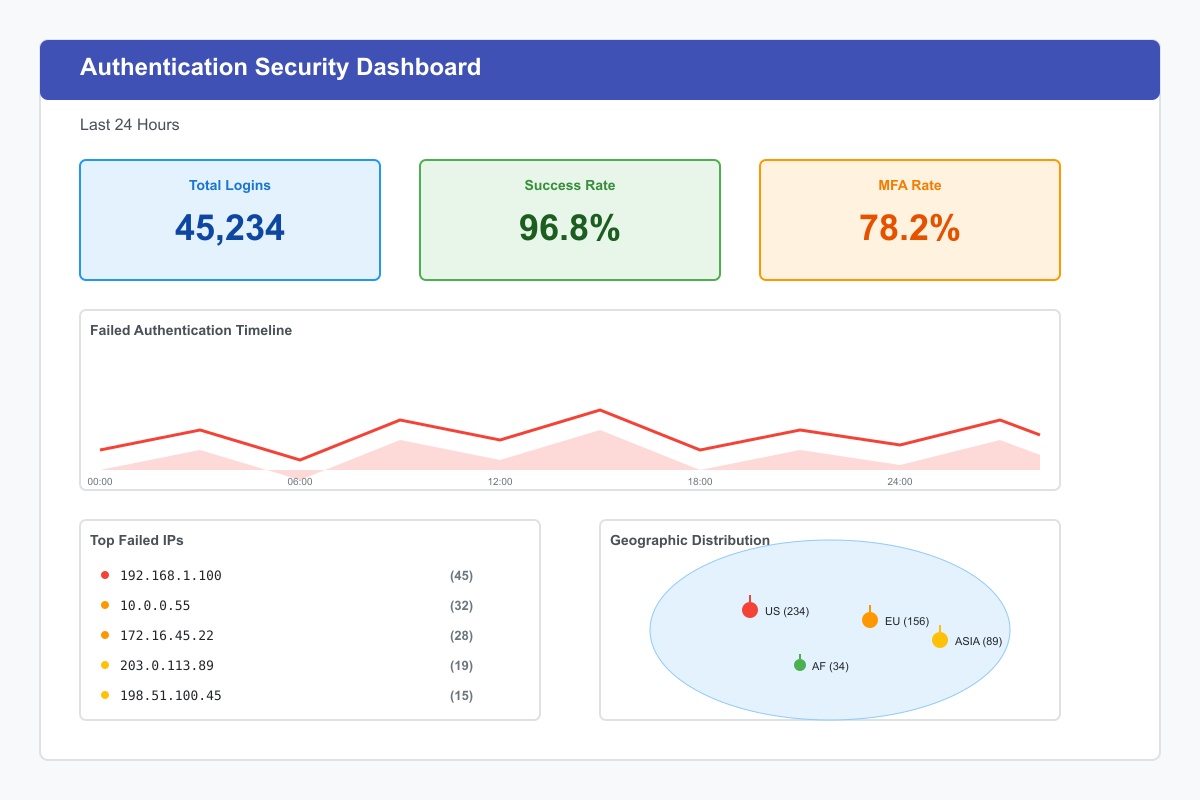
Figure 1: Real-time authentication security monitoring dashboard showing login metrics, failure timeline, geographic distribution, and top failed IPs.
Automated Response Actions
Response Automation
Automated Actions by Severity:
| Severity | Automatic Actions | Manual Review |
|---|---|---|
| Critical | Lock account, Revoke sessions, Block IP, Alert SOC | Immediate investigation |
| High | Require MFA, Send notification, Flag for review | Within 1 hour |
| Medium | Log event, Increase monitoring, User notification | Within 4 hours |
| Low | Log event only | Periodic review |
Example Automation Rules
def auto_protect_account(event: AuthEvent, threat_level: str):
    """
    Automatically protect account based on threat level

    Args:
        event: Authentication event
        threat_level: Assessed threat level
    """
    if threat_level == 'critical':
        # Lock account immediately
        lock_account(event.user_id)

        # Revoke all sessions
        revoke_all_sessions(event.user_id)

        # Block IP address
        block_ip(event.ip_address, duration=24*60*60)

        # Send alert to SOC
        alert_soc('account_compromise_suspected', event)

        # Notify user
        send_security_notification(
            event.user_id,
            'Your account has been locked due to suspicious activity'
        )

    elif threat_level == 'high':
        # Require MFA on next login
        require_mfa(event.user_id)

        # Send security notification
        send_security_notification(
            event.user_id,
            'Unusual login activity detected on your account'
        )

        # Flag for review
        flag_for_review(event.user_id, 'high_risk_login')
def auto_block_ip(ip_address: str, reason: str, duration: int = 3600):
    """
    Automatically block suspicious IP addresses

    Args:
        ip_address: IP to block
        reason: Reason for blocking
        duration: Block duration in seconds
    """
    # Add to firewall blocklist
    firewall.block_ip(ip_address, duration)

    # Log blocking action
    log_security_action('ip_blocked', {
        'ip_address': ip_address,
        'reason': reason,
        'duration': duration,
        'timestamp': datetime.utcnow()
    })

    # Alert security team
    alert_security_team('ip_auto_blocked', {
        'ip': ip_address,
        'reason': reason
    })
Authentication Testing and Validation
Section Overview
Implement comprehensive testing strategies to validate authentication security controls and identify vulnerabilities before deployment.
Core Principle
Authentication systems must be thoroughly tested to ensure they properly implement security controls and resist attacks. Testing should occur throughout the development lifecycle—from unit tests during development to penetration tests before production deployment.
Why Comprehensive Testing Matters
Authentication vulnerabilities are among the most exploited security weaknesses. Proper testing verifies security controls work as designed, identifies vulnerabilities early, validates compliance with standards, ensures proper error handling, tests resilience under attack, and validates performance under load.
Testing Objectives and Categories
Testing Objectives
Primary Goals:
- Verify security controls work as designed
- Identify vulnerabilities before production
- Validate compliance with security standards
- Ensure proper error handling
- Test resilience under attack conditions
- Verify performance under load
- Validate user experience
Testing Categories
Objective: Verify authentication works correctly
- Valid credentials accepted
- Invalid credentials rejected
- Password policy enforcement
- MFA flows function properly
- Session management works
- Logout clears sessions completely
- Password reset flows
- Account recovery processes
Objective: Identify security vulnerabilities
- Brute force protection
- Timing attack resistance
- Session fixation prevention
- CSRF protection
- XSS prevention in auth forms
- SQL injection in login
- Authentication bypass attempts
- Token manipulation
Objective: Verify external integrations
- OAuth/OIDC flows
- SSO integration
- API authentication
- Third-party auth providers
- Database connectivity
- External services (email, SMS)
- LDAP/Active Directory
Objective: Validate system under load
- Authentication under load
- Concurrent session handling
- Database query performance
- Token validation speed
- Session storage scalability
- Rate limiting effectiveness
Objective: Meet regulatory requirements
- Password complexity requirements
- Account lockout policies
- Audit logging completeness
- Data retention compliance
- Privacy requirements (GDPR, CCPA)
- Industry standards (PCI-DSS, HIPAA)
Security Testing Implementation
Python Security Test Suite
import unittest
import requests
import time
from unittest.mock import Mock, patch
from datetime import datetime, timedelta

class AuthenticationSecurityTests(unittest.TestCase):
    """Comprehensive authentication security test suite"""

    def setUp(self):
        """Setup test environment"""
        self.base_url = "https://api-test.example.com"
        self.test_user = {
            'email': 'testuser@example.com',
            'password': 'SecureTestPass123!',
            'weak_password': '123456'
        }
        self.session = requests.Session()
def test_brute_force_protection(self):
    """
    Test that brute force attacks are properly mitigated

    Validates: Rate limiting and account lockout
    """
    login_url = f"{self.base_url}/auth/login"

    # Attempt multiple failed logins
    failed_attempts = 0
    for i in range(10):
        response = self.session.post(login_url, json={
            'email': self.test_user['email'],
            'password': 'wrong_password'
        })

        if response.status_code != 429:  # Not rate limited yet
            failed_attempts += 1

    # Verify rate limiting kicks in
    self.assertLess(failed_attempts, 10,
        "Brute force protection should trigger before 10 attempts")

    # Next attempt should be rate limited
    response = self.session.post(login_url, json={
        'email': self.test_user['email'],
        'password': self.test_user['password']
    })

    self.assertEqual(response.status_code, 429,
        "Should be rate limited after multiple failures")

    # Verify Retry-After header
    self.assertIn('Retry-After', response.headers,
        "Rate limited response should include Retry-After header")

def test_timing_attack_resistance(self):
    """
    Test that login timing doesn't leak information about valid usernames

    Validates: Constant-time comparison
    """
    login_url = f"{self.base_url}/auth/login"

    timings = []

    # Time login with valid username, invalid password
    for _ in range(5):
        start_time = time.time()
        response = self.session.post(login_url, json={
            'email': self.test_user['email'],
            'password': 'wrong_password'
        })
        elapsed = time.time() - start_time
        timings.append(('valid_user', elapsed))

    # Time login with invalid username, invalid password
    for _ in range(5):
        start_time = time.time()
        response = self.session.post(login_url, json={
            'email': 'nonexistent@example.com',
            'password': 'wrong_password'
        })
        elapsed = time.time() - start_time
        timings.append(('invalid_user', elapsed))

    # Calculate average times
    valid_user_times = [t for label, t in timings if label == 'valid_user']
    invalid_user_times = [t for label, t in timings if label == 'invalid_user']

    avg_valid = sum(valid_user_times) / len(valid_user_times)
    avg_invalid = sum(invalid_user_times) / len(invalid_user_times)

    # Times should be similar (within 100ms)
    time_difference = abs(avg_valid - avg_invalid)
    self.assertLess(time_difference, 0.1,
        f"Timing difference too large: {time_difference}s - may leak username validity")
def test_session_security_attributes(self):
    """
    Test session cookie security attributes

    Validates: HttpOnly, Secure, SameSite attributes
    """
    # Login to get session cookie
    login_response = self._login_user()

    # Check for session cookie
    session_cookie = None
    for cookie in login_response.cookies:
        if cookie.name in ['session_id', 'session', 'auth_token']:
            session_cookie = cookie
            break

    self.assertIsNotNone(session_cookie, "Session cookie should be set")

    # Verify security attributes
    self.assertTrue(session_cookie.has_nonstandard_attr('HttpOnly'),
        "Session cookie must have HttpOnly attribute")

    self.assertTrue(session_cookie.secure,
        "Session cookie must have Secure attribute")

    self.assertIn(session_cookie.get_nonstandard_attr('SameSite'), ['Strict', 'Lax'],
        "Session cookie must have SameSite attribute")

def test_session_fixation_prevention(self):
    """
    Test that session IDs are regenerated after login

    Validates: Session fixation prevention
    """
    # Get initial session ID (before login)
    initial_response = self.session.get(f"{self.base_url}/")
    initial_session_id = self._get_session_id(initial_response)

    # Login
    login_response = self._login_user()
    post_login_session_id = self._get_session_id(login_response)

    # Session ID should be different
    self.assertNotEqual(initial_session_id, post_login_session_id,
        "Session ID must change after authentication to prevent fixation")
def test_password_policy_enforcement(self):
    """
    Test that password policies are properly enforced

    Validates: Complexity requirements
    """
    register_url = f"{self.base_url}/auth/register"

    weak_passwords = [
        '123456',          # Too simple
        'password',        # Common password
        'abc123',          # No uppercase or special chars
        'short',           # Too short
        'NoSpecialChar1',  # No special character
        'nouppercas1!',    # No uppercase
        'NOLOWERCASE1!'    # No lowercase
    ]

    for weak_password in weak_passwords:
        response = self.session.post(register_url, json={
            'email': 'newuser@example.com',
            'password': weak_password
        })

        self.assertNotEqual(response.status_code, 200,
            f"Weak password '{weak_password}' should be rejected")

        # Verify error message
        if response.status_code == 400:
            error_data = response.json()
            self.assertIn('password', error_data.get('errors', {}),
                "Should return password validation error")
def test_csrf_protection(self):
    """
    Test CSRF protection on state-changing requests

    Validates: CSRF token validation
    """
    # Login to get valid session
    login_response = self._login_user()

    # Attempt state-changing request without CSRF token
    response = self.session.post(f"{self.base_url}/api/user/update", json={
        'name': 'Updated Name'
    })

    self.assertEqual(response.status_code, 403,
        "Request without CSRF token should be rejected")

def test_account_enumeration_prevention(self):
    """
    Test that user enumeration is prevented

    Validates: Consistent error messages
    """
    login_url = f"{self.base_url}/auth/login"

    # Try with valid username
    response1 = self.session.post(login_url, json={
        'email': self.test_user['email'],
        'password': 'wrong_password'
    })

    # Try with invalid username
    response2 = self.session.post(login_url, json={
        'email': 'nonexistent@example.com',
        'password': 'wrong_password'
    })

    # Error messages should be identical
    self.assertEqual(response1.status_code, response2.status_code,
        "Status codes should be same for valid/invalid users")

    if response1.status_code == 401:
        error1 = response1.json().get('error')
        error2 = response2.json().get('error')
        self.assertEqual(error1, error2,
            "Error messages should not reveal username validity")
Penetration Testing Checklist
Authentication Bypass Testing
Test Scenarios:
- Direct URL access without authentication
- Session token manipulation
- JWT algorithm confusion
- SQL injection in login
- LDAP injection
- OAuth/OIDC flow manipulation
- Cookie tampering
- Header injection
Password Attack Testing
Test Scenarios:
- Brute force attacks
- Password spraying
- Credential stuffing
- Default credentials
- Weak password policy
- Password in URL/logs
- Password reset vulnerabilities
Session Attack Testing
Test Scenarios:
- Session fixation
- Session hijacking
- Concurrent session handling
- Session timeout validation
- Cookie security attributes
- Session token prediction
MFA/2FA Attack Testing
Test Scenarios:
- MFA bypass attempts
- TOTP brute forcing
- Backup code enumeration
- MFA enrollment abuse
- SMS/Email interception
- Recovery code attacks
Ethical Testing Requirements
Always obtain proper authorization before conducting penetration tests:
- Written permission from system owners
- Defined scope and boundaries
- Designated testing timeframe
- Emergency contacts established
- Data handling agreements
- Legal compliance verified
CI/CD Integration
Automated Security Testing Pipeline
name: Security Testing

on: [push, pull_request]

jobs:
  security-tests:
    runs-on: ubuntu-latest

    steps:
      - name: Checkout code
        uses: actions/checkout@v2

      - name: Run authentication security tests
        run: |
          python -m pytest tests/security/auth_tests.py -v

      - name: SAST - Static Application Security Testing
        run: |
          bandit -r src/ -f json -o bandit-report.json

      - name: Dependency vulnerability scan
        run: |
          safety check --json

      - name: DAST - Dynamic Application Security Testing
        run: |
          zap-baseline.py -t https://test.example.com -J zap-report.json

      - name: Upload security reports
        uses: actions/upload-artifact@v2
        with:
          name: security-reports
          path: |
            bandit-report.json
            zap-report.json
stages:
  - test
  - security-scan
  - deploy

unit-tests:
  stage: test
  script:
    - python -m pytest tests/ -v --cov=src/

security-tests:
  stage: security-scan
  script:
    - python -m pytest tests/security/ -v
    - bandit -r src/ -f json -o bandit-report.json
    - safety check
  artifacts:
    reports:
      junit: test-reports/junit.xml

dast-scan:
  stage: security-scan
  script:
    - docker run --rm owasp/zap2docker-stable zap-baseline.py -t $TEST_URL
Security Testing Tools
| Tool | Language | Purpose |
|---|---|---|
| Bandit | Python | Security issue detection |
| SonarQube | Multi-language | Code quality & security |
| Semgrep | Multi-language | Pattern-based analysis |
| ESLint Security | JavaScript | Security linting |
| Brakeman | Ruby | Rails security scanner |
| FindSecBugs | Java | Security bug patterns |
| Tool | Type | Key Features |
|---|---|---|
| OWASP ZAP | Web scanner | Automated scanning, API testing |
| Burp Suite | Web testing | Manual + automated, extensive plugins |
| Nikto | Web scanner | Server configuration testing |
| w3af | Web framework | Comprehensive vulnerability scanning |
| Arachni | Web scanner | High-performance scanning |
| Tool | Ecosystem | Features |
|---|---|---|
| OWASP Dependency-Check | Multi-language | CVE identification |
| Snyk | Multi-language | Vulnerability + license scanning |
| npm audit | JavaScript/Node | Built-in scanning |
| Safety | Python | PyPI vulnerability database |
| Retire.js | JavaScript | JS library vulnerability detection |
Load Testing Authentication
Load Testing Scenarios
Scenarios to Test:
| Scenario | Purpose | Duration |
|---|---|---|
| Normal Load | Expected peak traffic baseline | 30-60 min |
| Spike Testing | Sudden traffic increases | 5-15 min spikes |
| Stress Testing | Beyond capacity limits | Until failure |
| Soak Testing | Sustained load over time | 2-24 hours |
| Concurrent Users | Multiple simultaneous logins | 15-30 min |
Locust Load Test Implementation
from locust import HttpUser, task, between
import random

class AuthenticationLoadTest(HttpUser):
    """Load test for authentication system"""

    wait_time = between(1, 5)

    def on_start(self):
        """Setup - runs once per user"""
        self.email = f"loadtest_{random.randint(1, 10000)}@example.com"
        self.password = "LoadTest123!"

    @task(3)
    def login(self):
        """Login task - weighted 3x"""
        response = self.client.post("/auth/login", json={
            "email": self.email,
            "password": self.password
        })

        if response.status_code == 200:
            self.token = response.json().get('access_token')

    @task(1)
    def validate_token(self):
        """Token validation task - weighted 1x"""
        if hasattr(self, 'token'):
            self.client.get("/api/user/profile",
                headers={"Authorization": f"Bearer {self.token}"})

    @task(1)
    def logout(self):
        """Logout task - weighted 1x"""
        if hasattr(self, 'token'):
            self.client.post("/auth/logout",
                headers={"Authorization": f"Bearer {self.token}"})
# Run load test with 100 users, spawn rate of 10/sec
locust -f auth_load_test.py --users 100 --spawn-rate 10 \
       --host https://api-test.example.com --run-time 10m

# Run in headless mode with specific targets
locust -f auth_load_test.py --headless \
       --users 1000 --spawn-rate 50 \
       --host https://api-test.example.com \
       --run-time 30m --html report.html
Performance Metrics to Monitor
Key Performance Indicators:
| Metric | Target | Warning | Critical |
|---|---|---|---|
| Response Time (p50) | < 200ms | > 500ms | > 1s |
| Response Time (p95) | < 500ms | > 1s | > 2s |
| Response Time (p99) | < 1s | > 2s | > 5s |
| Error Rate | < 0.1% | > 1% | > 5% |
| Throughput | > 1000 req/s | < 500 req/s | < 100 req/s |
| Concurrent Users | > 5000 | < 1000 | < 500 |
Chaos Engineering for Authentication
Chaos Testing Scenarios
Resilience Testing:
import random
from datetime import datetime

class AuthenticationChaosTest(unittest.TestCase):
    """Chaos engineering tests for authentication resilience"""

    @patch('redis.Redis.get')
    def test_redis_failure_resilience(self, mock_redis):
        """Test authentication behavior when Redis is unavailable"""
        # Simulate Redis failure
        mock_redis.side_effect = ConnectionError("Redis unavailable")

        # Attempt authentication
        response = self.client.post('/auth/login', json={
            'email': 'test@example.com',
            'password': 'password123'
        })

        # System should degrade gracefully
        # Either:
        # 1. Fall back to database session storage
        # 2. Return proper error message
        # 3. Queue authentication for retry

        self.assertIn(response.status_code, [200, 503],
            "Should either succeed with fallback or return service unavailable")
def test_partial_authentication_method_failure(self):
    """Test when one authentication method fails"""
    # Simulate TOTP service failure
    with patch('totp_service.verify') as mock_totp:
        mock_totp.side_effect = TimeoutError("TOTP service timeout")

        # System should allow fallback to backup codes or SMS
        response = self.client.post('/auth/mfa/verify', json={
            'user_id': 'test_user',
            'code': '123456',
            'method': 'totp'
        })

        # Should suggest alternative methods
        self.assertEqual(response.status_code, 503)
        alternatives = response.json().get('alternative_methods')
        self.assertIsNotNone(alternatives,
            "Should suggest alternative MFA methods")
@patch('time.sleep')
def test_slow_dependency_resilience(self, mock_sleep):
    """Test authentication with slow external dependencies"""
    # Simulate slow external service (e.g., LDAP)
    def slow_authenticate(*args, **kwargs):
        time.sleep(5)  # 5 second delay
        return True

    with patch('ldap.authenticate', side_effect=slow_authenticate):
        start_time = time.time()
        response = self.client.post('/auth/login', json={
            'email': 'test@example.com',
            'password': 'password123'
        }, timeout=3)
        elapsed = time.time() - start_time

        # Should timeout gracefully
        self.assertLess(elapsed, 4,
            "Should respect timeout settings")

        # Should return appropriate error
        self.assertEqual(response.status_code, 504,
            "Should return gateway timeout")
Testing Best Practices
Testing Principles
1. Test Early and Often:
- Integrate security testing in development
- Run tests on every commit
- Automated regression testing
- Continuous security validation
2. Test Like an Attacker:
- Think adversarially
- Test edge cases
- Attempt bypass techniques
- Challenge assumptions
3. Test All Paths:
- Success scenarios
- Failure scenarios
- Error conditions
- Edge cases
- Race conditions
4. Performance Matters:
- Test under realistic load
- Measure response times
- Validate scalability
- Test resource limits
5. Document Everything:
- Clear, actionable reports
- Reproduction steps
- Impact assessment
- Remediation guidance
Testing Checklist
Required Before Production:
- All unit tests passing
- Security tests passing
- Integration tests complete
- Performance tests acceptable
- Penetration testing completed
- No critical vulnerabilities found
- Security review completed
- Documentation updated
- Rollback plan documented
Ongoing Validation:
- Monitor authentication metrics
- Review security logs daily
- Test production authentication flows
- Verify monitoring and alerting
- Conduct periodic security audits
- Update threat models
- Review and test incident response
Regular Activities:
Monthly: - [ ] Review authentication logs - [ ] Test password policy - [ ] Verify rate limiting - [ ] Check MFA adoption - [ ] Update security rules
Quarterly: - [ ] Comprehensive penetration testing - [ ] Security training - [ ] Policy review and updates - [ ] Access audit - [ ] Disaster recovery test
Annual: - [ ] Full security audit - [ ] Third-party assessment - [ ] Compliance review - [ ] Architecture review - [ ] Technology evaluation
Continuous Security Validation
Validation Schedule
| Frequency | Activities | Deliverables |
|---|---|---|
| Daily | Automated test runs, Log reviews | Test reports, Alert summaries |
| Weekly | Security scans, Metrics review | Vulnerability reports |
| Monthly | Policy testing, Manual testing | Audit findings |
| Quarterly | Penetration testing, Training | Security assessment |
| Annual | Full audit, Third-party review | Compliance certification |
Metrics Dashboard
Example Security Testing Metrics:
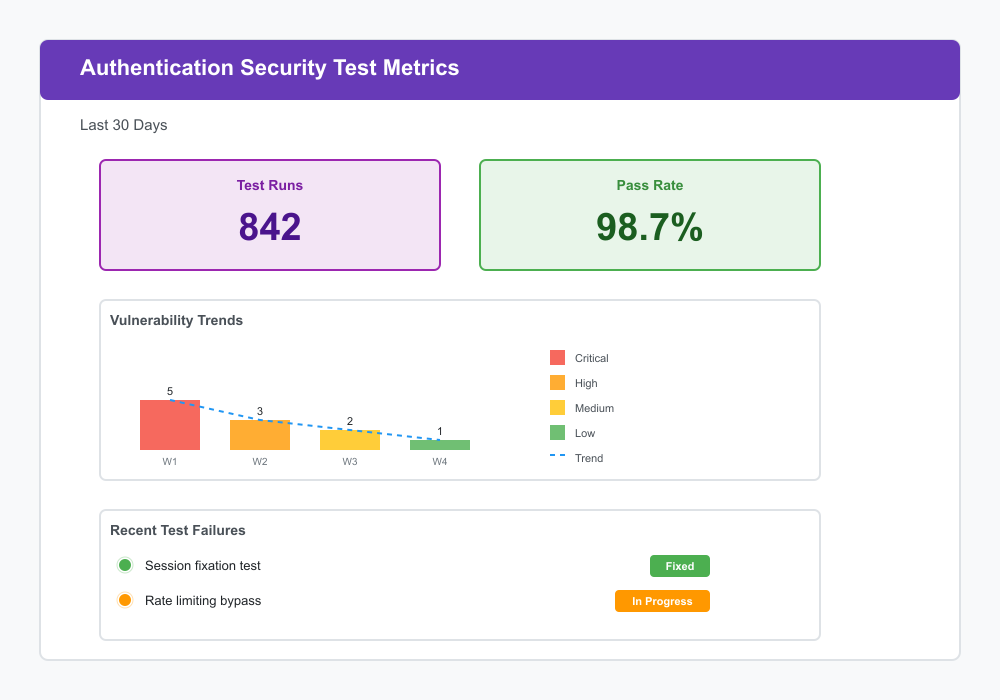
Figure 2: Security testing metrics dashboard tracking test runs, pass rates, vulnerability trends, and recent test failures over 30 days.
Authorization Patterns and Access Control
Overview
Authorization determines what authenticated users are allowed to do within your system. This section covers practical patterns for implementing role-based access control (RBAC), attribute-based access control (ABAC), permission-based authorization, access control lists (ACLs), and claims-based authorization.
Overview
Authorization answers the fundamental question: "What can you do?" While authentication verifies identity ("who are you?"), authorization grants or denies access to resources based on that identity.
Key Concepts:
- Subjects: Users, services, or systems requesting access
- Objects: Resources being accessed (data, features, operations)
- Actions: Operations being performed (read, write, delete, execute)
- Policies: Rules defining allowed access patterns
- Context: Additional factors influencing decisions (time, location, device)
Authorization vs Authentication:
| Authentication | Authorization |
|---|---|
| Who are you? | What can you do? |
| Verifies identity | Grants permissions |
| Happens first | Happens after |
| Username/password, MFA | Roles, permissions, policies |
| Shared across services | Service-specific |
Role-Based Access Control (RBAC)
Core Principle: Assign permissions to roles rather than individual users, then assign roles to users.
Understanding RBAC
RBAC is the most widely used authorization model. Instead of managing permissions for each user individually, you create roles representing job functions and assign permissions to those roles.
RBAC Components:
- Users: People or services in your system
- Roles: Named collections of permissions (e.g., "Editor", "Manager", "Admin")
- Permissions: Specific access rights (e.g., "edit_posts", "delete_users")
- Resources: Protected objects (files, APIs, features)
Real-World Example:
Blog Application:
├── Roles
│   ├── Reader: Can view published posts
│   ├── Author: Reader + create/edit own posts
│   ├── Editor: Author + edit all posts + publish
│   └── Admin: Editor + manage users + system settings
RBAC Benefits and Limitations
Advantages:
RBAC Benefits
- Simple to understand and implement - Aligns with organizational structure
- Easy to audit - Clear visibility into who has what access
- Reduces administrative overhead - Change role once, affects all users
- Works well for 80% of use cases - Proven model for most applications
Limitations:
RBAC Challenges
- Role explosion - Too many specific roles become unmanageable
- Difficulty modeling complex permissions - Not flexible enough for fine-grained control
- Static nature - Doesn't adapt to context (time, location)
- Over-privileged users - Users may get more access than needed
When to Use RBAC
- Clear organizational hierarchy exists
- Stable role definitions that don't change frequently
- Permissions align naturally with job functions
- Small to medium permission complexity
- Compliance requirements for audit trails
- Highly dynamic permission requirements
- Resource-specific access patterns needed
- Context-dependent decisions required
- Frequently changing organizational structure
Implementation Strategies
Simple RBAC (Flat Roles):
Hierarchical RBAC (Role Inheritance):
Admin (inherits from Editor)
  ↓
Editor (inherits from Author)
  ↓
Author (inherits from Reader)
  ↓
Reader
RBAC with Groups:
User → Groups → Roles → Permissions
john@example.com → marketing_team → content_manager → [permissions...]
Practical Implementation
Python RBAC Implementation
from typing import Set, Dict, List, Optional
from dataclasses import dataclass, field
from enum import Enum

class Permission(Enum):
    """System permissions"""
    READ_POST = "read_post"
    CREATE_POST = "create_post"
    EDIT_POST = "edit_post"
    DELETE_POST = "delete_post"
    PUBLISH_POST = "publish_post"
    MANAGE_USERS = "manage_users"

@dataclass
class Role:
    """Role with permissions"""
    name: str
    permissions: Set[Permission] = field(default_factory=set)
    parent_role: Optional['Role'] = None

    def has_permission(self, permission: Permission) -> bool:
        """Check if role has permission (including inherited)"""
        if permission in self.permissions:
            return True
        if self.parent_role:
            return self.parent_role.has_permission(permission)
        return False

    def get_all_permissions(self) -> Set[Permission]:
        """Get all permissions including inherited"""
        perms = self.permissions.copy()
        if self.parent_role:
            perms.update(self.parent_role.get_all_permissions())
        return perms

@dataclass
class User:
    """User with roles"""
    user_id: str
    email: str
    roles: Set[Role] = field(default_factory=set)

    def has_permission(self, permission: Permission) -> bool:
        """Check if user has permission through any role"""
        return any(role.has_permission(permission) for role in self.roles)

    def has_role(self, role_name: str) -> bool:
        """Check if user has specific role"""
        return any(role.name == role_name for role in self.roles)

class RBACManager:
    """Manage RBAC system"""

    def __init__(self):
        self.roles: Dict[str, Role] = {}
        self.users: Dict[str, User] = {}
        self._setup_default_roles()

    def _setup_default_roles(self):
        """Create standard roles"""
        # Reader role
        reader = Role(
            name="reader",
            permissions={Permission.READ_POST}
        )

        # Author role (inherits from reader)
        author = Role(
            name="author",
            permissions={
                Permission.CREATE_POST,
                Permission.EDIT_POST
            },
            parent_role=reader
        )

        # Editor role (inherits from author)
        editor = Role(
            name="editor",
            permissions={
                Permission.DELETE_POST,
                Permission.PUBLISH_POST
            },
            parent_role=author
        )

        # Admin role (inherits from editor)
        admin = Role(
            name="admin",
            permissions={Permission.MANAGE_USERS},
            parent_role=editor
        )

        self.roles = {
            "reader": reader,
            "author": author,
            "editor": editor,
            "admin": admin
        }

    def assign_role(self, user_id: str, role_name: str) -> bool:
        """Assign role to user"""
        user = self.users.get(user_id)
        role = self.roles.get(role_name)

        if not user or not role:
            return False

        user.roles.add(role)
        return True

    def check_permission(self, user_id: str, permission: Permission) -> bool:
        """Check if user has permission"""
        user = self.users.get(user_id)
        if not user:
            return False
        return user.has_permission(permission)

    def get_user_permissions(self, user_id: str) -> Set[Permission]:
        """Get all permissions for user"""
        user = self.users.get(user_id)
        if not user:
            return set()

        all_perms = set()
        for role in user.roles:
            all_perms.update(role.get_all_permissions())
        return all_perms

# Usage example
rbac = RBACManager()

# Create user
user = User(user_id="123", email="john@example.com")
rbac.users["123"] = user

# Assign role
rbac.assign_role("123", "editor")

# Check permissions
can_publish = rbac.check_permission("123", Permission.PUBLISH_POST)  # True
can_manage = rbac.check_permission("123", Permission.MANAGE_USERS)   # False
class Permission {
    static READ_POST = 'read_post';
    static CREATE_POST = 'create_post';
    static EDIT_POST = 'edit_post';
    static DELETE_POST = 'delete_post';
    static PUBLISH_POST = 'publish_post';
    static MANAGE_USERS = 'manage_users';
}

class Role {
    constructor(name, permissions = [], parentRole = null) {
        this.name = name;
        this.permissions = new Set(permissions);
        this.parentRole = parentRole;
    }

    hasPermission(permission) {
        if (this.permissions.has(permission)) {
            return true;
        }
        if (this.parentRole) {
            return this.parentRole.hasPermission(permission);
        }
        return false;
    }

    getAllPermissions() {
        const perms = new Set(this.permissions);
        if (this.parentRole) {
            this.parentRole.getAllPermissions().forEach(p => perms.add(p));
        }
        return perms;
    }
}

class User {
    constructor(userId, email) {
        this.userId = userId;
        this.email = email;
        this.roles = new Set();
    }

    hasPermission(permission) {
        for (const role of this.roles) {
            if (role.hasPermission(permission)) {
                return true;
            }
        }
        return false;
    }

    hasRole(roleName) {
        for (const role of this.roles) {
            if (role.name === roleName) {
                return true;
            }
        }
        return false;
    }
}

class RBACManager {
    constructor() {
        this.roles = new Map();
        this.users = new Map();
        this._setupDefaultRoles();
    }

    _setupDefaultRoles() {
        // Create role hierarchy
        const reader = new Role('reader', [Permission.READ_POST]);

        const author = new Role(
            'author',
            [Permission.CREATE_POST, Permission.EDIT_POST],
            reader
        );

        const editor = new Role(
            'editor',
            [Permission.DELETE_POST, Permission.PUBLISH_POST],
            author
        );

        const admin = new Role(
            'admin',
            [Permission.MANAGE_USERS],
            editor
        );

        this.roles.set('reader', reader);
        this.roles.set('author', author);
        this.roles.set('editor', editor);
        this.roles.set('admin', admin);
    }

    assignRole(userId, roleName) {
        const user = this.users.get(userId);
        const role = this.roles.get(roleName);

        if (!user || !role) {
            return false;
        }

        user.roles.add(role);
        return true;
    }

    checkPermission(userId, permission) {
        const user = this.users.get(userId);
        if (!user) {
            return false;
        }
        return user.hasPermission(permission);
    }

    getUserPermissions(userId) {
        const user = this.users.get(userId);
        if (!user) {
            return new Set();
        }

        const allPerms = new Set();
        user.roles.forEach(role => {
            role.getAllPermissions().forEach(p => allPerms.add(p));
        });
        return allPerms;
    }
}

// Usage
const rbac = new RBACManager();
const user = new User('123', 'john@example.com');
rbac.users.set('123', user);

rbac.assignRole('123', 'editor');
console.log(rbac.checkPermission('123', Permission.PUBLISH_POST)); // true
import java.util.*;

enum Permission {
    READ_POST,
    CREATE_POST,
    EDIT_POST,
    DELETE_POST,
    PUBLISH_POST,
    MANAGE_USERS
}

class Role {
    private final String name;
    private final Set<Permission> permissions;
    private final Role parentRole;

    public Role(String name, Set<Permission> permissions, Role parentRole) {
        this.name = name;
        this.permissions = new HashSet<>(permissions);
        this.parentRole = parentRole;
    }

    public boolean hasPermission(Permission permission) {
        if (permissions.contains(permission)) {
            return true;
        }
        if (parentRole != null) {
            return parentRole.hasPermission(permission);
        }
        return false;
    }

    public Set<Permission> getAllPermissions() {
        Set<Permission> allPerms = new HashSet<>(permissions);
        if (parentRole != null) {
            allPerms.addAll(parentRole.getAllPermissions());
        }
        return allPerms;
    }

    public String getName() { return name; }
}

class User {
    private final String userId;
    private final String email;
    private final Set<Role> roles;

    public User(String userId, String email) {
        this.userId = userId;
        this.email = email;
        this.roles = new HashSet<>();
    }

    public boolean hasPermission(Permission permission) {
        return roles.stream().anyMatch(role -> role.hasPermission(permission));
    }

    public boolean hasRole(String roleName) {
        return roles.stream().anyMatch(role -> role.getName().equals(roleName));
    }

    public void addRole(Role role) {
        roles.add(role);
    }

    public Set<Role> getRoles() { return roles; }
}

class RBACManager {
    private final Map<String, Role> roles = new HashMap<>();
    private final Map<String, User> users = new HashMap<>();

    public RBACManager() {
        setupDefaultRoles();
    }

    private void setupDefaultRoles() {
        Role reader = new Role("reader",
            Set.of(Permission.READ_POST), null);

        Role author = new Role("author",
            Set.of(Permission.CREATE_POST, Permission.EDIT_POST), reader);

        Role editor = new Role("editor",
            Set.of(Permission.DELETE_POST, Permission.PUBLISH_POST), author);

        Role admin = new Role("admin",
            Set.of(Permission.MANAGE_USERS), editor);

        roles.put("reader", reader);
        roles.put("author", author);
        roles.put("editor", editor);
        roles.put("admin", admin);
    }

    public boolean assignRole(String userId, String roleName) {
        User user = users.get(userId);
        Role role = roles.get(roleName);

        if (user == null || role == null) {
            return false;
        }

        user.addRole(role);
        return true;
    }

    public boolean checkPermission(String userId, Permission permission) {
        User user = users.get(userId);
        return user != null && user.hasPermission(permission);
    }

    public Set<Permission> getUserPermissions(String userId) {
        User user = users.get(userId);
        if (user == null) {
            return Collections.emptySet();
        }

        Set<Permission> allPerms = new HashSet<>();
        for (Role role : user.getRoles()) {
            allPerms.addAll(role.getAllPermissions());
        }
        return allPerms;
    }

    public void addUser(User user) {
        users.put(user.userId, user);
    }
}
RBAC Best Practices
Implementation Guidelines
- Keep Roles Meaningful - Align with real job functions
- Principle of Least Privilege - Grant minimum necessary permissions
- Avoid Role Explosion - If you have 100+ roles, reconsider your model
- Document Roles - Clear descriptions of what each role can do
- Regular Audits - Review who has what roles periodically
- Separation of Duties - Critical operations require multiple roles
- Default Deny - Explicitly grant permissions, don't assume access
- Role Lifecycle - Process for creating, modifying, and retiring roles
Common RBAC Patterns
Pattern 1: Resource Owner
# User can edit their own posts even without editor role
if (user.id === post.author_id || user.hasRole('editor')):
    allow_edit()
Pattern 2: Role + Context
# Editor can publish posts only in their assigned category
if (user.hasRole('editor') && user.categories.includes(post.category)):
    allow_publish()
Pattern 3: Temporary Elevation
# Grant admin privileges for specific time period
user.assignRole('admin', expiresAt: Date.now() + 3600000)
RBAC Implementation Checklist
- Define clear roles aligned with business functions
- Document all permissions and their meanings
- Implement role hierarchy if needed
- Create role assignment workflow
- Build permission checking middleware
- Implement audit logging for role changes
- Create admin interface for role management
- Test permission enforcement at all levels
- Document how to add new roles/permissions
- Plan for role review and cleanup
Attribute-Based Access Control (ABAC)
Core Principle: Make authorization decisions based on attributes of users, resources, actions, and environmental context.
Understanding ABAC
ABAC provides fine-grained, dynamic access control by evaluating attributes instead of static roles. Think of it as "policy-based" authorization where decisions are made by evaluating rules against attributes.
ABAC Components:
- Subject Attributes: User properties (department, clearance level, location)
- Object Attributes: Resource properties (classification, owner, creation date)
- Action Attributes: Operation properties (read, write, delete, approve)
- Environment Attributes: Context (time of day, IP address, device type)
Example Policy:
Allow if:
  - User.department == "Engineering"
  - AND Document.classification == "Internal"
  - AND Action == "Read"
  - AND Time.hour BETWEEN 9 AND 17
ABAC vs RBAC
| Aspect | RBAC | ABAC |
|---|---|---|
| Complexity | Simple | Complex |
| Granularity | Coarse | Fine |
| Flexibility | Static | Dynamic |
| Context-Aware | No | Yes |
| Administration | Role management | Policy management |
| Best For | Structured organizations | Dynamic environments |
When to Use ABAC
- Complex, context-dependent access rules
- Large-scale systems with many resources
- Dynamic environments with changing requirements
- Need for fine-grained permissions
- Multi-tenant applications
- Regulatory compliance requiring detailed controls
- Simple permission structures
- Small teams with stable access patterns
- When simplicity is priority
- Limited development resources
Practical ABAC Example
Scenario: Document Management System
User Attributes:
- department: "Engineering"
- level: "Senior"
- clearance: "Confidential"
- location: "US"

Document Attributes:
- classification: "Confidential"
- owner: "engineering-team"
- created: "2024-01-15"
- project: "Project-X"

Environment:
- time: 14:30
- ip_address: "10.0.1.50"
- network: "corporate"

Policy: Can read document if:
  user.clearance >= document.classification AND
  user.department == document.owner AND
  environment.network == "corporate"
Simple ABAC Implementation
from typing import Dict, Any, Callable
from dataclasses import dataclass
from datetime import datetime

@dataclass
class Subject:
    """User requesting access"""
    user_id: str
    attributes: Dict[str, Any]

@dataclass
class Resource:
    """Resource being accessed"""
    resource_id: str
    attributes: Dict[str, Any]

@dataclass
class Action:
    """Action being performed"""
    name: str
    attributes: Dict[str, Any] = None

@dataclass
class Environment:
    """Environmental context"""
    attributes: Dict[str, Any]

class Policy:
    """ABAC Policy"""

    def __init__(self, name: str, rule: Callable):
        self.name = name
        self.rule = rule

    def evaluate(self, subject: Subject, resource: Resource,
                 action: Action, environment: Environment) -> bool:
        """Evaluate policy"""
        return self.rule(subject, resource, action, environment)

class ABACEngine:
    """ABAC Policy Engine"""

    def __init__(self):
        self.policies = []

    def add_policy(self, policy: Policy):
        """Add policy to engine"""
        self.policies.append(policy)

    def authorize(self, subject: Subject, resource: Resource,
                  action: Action, environment: Environment) -> bool:
        """Check if action is authorized"""
        # All policies must pass (AND logic)
        return all(
            policy.evaluate(subject, resource, action, environment)
            for policy in self.policies
        )

# Example policies
def same_department_policy(subject, resource, action, environment):
    """User and resource must be in same department"""
    return subject.attributes.get('department') == \
           resource.attributes.get('department')

def business_hours_policy(subject, resource, action, environment):
    """Access only during business hours"""
    current_hour = environment.attributes.get('hour', 0)
    return 9 <= current_hour <= 17

def clearance_level_policy(subject, resource, action, environment):
    """User clearance must meet or exceed resource classification"""
    clearance_levels = ['public', 'internal', 'confidential', 'secret']
    user_level = clearance_levels.index(subject.attributes.get('clearance', 'public'))
    resource_level = clearance_levels.index(resource.attributes.get('classification', 'public'))
    return user_level >= resource_level

# Usage
abac = ABACEngine()
abac.add_policy(Policy("same_department", same_department_policy))
abac.add_policy(Policy("business_hours", business_hours_policy))
abac.add_policy(Policy("clearance_level", clearance_level_policy))

# Check authorization
subject = Subject("user123", {
    'department': 'engineering',
    'clearance': 'confidential'
})

resource = Resource("doc456", {
    'department': 'engineering',
    'classification': 'internal'
})

action = Action("read")

environment = Environment({
    'hour': 14,
    'ip_address': '10.0.1.50'
})

allowed = abac.authorize(subject, resource, action, environment)
print(f"Access {'granted' if allowed else 'denied'}")
ABAC Best Practices
Policy Management
- Start Simple - Begin with basic policies, add complexity as needed
- Policy as Code - Version control your policies
- Test Thoroughly - Unit test each policy
- Performance - Cache policy evaluations when possible
- Audit Trail - Log all authorization decisions with context
- Policy Management - Build tools to manage and visualize policies
- Default Deny - Reject access unless explicitly allowed
- Separate Policy from Code - Externalize policies for easier updates
Permission-Based Authorization
Core Principle: Grant explicit permissions for specific actions on specific resources, providing granular control without role overhead.
Understanding Permission-Based Authorization
Permission-based authorization directly assigns permissions to users or groups without the abstraction of roles. This provides maximum flexibility but requires more management overhead.
Permission Structure:
Permission = Action + Resource + (Optional Scope)

Examples:
- posts:read:own          (read own posts)
- posts:write:all         (write any post)
- users:delete:team       (delete team members)
- billing:view:company    (view company billing)
When to Use Permission-Based Authorization
- Need fine-grained control per resource
- Dynamic permission assignment
- Multi-tenant applications
- When roles are too rigid
- API access control
- Microservices authorization
- Simple access patterns
- Clear organizational roles exist
- Need for easy auditing
- Limited development resources
Permission Naming Conventions
Pattern: resource:action:scope
Resource: What is being accessed
Action: What operation is performed
Scope: Constraint on the permission

Examples:
posts:read:*              # Read all posts
posts:read:published      # Read published posts only
posts:write:own          # Write own posts
posts:delete:own         # Delete own posts
posts:publish:team       # Publish team posts
users:manage:department  # Manage department users
Practical Implementation
Middleware-Based Permission Check:
from functools import wraps
from flask import request, jsonify

def require_permission(permission: str):
    """Decorator to check permissions"""
    def decorator(f):
        @wraps(f)
        def decorated_function(*args, **kwargs):
            user = get_current_user()
            if not user:
                return jsonify({'error': 'Unauthorized'}), 401

            if not has_permission(user, permission):
                return jsonify({'error': 'Forbidden'}), 403

            return f(*args, **kwargs)
        return decorated_function
    return decorator

# Usage
@app.route('/api/posts', methods=['POST'])
@require_permission('posts:create')
def create_post():
    # Create post logic
    pass

@app.route('/api/posts/<post_id>', methods=['DELETE'])
@require_permission('posts:delete')
def delete_post(post_id):
    # Additional check for ownership
    post = get_post(post_id)
    user = get_current_user()

    if post.author_id != user.id and not has_permission(user, 'posts:delete:all'):
        return jsonify({'error': 'Forbidden'}), 403

    # Delete logic
    pass
Combining Permissions with Ownership
class ResourceAccessControl:
    """Check permissions with resource ownership"""

    @staticmethod
    def can_access(user, resource, action):
        """Check if user can perform action on resource"""

        # Check explicit permission
        permission = f"{resource.type}:{action}"
        if has_permission(user, permission):
            return True

        # Check ownership-based permission
        if resource.owner_id == user.id:
            own_permission = f"{resource.type}:{action}:own"
            if has_permission(user, own_permission):
                return True

        # Check team-based permission
        if resource.team_id and resource.team_id in user.teams:
            team_permission = f"{resource.type}:{action}:team"
            if has_permission(user, team_permission):
                return True

        return False

# Usage
post = get_post(post_id)
if not ResourceAccessControl.can_access(current_user, post, 'edit'):
    return {'error': 'Access denied'}, 403
Permission Inheritance and Groups
class PermissionGroup:
    """Group of related permissions"""

    def __init__(self, name: str, permissions: List[str]):
        self.name = name
        self.permissions = set(permissions)

    def includes(self, permission: str) -> bool:
        """Check if group includes permission"""
        return permission in self.permissions

# Define permission groups
PERMISSION_GROUPS = {
    'content_creator': PermissionGroup('content_creator', [
        'posts:create',
        'posts:edit:own',
        'posts:delete:own',
        'media:upload'
    ]),
    'content_moderator': PermissionGroup('content_moderator', [
        'posts:edit:all',
        'posts:delete:all',
        'posts:publish',
        'comments:moderate'
    ])
}

def assign_permission_group(user_id: str, group_name: str):
    """Assign all permissions in group to user"""
    group = PERMISSION_GROUPS.get(group_name)
    if group:
        for permission in group.permissions:
            assign_permission(user_id, permission)
Access Control Lists (ACLs)
Core Principle: Define access rights on a per-resource basis, specifying which subjects can perform which actions.
Understanding ACLs
ACLs provide resource-level access control by maintaining a list of permissions for each resource. Think of it as a permissions table attached to every resource.
ACL Structure:
Resource: Document_123
ACL:
  - user:john@example.com    → read, write
  - user:jane@example.com    → read
  - group:engineering        → read, write
  - group:management         → read
  - role:admin              → read, write, delete, share
ACL vs Other Models
| Feature | ACL | RBAC | ABAC |
|---|---|---|---|
| Granularity | Per-resource | Per-role | Policy-based |
| Flexibility | High | Medium | Very High |
| Scalability | Can be challenging | Good | Good |
| Management | Per-resource | Centralized | Policy-driven |
| Best For | File systems, documents | Organizations | Complex rules |
ACL Implementation Patterns
Simple ACL:
class ACL:
    """Access Control List for a resource"""

    def __init__(self, resource_id: str):
        self.resource_id = resource_id
        self.entries: Dict[str, Set[str]] = {}  # subject_id -> {permissions}

    def grant(self, subject_id: str, permission: str):
        """Grant permission to subject"""
        if subject_id not in self.entries:
            self.entries[subject_id] = set()
        self.entries[subject_id].add(permission)

    def revoke(self, subject_id: str, permission: str):
        """Revoke permission from subject"""
        if subject_id in self.entries:
            self.entries[subject_id].discard(permission)

    def check(self, subject_id: str, permission: str) -> bool:
        """Check if subject has permission"""
        return subject_id in self.entries and \
               permission in self.entries[subject_id]

    def get_permissions(self, subject_id: str) -> Set[str]:
        """Get all permissions for subject"""
        return self.entries.get(subject_id, set()).copy()

class ACLManager:
    """Manage ACLs for all resources"""

    def __init__(self):
        self.acls: Dict[str, ACL] = {}

    def get_acl(self, resource_id: str) -> ACL:
        """Get or create ACL for resource"""
        if resource_id not in self.acls:
            self.acls[resource_id] = ACL(resource_id)
        return self.acls[resource_id]

    def check_access(self, subject_id: str, resource_id: str,
                     permission: str) -> bool:
        """Check if subject can perform action on resource"""
        acl = self.get_acl(resource_id)
        return acl.check(subject_id, permission)

    def share_resource(self, resource_id: str, owner_id: str,
                      target_id: str, permissions: List[str]):
        """Share resource with another user"""
        acl = self.get_acl(resource_id)

        # Verify owner has share permission
        if not acl.check(owner_id, 'share'):
            raise PermissionError("Owner cannot share resource")

        # Grant permissions to target
        for permission in permissions:
            acl.grant(target_id, permission)

# Usage
acl_manager = ACLManager()

# Owner creates document with full access
doc_id = "doc_123"
owner_id = "user_alice"
acl = acl_manager.get_acl(doc_id)
acl.grant(owner_id, 'read')
acl.grant(owner_id, 'write')
acl.grant(owner_id, 'delete')
acl.grant(owner_id, 'share')

# Share with collaborator
acl_manager.share_resource(doc_id, owner_id, "user_bob", ['read', 'write'])

# Check access
can_edit = acl_manager.check_access("user_bob", doc_id, 'write')  # True
can_delete = acl_manager.check_access("user_bob", doc_id, 'delete')  # False
Hierarchical ACLs (Inheritance)
class HierarchicalACL:
    """ACL with inheritance from parent resources"""

    def __init__(self, resource_id: str, parent_id: str = None):
        self.resource_id = resource_id
        self.parent_id = parent_id
        self.entries: Dict[str, Set[str]] = {}

    def check(self, subject_id: str, permission: str,
             acl_manager) -> bool:
        """Check permission with inheritance"""
        # Check local ACL
        if subject_id in self.entries and \
           permission in self.entries[subject_id]:
            return True

        # Check parent ACL if exists
        if self.parent_id:
            parent_acl = acl_manager.get_acl(self.parent_id)
            return parent_acl.check(subject_id, permission, acl_manager)

        return False

# Example: Folder/File hierarchy
# Folder: projects/project-a
# File: projects/project-a/document.txt
# User with read on folder automatically has read on file
ACL Best Practices
ACL Implementation Guidelines
- Default Deny - No access unless explicitly granted
- Owner Privileges - Creator gets full permissions by default
- Inheritance - Consider parent-child relationships
- Audit Trail - Log all ACL modifications
- Bulk Operations - Support sharing with groups
- Expiration - Support time-limited permissions
- Review Interface - Let users see who has access
- Cleanup - Remove obsolete ACL entries
Claims-Based Authorization
Core Principle: Make authorization decisions based on claims (key-value pairs) about the user, issued by trusted identity providers.
Understanding Claims
Claims are statements about a subject made by a trusted authority. In modern identity systems (OAuth 2.0, OpenID Connect, SAML), claims carry information about the authenticated user.
Common Claims:
{
  "sub": "user123",
  "email": "john@example.com",
  "name": "John Doe",
  "roles": ["editor", "reviewer"],
  "department": "Engineering",
  "clearance_level": "confidential",
  "groups": ["team-alpha", "project-x"],
  "permissions": ["posts:edit", "posts:publish"]
}
Claims-Based Authorization Flow
1. User authenticates → Identity Provider
2. IdP issues token with claims
3. Application receives token
4. Application validates token
5. Application extracts claims
6. Authorization decisions based on claims
Implementation Examples
Python with JWT Claims:
import jwt
from functools import wraps
from flask import request, jsonify

def require_claim(claim_name: str, claim_value):
    """Decorator to require specific claim"""
    def decorator(f):
        @wraps(f)
        def decorated_function(*args, **kwargs):
            # Extract token from header
            auth_header = request.headers.get('Authorization')
            if not auth_header:
                return jsonify({'error': 'No token provided'}), 401

            try:
                token = auth_header.split(' ')[1]
                claims = jwt.decode(token, SECRET_KEY, algorithms=['HS256'])

                # Check claim
                if claim_name not in claims:
                    return jsonify({'error': 'Missing required claim'}), 403

                if claims[claim_name] != claim_value:
                    return jsonify({'error': 'Insufficient privileges'}), 403

                # Attach claims to request
                request.user_claims = claims
                return f(*args, **kwargs)

            except jwt.InvalidTokenError:
                return jsonify({'error': 'Invalid token'}), 401

        return decorated_function
    return decorator

# Usage
@app.route('/api/admin/users')
@require_claim('role', 'admin')
def manage_users():
    return jsonify({'users': []})

@app.route('/api/engineering/docs')
@require_claim('department', 'Engineering')
def engineering_docs():
    return jsonify({'documents': []})
Policy-Based Claims Authorization:
class ClaimsPolicy:
    """Policy based on claims"""

    @staticmethod
    def evaluate(claims: dict, requirements: dict) -> bool:
        """
        Evaluate if claims meet requirements

        Requirements format:
        {
            'role': ['admin', 'editor'],  # Any of these
            'department': 'Engineering',   # Exact match
            'clearance_level': {'min': 3}  # Custom logic
        }
        """
        for claim_name, requirement in requirements.items():
            if claim_name not in claims:
                return False

            claim_value = claims[claim_name]

            # List requirement (any match)
            if isinstance(requirement, list):
                if claim_value not in requirement:
                    return False

            # Dict requirement (custom logic)
            elif isinstance(requirement, dict):
                if 'min' in requirement:
                    if claim_value < requirement['min']:
                        return False

            # Exact match
            else:
                if claim_value != requirement:
                    return False

        return True

# Usage
user_claims = {
    'role': 'editor',
    'department': 'Engineering',
    'clearance_level': 4
}

requirements = {
    'role': ['admin', 'editor'],
    'department': 'Engineering',
    'clearance_level': {'min': 3}
}

allowed = ClaimsPolicy.evaluate(user_claims, requirements)
Transforming Claims
class ClaimsTransformer:
    """Transform and enrich claims"""

    @staticmethod
    def transform(claims: dict) -> dict:
        """Add derived claims based on existing ones"""
        transformed = claims.copy()

        # Derive is_admin from roles
        if 'roles' in claims:
            transformed['is_admin'] = 'admin' in claims['roles']

        # Derive permissions from roles
        if 'roles' in claims:
            permissions = set()
            role_permissions = {
                'admin': ['*'],
                'editor': ['posts:edit', 'posts:publish'],
                'viewer': ['posts:read']
            }
            for role in claims['roles']:
                if role in role_permissions:
                    permissions.update(role_permissions[role])
            transformed['permissions'] = list(permissions)

        # Derive clearance from department
        if 'department' in claims:
            clearance_map = {
                'Security': 'secret',
                'Engineering': 'confidential',
                'Marketing': 'internal'
            }
            transformed['clearance'] = clearance_map.get(
                claims['department'], 'public'
            )

        return transformed

# Usage
raw_claims = {
    'sub': 'user123',
    'roles': ['editor'],
    'department': 'Engineering'
}

enriched_claims = ClaimsTransformer.transform(raw_claims)
# Result includes: is_admin, permissions, clearance
Policy Engines and Externalized Authorization
Core Principle: Separate authorization logic from application code using a centralized policy engine.
Understanding Policy Engines
Policy engines evaluate authorization decisions based on externalized policies, allowing you to change access rules without code changes.
Benefits:
- Separation of Concerns: Authorization logic separate from business logic
- Centralized Management: Single place to manage policies
- Auditable: Clear policy versions and changes
- Dynamic: Update policies without redeployment
- Consistent: Same policies across all services
Popular Policy Languages:
- XACML: XML-based, comprehensive but complex
- Rego (OPA): Modern, developer-friendly
- Cedar (AWS): Purpose-built for authorization
- JSON-based: Custom, simple formats
Open Policy Agent (OPA) Example
Simple OPA Policy (Rego):
package app.authorization

# Default deny
default allow = false

# Allow if user is admin
allow {
    input.user.role == "admin"
}

# Allow if user is owner of resource
allow {
    input.user.id == input.resource.owner_id
}

# Allow if user is in same department
allow {
    input.user.department == input.resource.department
    input.action == "read"
}

# Allow during business hours
allow {
    input.environment.hour >= 9
    input.environment.hour <= 17
}
Calling OPA from Application:
import requests

class OPAClient:
    """Client for Open Policy Agent"""

    def __init__(self, opa_url: str):
        self.opa_url = opa_url

    def authorize(self, user: dict, resource: dict,
                  action: str, environment: dict = None) -> bool:
        """
        Check authorization via OPA

        Args:
            user: User attributes
            resource: Resource attributes
            action: Action being performed
            environment: Environmental context

        Returns:
            True if authorized
        """
        policy_input = {
            "user": user,
            "resource": resource,
            "action": action,
            "environment": environment or {}
        }

        response = requests.post(
            f"{self.opa_url}/v1/data/app/authorization/allow",
            json={"input": policy_input}
        )

        if response.status_code == 200:
            result = response.json()
            return result.get("result", False)

        return False

# Usage
opa = OPAClient("http://localhost:8181")

user = {
    "id": "user123",
    "role": "editor",
    "department": "Engineering"
}

resource = {
    "id": "doc456",
    "owner_id": "user789",
    "department": "Engineering"
}

allowed = opa.authorize(user, resource, "read")
Simple JSON-Based Policy Engine
class SimplePolicyEngine:
    """Lightweight policy engine"""

    def __init__(self):
        self.policies = []

    def add_policy(self, policy: dict):
        """
        Add policy

        Policy format:
        {
            "name": "same_department_read",
            "effect": "allow",
            "conditions": [
                {"field": "user.department", "operator": "equals",
                 "value": "resource.department"},
                {"field": "action", "operator": "equals", "value": "read"}
            ]
        }
        """
        self.policies.append(policy)

    def evaluate(self, context: dict) -> bool:
        """Evaluate policies against context"""
        # Default deny
        allowed = False

        for policy in self.policies:
            if self._evaluate_policy(policy, context):
                if policy['effect'] == 'allow':
                    allowed = True
                elif policy['effect'] == 'deny':
                    return False  # Explicit deny overrides allow

        return allowed

    def _evaluate_policy(self, policy: dict, context: dict) -> bool:
        """Check if all policy conditions match"""
        for condition in policy['conditions']:
            if not self._evaluate_condition(condition, context):
                return False
        return True

    def _evaluate_condition(self, condition: dict, context: dict) -> bool:
        """Evaluate single condition"""
        field_value = self._get_nested_value(context, condition['field'])
        operator = condition['operator']
        expected = condition['value']

        # Handle references to other fields
        if isinstance(expected, str) and expected.startswith('resource.'):
            expected = self._get_nested_value(context, expected)

        if operator == 'equals':
            return field_value == expected
        elif operator == 'not_equals':
            return field_value != expected
        elif operator == 'in':
            return field_value in expected
        elif operator == 'contains':
            return expected in field_value
        elif operator == 'greater_than':
            return field_value > expected

        return False

    def _get_nested_value(self, data: dict, path: str):
        """Get nested value using dot notation"""
        keys = path.split('.')
        value = data
        for key in keys:
            value = value.get(key)
            if value is None:
                return None
        return value

# Usage
engine = SimplePolicyEngine()

# Add policies
engine.add_policy({
    "name": "admin_full_access",
    "effect": "allow",
    "conditions": [
        {"field": "user.role", "operator": "equals", "value": "admin"}
    ]
})

engine.add_policy({
    "name": "same_department_read",
    "effect": "allow",
    "conditions": [
        {"field": "user.department", "operator": "equals",
         "value": "resource.department"},
        {"field": "action", "operator": "equals", "value": "read"}
    ]
})

# Evaluate
context = {
    "user": {"id": "123", "role": "editor", "department": "Engineering"},
    "resource": {"id": "doc456", "department": "Engineering"},
    "action": "read"
}

allowed = engine.evaluate(context)
Policy Engine Best Practices
Policy Management
- Start Simple - Begin with basic policies, add complexity as needed
- Policy as Code - Version control your policies
- Test Policies - Unit test policy logic
- Performance - Cache policy evaluation results
- Monitoring - Log policy decisions and performance
- Documentation - Document policy intent and logic
- Gradual Rollout - Test policies in shadow mode first
- Fail Secure - Default to deny on errors
Implementing Authorization in Applications
Where to Enforce Authorization
Authorization checks happen at multiple layers in your application. Understanding where each check belongs prevents gaps and avoids redundancy.
Application Layers:
- API Gateway/Edge: First line of defense, blocks obviously unauthorized requests
- Application Middleware: Validates permissions before reaching business logic
- Service Layer: Enforces business rules and resource-level access
- Data Layer: Filters queries based on user context
Key Principle: Defense in depth - don't rely on a single layer. However, avoid checking the same thing multiple times unnecessarily.
Middleware-Based Authorization
Most web frameworks support middleware or interceptors that run before your route handlers. This is your primary enforcement point for endpoint-level permissions.
Why Middleware:
- Centralized authorization logic
- Runs before business logic
- Easy to test independently
- Consistent across endpoints
- Reduces code duplication
Common Pattern:
Implementation approach:
- Create a reusable authorization decorator/middleware
- Declare required permissions at the route level
- Extract user context from authentication token
- Check permissions against user's roles/permissions
- Return 403 if denied, continue if allowed
Python example:
@app.route('/api/posts', methods=['POST'])
@authorize(required_permission='posts:create')
def create_post():
    # Permission already checked by decorator
    user = g.current_user
    post = Post.create(author_id=user.id, **request.json)
    return jsonify(post.to_dict()), 201
JavaScript example:
app.post('/api/posts',
    authenticate,
    authorize({ permission: 'posts:create' }),
    (req, res) => {
        const post = Post.create({ authorId: req.user.id, ...req.body });
        res.status(201).json(post);
    }
);
Java example:
@PostMapping("/posts")
@RequirePermission("posts:create")
public ResponseEntity<Post> createPost(@RequestBody PostDTO postDto) {
    User user = getCurrentUser();
    Post post = postService.create(user.getId(), postDto);
    return ResponseEntity.status(HttpStatus.CREATED).body(post);
}
Resource-Level Authorization
Endpoint-level checks aren't enough. You also need to verify access to specific resources.
Scenario: User has posts:edit permission, but should they be able to edit this specific post?
Common Patterns:
Pattern 1: Ownership Check
Pattern 2: Hierarchical Permissions
Pattern 3: Team/Group Access
Implementation Strategy:
def check_resource_access(user, resource, action):
    # 1. Check global permission (admin-level)
    if user.has_permission(f"{resource.type}:{action}:all"):
        return True

    # 2. Check ownership
    if resource.owner_id == user.id:
        if user.has_permission(f"{resource.type}:{action}:own"):
            return True

    # 3. Check team membership
    if resource.team_id in user.team_ids:
        if user.has_permission(f"{resource.type}:{action}:team"):
            return True

    return False
This creates a clear hierarchy: global permissions → ownership permissions → team permissions.
Filtering Query Results
When listing resources, don't fetch everything and filter in code. Filter at the database level based on user permissions.
Poor Approach:
# Fetch all posts, then filter
all_posts = Post.query.all()
accessible = [p for p in all_posts if user.can_access(p)]
Better Approach:
# Filter at query level
query = Post.query
if not user.has_role('admin'):
    query = query.filter(
        (Post.status == 'published') | (Post.author_id == user.id)
    )
posts = query.all()
This approach:
- Reduces memory usage
- Improves performance
- Prevents data leakage
- Works with pagination
Building Dynamic Queries:
def build_accessible_query(user, base_query):
    """Add authorization filters to query based on user"""

    if user.has_role('admin'):
        return base_query  # No restrictions

    if user.has_role('editor'):
        # Published posts or own drafts
        return base_query.filter(
            (Post.status == 'published') | (Post.author_id == user.id)
        )

    if user.has_role('author'):
        # Only own posts
        return base_query.filter(Post.author_id == user.id)

    # Default: public posts only
    return base_query.filter(Post.status == 'published')
Database Design for Authorization
Your database schema significantly impacts authorization performance and flexibility. Design it to support efficient permission checks.
RBAC Database Structure
Core Tables:
- Users: People in your system
- Roles: Named collections of permissions
- Permissions: Specific access rights
- User_Roles: Assignment of roles to users
- Role_Permissions: Assignment of permissions to roles
Design Considerations:
Keep it normalized: Separate users, roles, and permissions into distinct tables. This allows:
- Changing a role's permissions updates all users with that role
- Users can have multiple roles
- Roles can be audited independently
Add timestamps: Track when roles and permissions were assigned. This helps with:
- Audit trails
- Temporal queries ("Who had admin access on March 15?")
- Compliance reporting
Support expiration: Add expires_at columns for temporary access:
- Contractor access that ends automatically
- Emergency admin access with time limits
- Trial periods for premium features
ACL Database Structure
ACLs require a different approach since permissions are stored per-resource.
Core Structure:
acl_entries table:
- resource_type (e.g., 'document', 'project')
- resource_id (the specific resource)
- subject_type (e.g., 'user', 'group', 'role')
- subject_id (the specific subject)
- permission (e.g., 'read', 'write')
- granted_at (timestamp)
- expires_at (optional)
Design Considerations:
Composite keys: Use (resource_type, resource_id, subject_type, subject_id, permission) as unique constraint to prevent duplicate entries.
Flexible subject types: Support multiple subject types (user, group, role) in one table rather than separate tables. This simplifies queries.
Index strategically:
- Index on (resource_type, resource_id) for "Who can access this resource?"
- Index on (subject_type, subject_id) for "What can this user access?"
Handle inheritance: For hierarchical resources (folders containing files), you can:
- Duplicate permissions at each level (simpler queries)
- Store at parent level and check hierarchy (less storage)
- Use recursive queries (more complex)
Efficient Permission Checking
Challenge: Permission checks happen frequently. Slow queries hurt performance.
Optimization Strategies:
1. Cache permission checks: Store results in Redis or memory cache
2. Materialize user permissions: Instead of joining multiple tables, maintain a denormalized permissions table:
Update this when roles change. Queries become simple lookups.
3. Use database views: Create views that pre-join permission data:
CREATE VIEW user_permissions AS
SELECT u.id as user_id, p.name as permission
FROM users u
JOIN user_roles ur ON u.id = ur.user_id
JOIN role_permissions rp ON ur.role_id = rp.role_id
JOIN permissions p ON rp.permission_id = p.id;
4. Batch permission checks: Instead of checking permissions one at a time:
# Poor: N queries
for resource in resources:
    if user.can_access(resource, 'read'):
        visible.append(resource)

# Better: 1 query
accessible_ids = get_accessible_resource_ids(user, 'read')
visible = [r for r in resources if r.id in accessible_ids]
Schema Migration Strategy
Authorization requirements change over time. Plan for evolution:
Version your schema: Add schema_version to track migration state
Support backward compatibility: When adding permissions:
# Migration script
def add_new_permission():
    # 1. Create permission
    permission = Permission.create(name='posts:archive')

    # 2. Assign to existing roles that should have it
    editor_role = Role.find_by_name('editor')
    editor_role.add_permission(permission)

    # 3. Update cache/materialized views
    refresh_user_permissions()
Handle permission renames: Don't just rename; create new and deprecate old:
# Allow both old and new permission names temporarily
legacy_permissions = {
    'posts:edit': 'posts:update',
    'users:delete': 'users:remove'
}
Document breaking changes: When permissions change meaning, require manual migration rather than automatic updates.
Testing Authorization
Authorization bugs are security vulnerabilities. Comprehensive testing is not optional.
Unit Testing Permission Logic
Test your authorization functions in isolation with different scenarios.
Test Categories:
1. Permission Existence
def test_user_has_permission():
    user = create_user_with_role('editor')
    assert user.has_permission('posts:edit')
    assert not user.has_permission('users:delete')
2. Role Inheritance
def test_role_inheritance():
    # Admin inherits from Editor inherits from Author
    admin = create_user_with_role('admin')
    assert admin.has_permission('posts:create')  # From Author
    assert admin.has_permission('posts:edit')    # From Editor
    assert admin.has_permission('users:manage')  # From Admin
3. Resource Ownership
def test_can_edit_own_post():
    user = create_user_with_role('author')
    own_post = create_post(author=user)
    other_post = create_post(author=other_user)

    assert check_resource_access(user, own_post, 'edit')
    assert not check_resource_access(user, other_post, 'edit')
4. Edge Cases
def test_expired_role():
    user = create_user()
    assign_role(user, 'admin', expires_at=yesterday())
    assert not user.has_active_role('admin')

def test_deleted_permission():
    user = create_user_with_role('editor')
    delete_permission('posts:edit')
    refresh_user_permissions(user)
    assert not user.has_permission('posts:edit')
Integration Testing Authorization Endpoints
Test authorization in the context of HTTP requests.
Test Structure:
class TestPostAuthorization:
    def test_unauthenticated_cannot_create_post(self):
        response = client.post('/api/posts', json={'title': 'Test'})
        assert response.status_code == 401

    def test_authenticated_without_permission_cannot_create(self):
        token = login_as('viewer')  # viewer role has no create permission
        response = client.post('/api/posts',
                             headers={'Authorization': f'Bearer {token}'},
                             json={'title': 'Test'})
        assert response.status_code == 403

    def test_author_can_create_post(self):
        token = login_as('author')
        response = client.post('/api/posts',
                             headers={'Authorization': f'Bearer {token}'},
                             json={'title': 'Test'})
        assert response.status_code == 201

    def test_author_cannot_edit_others_post(self):
        token = login_as('author1')
        post = create_post(author='author2')
        response = client.put(f'/api/posts/{post.id}',
                            headers={'Authorization': f'Bearer {token}'},
                            json={'title': 'Updated'})
        assert response.status_code == 403
Testing Different User Contexts
Create helper functions to simulate different user types:
def as_admin():
    return create_authenticated_user('admin@example.com', roles=['admin'])

def as_editor():
    return create_authenticated_user('editor@example.com', roles=['editor'])

def as_author():
    return create_authenticated_user('author@example.com', roles=['author'])

def as_viewer():
    return create_authenticated_user('viewer@example.com', roles=['viewer'])

# Usage in tests
def test_only_admin_can_delete_users():
    user_to_delete = create_user()

    assert can_delete_user(as_admin(), user_to_delete) == True
    assert can_delete_user(as_editor(), user_to_delete) == False
    assert can_delete_user(as_author(), user_to_delete) == False
Test Data Isolation
Ensure tests don't interfere with each other:
@pytest.fixture(autouse=True)
def reset_permissions():
    """Reset to default permissions before each test"""
    yield
    # Cleanup after test
    clear_all_custom_permissions()
    restore_default_roles()
Authorization Test Checklist
- Unauthenticated requests rejected
- Users without permissions rejected (403)
- Users with permissions allowed (200/201)
- Resource owners can access their resources
- Non-owners cannot access others' resources
- Admin overrides work correctly
- Role inheritance works as expected
- Expired permissions are not honored
- Permission changes take effect
- Edge cases handled (null values, missing data)
Common Authorization Patterns
Real-world authorization often combines multiple approaches. Here are proven patterns for common scenarios.
Pattern 1: Creator Privileges
Scenario: Resource creator automatically gets full access, others need explicit permissions.
Implementation:
class Post:
    def can_be_accessed_by(self, user, action):
        # Creator has full access
        if self.author_id == user.id:
            return True

        # Others need explicit permission
        return user.has_permission(f'posts:{action}:all')
When to use: Documents, projects, user-generated content
Pattern 2: Hierarchical Resources
Scenario: Permissions inherit from parent resources (folders, projects, workspaces).
Implementation:
def check_folder_access(user, folder, action):
# Check direct permissions on folder
if has_acl_permission(user, folder, action):
return True
# Check parent folder recursively
if folder.parent_id:
parent = Folder.get(folder.parent_id)
return check_folder_access(user, parent, action)
return False
When to use: File systems, organizational hierarchies, nested resources
Pattern 3: Time-Based Access
Scenario: Access granted for limited time periods (contractors, temporary admin, trials).
Implementation:
def has_active_permission(user, permission):
assignments = get_user_permissions(user)
for assignment in assignments:
if assignment.permission == permission:
if assignment.expires_at and assignment.expires_at < now():
continue # Expired
return True
return False
When to use: Temporary access, trials, emergency permissions
Pattern 4: Delegation
Scenario: Users can delegate their permissions to others (assistants, deputies).
Implementation:
class Delegation:
delegator_id: str # Who is delegating
delegate_id: str # Who receives permissions
permissions: List[str] # What permissions
expires_at: datetime
def check_delegated_permission(user, permission):
delegations = Delegation.query.filter_by(
delegate_id=user.id,
expires_at__gt=now()
).all()
return any(permission in d.permissions for d in delegations)
When to use: Manager delegation, vacation coverage, assistant access
Pattern 5: Approval Workflows
Scenario: Certain actions require approval from authorized users.
Implementation:
class PendingAction:
action_type: str # 'delete_user', 'publish_post'
resource_id: str
requested_by: str
approved_by: Optional[str]
status: str # 'pending', 'approved', 'rejected'
def require_approval(action, resource):
# Create pending action
pending = PendingAction.create(
action_type=action,
resource_id=resource.id,
requested_by=current_user.id
)
# Notify approvers
notify_approvers(pending)
return {'status': 'pending', 'id': pending.id}
When to use: Critical operations, financial transactions, data deletion
Pattern 6: Context-Dependent Permissions
Scenario: Permissions vary based on context (location, device, time of day).
Implementation:
def check_contextual_permission(user, permission, context):
# Check base permission
if not user.has_permission(permission):
return False
# Apply contextual restrictions
if context.time_of_day:
if not (9 <= context.hour <= 17): # Business hours only
return False
if context.ip_address:
if not is_corporate_network(context.ip_address):
return False
if context.action_sensitive:
if not user.has_mfa_enabled:
return False
return True
When to use: Sensitive operations, compliance requirements, risk-based access
Pattern 7: Multi-Tenant Authorization
Scenario: Users belong to organizations/tenants and can only access their tenant's data.
Implementation:
def filter_by_tenant(query, user):
"""Automatically filter queries by user's tenant"""
if not user.tenant_id:
return query.filter_by(id=None) # No results
return query.filter_by(tenant_id=user.tenant_id)
# Middleware to enforce tenant isolation
@app.before_request
def enforce_tenant_isolation():
if request.endpoint and not request.endpoint.startswith('auth'):
if not g.current_user or not g.current_user.tenant_id:
abort(403)
# Set tenant context for all queries
set_tenant_filter(g.current_user.tenant_id)
When to use: SaaS applications, multi-tenant systems
Performance Optimization
Authorization checks can become a bottleneck. Optimize without compromising security.
Caching Strategies
What to cache:
- User roles and permissions (changes infrequently)
- Permission check results (same user + resource + action)
- ACL entries for resources
What NOT to cache:
- Context-dependent decisions (time, location)
- Recently modified permissions
- Sensitive admin checks
Implementation patterns:
In-Memory Cache:
from functools import lru_cache
@lru_cache(maxsize=1000)
def get_user_permissions(user_id: str) -> Set[str]:
"""Cache user permissions in memory"""
user = User.get(user_id)
return user.get_all_permissions()
Redis Cache:
def get_cached_permissions(user_id: str) -> Set[str]:
cache_key = f"user:{user_id}:permissions"
# Try cache first
cached = redis.get(cache_key)
if cached:
return json.loads(cached)
# Load from database
permissions = load_user_permissions(user_id)
# Cache for 5 minutes
redis.setex(cache_key, 300, json.dumps(list(permissions)))
return permissions
Cache Invalidation:
def update_user_role(user_id, role_id):
# Update database
assign_role_to_user(user_id, role_id)
# Invalidate cache
redis.delete(f"user:{user_id}:permissions")
lru_cache_clear_user(user_id)
Batch Operations
Check permissions in bulk rather than one at a time:
def get_accessible_resources(user_id, resource_ids, action):
"""Return which resources user can access"""
# Single query instead of N queries
acl_entries = ACL.query.filter(
ACL.subject_id == user_id,
ACL.resource_id.in_(resource_ids),
ACL.permission == action
).all()
return {entry.resource_id for entry in acl_entries}
Database Indexing
Ensure authorization queries use indexes:
-- For RBAC
CREATE INDEX idx_user_roles_user ON user_roles(user_id);
CREATE INDEX idx_role_permissions_role ON role_permissions(role_id);
-- For ACL
CREATE INDEX idx_acl_resource ON acl_entries(resource_type, resource_id);
CREATE INDEX idx_acl_subject ON acl_entries(subject_type, subject_id);
CREATE INDEX idx_acl_lookup ON acl_entries(subject_id, resource_id, permission);
Lazy Loading
Don't load authorization data until needed:
class User:
def __init__(self, user_id):
self.id = user_id
self._roles = None # Lazy loaded
self._permissions = None
@property
def roles(self):
if self._roles is None:
self._roles = load_user_roles(self.id)
return self._roles
@property
def permissions(self):
if self._permissions is None:
self._permissions = load_user_permissions(self.id)
return self._permissions
Performance Monitoring
Track authorization performance:
import time
def check_permission_with_metrics(user, permission):
start = time.time()
result = user.has_permission(permission)
duration = time.time() - start
# Log slow checks
if duration > 0.1: # 100ms threshold
log_slow_auth_check(user.id, permission, duration)
# Track metrics
metrics.record('auth_check_duration', duration)
metrics.increment(f'auth_check_{"allowed" if result else "denied"}')
return result
Red flags in monitoring:
- Authorization checks taking > 100ms
- High cache miss rates
- N+1 query patterns in authorization
- Frequent permission cache invalidations
Authorization in Microservices
Microservices architectures introduce unique authorization challenges. You need consistent authorization across distributed services.
Challenges in Microservices
1. Distributed State: User permissions stored in one service but needed by many
2. Service-to-Service Auth: Services calling other services need authorization
3. Consistency: Same user should have same permissions across all services
4. Performance: Checking permissions across network adds latency
5. Complexity: Each service may have different resource types and permissions
Architectural Patterns
Pattern 1: Centralized Authorization Service
Approach: Single service handles all authorization decisions.
Structure:
- Single source of truth
- Consistent policies across services
- Easy to audit and update
- Single point of failure
- Network latency for every check
- Auth service can become bottleneck
When to use: Small to medium deployments, when consistency is critical
Pattern 2: Embedded Authorization
Approach: Each service checks permissions independently using shared libraries/policies.
Structure:
- No network calls for auth checks
- Services remain independent
- Better performance
- Policy synchronization complexity
- Potential inconsistencies
- More code duplication
When to use: High-performance requirements, mature DevOps practices
Pattern 3: Sidecar Pattern
Approach: Authorization sidecar container alongside each service.
Structure:
- Separates auth from service logic
- Consistent authorization component
- Easy to update auth logic
- More infrastructure complexity
- Resource overhead per service
- Requires container orchestration
When to use: Kubernetes environments, polyglot architectures
Token-Based Authorization
Use JWT tokens to carry authorization information across services.
Token Structure:
{
"sub": "user123",
"roles": ["editor", "reviewer"],
"permissions": ["posts:edit", "posts:publish"],
"tenant_id": "org456",
"exp": 1699564800
}
Service Implementation:
def validate_and_extract_permissions(token):
"""Each service validates token and extracts permissions"""
try:
# Validate signature and expiration
payload = jwt.decode(token, PUBLIC_KEY, algorithms=['RS256'])
# Extract permissions
return {
'user_id': payload['sub'],
'roles': payload.get('roles', []),
'permissions': payload.get('permissions', []),
'tenant_id': payload.get('tenant_id')
}
except jwt.InvalidTokenError:
return None
def check_permission(token, required_permission):
auth_data = validate_and_extract_permissions(token)
if not auth_data:
return False
return required_permission in auth_data['permissions']
Token Considerations:
Token Design
Keep tokens small - Each request carries the token. Large tokens increase network overhead.
Balance freshness vs performance - Short-lived tokens (15-30 min) are more secure but require frequent renewal.
Include essential permissions only - Don't embed every permission; include just what services need.
Use token refresh - Long-lived refresh tokens, short-lived access tokens.
Service-to-Service Authorization
When Service A calls Service B, how does B know A is authorized?
Option 1: Service Tokens
Each service has its own identity and permissions:
# Service A gets its own token
service_token = get_service_token('service-a')
# Calls Service B with service identity
response = requests.post('http://service-b/api/resource',
headers={'Authorization': f'Bearer {service_token}'})
Service B validates that Service A has permission to call this endpoint.
Option 2: Token Propagation
Service A forwards user's token to Service B:
# Service A receives user token
user_token = request.headers.get('Authorization')
# Forwards to Service B
response = requests.post('http://service-b/api/resource',
headers={'Authorization': user_token})
Service B checks if user (not Service A) has permission.
Option 3: Hybrid Approach
Combine both: user context + service identity:
headers = {
'Authorization': f'Bearer {user_token}', # User identity
'X-Service-Identity': service_a_token # Service identity
}
# Service B checks:
# - User has permission for the resource
# - Service A is allowed to make this call
API Gateway Authorization
The API Gateway is the entry point. It should handle:
1. Authentication: Verify user identity before routing
2. Coarse-grained authorization: Block obviously unauthorized requests
3. Rate limiting: Per-user, per-service limits
4. Token enrichment: Add claims services need
Gateway responsibilities:
- Validate JWT signature and expiration
- Check if user is active/not suspended
- Block requests to services user shouldn't access
- Add tenant context to requests
Service responsibilities:
- Fine-grained resource authorization
- Business rule enforcement
- Audit logging
Example flow:
1. User → API Gateway: Request to edit post
2. Gateway: Validates token, checks user has "editor" role
3. Gateway → Post Service: Forward request with token
4. Post Service: Checks if user owns post OR has "edit_all_posts"
5. Post Service: Applies edit, logs action
Tenant Isolation in Multi-Tenant Systems
Critical for SaaS applications: users must only access their organization's data.
Approach 1: Tenant ID in Token
Include tenant_id in JWT:
def validate_tenant_access(token, resource):
auth = jwt.decode(token)
user_tenant = auth['tenant_id']
resource_tenant = resource['tenant_id']
if user_tenant != resource_tenant:
raise PermissionError("Cross-tenant access denied")
Approach 2: Database-Level Isolation
Add tenant_id to every query:
class TenantAwareQuery:
def __init__(self, user):
self.tenant_id = user.tenant_id
def get_resources(self):
# Automatically filter by tenant
return Resource.query.filter_by(tenant_id=self.tenant_id).all()
Approach 3: Separate Databases
Each tenant gets their own database:
def get_tenant_database(tenant_id):
return database_connections[tenant_id]
def query_tenant_data(user, query):
db = get_tenant_database(user.tenant_id)
return db.execute(query)
Best practices:
- Always validate tenant_id at service boundary
- Use database row-level security where available
- Audit cross-tenant access attempts
- Test tenant isolation thoroughly
Security Best Practices
Authorization is a security control. Follow these practices to keep it secure.
Principle of Least Privilege
Grant minimum necessary permissions: Users should have only what they need for their job.
Implementation:
- Start with no permissions
- Add permissions explicitly as needed
- Regular access reviews to remove unused permissions
- Time-bound permissions for temporary needs
Example:
# Poor: Grant admin to everyone who needs any elevated access
assign_role(user, 'admin')
# Better: Grant specific permissions needed
assign_permission(user, 'posts:publish')
assign_permission(user, 'users:view')
Default Deny
Block everything by default, allow explicitly: If no permission exists, deny access.
def check_access(user, resource, action):
# Default: deny
if not has_explicit_permission(user, resource, action):
return False
return True
Never use "default allow" logic where absence of deny means allow.
Fail Securely
On errors, deny access: Don't grant access when authorization check fails.
def authorize_request(token, permission):
try:
user = validate_token(token)
return user.has_permission(permission)
except Exception as e:
# Log error but deny access
logger.error(f"Authorization failed: {e}")
return False # Fail closed, not open
Validate on Server Side
Never trust client-side authorization: Always re-check permissions on the server.
# Poor: Client says "I have permission"
@app.route('/api/admin/delete')
def delete_resource():
# Trust client claim
if request.json.get('has_permission'):
perform_deletion()
# Better: Server checks permission
@app.route('/api/admin/delete')
@require_permission('admin:delete')
def delete_resource():
# Server verified permission
perform_deletion()
Separate Authentication and Authorization
Authentication first, authorization second: Don't conflate "who are you" with "what can you do".
# Poor: Mixed authentication and authorization
def protected_route():
if request.headers.get('admin-key') == SECRET_KEY:
# Authenticated as admin? No user context
pass
# Better: Separate concerns
@app.route('/protected')
@authenticate # Verify identity
@authorize(role='admin') # Check permissions
def protected_route():
pass
Audit Authorization Decisions
Log both grants and denials: Track who accessed what and who was denied.
def check_permission_with_audit(user, resource, action):
allowed = user.can_access(resource, action)
audit_log.record({
'timestamp': datetime.now(),
'user_id': user.id,
'resource_type': resource.type,
'resource_id': resource.id,
'action': action,
'result': 'allowed' if allowed else 'denied',
'ip_address': request.remote_addr
})
return allowed
What to log:
- User ID
- Resource accessed
- Action attempted
- Allowed or denied
- Timestamp
- IP address
- Session ID
Protect Against Common Attacks
Insecure Direct Object References (IDOR):
# Vulnerable
@app.route('/api/documents/<doc_id>')
def get_document(doc_id):
doc = Document.get(doc_id)
return jsonify(doc) # No permission check!
# Protected
@app.route('/api/documents/<doc_id>')
def get_document(doc_id):
doc = Document.get(doc_id)
if not current_user.can_access(doc, 'read'):
abort(403)
return jsonify(doc)
Privilege Escalation:
# Vulnerable
@app.route('/api/users/<user_id>/role', methods=['PUT'])
def update_role(user_id):
# Anyone can make themselves admin!
user = User.get(user_id)
user.role = request.json['role']
# Protected
@app.route('/api/users/<user_id>/role', methods=['PUT'])
@require_permission('users:manage_roles')
def update_role(user_id):
# Only authorized users can change roles
user = User.get(user_id)
user.role = request.json['role']
Path Traversal in Authorization:
# Vulnerable
@app.route('/api/files/<path:filepath>')
def get_file(filepath):
# User could access ../../../etc/passwd
return send_file(filepath)
# Protected
@app.route('/api/files/<path:filepath>')
def get_file(filepath):
# Validate path is within allowed directory
safe_path = sanitize_path(filepath)
if not path_is_safe(safe_path):
abort(403)
# Check permission
if not current_user.can_access_file(safe_path):
abort(403)
return send_file(safe_path)
Regular Security Reviews
Schedule periodic reviews:
- Quarterly access reviews: Who has what permissions?
- Annual role reviews: Are roles still appropriate?
- Post-incident reviews: Did authorization fail?
- Pre-deployment reviews: New features properly protected?
Review checklist:
- Are admin accounts limited?
- Do users have minimum necessary permissions?
- Are temporary permissions cleaned up?
- Are service accounts properly restricted?
- Are authorization logs monitored?
- Are failed authorization attempts investigated?
Troubleshooting Authorization Issues
When authorization doesn't work as expected, systematic debugging helps identify the problem.
Common Issues
Issue 1: User has permission but still denied
Debugging steps:
- Verify permission is spelled correctly
- Check permission is actually assigned to user's role
- Confirm role is assigned to user
- Check if permission cache is stale
- Verify no deny rules override allow
- Check token hasn't expired
Debug code:
def debug_permission(user_id, permission):
user = User.get(user_id)
print(f"User: {user.email}")
print(f"Roles: {user.roles}")
for role in user.roles:
print(f" Role: {role.name}")
print(f" Permissions: {role.permissions}")
print(f"Has permission '{permission}': {user.has_permission(permission)}")
# Check cache
cached = get_cached_permissions(user_id)
print(f"Cached permissions: {cached}")
Issue 2: Permission checks work locally but fail in production
Common causes:
- Environment-specific configuration
- Database migration not run
- Cache not invalidated
- Token signing key mismatch
Debugging:
def verify_environment():
checks = {
'database_connected': test_db_connection(),
'cache_available': test_cache_connection(),
'permissions_loaded': count_permissions() > 0,
'roles_exist': count_roles() > 0,
'jwt_key_set': JWT_SECRET is not None
}
for check, result in checks.items():
print(f"{check}: {'✓' if result else '✗'}")
Issue 3: Authorization too slow
Diagnosis:
import time
def profile_authorization():
user = get_test_user()
# Time permission check
start = time.time()
result = user.has_permission('posts:edit')
duration = time.time() - start
print(f"Permission check took {duration*1000:.2f}ms")
# Check query count
with query_profiler:
user.has_permission('posts:edit')
print(f"Database queries: {query_profiler.query_count}")
Issue 4: Inconsistent authorization across services
Debugging:
- Verify all services use same token validation
- Check clock synchronization (JWT expiration)
- Confirm policy synchronization
- Validate token claims are consistent
Debugging Tools
Permission Debugger UI:
Create an admin interface to visualize permissions:
@app.route('/admin/debug/permissions/<user_id>')
@require_role('admin')
def debug_permissions(user_id):
user = User.get(user_id)
return {
'user': user.email,
'roles': [r.name for r in user.roles],
'direct_permissions': list(user.direct_permissions),
'inherited_permissions': list(user.inherited_permissions),
'all_permissions': list(user.get_all_permissions()),
'recent_denials': get_recent_access_denials(user_id)
}
Authorization Test Endpoint:
@app.route('/admin/test/permission', methods=['POST'])
@require_role('admin')
def test_permission():
"""Test if user has permission without actually executing"""
user_id = request.json['user_id']
resource_id = request.json['resource_id']
action = request.json['action']
user = User.get(user_id)
resource = Resource.get(resource_id)
result = check_resource_access(user, resource, action)
return {
'allowed': result,
'reason': get_authorization_reason(user, resource, action),
'applicable_rules': get_applicable_rules(user, resource, action)
}
Log Analysis:
Set up structured logging for authorization:
def log_authorization(user, resource, action, allowed, reason):
logger.info('authorization_check', extra={
'user_id': user.id,
'resource_type': resource.type,
'resource_id': resource.id,
'action': action,
'allowed': allowed,
'reason': reason,
'user_roles': [r.name for r in user.roles],
'timestamp': datetime.now().isoformat()
})
Query logs to find patterns:
-- Find users frequently denied
SELECT user_id, COUNT(*) as denial_count
FROM authorization_logs
WHERE allowed = false
GROUP BY user_id
ORDER BY denial_count DESC;
-- Find resources with most access denials
SELECT resource_type, resource_id, COUNT(*) as denial_count
FROM authorization_logs
WHERE allowed = false
GROUP BY resource_type, resource_id
ORDER BY denial_count DESC;
Migration and Evolution
Authorization systems evolve. Plan for changes without breaking existing functionality.
Adding New Permissions
Safe process:
- Create permission in database
- Assign to roles that should have it
- Deploy code that checks the permission
- Monitor for unexpected denials
- Adjust role assignments as needed
# Migration script
def add_new_permission():
# Step 1: Create permission
permission = Permission.create(
name='posts:archive',
description='Archive old posts',
resource='posts',
action='archive'
)
# Step 2: Assign to appropriate roles
editor_role = Role.find_by_name('editor')
admin_role = Role.find_by_name('admin')
editor_role.add_permission(permission)
admin_role.add_permission(permission)
# Step 3: Clear permission cache
clear_all_permission_caches()
# Step 4: Log the change
audit_log.record({
'action': 'permission_created',
'permission': permission.name,
'assigned_to_roles': ['editor', 'admin']
})
Changing Permission Semantics
Challenge: Existing code assumes permission means one thing, you want to change its meaning.
Safe approach:
- Create new permission with desired semantics
- Update code to check new permission
- Assign new permission to same roles as old
- Deploy the code changes
- Monitor for issues
- Deprecate old permission after transition period
- Remove old permission
# Phase 1: Create new permission
create_permission('posts:edit:own', description='Edit own posts only')
create_permission('posts:edit:all', description='Edit any post')
# Phase 2: Update code
def can_edit_post(user, post):
# New logic with specific permissions
if user.has_permission('posts:edit:all'):
return True
if user.has_permission('posts:edit:own') and post.author_id == user.id:
return True
return False
# Phase 3: Migrate role assignments
editor_role.remove_permission('posts:edit') # Old permission
editor_role.add_permission('posts:edit:all') # New permission
author_role.remove_permission('posts:edit')
author_role.add_permission('posts:edit:own')
Role Restructuring
Scenario: Current roles don't match organizational needs.
Approach:
- Map current state: Who has what permissions?
- Design new structure: What should roles be?
- Create migration plan: How to move users?
- Implement gradually: Pilot with subset of users
- Validate: Ensure no one loses necessary access
- Complete migration: Move all users
- Clean up: Remove old roles
def migrate_roles():
# Map old roles to new
role_mapping = {
'power_user': ['content_creator', 'content_reviewer'],
'super_admin': ['admin', 'security_admin'],
'moderator': ['content_moderator']
}
for old_role_name, new_role_names in role_mapping.items():
users_with_old_role = User.query.join(UserRoles).filter(
Role.name == old_role_name
).all()
for user in users_with_old_role:
# Add new roles
for new_role_name in new_role_names:
new_role = Role.find_by_name(new_role_name)
user.add_role(new_role)
# Keep old role temporarily for safety
# Remove in later migration after validation
Backward Compatibility
Support old and new simultaneously during transition:
def has_permission_compatible(user, permission):
"""Check permission with backward compatibility"""
# Check new permission
if user.has_permission(permission):
return True
# Check old permission mappings
legacy_mappings = {
'posts:edit:own': ['posts:edit'], # Old generic permission
'posts:delete:all': ['posts:manage', 'admin']
}
for old_perm in legacy_mappings.get(permission, []):
if user.has_permission(old_perm):
logger.warning(f"User {user.id} using legacy permission {old_perm}")
return True
return False
Version Your Authorization Logic
Track authorization schema versions:
class AuthorizationSchema:
VERSION = '2.1.0'
@classmethod
def get_version(cls):
return cls.VERSION
@classmethod
def is_compatible(cls, version):
"""Check if version is compatible"""
major, minor, patch = map(int, version.split('.'))
current_major, _, _ = map(int, cls.VERSION.split('.'))
# Breaking changes in major version
return major == current_major
# In database, track which version each tenant uses
# Allows gradual rollout of authorization changes
Documentation and Maintenance
Good documentation makes authorization understandable and maintainable.
Document Your Authorization Model
Create a clear reference document:
What to include:
- Overview: Which model(s) you use (RBAC, ABAC, etc.)
- Roles: What each role can do
- Permissions: Complete list with descriptions
- Resource types: What can be protected
- Special rules: Ownership, hierarchies, exceptions
- Examples: Common scenarios
Example documentation structure:
# Authorization Model
## Overview
We use Role-Based Access Control (RBAC) with resource-level ownership checks.
## Roles
### Reader
- View published content
- Comment on posts
- Access public resources
### Author (inherits Reader)
- Create new posts
- Edit own posts
- Delete own posts
- Upload media
### Editor (inherits Author)
- Edit all posts
- Publish posts
- Moderate comments
- Manage categories
### Admin (inherits Editor)
- Manage users
- Configure system settings
- Access audit logs
- Delete any content
## Permissions
| Permission | Description | Required Role |
|-----------|-------------|---------------|
| posts:create | Create new posts | Author+ |
| posts:edit:own | Edit own posts | Author+ |
| posts:edit:all | Edit any post | Editor+ |
| posts:delete:own | Delete own posts | Author+ |
| posts:delete:all | Delete any post | Editor+ |
| posts:publish | Publish posts | Editor+ |
| users:manage | Manage user accounts | Admin |
## Special Rules
1. **Ownership**: Post authors can always edit/delete their own posts
2. **Published content**: Once published, only Editors+ can unpublish
3. **User management**: Admins cannot delete their own account
Permission Naming Convention
Establish and document clear naming patterns:
# Permission Naming Convention
Format: `resource:action:scope`
## Resource
The type of thing being accessed:
- posts, users, comments, settings, reports
## Action
What operation is being performed:
- create, read, edit, delete, publish, archive
## Scope (optional)
Constraint on the permission:
- own (user's own resources)
- team (team resources)
- all (any resource)
- If omitted, defaults to 'all'
## Examples
- `posts:create` - Create posts (scope: all)
- `posts:edit:own` - Edit own posts only
- `posts:delete:all` - Delete any post
- `users:view:team` - View team members
- `reports:export` - Export reports (scope: all)
Change Log
Maintain a log of authorization changes:
# Authorization Changelog
## v2.1.0 - 2024-03-15
### Added
- New permission: `posts:archive`
- New role: `content_moderator`
### Changed
- Split `posts:edit` into `posts:edit:own` and `posts:edit:all`
- `editor` role now includes `posts:archive`
### Deprecated
- `posts:edit` (use `posts:edit:own` or `posts:edit:all`)
### Removed
- None
## v2.0.0 - 2024-01-10
### Added
- Hierarchical role inheritance
- Time-based permission expiration
Onboarding Documentation
Help new developers understand the system:
# Authorization Quick Start
## For New Developers
### Protecting an Endpoint
@app.route('/api/posts', methods=['POST'])
@authorize(required_permission='posts:create')
def create_post():
# Permission already checked
pass
### Checking Resource Access
post = Post.get(post_id)
if not check_resource_access(current_user, post, 'edit'):
abort(403)
### Common Patterns
**Check if admin:**
if current_user.has_role('admin'):
# Admin-only logic
**Check ownership:**
if resource.owner_id == current_user.id:
# Owner can access
**Get user's accessible resources:**
posts = get_accessible_posts(current_user)
### Adding New Permissions
1. Add to `permissions.py`
2. Assign to appropriate roles in migration
3. Use in code with `@authorize` decorator
4. Test with different user types
5. Document in authorization docs
Maintenance Schedule
Establish regular maintenance tasks:
| Frequency | Tasks |
|---|---|
| Daily | Fix reported documentation issues |
| Weekly | Review and update API documentation |
| Monthly | Review internal documentation |
| Quarterly | Comprehensive documentation audit |
Version Control Strategy:
- Document versions align with software releases
- Maintain changelog for documentation updates
- Archive outdated documentation versions
- Tag documentation with software versions
Quality Control Process:
- Automated link checking
- Code example validation
- Spelling and grammar verification
- Technical accuracy review
- Readability assessment
Search Optimization:
- Add appropriate metadata
- Include relevant tags
- Use consistent terminology
- Maintain a glossary of terms
- Create cross-references between related documents
Best Practices for Documentation Maintenance
Documentation Review Checklist:
- Content is accurate and up-to-date
- Links are functioning
- Code examples are working
- Screenshots are current
- Terminology is consistent
- Format follows style guide
- No sensitive information exposed
- Cross-references are valid
Writing Style Guidelines:
- Use clear, concise language
- Follow technical writing principles
- Include practical examples
- Use consistent formatting
- Maintain appropriate technical depth
- Include troubleshooting sections
Documentation Types and Templates:
Technical Specifications:
# Component Name
## Overview
Brief description of the component's purpose
## Technical Details
- Technology stack
- Dependencies
- Configuration options
## Implementation
Detailed technical implementation
## Usage Examples
Code examples with explanations
Process Documentation:
# Process Name
## Purpose
What this process accomplishes
## Prerequisites
Required setup or conditions
## Steps
1. Step one description
2. Step two description
## Verification
How to verify successful completion
## Troubleshooting
Common issues and solutions
Authorization Checklist
Use this checklist when implementing or reviewing authorization:
Design Phase
- Authorization model chosen (RBAC, ABAC, etc.)
- Roles and permissions defined
- Permission naming convention established
- Resource ownership rules clarified
- Database schema designed
- Caching strategy planned
- Documentation structure created
Implementation Phase
- Authentication integrated
- Authorization middleware implemented
- Permission checking functions created
- Database tables created with indexes
- Resource-level checks added
- Query filtering implemented
- Audit logging configured
- Error handling implemented
Testing Phase
- Unit tests for permission logic
- Integration tests for endpoints
- Tests for each user role
- Tests for resource ownership
- Tests for edge cases (expired permissions, deleted users)
- Performance tests for authorization checks
- Security tests for common vulnerabilities
Security Phase
- Default deny implemented
- Fail-secure error handling
- Server-side validation enforced
- Audit logging comprehensive
- IDOR protection in place
- Privilege escalation prevented
- Token validation secure
- Sensitive operations require MFA
Documentation Phase
- Authorization model documented
- All roles described
- All permissions listed
- Permission naming convention documented
- Quick start guide created
- Examples provided
- Change log maintained
- Troubleshooting guide created
Production Phase
- Permissions cached appropriately
- Database indexes in place
- Monitoring configured
- Alerts for authorization failures
- Performance metrics tracked
- Audit logs retained
- Access review process established
- Incident response plan includes authorization
Maintenance Phase
- Regular access reviews scheduled
- Permission cleanup process
- Documentation kept up-to-date
- Authorization metrics reviewed
- Security incidents analyzed
- System evolution planned
Comprehensive Authentication Events Monitoring and Countermeasures Matrix
Annex Overview
This comprehensive matrix provides detailed monitoring strategies and countermeasures for authentication security events. This framework should be implemented in SIEM systems and security operations procedures.
Core Authentication Security Events
Failed Authentication
| Event Category | Specific Event | Detection Indicators | Immediate Countermeasures | Preventive Measures | Automated Response | Investigation Actions |
|---|---|---|---|---|---|---|
| Failed Authentication | Multiple failed login attempts | >5 failed attempts in 5 minutes | Account temporary lockout (15-30 min) | Rate limiting, CAPTCHA after 3 failures | Auto-lockout, alert security team | Review login patterns, check for credential stuffing |
| Credential stuffing attack | High volume failed logins across multiple accounts | IP-based blocking, geo-blocking | Breach monitoring, password policies | WAF rules activation, IP blacklisting | Analyze attack patterns, update threat intelligence | |
| Dictionary/Brute force attack | Sequential password attempts, common passwords | Progressive delays, account lockout | Strong password policies, MFA enforcement | Exponential backoff, permanent IP ban | Forensic analysis of attack vectors | |
| Password spraying | Low rate attempts across many accounts | Detection of distributed attempts | Account monitoring, anomaly detection | Coordinated response across accounts | Pattern analysis, attacker profiling |
Suspicious Login Patterns
| Event Category | Specific Event | Detection Indicators | Immediate Countermeasures | Preventive Measures | Automated Response | Investigation Actions |
|---|---|---|---|---|---|---|
| Suspicious Login Patterns | Impossible travel | Login from geographically distant locations | Require additional verification | Location-based policies, device binding | Auto-challenge, MFA requirement | Timeline analysis, device correlation |
| Unusual time-based access | Logins outside normal hours | Challenge authentication | Time-based access policies | Conditional access controls | User behavior analysis | |
| New device/browser | First-time device access | Device verification email/SMS | Device registration workflow | Auto device verification | Device fingerprint analysis | |
| Concurrent sessions | Multiple active sessions | Session monitoring, limit enforcement | Session limits, mutual exclusion | Auto-terminate oldest session | Session correlation analysis |
Account Manipulation
| Event Category | Specific Event | Detection Indicators | Immediate Countermeasures | Preventive Measures | Automated Response | Investigation Actions |
|---|---|---|---|---|---|---|
| Account Manipulation | Account enumeration | Systematic username testing | Rate limiting, generic error messages | Username obfuscation, response timing normalization | Request throttling, IP blocking | Attack pattern documentation |
| Account lockout bypass attempts | Attempts to reset/unlock accounts | Monitor reset patterns | Strong reset verification | Auto-escalation to admin | Reset pattern analysis | |
| Privilege escalation attempts | Unauthorized role/permission changes | Real-time privilege monitoring | Least privilege principle, approval workflows | Auto-revert changes, admin alert | Access review, permission audit | |
| Account creation anomalies | Bulk account creation, suspicious patterns | Registration rate limiting | Email verification, manual approval | Block suspicious registrations | Registration pattern analysis |
Token and Session Security
| Event Category | Specific Event | Detection Indicators | Immediate Countermeasures | Preventive Measures | Automated Response | Investigation Actions |
|---|---|---|---|---|---|---|
| Token and Session Security | Token theft/replay | Same token used from different locations | Token binding validation | Token binding, short lifespans | Auto-revoke compromised tokens | Token usage forensics |
| Session hijacking | Session used from different IP/device | Session fingerprinting | Secure session attributes, binding | Terminate suspicious sessions | Session activity correlation | |
| Token manipulation | Modified or forged tokens | Token signature validation | Strong signing algorithms, key rotation | Reject invalid tokens | Token tampering analysis | |
| Refresh token abuse | Excessive refresh requests | Monitor refresh patterns | Refresh token rotation | Rate limit refresh requests | Refresh pattern analysis |
Multi-Factor Authentication
| Event Category | Specific Event | Detection Indicators | Immediate Countermeasures | Preventive Measures | Automated Response | Investigation Actions |
|---|---|---|---|---|---|---|
| Multi-Factor Authentication | MFA bypass attempts | Authentication without MFA challenge | MFA requirement enforcement | Mandatory MFA policies | Block non-MFA authentications | Bypass attempt investigation |
| SIM swapping indicators | MFA codes sent to new devices | Device change detection | App-based authenticators, hardware tokens | Alert user, require re-verification | Telecom coordination | |
| Social engineering MFA | Repeated MFA prompts, user confusion | User education, anomaly detection | Security awareness training | Auto-escalation, user notification | Social engineering investigation | |
| MFA fatigue attacks | Excessive MFA prompt acceptance | Prompt frequency monitoring | Numbered prompts, user education | Limit prompt frequency | Attack pattern documentation |
Administrative Actions
| Event Category | Specific Event | Detection Indicators | Immediate Countermeasures | Preventive Measures | Automated Response | Investigation Actions |
|---|---|---|---|---|---|---|
| Administrative Actions | Admin account misuse | Unauthorized admin actions | Admin activity monitoring | Admin approval workflows | Auto-alert, require justification | Administrative audit |
| Bulk operations | Mass user/permission changes | Volume-based detection | Change approval processes | Require manual approval | Change impact analysis | |
| Configuration changes | Security setting modifications | Configuration monitoring | Change management process | Auto-revert critical changes | Configuration drift analysis | |
| Emergency access usage | Break-glass account usage | Emergency access monitoring | Strong emergency procedures | Auto-notification, review requirement | Emergency usage justification |
Advanced Security Events
Behavioral Anomalies
| Event Category | Specific Event | Detection Indicators | Immediate Countermeasures | Preventive Measures | Automated Response | Investigation Actions |
|---|---|---|---|---|---|---|
| Behavioral Anomalies | Unusual access patterns | Deviation from normal behavior | Behavioral challenge | Machine learning baselines | Risk-based authentication | Behavioral pattern analysis |
| Keystroke/mouse anomalies | Different typing patterns | Biometric re-verification | Behavioral biometrics | Additional verification | Biometric analysis | |
| Navigation anomalies | Unusual application usage | Session monitoring | User activity profiling | Flag for review | Navigation pattern analysis | |
| Data access anomalies | Unusual data consumption | Access monitoring | Data classification, DLP | Restrict data access | Data access audit |
Infrastructure Events
| Event Category | Specific Event | Detection Indicators | Immediate Countermeasures | Preventive Measures | Automated Response | Investigation Actions |
|---|---|---|---|---|---|---|
| Infrastructure Events | Authentication service outages | Service unavailability | Failover activation | Redundancy, clustering | Auto-failover | Root cause analysis |
| Database connection anomalies | Unusual DB access patterns | Connection monitoring | Connection pooling, limits | Alert DBA, investigate | Database security audit | |
| Network-based attacks | DDoS on auth endpoints | Traffic analysis | DDoS protection, CDN | Auto-scaling, traffic filtering | Attack vector analysis | |
| Certificate anomalies | Invalid/expired certificates | Certificate validation | Automated renewal, monitoring | Block invalid certificates | Certificate chain analysis |
Third-Party Integration
| Event Category | Specific Event | Detection Indicators | Immediate Countermeasures | Preventive Measures | Automated Response | Investigation Actions |
|---|---|---|---|---|---|---|
| Third-Party Integration | OAuth abuse | Unauthorized app access | OAuth scope monitoring | App approval process | Revoke suspicious apps | OAuth app audit |
| SAML assertion tampering | Modified SAML responses | Assertion validation | Strong signing, encryption | Reject tampered assertions | SAML security audit | |
| API abuse | Unusual API usage patterns | API monitoring | Rate limiting, throttling | API key suspension | API usage analysis | |
| Identity provider issues | IdP communication failures | IdP health monitoring | Multiple IdP support | Failover to backup IdP | IdP integration review |
Insider Threat Events
Privileged User Monitoring
| Event Category | Specific Event | Detection Indicators | Immediate Countermeasures | Preventive Measures | Automated Response | Investigation Actions |
|---|---|---|---|---|---|---|
| Privileged User Monitoring | After-hours admin access | Admin access outside business hours | Require justification | Scheduled access, approval | Alert security team | Access justification review |
| Excessive privilege usage | High-frequency admin actions | Activity rate monitoring | Principle of least privilege | Require break-glass approval | Privilege usage audit | |
| Cross-system access | Access to unrelated systems | Cross-system correlation | Need-to-know access | Flag for review | Access correlation analysis | |
| Data exfiltration patterns | Large data downloads/access | Data movement monitoring | DLP, data classification | Block suspicious transfers | Data access forensics |
Departure Security
| Event Category | Specific Event | Detection Indicators | Immediate Countermeasures | Preventive Measures | Automated Response | Investigation Actions |
|---|---|---|---|---|---|---|
| Departure Security | Terminated employee access | Access after termination | Account deactivation | Automated offboarding | Disable all access immediately | Access audit post-termination |
| Role change access | Access inconsistent with new role | Role-based monitoring | Automated role updates | Update access permissions | Role transition audit | |
| Contractor access anomalies | Extended contractor access | Contract period monitoring | Time-limited access | Auto-expire contractor access | Contractor access review |
Compliance and Regulatory Events
Audit Trail Events
| Event Category | Specific Event | Detection Indicators | Immediate Countermeasures | Preventive Measures | Automated Response | Investigation Actions |
|---|---|---|---|---|---|---|
| Audit Trail Events | Log tampering attempts | Missing/modified log entries | Log integrity monitoring | Immutable logging, SIEM | Alert compliance team | Log forensic analysis |
| Unauthorized log access | Access to audit logs | Log access monitoring | Restricted log access | Alert security team | Log access audit | |
| Compliance violations | Policy violation detection | Compliance monitoring | Regular compliance reviews | Auto-remediation | Compliance gap analysis | |
| Data sovereignty issues | Cross-border data access | Geographic access monitoring | Data residency controls | Block unauthorized geography | Data location audit |
Mobile and Device Events
Mobile Security
| Event Category | Specific Event | Detection Indicators | Immediate Countermeasures | Preventive Measures | Automated Response | Investigation Actions |
|---|---|---|---|---|---|---|
| Mobile Security | Jailbroken/rooted device access | Device integrity detection | Block compromised devices | Device security policies | Deny access | Device security assessment |
| App tampering | Modified mobile app | App integrity verification | App attestation | Block tampered apps | App security analysis | |
| Malicious app installation | Suspicious app presence | Device scanning | Mobile device management | Quarantine device | Malware analysis | |
| SIM card changes | New SIM in registered device | SIM change detection | SIM binding policies | Require re-verification | SIM change investigation |
Advanced Persistent Threat (APT) Indicators
Sophisticated Attacks
| Event Category | Specific Event | Detection Indicators | Immediate Countermeasures | Preventive Measures | Automated Response | Investigation Actions |
|---|---|---|---|---|---|---|
| Sophisticated Attacks | Living-off-the-land techniques | Use of legitimate tools maliciously | Behavioral monitoring | Application whitelisting | Isolate affected systems | Threat hunting |
| Lateral movement | Cross-system authentication monitoring | Network segmentation | Zero trust architecture | Network isolation | Movement pattern analysis | |
| Command and control | Unusual outbound connections | Network traffic analysis | Egress filtering | Block C2 communications | IOC analysis | |
| Data staging | Large data movements to staging areas | Data movement monitoring | Data loss prevention | Block data staging | Data flow analysis |
Cloud-Specific Events
Cloud Security
| Event Category | Specific Event | Detection Indicators | Immediate Countermeasures | Preventive Measures | Automated Response | Investigation Actions |
|---|---|---|---|---|---|---|
| Cloud Security | Credential exposure in repos | Credentials in code repositories | Repository scanning | Secret management | Auto-rotate exposed secrets | Repository audit |
| Cloud misconfiguration | Insecure cloud settings | Configuration monitoring | Infrastructure as code | Auto-remediate misconfigurations | Configuration review | |
| Serverless function abuse | Unusual function execution | Function monitoring | Function security controls | Rate limit functions | Function usage analysis | |
| Container escape attempts | Container breakout indicators | Container monitoring | Container security policies | Isolate containers | Container security assessment |
Critical Severity Events Requiring Immediate Response
| Event Type | Response Time | Escalation Level | Required Actions |
|---|---|---|---|
| Credential stuffing (large scale) | < 5 minutes | Critical | WAF activation, IP blocking, user notifications |
| Admin account compromise | < 2 minutes | Critical | Account lockout, privilege revocation, incident response |
| Mass account lockouts | < 5 minutes | High | Service health check, DDoS assessment |
| Token compromise indicators | < 10 minutes | High | Token revocation, user re-authentication |
| Impossible travel (high-privilege users) | < 15 minutes | High | Account verification, additional authentication |
| MFA bypass (successful) | < 5 minutes | Critical | Account lockout, security investigation |
| Insider threat indicators | < 30 minutes | High | Access review, HR notification |
| Compliance violation | < 60 minutes | Medium | Compliance team notification, remediation planning |
Monitoring Tools and Integration Points
| Category | Tools/Solutions | Integration Points | Alerting Mechanisms |
|---|---|---|---|
| SIEM Integration | • ELK Stack (Elasticsearch, Logstash, Kibana) • Graylog • OSSIM/AlienVault OSSIM • Wazuh | • Log aggregation and parsing • Custom correlation rules • API integrations • Syslog/JSON ingestion | • Real-time alerts via webhooks • Email notifications • Slack/Teams integration • Custom dashboards |
| Behavioral Analytics | • Apache Metron • HELK (Hunting ELK) • Wazuh (with ML capabilities) • Suricata with custom rules | • User behavior profiling • Machine learning models • Statistical analysis • Custom Python/R scripts | • Anomaly detection alerts • Risk scoring algorithms • Custom threshold alerts • ML-based notifications |
| Threat Intelligence | • MISP (Malware Information Sharing Platform) • OpenCTI • Yeti • IntelMQ | • IOC feeds integration • STIX/TAXII protocols • Custom threat feeds • API connectors | • IOC match alerts • Threat feed updates • Custom threat scoring • Automated IOC blocking |
| Identity Analytics | • Keycloak (with custom analytics) • FreeIPA • Wazuh (identity monitoring) • Osquery for endpoint identity | • LDAP/Active Directory integration • SAML/OAuth monitoring • Custom identity correlation • API-based user tracking | • Failed login alerts • Privilege escalation detection • Account anomaly alerts • Custom identity rules |
| Network Monitoring | • Suricata • Zeek (formerly Bro) • Moloch/Arkime • Ntopng • Security Onion | • Network packet analysis • Flow monitoring • Protocol analysis • Custom signature rules | • Network anomaly detection • Intrusion alerts • Bandwidth anomaly alerts • Custom network rules |
| Cloud Monitoring | • Falco (Kubernetes/container security) • CloudTrail processing with ELK • Scout Suite • Prowler • Trivy (vulnerability scanning) | • Cloud API integration • Kubernetes audit logs • Infrastructure as Code scanning • Custom cloud event parsing | • Cloud configuration alerts • Compliance violation alerts • Resource anomaly detection • Security policy violations |
Implementation Recommendations
Core Stack Suggestion
For a comprehensive open-source SOC, consider this integrated approach:
1. Primary SIEM: Wazuh + ELK Stack
Recommended Stack
- Wazuh provides excellent log analysis, intrusion detection, and compliance monitoring
- ELK Stack handles log aggregation, search, and visualization
- Both integrate seamlessly and provide enterprise-grade capabilities
2. Threat Intelligence: MISP + OpenCTI
Threat Intelligence Platform
- MISP for IOC sharing and threat intelligence management
- OpenCTI for structured threat intelligence and knowledge management
3. Network Security: Security Onion
Network Monitoring
- Complete network security monitoring platform
- Includes Suricata, Zeek, and other tools in one package
- Excellent for network behavior analysis
Recommended Integration Architecture
graph TB
A[Data Sources] --> B[Processing Layer]
B --> C[Analytics Layer]
B --> D[Alerting Layer]
A1[Application Logs] --> A
A2[Network Traffic] --> A
A3[Cloud Events] --> A
A4[Endpoint Data] --> A
B1[Wazuh Agent] --> B
B2[Logstash] --> B
B3[Suricata] --> B
C1[Elasticsearch] --> C
C2[Machine Learning] --> C
C3[MISP/OpenCTI] --> C
D1[Webhooks] --> D
D2[Email/Slack] --> D
D3[SOAR Platform] --> D
style A fill:#4FC3F7
style B fill:#66BB6A
style C fill:#FFA726
style D fill:#EF5350Architecture Flow Description
1. Data Sources Layer
Collects security-relevant data from:
- Application and system logs
- Network traffic and flow data
- Cloud infrastructure events
- Endpoint security data
2. Processing Layer
Processes and correlates data using:
- Wazuh: Log analysis, intrusion detection, file integrity monitoring
- Logstash: Data transformation, enrichment, and normalization
- Suricata: Network traffic analysis and threat detection
3. Analytics Layer
Provides intelligence and insights through:
- Elasticsearch: Fast search, indexing, and data correlation
- Machine Learning: Anomaly detection and behavioral analysis
- MISP/OpenCTI: Threat intelligence correlation and IOC matching
4. Alerting Layer
Notifies security teams via:
- Webhooks: Real-time event triggers to external systems
- Email/Slack: Team communication and notifications
- SOAR Platform: Automated response orchestration
Quick Start Implementation Guide
Phase 1: Core SIEM Setup
Initial Setup
1. Deploy ELK Stack
# Install Elasticsearch
wget -qO - https://artifacts.elastic.co/GPG-KEY-elasticsearch | sudo apt-key add -
sudo apt-get install elasticsearch
# Install Kibana
sudo apt-get install kibana
# Install Logstash
sudo apt-get install logstash
2. Deploy Wazuh Manager
Phase 2: Agent Deployment
Agent Distribution
Deploy Wazuh agents to:
- Authentication servers
- Application servers
- Database servers
- Web servers
- Critical endpoints
Phase 3: Rule Configuration
Rule Tuning
Configure detection rules for:
- Failed authentication attempts
- Privilege escalation
- Suspicious login patterns
- Token anomalies
- Account manipulation
Phase 4: Integration
Tool Integration
Integrate additional tools:
- MISP for threat intelligence
- Suricata for network monitoring
- Custom alerting (Slack, email, webhooks)
- SOAR platform (optional)
Monitoring Metrics and KPIs
Key Performance Indicators
| Metric | Target | Measurement Method |
|---|---|---|
| Mean Time to Detect (MTTD) | < 5 minutes | Time from event to alert |
| Mean Time to Respond (MTTR) | < 15 minutes | Time from alert to action |
| False Positive Rate | < 5% | Alerts vs validated incidents |
| Alert Coverage | > 95% | Events with detection rules |
| Log Ingestion Rate | 100% | Successfully processed logs |
Dashboard Requirements
Security Operations Dashboard should include:
- Active alerts count
- Authentication failure rate
- Suspicious login attempts
- Privileged account activity
- Token anomalies
- 7-day authentication trends
- Failed login patterns
- Geographic access distribution
- Peak usage times
- Anomaly frequency
- Policy violations
- Audit log completeness
- Access review status
- Privilege escalation attempts
- Data sovereignty compliance
Response Playbooks
Playbook 1: Mass Failed Login Attempts
Critical Event Response
Detection: > 100 failed logins in 5 minutes
Immediate Actions:
- Activate WAF rules to block source IPs
- Enable CAPTCHA on login forms
- Notify security team via Slack/email
- Monitor for credential stuffing patterns
Investigation:
- Analyze attack source (IPs, geolocation)
- Identify targeted accounts
- Check for successful authentications
- Review threat intelligence for known campaigns
Remediation:
- Implement IP-based rate limiting
- Force password reset for affected accounts
- Update threat intelligence feeds
- Document attack patterns
Playbook 2: Impossible Travel Detection
High Priority Event
Detection: Login from two distant locations within impossible timeframe
Immediate Actions:
- Challenge authentication with MFA
- Lock account temporarily
- Notify user via trusted channel
- Review session activity
Investigation:
- Verify both login locations
- Check device fingerprints
- Review recent account activity
- Identify compromised credentials source
Remediation:
- Force password change
- Revoke all active sessions
- Enable mandatory MFA
- Monitor account for 30 days
Playbook 3: Privilege Escalation Attempt
Critical Security Event
Detection: Unauthorized role/permission modification
Immediate Actions:
- Auto-revert permission changes
- Lock affected account
- Notify security and admin teams
- Preserve audit trail
Investigation:
- Identify who made changes
- Review all recent privilege changes
- Check for lateral movement
- Analyze authentication logs
Remediation:
- Implement approval workflows for privilege changes
- Conduct full access review
- Enhance monitoring for admin actions
- Update detection rules
Testing and Validation
Security Control Testing
Quarterly Testing Schedule:
| Test Type | Frequency | Responsible Team | Success Criteria |
|---|---|---|---|
| Detection Rule Testing | Monthly | Security Operations | > 95% detection rate |
| Alerting Mechanism | Monthly | Security Operations | < 1 minute alert delivery |
| Playbook Execution | Quarterly | Incident Response | < 30 minute response time |
| Failover Testing | Quarterly | Infrastructure | < 5 minute failover |
| Log Retention | Annually | Compliance | 100% retention compliance |
Simulation Exercises
Red Team Exercises
Conduct regular simulations:
- Credential stuffing attacks
- Brute force login attempts
- Token theft scenarios
- Privilege escalation attempts
- Insider threat behaviors
Continuous Improvement
Feedback Loop
graph LR
A[Detect Event] --> B[Respond]
B --> C[Investigate]
C --> D[Document]
D --> E[Improve Rules]
E --> A
style A fill:#4FC3F7
style B fill:#66BB6A
style C fill:#FFA726
style D fill:#AB47BC
style E fill:#EF5350Continuous Improvement Process:
- Detect - Identify security events through monitoring
- Respond - Execute appropriate playbooks
- Investigate - Conduct root cause analysis
- Document - Record findings and lessons learned
- Improve - Update rules, playbooks, and controls
Monthly Review Checklist
- Review false positive rate
- Update detection rules based on new threats
- Test alerting mechanisms
- Review response times (MTTD, MTTR)
- Update threat intelligence feeds
- Conduct playbook walkthroughs
- Review log retention compliance
- Update documentation
- Train team on new procedures
- Schedule next review
Next Steps
- Previous: Secure Coding Practices
- Continue to: Compliance and Regulatory Requirements
- Or return to: Security Overview
Last updated: December 2025